
1. Introduction and Overview
Thank you for choosing the iWALK Sparkly Portable Charger. This compact and stylish power bank is designed to provide reliable and fast charging for your USB-C compatible devices on the go. With a 5000mAh capacity and 22.5W fast charging, it ensures your devices stay powered throughout the day.
This manual provides essential information on how to set up, operate, and maintain your portable charger. Please read it carefully before use.
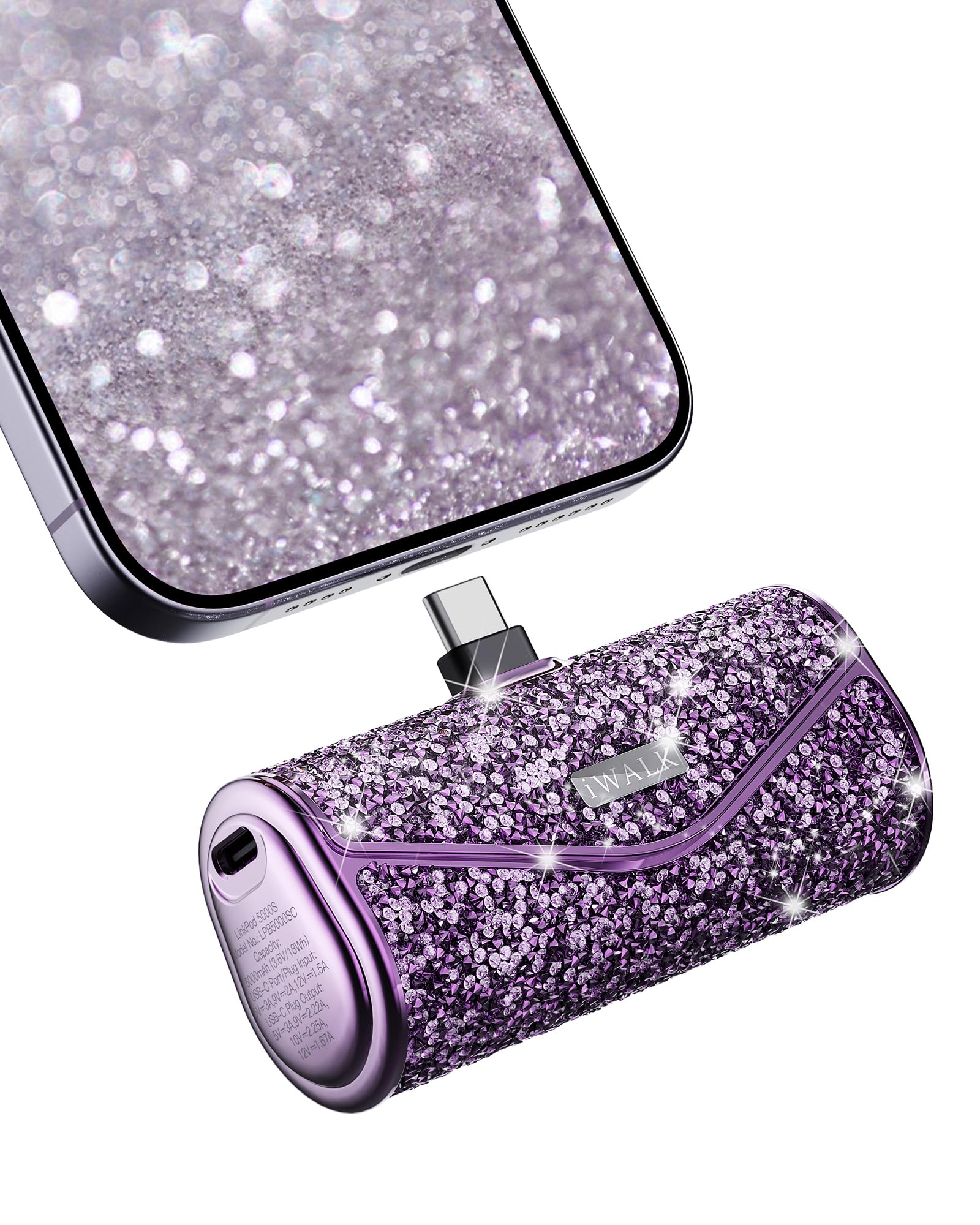
Image 1: The iWALK Sparkly Portable Charger, showcasing its compact size and glittery purple finish.
2. Package Contents
Upon unpacking, please ensure all items are present:
- 1x iWALK 5000 mAh Sparkly Portable Phone Charger (Model: LPB5000SC)
- 1x USB-C to USB-C Cable
- 1x User Manual
3. Setup
3.1 Initial Charging of the Power Bank
Before first use, fully charge your iWALK portable charger. This ensures optimal battery performance.
- Connect the provided USB-C to USB-C cable to the input port on the side of the power bank.
- Plug the other end of the USB-C cable into a compatible USB wall adapter (not included).
- The indicator lights on the power bank will illuminate to show the charging status. Once all lights are solid, the power bank is fully charged.

Image 2: The iWALK portable charger connected to a wall adapter for recharging, illustrating the input port.
4. Operating Instructions
4.1 Charging Your Device
The iWALK Sparkly Portable Charger features a built-in USB-C connector for direct charging of your compatible devices.
- Remove the protective cap from the built-in USB-C connector.
- Plug the built-in USB-C connector directly into your device's USB-C charging port.
- The power bank will automatically begin charging your device. The indicator lights will show the remaining power level.
- Once your device is fully charged, or when you wish to stop charging, simply unplug the power bank from your device and replace the protective cap.
4.2 Pass-Through Charging
This feature allows you to charge both your device and the power bank simultaneously:
- Connect your device to the power bank using the built-in USB-C connector.
- Connect the power bank to a wall adapter using the provided USB-C to USB-C cable.
- Both your device and the power bank will charge concurrently.

Image 3: The iWALK portable charger directly connected to a smartphone, demonstrating its compact and cordless design.
5. Maintenance
- Keep the power bank away from water, fire, and extreme temperatures.
- Avoid dropping or subjecting the device to strong impacts.
- Clean the power bank with a soft, dry cloth. Do not use harsh chemicals or abrasive materials.
- Store the power bank in a cool, dry place when not in use.
- Regularly charge and discharge the power bank (at least once every three months) to maintain battery health.
6. Troubleshooting
6.1 Power Bank Not Charging
- Ensure the USB-C cable is securely connected to both the power bank's input port and the wall adapter.
- Verify that the wall adapter is functioning correctly and the power outlet is active.
- Try using a different USB-C cable or wall adapter.
6.2 Device Not Charging
- Ensure the built-in USB-C connector is fully inserted into your device's charging port.
- Check if your device is compatible with USB-C charging.
- Verify that the power bank has sufficient charge.
- If your device has a protective case, ensure it does not obstruct the connection. The power bank is designed to charge with most cases (up to 0.19 inches thickness).
6.3 Slow Charging
- Ensure both the power bank and your device support fast charging protocols.
- Using a high-quality USB-C to USB-C cable and a compatible fast-charging wall adapter can improve charging speed.
7. Specifications
| Feature | Detail |
|---|---|
| Model Number | LPB5000SC |
| Battery Capacity | 5000 Milliamp Hours (mAh) |
| Charging Output | 22.5W Max High-Speed Charging |
| Connector Type | Built-in USB Type-C |
| Product Dimensions | 3 x 1.8 x 1 inches |
| Item Weight | 5.3 ounces |
| Special Features | Auto Shut-Off, Fast Charging, Lightweight, Pocket Size |
| Manufacturer | U2O GLOBAL CO.,LTD. |
8. Warranty and Support
iWALK provides friendly customer service for its products. For any inquiries or support needs, please refer to the contact information provided with your purchase or visit the official iWALK website.
Please retain your proof of purchase for warranty claims.


