
Product Overview
The BOBLOV B4K6 is a high-definition body camera designed for reliable video and audio recording. It features true 4K video capability, dual 3000mAh batteries for extended operation, built-in GPS for location tracking, and a convenient charging dock. This manual provides essential information for operating and maintaining your device.
- True 4K video quality with clear audio capture.
- Dual 3000mAh rechargeable batteries providing up to 16 hours of continuous recording (at 1080P).
- Integrated GPS for precise location tagging of video footage.
- Included charging dock for easy camera and battery charging.
Package Contents
- 1x B4K6 Body Camera
- 2x 3000mAh Batteries (one pre-installed)
- 1x Charging Dock
- 1x USB Cable
- 1x Long 180° Shoulder Clip
- 1x Short 360° Clip
- 1x User Manual
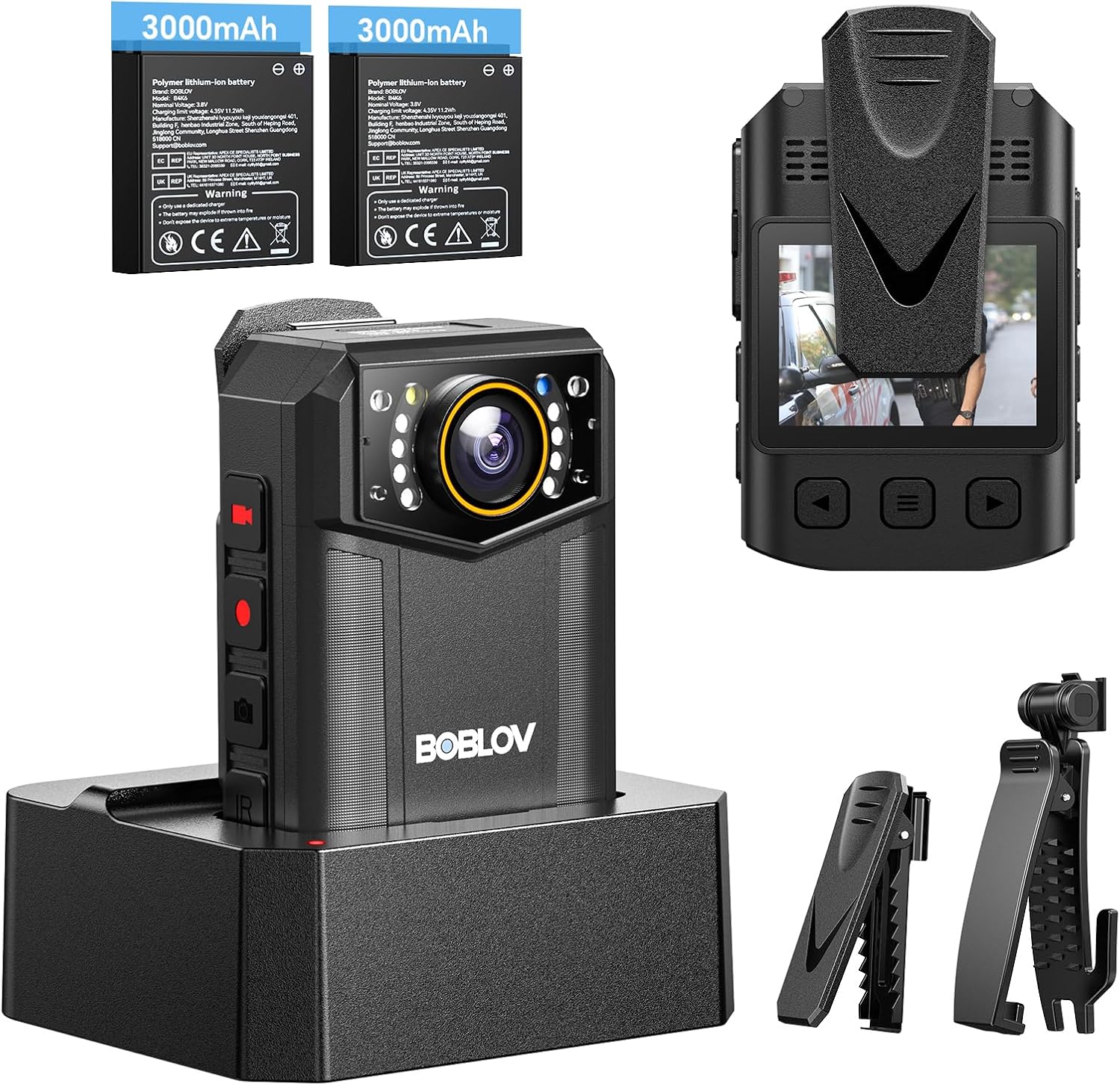
The package includes the B4K6 body camera, two 3000mAh batteries, a charging dock, a USB cable, a long shoulder clip, a short 360° clip, and a user manual.
Initial Setup
Charging the Device
Before first use, fully charge the camera and spare battery using the provided charging dock and USB cable. A full charge takes approximately 5 hours. The charging indicator lights will turn off when fully charged.
This video illustrates the process of connecting the charging dock and placing the camera or spare battery into it for charging.
Attaching the Clip
Select the appropriate clip (long shoulder clip or short 360° clip) for your intended use. Attach the clip securely to the back of the camera.
The camera comes with two types of clips: a long shoulder clip for secure attachment to straps and a short 360° clip for versatile positioning.
Basic Operation
Power On/Off
To power on, long-press the Power button. To power off, long-press the Power button until the device shuts down.
Video Recording
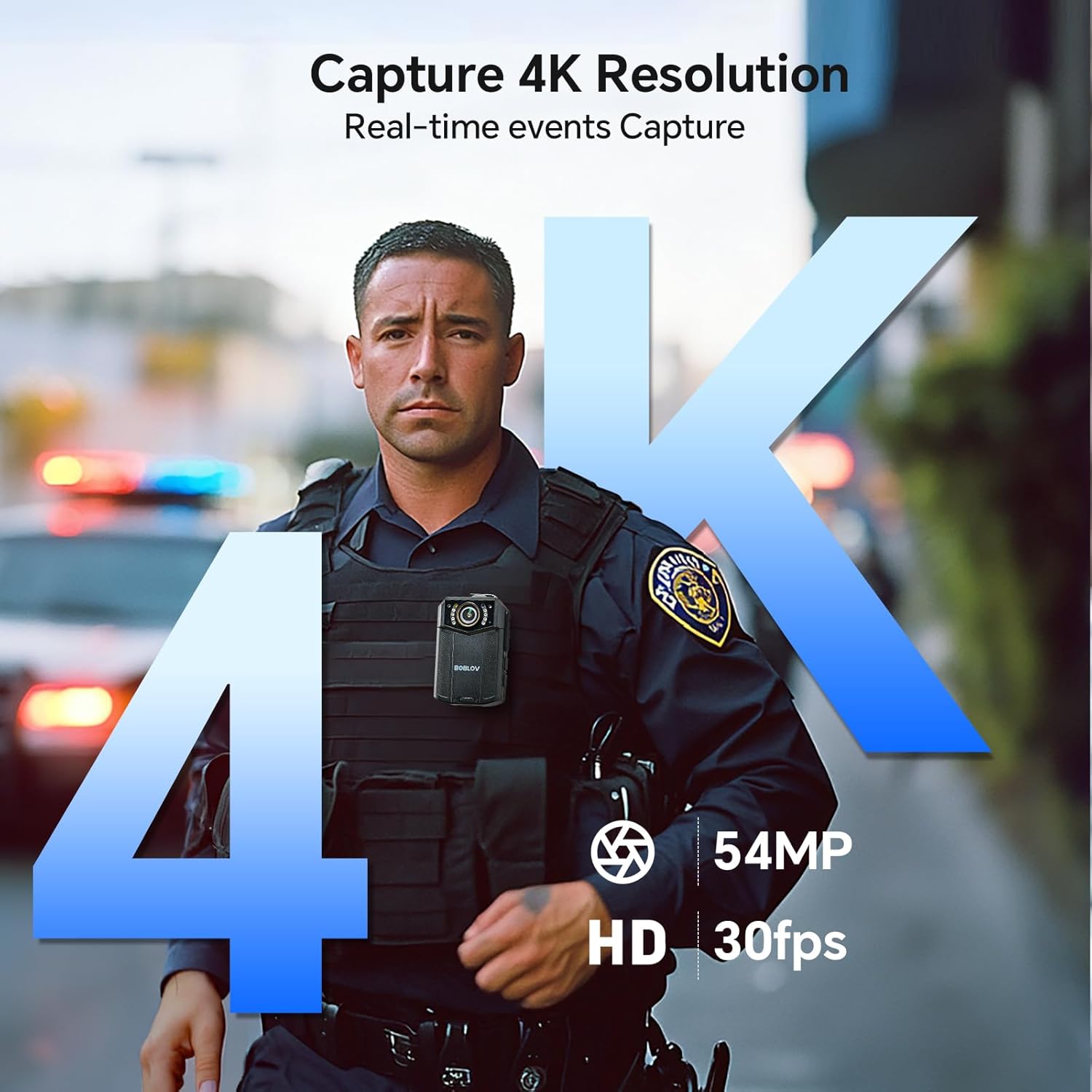
Press the dedicated Video Record button to start or stop video recording. The camera supports 4K resolution.

The camera records video in 4K resolution, ensuring high detail and clarity.
Audio Recording
Press the Audio Record button to start or stop audio-only recording.
Night Vision
The camera features automatic and manual night vision with 8 IR lights for clear recordings in low-light conditions.

The camera's infrared lights enable clear recording even in complete darkness.
GPS Tracking
The built-in GPS module automatically records location data with your video footage. This data can be reviewed using the provided software on a computer.

GPS functionality allows for accurate location tracking, which can be reviewed on a computer with specialized software.
Reviewing Footage
Use the menu buttons on the device to navigate through recorded video and audio files. Connect the camera to a computer via USB to transfer and manage files.
This video illustrates how to navigate the menu and playback recorded files on the BOBLOV body camera.
Care and Maintenance
- Keep the camera clean and free from dust and debris.
- Avoid exposing the device to extreme temperatures or direct sunlight for prolonged periods.
- Ensure the USB port cover is securely closed to maintain IP66 water resistance.
- Store batteries in a cool, dry place when not in use.
Troubleshooting Common Issues
If the camera is not powering on, ensure the battery is fully charged.
If recording quality is poor, check the resolution settings in the device menu.
For other issues, refer to the detailed user manual included in the package or visit the official BOBLOV support website.
Technical Specifications
| Brand Name | BOBLOV |
| Item Weight | 1.43 pounds |
| Package Dimensions | 7.4 x 5.55 x 2.64 inches |
| Item model number | B4K6 |
| Batteries | 1 A batteries required. (included) |
| Photo Sensor Technology | CMOS |
| Video Capture Resolution | 4K |
| Maximum Focal Length | 20 |
| Maximum Aperture | 2 f |
| Flash Memory Type | Micro SD |
| Video Capture Format | MP4 |
| Supported Audio Format | AAC, MP3 |
| Screen Size | 2 Inches |
| Connectivity Technology | USB |
Warranty and Customer Support
This product comes with a standard manufacturer's warranty. For detailed warranty information, technical support, or service inquiries, please refer to the contact information provided in your user manual or visit the official BOBLOV website.


