
Introduction
The Mophie powerstation prime20 is a high-capacity portable power bank designed to keep your devices charged on the go. Featuring a 20,000mAh internal battery, it provides extended power for smartphones, tablets, and other USB-powered devices. With 18W USB-C Power Delivery (PD) fast charging and multiple output ports, it offers versatile and efficient charging solutions.
Key Features:
- 20,000mAh High-Capacity Battery: Provides significant power to extend device battery life, offering up to four full iPhone charges.
- Fast Charging with 18W USB-C PD: Delivers rapid charging, capable of reaching 50% battery in approximately 30 minutes for compatible devices.
- Multi-Device Charging: Equipped with one USB-C port and two USB-A ports, allowing simultaneous charging of up to three devices.
- Sustainably Crafted: Constructed with up to 50% post-consumer recycled plastics, supporting eco-conscious practices.
- Versatile Output Options: Offers a combined 15W shared output across all ports for optimized charging.
Package Contents
Please check the package for the following items:
- Mophie powerstation prime20 Portable Power Bank
- USB-C to USB-C Cable (1 meter)
- Quick Start Guide
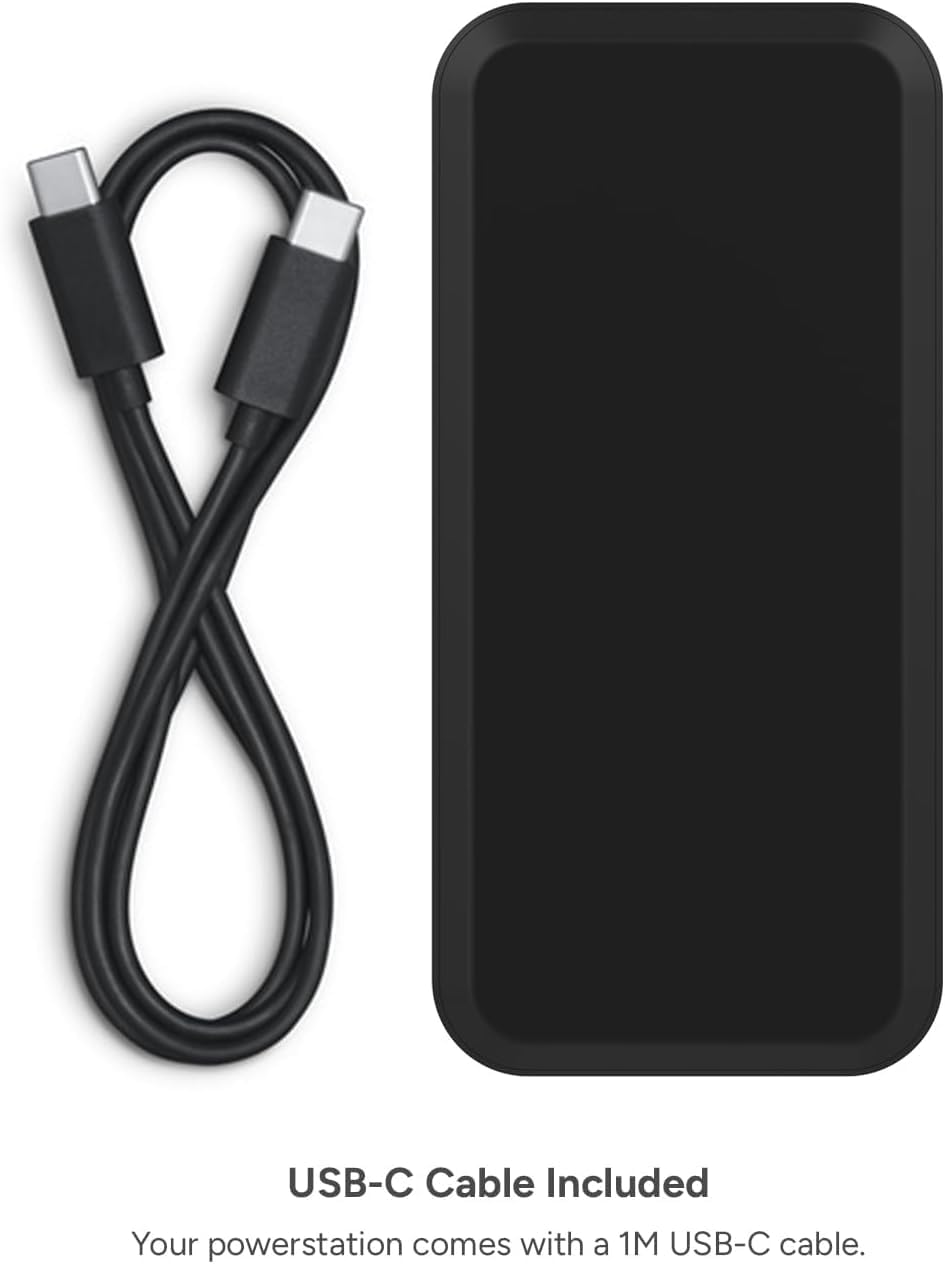
Image: The Mophie powerstation prime20 power bank shown next to its included 1-meter USB-C cable.
Product Overview
Familiarize yourself with the components of your powerstation prime20.

Image: Front view of the Mophie powerstation prime20 portable power bank with a green shamrock pattern.
Ports and Indicators

Image: A close-up view of the top edge of the power bank, showing one USB-C PD port (center) and two USB-A ports (left and right). Green outlines highlight the ports.
- USB-C PD Port: This versatile port supports both input (for charging the power bank) and output (for charging devices) with 18W Power Delivery.
- USB-A Ports (x2): Two standard USB-A output ports for charging a wide range of devices.

Image: A close-up of the side of the power bank showing four small LED indicator lights, with the top light illuminated green, indicating power status.
- LED Power Indicator: Four small LED lights on the side of the power bank indicate the current charge level and charging status.
Setup
Initial Charging of the Power Bank
Before first use, fully charge your powerstation prime20. Use the included USB-C to USB-C cable and connect the power bank's USB-C PD port to a compatible USB-C wall adapter (not included). The LED indicator lights will illuminate to show the charging progress. All four lights will be solid when fully charged.
Checking Battery Level
Press the small button next to the LED indicators to check the current battery level. The number of illuminated LEDs corresponds to the remaining charge:
- 4 LEDs: 75-100% charged
- 3 LEDs: 50-75% charged
- 2 LEDs: 25-50% charged
- 1 LED: 0-25% charged
Operating Instructions
Charging Your Devices
The powerstation prime20 can charge up to three devices simultaneously using its USB-C PD port and two USB-A ports.

Image: The Mophie powerstation prime20 connected via cables to an iPad, an iPhone, and a pair of AirPods, all charging simultaneously.
- Using the USB-C PD Port: Connect your USB-C compatible device (e.g., smartphone, tablet, laptop) to the power bank's USB-C PD port using a compatible USB-C cable. This port supports 18W fast charging for devices that are Power Delivery compatible.
- Using the USB-A Ports: Connect your device to either of the two USB-A ports using a standard USB-A charging cable. These ports provide standard charging speeds.
- Simultaneous Charging: You can charge up to three devices at once. The power bank will intelligently distribute power, with a combined shared output of up to 15W when all ports are in use.
Fast Charging
For optimal fast charging, use the USB-C PD port with a compatible USB-C to USB-C cable and a device that supports USB Power Delivery. This can charge your device up to 50% in approximately 30 minutes.
Video: An official Mophie video demonstrating the features of the powerstation prime20, including its charging capabilities and design.
Maintenance
- Cleaning: Use a soft, lint-free cloth to clean the power bank. Avoid using harsh chemicals or abrasive materials.
- Storage: Store the power bank in a cool, dry place away from direct sunlight and extreme temperatures.
- Battery Care: To maintain battery health, fully charge and discharge the power bank at least once every three months if not in regular use.
Troubleshooting
- Power bank not charging: Ensure the USB-C cable is securely connected to both the power bank and a working wall adapter. Try a different cable or adapter.
- Device not charging from power bank: Check that the power bank has sufficient charge. Ensure the charging cable is properly connected to both the power bank and your device. Try a different port or cable.
- Slow charging: Verify that your device and cable support fast charging if you expect rapid speeds. When multiple devices are connected, the total output is shared, which may result in slower charging for individual devices.
- LED indicators not working: If the LED indicators do not respond when the button is pressed, the power bank may be completely discharged or require service.
Specifications
| Feature | Specification |
|---|---|
| Brand | mophie |
| Model Number | PS-PRIME-20 |
| Battery Capacity | 20,000mAh |
| Battery Cell Type | Lithium Ion |
| Connector Type | USB Type A, USB Type C |
| Number of Ports | 3 (1x USB-C PD, 2x USB-A) |
| USB-C PD Output | 18W |
| Combined Shared Output | Up to 15W |
| Voltage | 5 Volts |
| Power Source | Corded Electric |
| Item Dimensions (L x W x Thickness) | 5.71" x 2.76" x 1.06" (14.5 x 7.0 x 2.7 cm) |
| Item Weight | 0.93 Pounds (422 grams) |
| Battery Weight | 260 Grams |
| UPC | 840390362940 |
Safety Information
Please read and follow these safety guidelines to ensure safe operation of your power bank:
- Do not expose the power bank to extreme temperatures, direct sunlight, or moisture.
- Do not disassemble, modify, or attempt to repair the device.
- Keep out of reach of children.
- Use only approved charging cables and adapters.
- Avoid dropping or subjecting the power bank to strong impacts.
- If the power bank becomes excessively hot, emits an odor, or changes shape, discontinue use immediately.
Warranty and Support
The Mophie powerstation prime20 comes with a 2-year manufacturer warranty. For warranty claims or technical support, please visit the official Mophie website or contact their customer service.
You can find more information and support resources at the Mophie Store on Amazon.


