
1. Product Overview
The Tek Styz Slim Foldable Wireless Keyboard with Touchpad, Model TS-1146, is designed for portability and convenience. It features a tri-fold design, allowing it to be compact for travel while unfolding into a full-size keyboard for comfortable typing. An integrated touchpad with left and right click buttons provides mouse functionality. This keyboard connects wirelessly via Bluetooth 5.3 and is compatible with a wide range of devices and operating systems.

Image 1.1: The keyboard unfolded, shown with a smartphone in a stand (stand not included).

Image 1.2: The keyboard in its folded, compact state, placed inside a suitcase for travel.
2. Setup and Connection
2.1 Charging the Keyboard
Before initial use, fully charge the keyboard. Connect the included USB charging cable to the keyboard's charging port and to a compatible USB power source. The charging indicator light will illuminate during charging and turn off when fully charged.
- Charging Time: Approximately 2-3 hours.
- Working Time: Up to 48 hours of continuous use on a single charge.
- Standby Time: Up to 560 days.
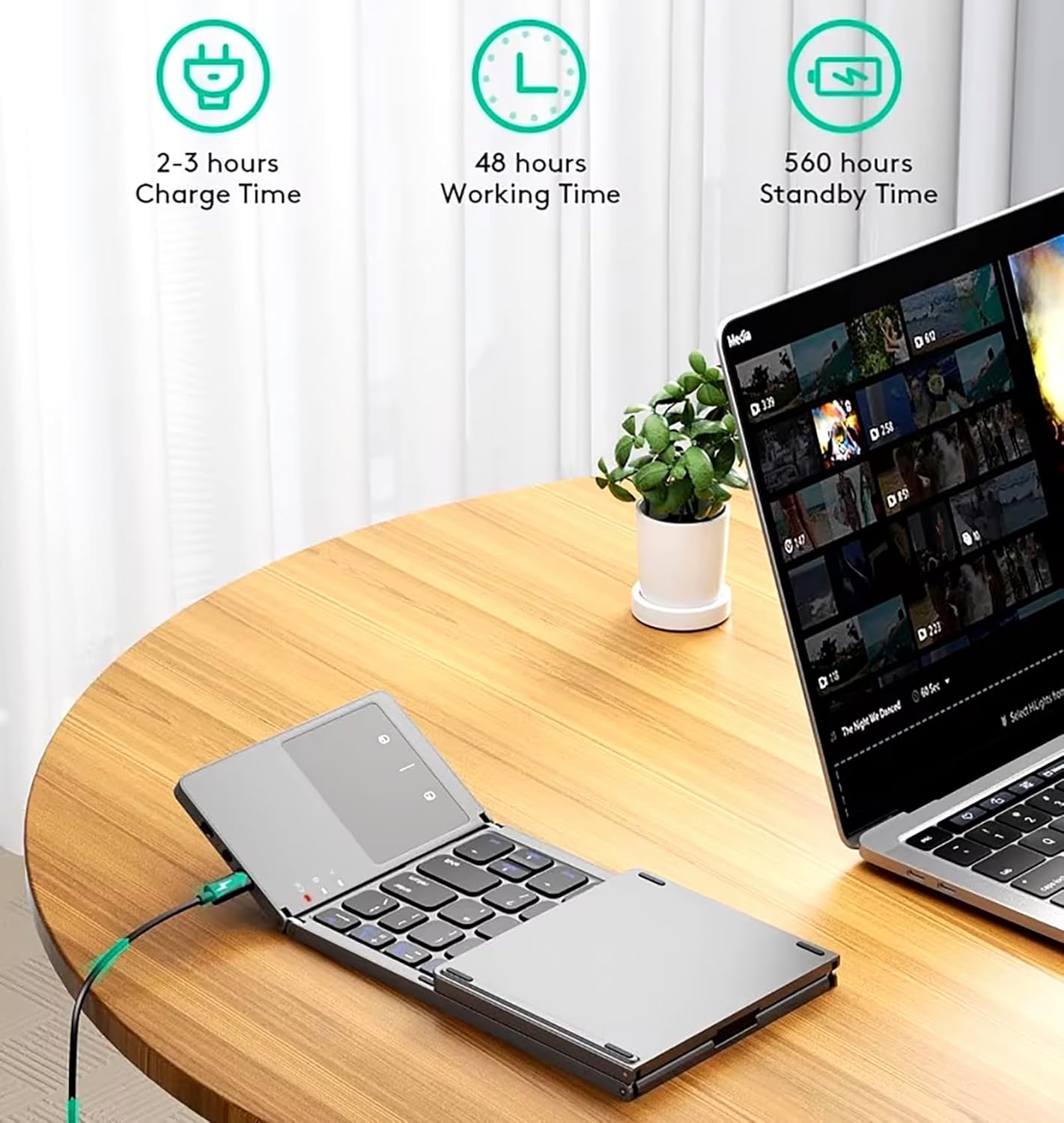
Image 2.1: Visual representation of charging and battery life metrics.
2.2 Connecting via Bluetooth
The keyboard uses Bluetooth 5.3 technology for a stable connection. It can connect to up to three devices simultaneously and switch between them easily.
- Unfold and Power On: Unfold the keyboard to automatically power it on. The Bluetooth indicator light will begin to flash, indicating it's in pairing mode.
- Activate Bluetooth: On your device (smartphone, tablet, laptop), go to the Bluetooth settings and turn Bluetooth on.
- Select and Pair: Search for available devices. The keyboard will appear as 'Bluetooth Keyboard' or similar. Select it to pair. Follow any on-screen prompts to complete the pairing process.
- Switching Devices: To switch between paired devices, use the dedicated function keys (e.g., Fn + Q/W/E for different channels, refer to keyboard markings).

Image 2.2: Multi-connect diagram illustrating compatibility with various operating systems.
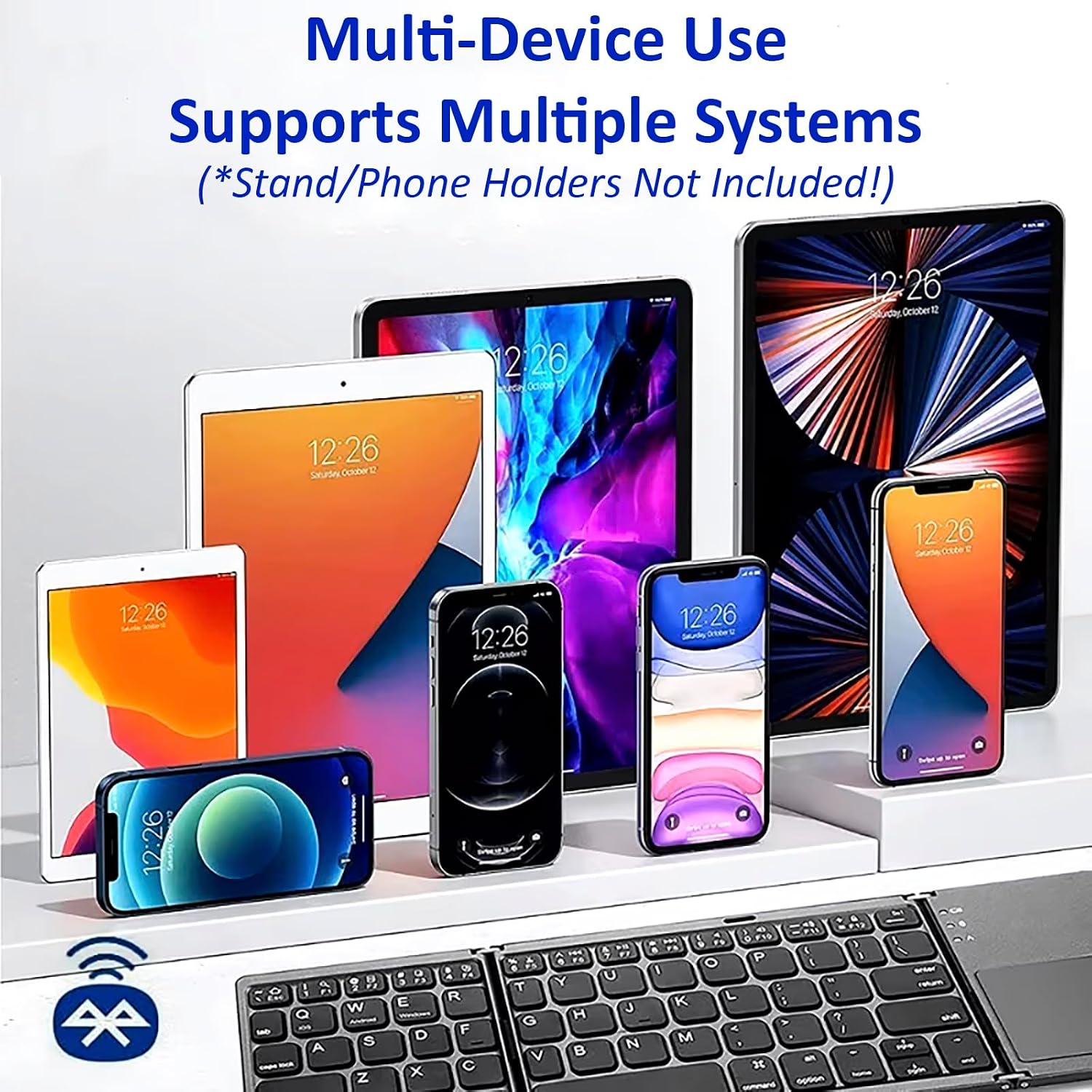
Image 2.3: The keyboard's compatibility with multiple device types.
Video 2.1: A demonstration of the Tek Styz Bluetooth Tri-Fold Keyboard, showcasing its unfolding, connection, and usage with various devices.
3. Operating the Keyboard
3.1 Keyboard Functions
The keyboard provides a full-size layout for efficient typing. It includes standard alphanumeric keys, punctuation, and function keys (F1-F12) which can be used for media control, volume adjustment, and other shortcuts when pressed in combination with the 'Fn' key.
3.2 Touchpad Functions
The integrated touchpad allows for precise cursor control and navigation. It supports standard mouse gestures, including left-click and right-click functionality.
- Left Click: Single tap on the touchpad or press the dedicated left-click button.
- Right Click: Two-finger tap on the touchpad or press the dedicated right-click button.
- Scrolling: Use two fingers to scroll vertically or horizontally.
Note: Touchpad functionality may be limited on iOS 12 and below, and certain macOS versions. Full functionality is generally available on Android and Windows devices.

Image 3.1: Close-up of the touchpad with left and right click areas indicated.
4. Maintenance and Care
To ensure the longevity and optimal performance of your keyboard, follow these maintenance guidelines:
- Cleaning: Use a soft, dry cloth to clean the keyboard surface. For stubborn dirt, slightly dampen the cloth with water or a mild cleaning solution. Avoid excessive moisture.
- Storage: When not in use, fold the keyboard to protect the keys and touchpad. Store it in a cool, dry place away from direct sunlight and extreme temperatures.
- Handling: Avoid dropping the keyboard or subjecting it to strong impacts. The aircraft-grade aluminum construction provides durability, but proper handling is recommended.

Image 4.1: Key features on the side of the keyboard, including the power switch and charging port.
5. Troubleshooting
If you encounter issues with your keyboard, refer to the following common troubleshooting steps:
- Keyboard not connecting:
- Ensure the keyboard is charged and powered on.
- Verify Bluetooth is enabled on your device.
- Delete the keyboard from your device's Bluetooth list and attempt to re-pair.
- Ensure the keyboard is within the effective range of your device (typically 10 meters).
- Keys not responding:
- Check if the keyboard is connected to the correct device channel (if using multi-device feature).
- Recharge the keyboard.
- Restart your connected device.
- Touchpad not working correctly:
- Ensure the touchpad is clean and free of obstructions.
- Confirm your device's operating system supports full touchpad functionality (e.g., iOS 12 and below have limitations).
- Try re-pairing the keyboard.
- Charging issues:
- Ensure the charging cable is securely connected to both the keyboard and the power source.
- Try a different USB port or power adapter.
- Use the original charging cable if possible.
6. Specifications
| Feature | Detail |
|---|---|
| Model Name | TS-1146 |
| Product Dimensions (Unfolded) | 11.89"L x 3.82"W x 0.31"H (30.2cm x 9.7cm x 0.79cm) |
| Product Dimensions (Folded) | 5.98"L x 3.82"W x 0.71"H (15.2cm x 9.7cm x 1.8cm) |
| Item Weight | 8 ounces (226.8 grams) |
| Connectivity Technology | Bluetooth 5.3 |
| Compatible Devices | Android, iOS, Mac, Windows, Motorola Moto G Power / Moto G / Stylus /5G/2025/2024/2023 |
| Battery Type | 1 Nonstandard Battery (included) |
| Battery Life (Continuous Use) | Up to 48 hours |
| Standby Time | Up to 560 days |
| Material | Aluminum, Metal |
| Manufacturer | Tek Styz |

Image 6.1: Detailed dimensions of the keyboard in both unfolded and folded states.
7. Package Contents
The product package includes the following items:
- Tek Styz Slim Foldable Wireless Keyboard with Touchpad (Model TS-1146)
- Charging USB Cable
8. Warranty and Customer Support
For warranty information or customer support inquiries, please refer to the documentation provided with your purchase or contact the manufacturer, Tek Styz, or the seller, Essential Contraptions, directly. Contact details are typically available on the product packaging or the seller's online storefront.