Introduction
Welcome to the user manual for your boAt Airdopes 101v2 True Wireless Earbuds. These earbuds are designed to provide a high-quality audio experience with features like 35 hours of playback, ENx™ technology for clear calls, 13mm drivers for boAt Signature Sound, and ASAP™ Charge. This manual will guide you through the setup, operation, and maintenance of your device.

Image: boAt Airdopes 101v2 True Wireless Earbuds in Pitch Black, shown with their charging case.
What's in the Box
- User Manual
- TWS Earbuds (Left and Right)
- Additional Earbuds (ear tips of various sizes)
- Charging Cable (USB Type-C)
Product Overview
The boAt Airdopes 101v2 feature a half in-ear design with Flex-Fit ear tips for comfort and a secure fit. The charging case protects and recharges your earbuds.

Image: Overview of boAt Airdopes 101v2 highlighting 35 hours playback, ENx™ Technology, ASAP™ Charge, Half In-Ear Buds, and 13mm Drivers.
Key Features:
- 13mm Drivers: Deliver boAt Signature Sound with enhanced bass.
- ENx™ Technology: Dual microphones for clear call quality by cancelling background noise.
- ASAP™ Charge: Quick charging capability (10 minutes charge provides 120 minutes playtime).
- Flex-Fit Ear Tips: Designed for a comfortable and secure fit.
- IPX4 Water Resistance: Protects against splashes and sweat.
- BEAST™ Mode: Low latency (50ms) for an optimized gaming experience.
- IWP™ Technology: Instant Wake N' Pair for seamless connectivity.
- Bluetooth v5.4: Stable and efficient wireless connection.

Image: A detailed view of the earbud showcasing the Flex-Fit Ear Tips for ergonomic comfort.

Image: An exploded view illustrating the 13mm drivers responsible for the boAt Signature Sound.
Setup
1. Charging the Earbuds and Case
Before first use, fully charge the Airdopes 101v2 and their charging case.
- Connect the provided USB Type-C charging cable to the charging port on the case and to a power source.
- The LED indicator on the case will show charging status. Once fully charged, the indicator will change or turn off.
- Place the earbuds into the charging case. They will begin charging automatically.
- ASAP™ Charge: For quick power, charge the case for 10 minutes to get up to 120 minutes of playtime.
Image: The boAt Airdopes 101v2 charging case with earbuds, illustrating the 35-hour total playback and ASAP™ Charge feature.
2. Pairing with Your Device
The Airdopes 101v2 utilize IWP™ (Instant Wake N' Pair) technology for seamless connection.
- Open the lid of the charging case. The earbuds will automatically power on and enter pairing mode.
- On your smartphone or Bluetooth-enabled device, enable Bluetooth.
- Search for "Airdopes 101v2" in the list of available devices and select it to pair.
- Once paired, you will hear an audio prompt, and the earbuds will be ready for use.
- The earbuds will automatically reconnect to the last paired device when taken out of the case, if Bluetooth is enabled on the device.

Image: boAt Airdopes 101v2 earbuds shown connecting wirelessly to a smartphone, demonstrating IWP™ Technology with Bluetooth v5.4.
Operating Instructions
Touch Controls
The Airdopes 101v2 feature intuitive touch controls on each earbud.
- Play/Pause: Single tap on either earbud.
- Next Track: Double tap on the right earbud.
- Previous Track: Double tap on the left earbud.
- Answer/End Call: Single tap on either earbud during an incoming call.
- Reject Call: Long press (2 seconds) on either earbud during an incoming call.
- Activate Voice Assistant: Triple tap on either earbud (e.g., Google Assistant, Siri).

Image: A close-up of the earbud highlighting the touch-sensitive area for control commands.
ENx™ Technology for Calls
The dual microphones with ENx™ technology actively cancel environmental noise, ensuring your voice is clear during calls, whether you are indoors or outdoors.
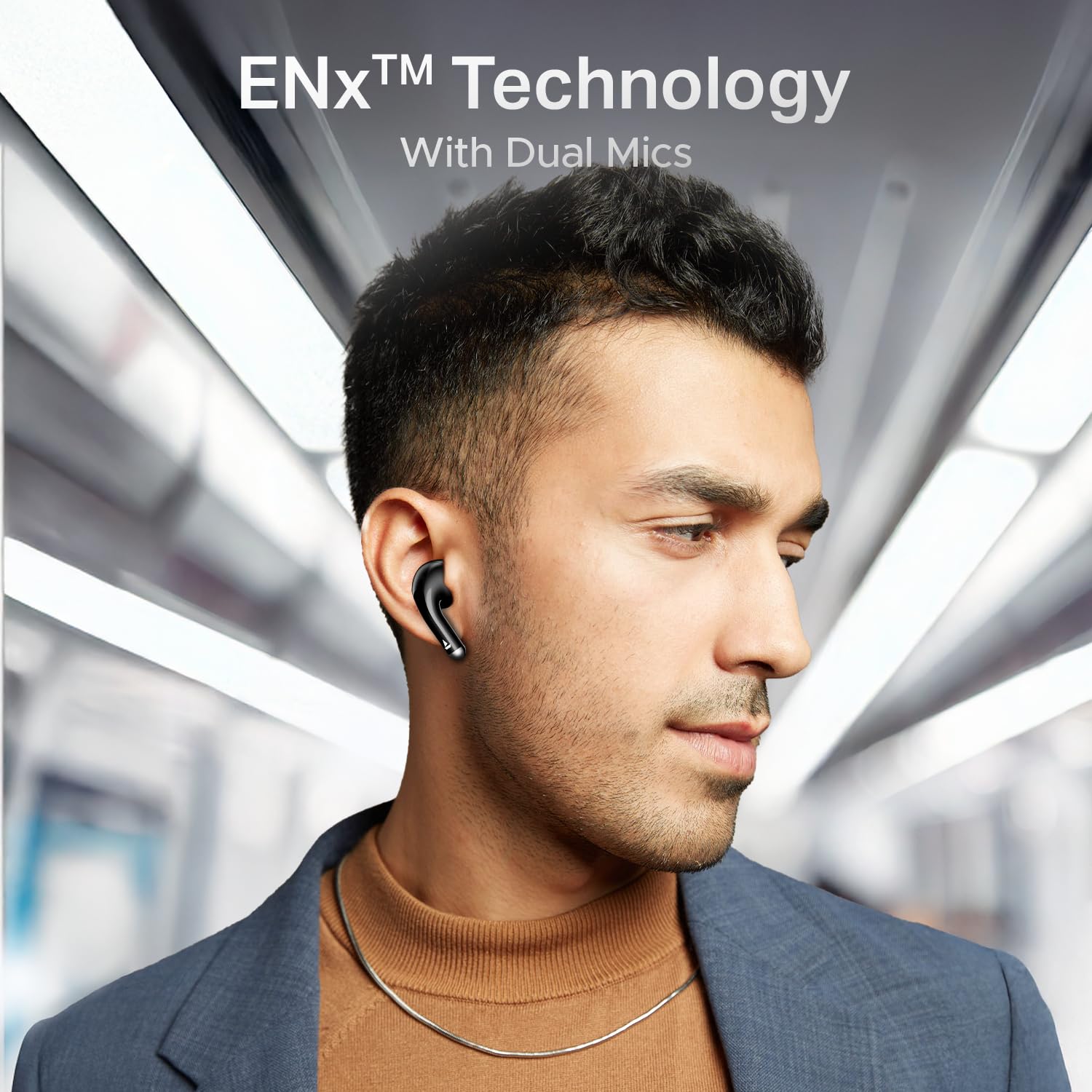
Image: A user wearing boAt Airdopes 101v2 earbuds, demonstrating the effectiveness of ENx™ Technology with Dual Mics for clear communication in various environments.
BEAST™ Mode for Gaming
Activate BEAST™ Mode for a low-latency gaming experience (50ms). This mode minimizes audio delay, providing a competitive edge in gaming. Refer to your device's specific instructions for activating gaming mode, usually through a specific touch gesture.

Image: boAt Airdopes 101v2 earbuds positioned near a smartphone displaying a game, highlighting the BEAST™ Mode for ultra-low 50ms latency during gaming sessions.
boAt Hearables App Support
Enhance your experience by downloading the boAt Hearables App. The app provides additional features, customization options, and user help guides.

Image: A smartphone screen showing the boAt Hearables App interface and a QR code for easy download. Scan the QR code or visit https://l.ead.me/bdAX6k to download the app.
Maintenance
- Cleaning: Regularly clean the earbuds and charging case with a soft, dry cloth. Avoid using harsh chemicals or abrasive materials.
- Ear Tips: Remove and clean the ear tips periodically to prevent wax buildup, which can affect sound quality.
- Storage: When not in use, store the earbuds in their charging case to protect them and keep them charged.
- Water Resistance: The earbuds are IPX4 rated, meaning they are resistant to splashes and sweat. Do not submerge them in water or expose them to heavy rain.
Troubleshooting
| Problem | Solution |
|---|---|
| Earbuds not pairing |
|
| No sound from one earbud |
|
| Charging case not charging |
|
| Poor call quality |
|
Specifications
| Feature | Detail |
|---|---|
| Model Name | Airdopes 101v2 |
| Connectivity Technology | Bluetooth v5.4 |
| Driver Size | 13mm |
| Playback Time | Up to 35 hours (with charging case) |
| ASAP™ Charge | 10 minutes charge = 120 minutes playtime |
| Microphone Technology | Dual Mics with ENx™ Technology |
| Gaming Mode | BEAST™ Mode (50ms low latency) |
| Water Resistance | IPX4 (Splash & Sweat Resistant) |
| Earbud Type | Half In-Ear with Flex-Fit Ear Tips |
| Weight | 45 grams (total) |
| Battery Cell Composition | Lithium Polymer |
| Manufacturer | Imagine Marketing Limited |
| Country of Origin | India |
Warranty and Support
Your boAt Airdopes 101v2 earbuds come with a standard manufacturer's warranty. For detailed information regarding warranty terms, conditions, and duration, please refer to the warranty card included in your product packaging or visit the official boAt website.
For technical support, service requests, or further assistance, please contact boAt customer support through their official website or the boAt Hearables App.
Manufacturer: Imagine Marketing Limited, Unit no. 204 & 205, 2nd floor, D-wing & E-wing, Corporate Avenue, Andheri Ghatkopar Link Road, Mumbai, Maharashtra-400093, India.


