
1. Important Safety Instructions
Please read all instructions carefully before using your Akitas V10A Cordless Vacuum Cleaner. Retain this manual for future reference.
- This appliance is for household use only. Do not use outdoors or on wet surfaces.
- Do not allow children to operate the vacuum cleaner. Close supervision is necessary when used near children.
- Do not pick up flammable or combustible liquids, such as gasoline, or use in areas where they may be present.
- Do not pick up anything that is burning or smoking, such as cigarettes, matches, or hot ashes.
- Do not use without the dust cup and/or filters in place.
- Turn off the appliance before connecting or disconnecting the motorized brush, extension tubes, or other accessories.
- Use only as described in this manual. Use only manufacturer's recommended attachments.
- Do not handle the charger or appliance with wet hands.
- If the charging cable is damaged, it must be replaced by the manufacturer, its service agent, or similarly qualified persons to avoid a hazard.
- Store the appliance indoors in a cool, dry place.
2. Product Overview
The Akitas V10A is a versatile 2-in-1 cordless vacuum cleaner designed for efficient cleaning of various surfaces. It features a powerful motor, multiple suction modes, and a tangle-free brush with LED lighting.
Package Contents
- Akitas V10A Handheld Cordless Vacuum Unit
- Motorized Brush Head with Green LED
- 2-in-1 Crevice Tool
- 2 Extension Tubes
- Wall Mount
- Charger
- Integrated HEPA Filter + 1 Extra HEPA Filter

Figure 2.1: Akitas V10A Cordless Vacuum Cleaner with all included accessories, including the main unit, motorized brush, extension tubes, crevice tool, wall mount, charger, and two HEPA filters.
Key Features
- Powerful Suction: 450W digital brushless BLDC motor delivers up to 45,000 Pa suction for deep cleaning.
- Long Runtime: Integrated 8-cell lithium battery provides up to 60 minutes in ECO mode, 25 minutes in Normal mode, and 10 minutes in Max mode.
- Lightweight Design: Weighs 2.15 kg (full unit) and approximately 1.6 kg in handheld mode for easy maneuverability.
- Tangle-Free Brush: Motorized turbo brush designed to prevent hair entanglement, equipped with green LED lighting to illuminate hidden dust.
- 2-in-1 Versatility: Easily converts from a stick vacuum to a handheld vacuum for various cleaning tasks.
- Advanced Filtration: Features a washable HEPA filter for capturing fine dust and allergens.

Figure 2.2: Illustration of the Akitas V10A's 450W BLDC motor, highlighting its powerful suction capability of 45,000 Pa.
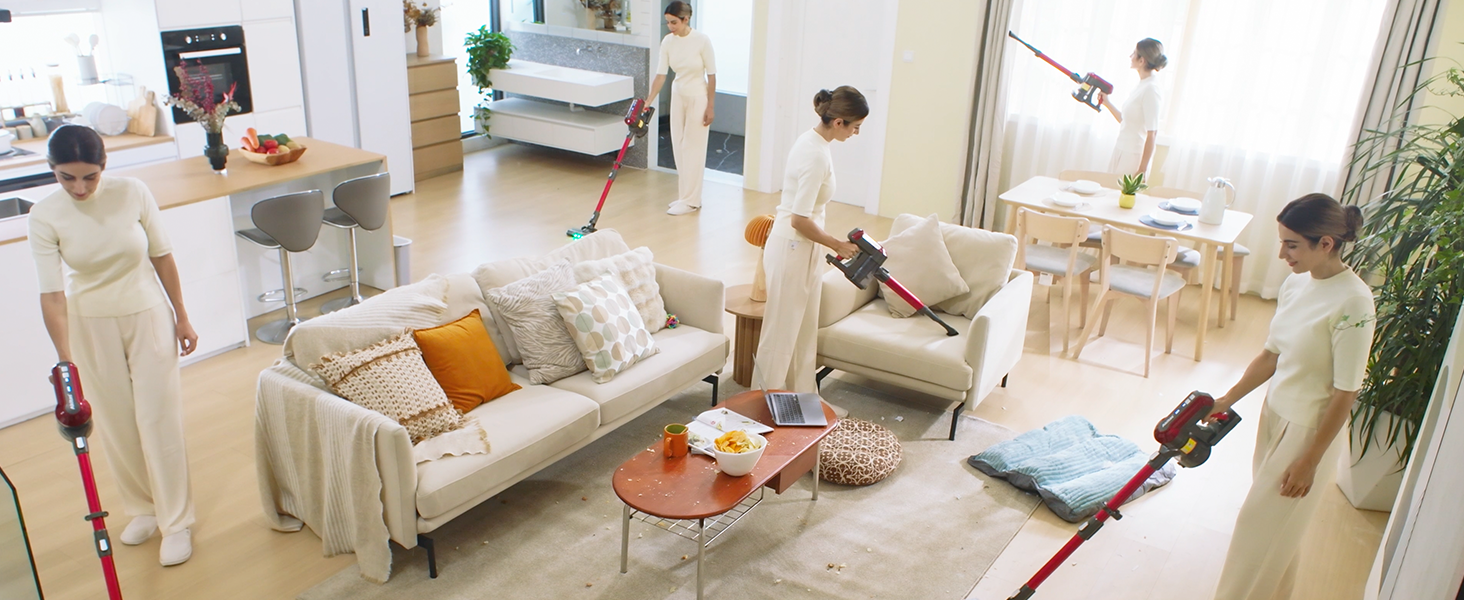
Figure 2.3: Diagram showing the 8-cell battery and its approximate runtimes: Max Mode (≤10 mins), Normal Mode (≤25 mins), Eco Mode (≤60 mins). Charging time is 4-5 hours.
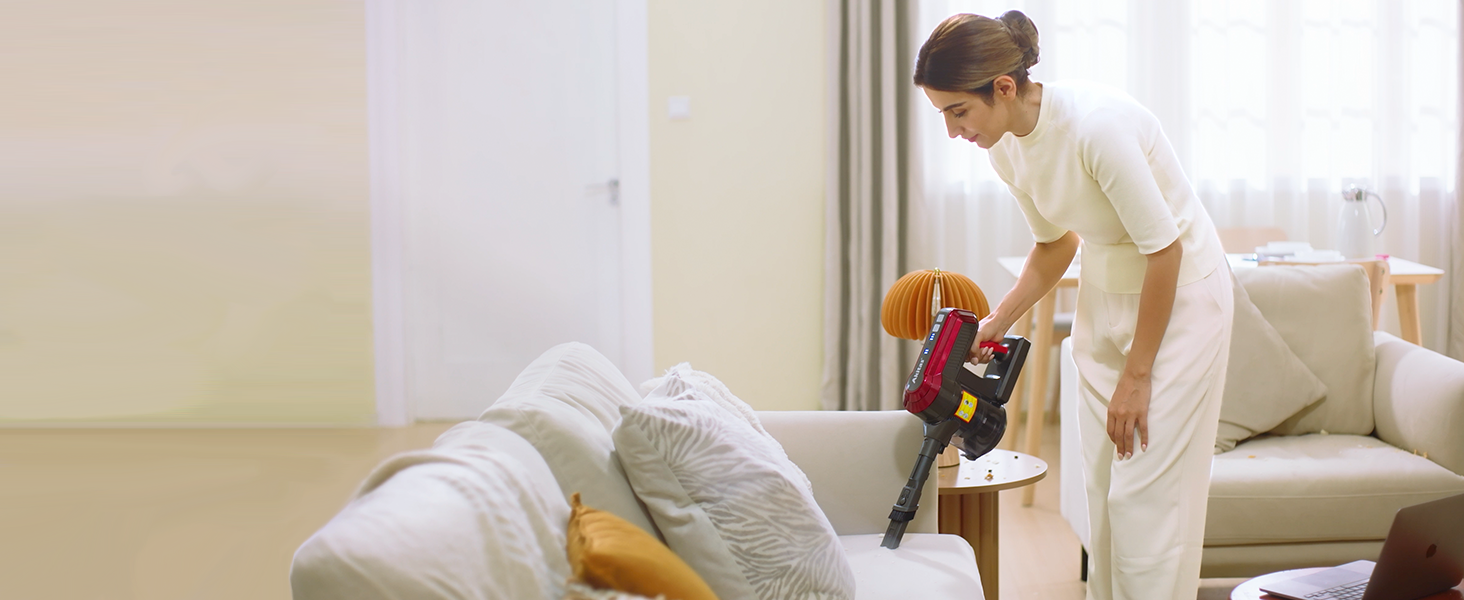
Figure 2.4: Comparison illustrating the tangle-free design of the Akitas V10A brush head, equipped with green LED lights to reveal hidden dirt on floors.
3. Setup and Assembly
3.1 Assembling the Vacuum
- Attach the Extension Tube: Insert one end of an extension tube into the main handheld vacuum unit until it clicks securely into place.
- Attach the Motorized Brush Head: Connect the motorized brush head to the other end of the extension tube. Ensure it clicks firmly.
- For Handheld Use: To use as a handheld vacuum, attach the desired accessory (e.g., 2-in-1 crevice tool) directly to the main handheld unit.

Figure 3.1: The Akitas V10A in handheld configuration, demonstrating its lightweight design (approx. 1.6 kg) for easy overhead cleaning.
3.2 Charging the Battery
Before first use, fully charge the vacuum cleaner for 4-5 hours.
- Connect the charger to a power outlet.
- Plug the charging cable into the charging port on the main handheld unit.
- The battery indicator lights will show the charging status. Once fully charged, the lights will indicate completion.
3.3 Installing the Wall Mount
The included wall mount allows for convenient storage and charging.
- Choose a suitable location near a power outlet.
- Mark the drilling points for the wall mount.
- Drill holes and insert wall plugs (if necessary).
- Secure the wall mount to the wall using screws.
- Hang the vacuum cleaner on the wall mount for storage and charging.
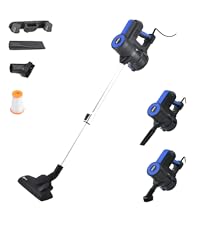
Figure 3.2: Overview of the Akitas V10A components, including the wall mount and charger, demonstrating how the vacuum can be stored and charged.
4. Operating Instructions
4.1 Powering On/Off and Suction Modes
- Power On: Press the power button on the handle to turn on the vacuum cleaner. It will start in ECO mode.
- Change Suction Mode: Press the mode button to cycle through ECO, Normal, and Max suction modes.
- Power Off: Press the power button again to turn off the vacuum cleaner.
4.2 Using the Vacuum
The Akitas V10A can be used in two main configurations:
- Stick Vacuum: Ideal for cleaning floors (carpets, hard floors) with the motorized brush head and extension tubes. The green LED lights on the brush head will illuminate dust and debris.
- Handheld Vacuum: Perfect for cleaning furniture, car interiors, stairs, and tight spaces. Attach the 2-in-1 crevice tool directly to the main unit for these tasks.

Figure 4.1: The Akitas V10A demonstrating its versatility for cleaning various areas of a home, including floors, upholstery, and high-reach spots.
5. Maintenance
Regular maintenance ensures optimal performance and extends the lifespan of your vacuum cleaner.
5.1 Emptying the Dustbin
Empty the dustbin after each use or when the MAX fill line is reached.
- Ensure the vacuum is turned off.
- Locate the dustbin release button, usually near the bottom of the main unit.
- Press the button to open the dustbin flap and empty contents into a trash can.
- Close the dustbin flap securely.

Figure 5.1: A user demonstrating the one-handed dustbin emptying feature of the Akitas V10A, showing debris falling into a waste bin.
5.2 Cleaning the HEPA Filter
The HEPA filter should be cleaned regularly (e.g., monthly, depending on usage) and replaced every 3-6 months.
- Twist and pull to remove the dustbin from the main unit.
- Remove the HEPA filter from the dustbin.
- Tap the filter gently to remove loose dust.
- Rinse the filter under cold running water until the water runs clear. Do not use detergent.
- Allow the filter to air dry completely for at least 24 hours before reinserting. Do not use a dryer or direct heat.
- Reassemble the filter and dustbin, then reattach to the main unit.
5.3 Cleaning the Brush Roll
Although designed to be tangle-free, occasional cleaning of the brush roll may be necessary.
- Ensure the vacuum is turned off and disconnected from the extension tube.
- Locate the release tab on the side of the motorized brush head.
- Open the cover and remove the brush roll.
- Use scissors or a brush to remove any tangled hair or debris.
- Reinsert the brush roll and close the cover securely.
6. Troubleshooting
If you encounter issues with your Akitas V10A, refer to the following table:
| Problem | Possible Cause | Solution |
|---|---|---|
| Vacuum does not turn on | Battery is not charged Power button not pressed correctly | Charge the battery fully Ensure the power button is pressed firmly |
| Low suction power | Dustbin is full Filter is clogged Hose/nozzle is blocked | Empty the dustbin Clean or replace the HEPA filter Check and clear any blockages in the hose or brush head |
| Brush roll not spinning | Brush roll is tangled Brush head is blocked Brush head not properly attached | Clean hair/debris from brush roll Check for obstructions in the brush head Ensure brush head is securely connected |
| Short battery runtime | Battery not fully charged Operating in Max mode frequently Battery degradation | Ensure battery is fully charged (4-5 hours) Use ECO or Normal mode for longer runtime Contact customer support if battery life significantly decreases over time |
7. Specifications
| Feature | Specification |
|---|---|
| Brand | Akitas |
| Model | V10A |
| Motor Power | 450W BLDC Digital Motor |
| Suction Power | Up to 45,000 Pa |
| Voltage | 30 Volts |
| Battery Type | 8-cell Lithium Battery |
| Runtime (ECO/Normal/Max) | Up to 60 min / 25 min / 10 min |
| Charging Time | 4-5 hours |
| Item Weight | 2.15 kg |
| Dimensions (L x W x H) | 28 x 15 x 117 cm |
| Filter Type | Washable HEPA Filter |
| Special Features | Motorized Brush, LED Headlight, Tangle-Free, Cordless |
| Surface Recommendation | All Floors |
8. Warranty and Support
Akitas products are manufactured to high-quality standards. For information regarding warranty coverage, please refer to the warranty card included with your purchase or visit the official Akitas website.
If you require technical assistance, have questions about your product, or need to order replacement parts, please contact Akitas Customer Support. Contact details can typically be found on the product packaging, the official Akitas website, or through your retailer.
When contacting support, please have your product model (V10A) and purchase information readily available.