1. Introduction
Thank you for choosing the Ledvion Rechargeable USB Wall Light with Motion Sensor. This manual provides important information regarding the safe installation, operation, and maintenance of your new wall light. Please read it thoroughly before use and retain it for future reference.
Safety Information
- Ensure the product is installed on a stable surface.
- Do not expose the product to extreme temperatures or direct sunlight for prolonged periods.
- Keep away from children.
- Do not attempt to disassemble or modify the light. This will void the warranty.
- Use only the provided USB charging cable or a certified equivalent.
- Dispose of batteries responsibly according to local regulations.
2. Product Overview
The Ledvion Rechargeable USB Wall Light is designed for versatile use, both indoors and outdoors, thanks to its IP44 rating. It features a motion sensor for automatic illumination and a powerful rechargeable battery for wireless operation.
Key Features:
- Wireless and rechargeable via USB-C.
- IP44 certified, suitable for outdoor and bathroom use.
- Warm white light (2700 Kelvin) with 170 lumens brightness.
- 4400 mAh rechargeable battery, providing up to 18 hours of operation.
- Motion sensor detects movement up to 6 meters.
- Easy installation without mains connection.
What's in the Box

Figure 2.1: Packaging contents including the LED cube, mounting bracket, USB cable, screws, wall plugs, and user manual.
- 1x LED Wall Light Unit
- 1x Mounting Bracket
- 1x USB Charging Cable
- 2x Screws
- 2x Screw Wall Plugs
- 1x User Manual
3. Setup and Installation
The Ledvion wall light is designed for easy, wireless installation. No electrical wiring is required.
- Choose Location: Select a suitable location on a wall, ensuring it is clean and dry. For optimal motion sensor performance, consider the area of detection (up to 6 meters).
- Mark Drilling Points: Hold the mounting bracket against the wall at your desired installation height. Use a pencil to mark the positions for the two screw holes.
- Drill Holes: Drill two holes at the marked positions. Insert the provided wall plugs into the drilled holes.
- Attach Mounting Bracket: Align the mounting bracket with the wall plugs and secure it to the wall using the provided screws. Ensure the bracket is firmly attached.
- Mount the Light: The wall light unit attaches to the mounting bracket via strong magnetic attraction. Simply place the light unit onto the secured bracket.

Figure 3.1: Installation steps for the Ledvion wall light.
4. Operation
The Ledvion wall light features a day-night sensor and a motion sensor to optimize energy usage and provide light when needed.
Operating Modes:
The light offers several operating modes, selectable via a switch located on the unit (refer to Figure 4.1 for switch location).

Figure 4.1: Operating modes and sensor location.
| Mode | Description | Lumen Output |
|---|---|---|
| 1. 100% | Full brightness upon motion detection in low light conditions. | 170 Lumens |
| 2. 20% | Reduced brightness upon motion detection in low light conditions. | 34 Lumens |
| 3. Steady | Continuous low-level illumination in low light conditions, regardless of motion. | 34 Lumens |
| 4. Off | Light is turned off. | 0 Lumens |
The motion sensor has a detection range of up to 6 meters. The day-night sensor ensures the light only activates in low light conditions, conserving battery life.
5. Charging
The Ledvion wall light is equipped with a 4400 mAh rechargeable battery. To charge the device:
- Locate the USB-C charging port on the side of the light unit.
- Connect the provided USB charging cable to the light's USB-C port.
- Connect the other end of the USB cable to a standard USB power adapter (not included) or a powered USB port.
- A charging indicator light (if present) will show the charging status.
- A full charge takes approximately 6.5 hours.
- Once fully charged, the light can operate for up to 18 hours, depending on the selected mode and frequency of motion detection.
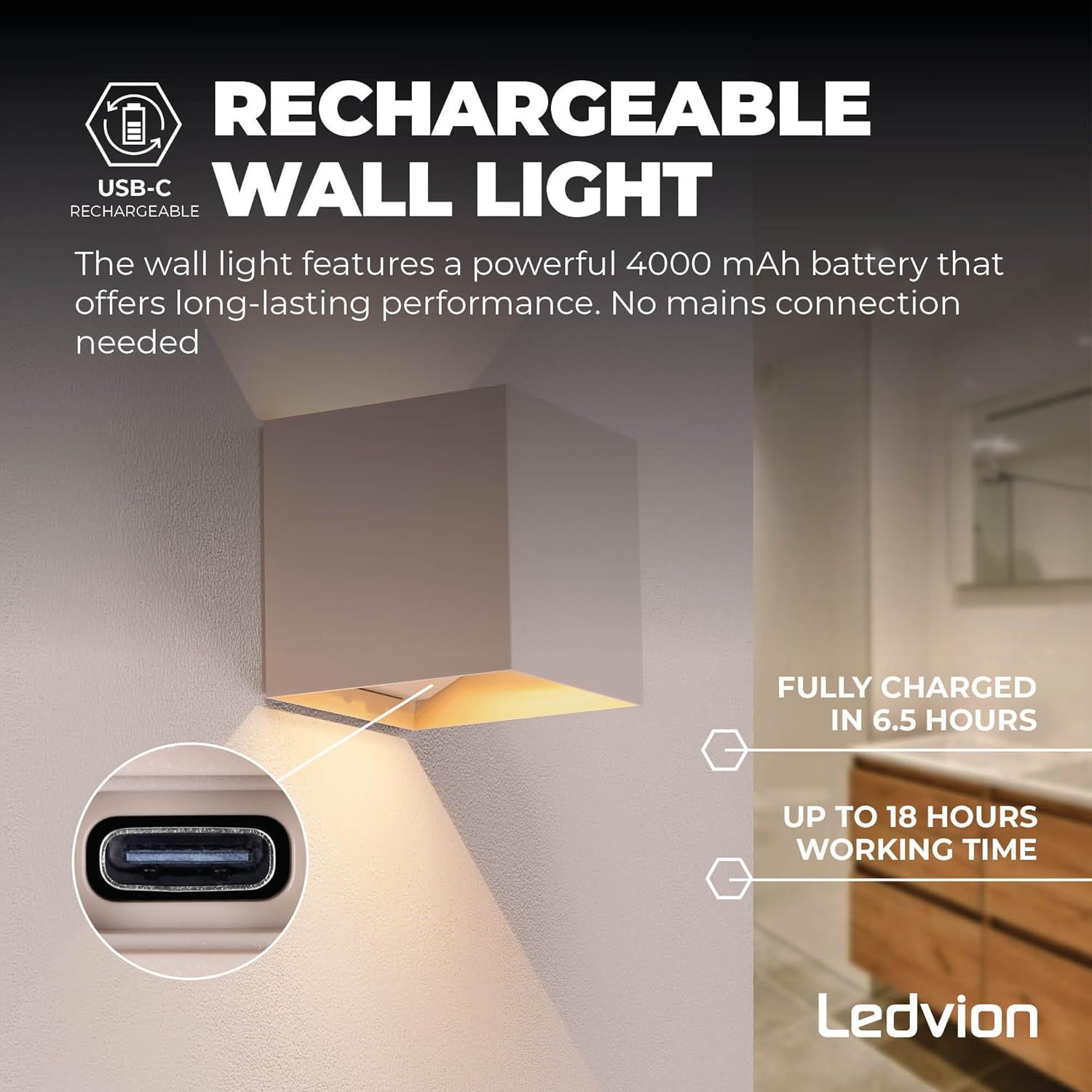
Figure 5.1: USB-C charging port and battery performance details.
6. Maintenance
To ensure the longevity and optimal performance of your Ledvion wall light, follow these maintenance guidelines:
- Cleaning: The light has an IP44 rating, making it dust- and splash-proof. Clean the exterior with a soft, damp cloth. Do not use abrasive cleaners or solvents.
- Inspection: Periodically check the mounting for security.
- Battery Care: For best battery life, avoid fully discharging the battery frequently. Charge the light regularly, especially if stored for extended periods.

Figure 6.1: IP44 rating for water and dust resistance.
7. Troubleshooting
If you encounter issues with your Ledvion wall light, refer to the following common problems and solutions:
| Problem | Possible Cause | Solution |
|---|---|---|
| Light does not turn on. | Battery is depleted. Incorrect mode selected. Ambient light is too high (day-night sensor). | Charge the battery for 6.5 hours. Check the mode switch. Test in a darker environment. |
| Motion sensor is not detecting movement. | Obstruction in detection path. Sensor sensitivity issue. Light is in "Off" or "Steady" mode. | Ensure clear line of sight for the sensor. Ensure the light is in 100% or 20% motion-activated mode. |
| Light turns on unexpectedly or stays on. | Sensor triggered by environmental factors (e.g., moving branches, pets). Light is in "Steady" mode. | Adjust mounting location or angle. Check the mode switch and select a motion-activated mode if desired. |
| Battery life is shorter than expected. | Frequent motion detection. Operating in 100% brightness mode. Battery degradation over time. | Consider using 20% brightness mode. Ensure full charge before use. |
If the problem persists after trying these solutions, please contact Ledvion customer support.
8. Specifications
| Feature | Detail |
|---|---|
| Model Number | LVO10114_1 |
| Brand | Ledvion |
| Dimensions (L x W x H) | 11 x 11 x 11 cm (100 x 100 x 103 mm) |
| Weight | 620 grams |
| Material | Aluminum |
| Color Temperature | 2700 Kelvin (Warm White) |
| Luminous Flux | 170 Lumens (max) |
| Power | 5 Watts |
| Battery Capacity | 4400 mAh |
| Charging Time | Approx. 6.5 hours |
| Operating Time | Up to 18 hours (depending on mode) |
| Ingress Protection (IP) Rating | IP44 (Dust and Splash-proof) |
| Motion Sensor Range | Up to 6 meters |
| Installation Type | Wall Mount, Wireless |

Figure 8.1: Product dimensions.
9. Warranty and Support
Ledvion products are manufactured to high-quality standards. This product comes with a manufacturer's warranty. Please refer to the packaging or contact your retailer for specific warranty terms and conditions.
Important: Any changes or modifications made to the product will void the warranty.
For technical support, troubleshooting assistance, or warranty claims, please contact Ledvion customer service through their official website or the retailer from whom you purchased the product.
Keep your purchase receipt as proof of purchase for warranty purposes.


