
1. Introduction
This manual provides detailed instructions for the setup, operation, maintenance, and troubleshooting of your LIGE Smart Watch Model FV12-F. Please read this manual thoroughly before using your device to ensure proper functionality and longevity.
2. What's in the Box
- LIGE Smart Watch FV12-F
- Charger Cable
- Watch Strap (typically two interchangeable bands: one metal mesh, one silicone)
- Watch Setting Tools (for strap adjustment)
- Smartwatch Manuals
3. Setup
3.1 Charging the Smart Watch
Before first use, fully charge your LIGE Smart Watch. Connect the provided charger cable to the charging contacts on the back of the watch and to a USB power source. The watch display will indicate charging status.

Image: The LIGE Smart Watch connected to its magnetic charging cable, displaying a charging icon on the screen.
3.2 App Installation and Pairing
- Download the 'Da Fit' app from your smartphone's app store (compatible with Android 4.4+ and iOS 8.0+).
- Ensure Bluetooth is enabled on your smartphone.
- Open the 'Da Fit' app and follow the on-screen instructions to search for and pair with your LIGE Smart Watch.
- Grant necessary permissions to the app for full functionality (e.g., notifications, health data access).
3.3 Strap Installation and Adjustment
Your watch comes with two interchangeable bands: a metal mesh band and a soft silicone band. Use the provided watch setting tools to adjust the metal mesh band or to swap between bands.

Image: The LIGE Smart Watch FV12-F displayed with its elegant metal mesh band, alongside a separate silicone band, showcasing the interchangeable design.
3.4 Customizing Watch Faces
The 1.43" HD AMOLED touchscreen supports customizable watch faces. To change the watch face:
- Open the 'Da Fit' app.
- Navigate to the third page and locate the 'BACKGROUND' section.
- Click 'Edit' to create a personalized watch face or upload a photo.
- Alternatively, swipe left on the watch screen, click on 'FACE GALLERY' in the app, and choose a watch face to upload.

Image: The LIGE Smart Watch FV12-F showcasing its vibrant 1.43-inch AMOLED display with multiple customizable watch face options, including digital and analog styles.
4. Operating the Smart Watch
4.1 Basic Navigation
The watch features a full-touch HD AMOLED screen for intuitive navigation. Swipe across the screen to access different functions and menus. Use the side button for power on/off and to return to the home screen.

Image: A close-up view of the LIGE Smart Watch FV12-F highlighting its ultra-thin 7.9mm profile, braided strap, and large, clear display.
4.2 Bluetooth Calling and Notifications
Once paired with your smartphone, the watch allows you to make and answer calls directly from your wrist. It also displays real-time notifications from your favorite apps, including social media and text messages.
- Making Calls: Access the dial keypad or contact lists on the watch.
- Answering Calls: Tap the green icon on the watch screen when an incoming call is displayed.
- Notifications: Swipe down from the top of the watch face to view recent notifications.

Image: The LIGE Smart Watch FV12-F displaying various app icons and notification alerts, demonstrating its Bluetooth calling and message notification capabilities.
4.3 Sport Modes
The watch supports over 120 sport modes to track your physical activity. Select your desired sport mode from the watch menu to begin tracking metrics such as steps, calories burned, and distance.

Image: The LIGE Smart Watch FV12-F showing a screen with activity metrics like steps, calories, and exercise duration, surrounded by icons representing various sports modes.
4.4 Health Monitoring
The LIGE Smart Watch provides comprehensive health monitoring features:
- Heart Rate Monitoring: Real-time heart rate tracking.
- Sleep Monitoring: Tracks sleep quality and patterns.
- Blood Oxygen Level: Measures SpO2 levels.
- Women's Physiological Cycle Monitor: Tracks period, prediction, gestation, and ovulation.
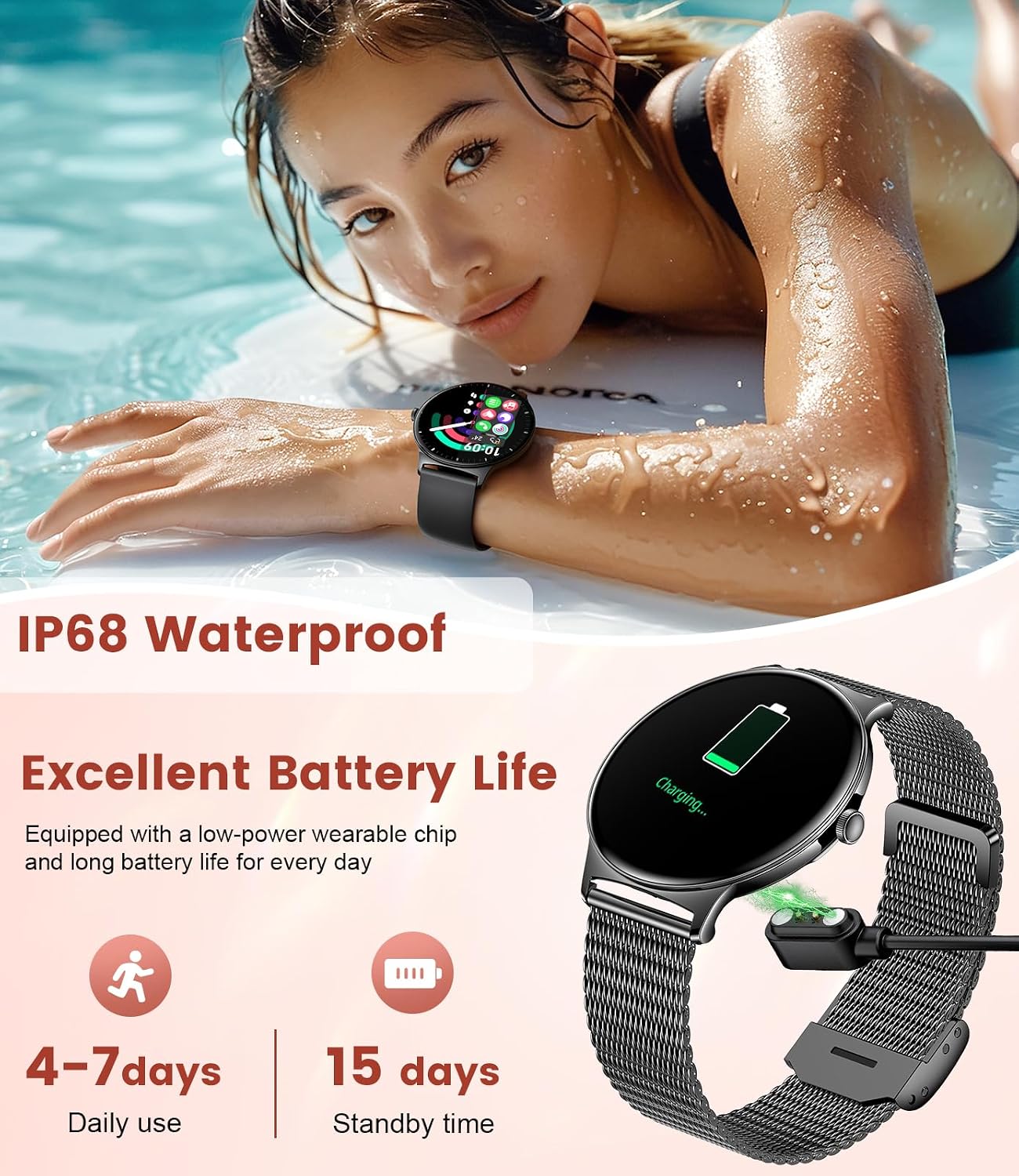
Image: The LIGE Smart Watch FV12-F displaying its women's health tracking interface, showing options for period, prediction, gestation, and ovulation tracking.
4.5 Other Features
The watch includes additional functionalities such as:
- Alarms Clocks
- Music/Camera Controller
- Find Phone function
- Sedentary/Drink Reminders
- Timer
- Weather Display
- Stopwatch
- Calculator
5. Maintenance
5.1 Water Resistance
The LIGE Smart Watch FV12-F is IP68 waterproof, meaning it is resistant to dust and can withstand immersion in water up to 1.5 meters for up to 30 minutes. It is suitable for daily use, hand washing, and light rain. Avoid hot water, saunas, or diving, as extreme temperatures and high-pressure water may compromise the seal.
5.2 Cleaning
To maintain your watch, regularly wipe the screen and strap with a soft, dry cloth. If necessary, use a slightly damp cloth for the strap, then dry thoroughly. Avoid using harsh chemicals or abrasive materials.
5.3 Battery Care
To prolong battery life, avoid fully discharging the watch frequently. Charge the watch when the battery level is low. Store the watch in a cool, dry place when not in use for extended periods.
6. Troubleshooting
- Watch not turning on: Ensure the watch is fully charged. Connect it to the charger and wait a few minutes before attempting to power it on.
- Cannot pair with smartphone: Make sure Bluetooth is enabled on your phone and the watch. Restart both devices and try pairing again through the 'Da Fit' app. Ensure the app has all necessary permissions.
- Inaccurate health data: Ensure the watch is worn snugly on your wrist, not too tight or too loose. Clean the sensor on the back of the watch. Environmental factors and individual physiology can affect readings.
- Notifications not appearing: Check app permissions on your phone and within the 'Da Fit' app to ensure notifications are enabled for desired applications. Ensure the watch is connected via Bluetooth.
- Watch face changes spontaneously: This may indicate a software glitch. Try restarting the watch. If the issue persists, check the 'Da Fit' app for firmware updates or contact customer support.
7. Specifications
| Feature | Specification |
|---|---|
| Model Number | FV12-F |
| Display | 1.43-inch HD AMOLED Full Touch Screen (466x466 resolution) |
| Thickness | 7.9 mm |
| Compatibility | Android 4.4+ and iOS 8.0+ |
| Connectivity | Bluetooth |
| Water Resistance | IP68 |
| Battery Capacity | 200 Milliamp Hours |
| Typical Daily Use Battery Life | 4-7 days |
| Standby Time | Up to 15 days |
| Memory Storage Capacity | 128 MB |
| GPS | Via Smartphone |
8. Warranty and Support
LIGE is dedicated to ensuring customer satisfaction. If you have any questions, require assistance with your smartwatch, or encounter any issues, please do not hesitate to contact LIGE customer service. Refer to the packaging or the official LIGE website for specific warranty details and contact information.


