
1. Overview
This document provides essential instructions for the Resiners Purair Air Purifier Replacement Filter, Model AP01. This filter is specifically designed to maintain the peak performance of your Resiners Purair Air Purifier, particularly in environments where epoxy resin is used. Proper installation and timely replacement are crucial for effective air purification.

Image 1.1: Resiners Purair Air Purifier Replacement Filter.
Video 1.1: Overview of the Resiners Purair Air Purifier and its filter, highlighting its use for epoxy resin environments.
2. Setup: Filter Installation
Follow these steps to correctly install the replacement filter in your Resiners Purair Air Purifier:
- Rotate the Housing: Gently rotate the machine housing to the right to unlock and remove the top section of the air purifier.
- Insert the Filter: Place the new filter into the base. Ensure the side with the larger opening faces upwards. Connect the internal power cord to the designated port within the filter assembly.
- Secure the Housing: Align the top section of the air purifier with the base and rotate it to the left until it is securely locked in place.

Image 2.1: Visual guide for filter replacement steps.
Video 2.1: Detailed instructions on how to install and replace the filter in the Resiners Purair Air Purifier.
3. Operating the Air Purifier
After installing the filter, connect the air purifier to a power source. The control panel on top of the unit allows for various settings:
- Power Button: Turns the unit on or off.
- Display: Shows Total Volatile Organic Compound (TVOC) concentration, humidity, temperature (switchable between Fahrenheit and Celsius), and filter life percentage.
- Fan Speed: Adjusts the fan speed. The unit typically has multiple settings, with the lowest being very quiet.
- Auto Mode: Allows the purifier to automatically adjust fan speed based on detected air quality.
- Timer: Sets the operating duration from 1 to 9 hours.
- Air Quality Indicator: LED lights on the unit change color (Green, Yellow, Red) to visually represent the current air quality.

Image 3.1: The Resiners Purair Air Purifier contributes to a safer environment for various activities.
Video 3.1: Explanation of why air purifiers are beneficial for resin crafters, beyond personal protective equipment.
4. Maintenance: Filter Replacement
The replacement filter is designed for long-lasting performance, up to 2000 hours. For optimal air purification, it is recommended to replace the filter every 6-8 months. Your Resiners Purair Air Purifier is equipped with an automatic reminder system that will alert you when it's time for a filter change.
When to Replace:
- The filter life indicator on the display reaches 0%.
- The air quality indicator consistently shows 'Poor' (red light) even after extended operation.
- Noticeable decrease in air purification effectiveness or increased odors.
Replacement Procedure:
Refer to the Setup: Filter Installation section (Section 2) for detailed steps on how to replace the filter. The process is identical to the initial installation.
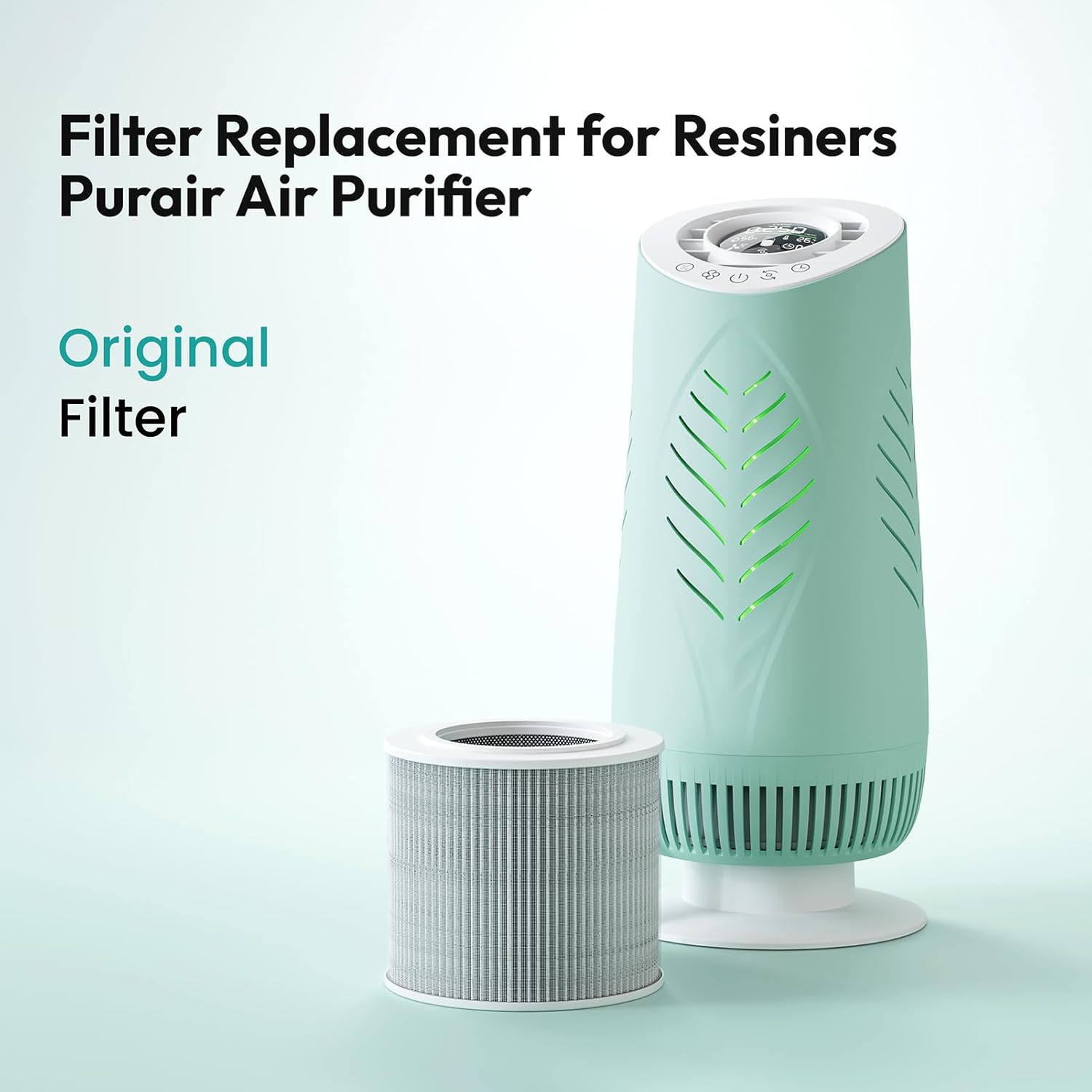
Image 4.1: The original filter for the Resiners Purair Air Purifier, indicating it's time for replacement.

Image 4.2: The air purifier's display showing the filter life indicator.
5. Troubleshooting
| Problem | Possible Cause | Solution |
|---|---|---|
| Unit does not turn on | No power connection; Filter not installed correctly | Ensure power cord is securely plugged in; Re-install filter as per Section 2, ensuring internal cord is connected. |
| Filter indicator light remains red after replacement | Filter life not reset | Consult your main air purifier manual for instructions on how to reset the filter life indicator. |
| Reduced air purification effectiveness | Filter is old or clogged; High VOC levels | Replace the filter if due; Ensure proper ventilation in the workspace. |
| Unusual noise from the unit | Obstruction in fan; Loose filter | Check for any foreign objects; Ensure filter is securely installed. |
6. Specifications
| Feature | Detail |
|---|---|
| Model Number | AP01 |
| Filter Type | 2-in-1 H13 True HEPA & Resin Fumes Purifying Filter |
| Filtration Stages | Layer 1: Pre-Filter (captures large particles like dust, fibers, hair) Layer 2: H13 HEPA & Resin Fumes Purifying Filter (removes 99.97% of 0.3 µm particles, decomposes harmful VOCs) |
| VOC Removal Efficiency | 83.59% of harmful VOCs from epoxy resin fumes (SGS-certified) |
| Recommended Filter Life | 6-8 months or up to 2000 hours of use |
| Product Dimensions | 6.89 x 6.89 x 6.05 inches |
| Item Weight | 1.1 Pounds |
| Manufacturer | Resiners |

Image 6.1: Illustration of the 2-stage filtration system, including pre-filter and H13 HEPA & Resin Fumes Purifying Filter.

Image 6.2: Comparison of Resiners filter technology against generic filters.
Video 6.1: Professional lab test demonstrating the effectiveness of the Resiners Purair Air Purifier in handling epoxy fumes.
7. Warranty and Support
Resiners is committed to delivering exceptional customer support. If you encounter any issues with your Resiners Purair Air Purifier or its replacement filters, please contact us directly. We are dedicated to addressing your concerns promptly and ensuring your complete satisfaction.
For assistance, please visit the official Resiners store or contact customer service through the platform where you purchased the product.
