
1. Setup and Installation
This section guides you through the initial setup and physical installation of your ZOSI 5MP Wired Security Camera System.
1.1 Package Contents
Ensure all components are present before beginning installation.

Image: Package contents of ZOSI 5MP Wired Security Camera System including DVR, cameras, cables, power adapters, mouse, mounting screws, warning stickers, and quick start guide.
1.2 DVR Connections
Connect the DVR to your monitor, mouse, network router, and power supply. Ensure all connections are secure.

Image: Rear panel of the ZOSI DVR with labeled ports for video input, audio out/in, HDMI, VGA, USB, network, and power supply.
1.3 Camera Wiring
Connect each camera to the DVR using the provided BNC cables and power splitters. Ensure the power adapter is connected to the power splitter.

Image: Diagram illustrating the connection of the camera system to the DVR, including BNC cables and power adapters.
1.4 Physical Camera Installation
Select a suitable location for each camera, considering coverage and network signal strength. Use the mounting template to drill holes and secure the camera with screws.
1.5 Mobile App Setup
Download the ZosiSmart App, register an account, and add your DVR device by scanning the QR code on the DVR or manually entering the device ID. This enables remote viewing and control.
Video: Official ZOSI Wired Security Camera System Installation Instructions. This video demonstrates the preparation, connection of the DVR and cameras, and adding the device to the ZosiSmart mobile application.
2. Operating Instructions
Learn how to use the various features of your ZOSI Security Camera System.
2.1 Pan and Tilt Functionality
The cameras offer 355° horizontal pan and 90° vertical tilt, allowing for comprehensive area coverage. Control these movements remotely via the DVR interface or the ZosiSmart mobile app.
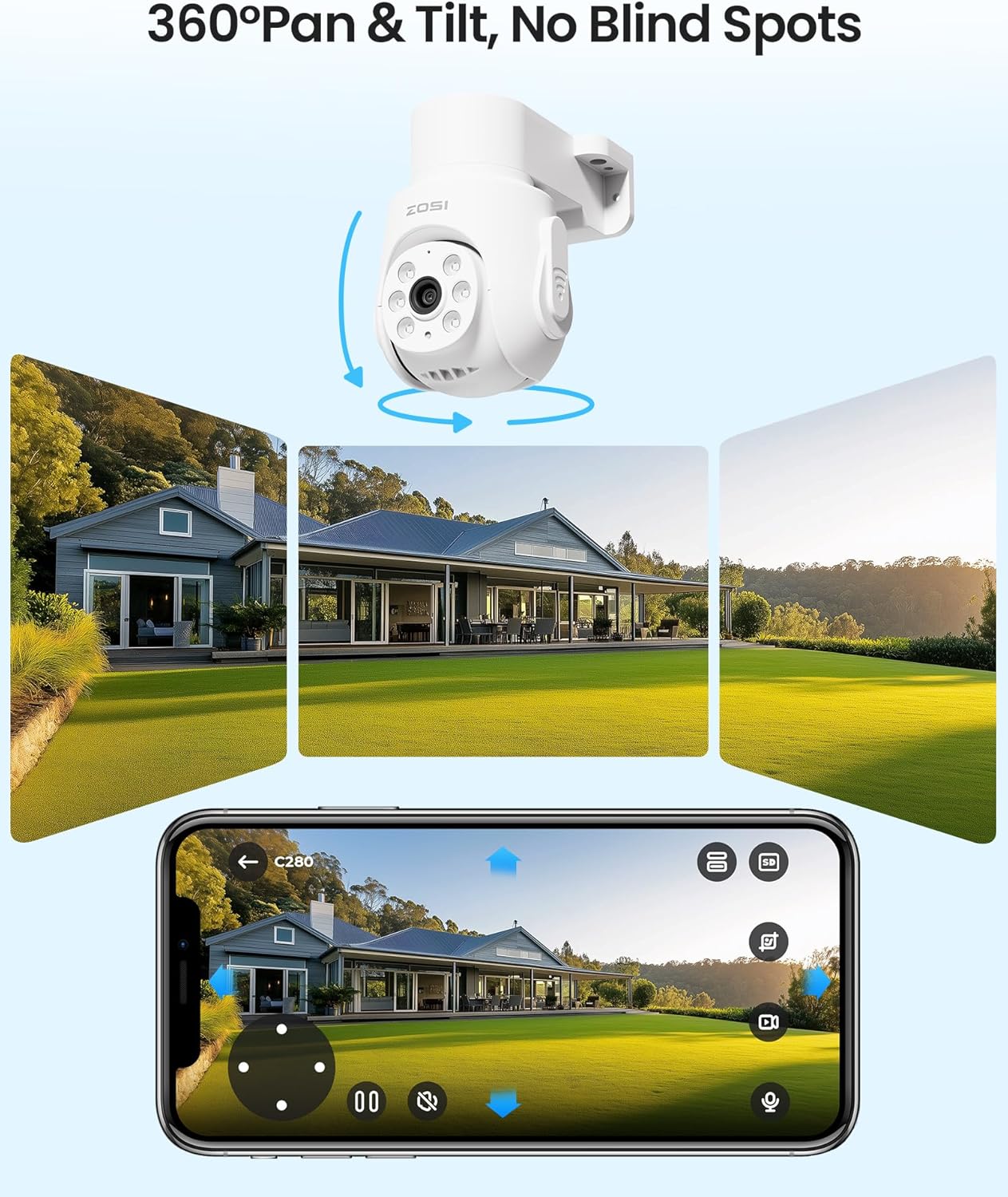
Image: ZOSI pan and tilt camera providing a 360-degree view, controllable via a smartphone app interface.
2.2 AI Human and Vehicle Detection
The system utilizes advanced AI to distinguish between human and vehicle movements, reducing false alarms. Configure smart alerts for app push notifications and email alerts.
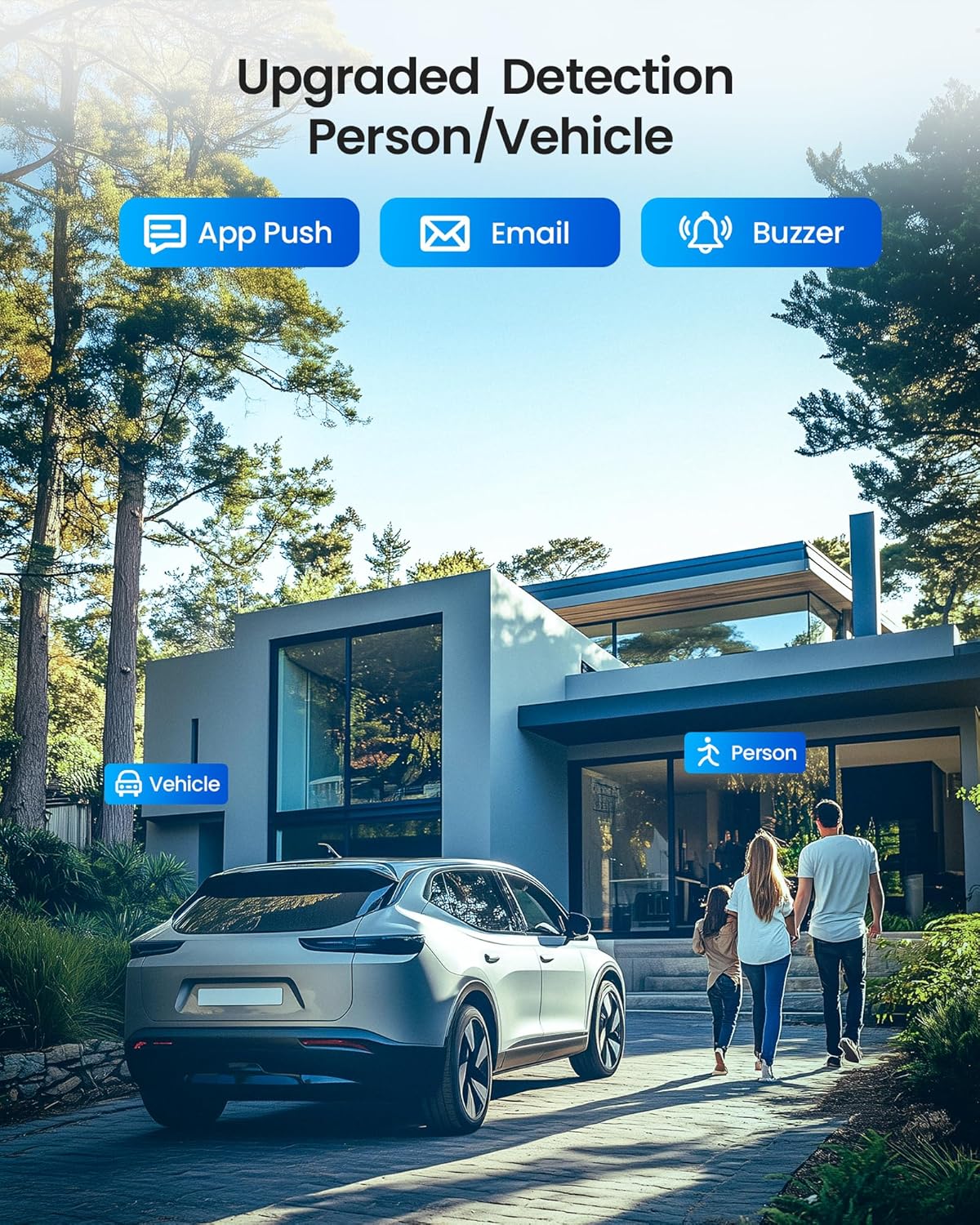
Image: AI human and vehicle detection with notifications via app push, email, and buzzer.
2.3 One-Way Audio Monitoring
Each camera includes a built-in microphone for one-way audio monitoring, allowing you to hear sounds from the camera's surroundings. This feature is for monitoring and does not support two-way communication.

Image: One-way audio feature of the camera, showing sound waves emanating from the camera and a smartphone displaying a playback screen with audio.
2.4 24/7 Continuous Recording
The DVR comes with a pre-installed 500GB SSD for continuous 24/7 recording without monthly fees. The system supports auto-overwrite for efficient storage management.

Image: Monitor displaying live feeds from multiple cameras, with a DVR and a '24/7 Recording' icon, highlighting the continuous recording feature with a 500GB SSD.
3. Maintenance
Proper maintenance ensures the longevity and optimal performance of your security system.
3.1 Weather Resistance
The cameras are IP66-rated, providing protection against dust and water. This allows for reliable operation in various weather conditions, both indoors and outdoors.
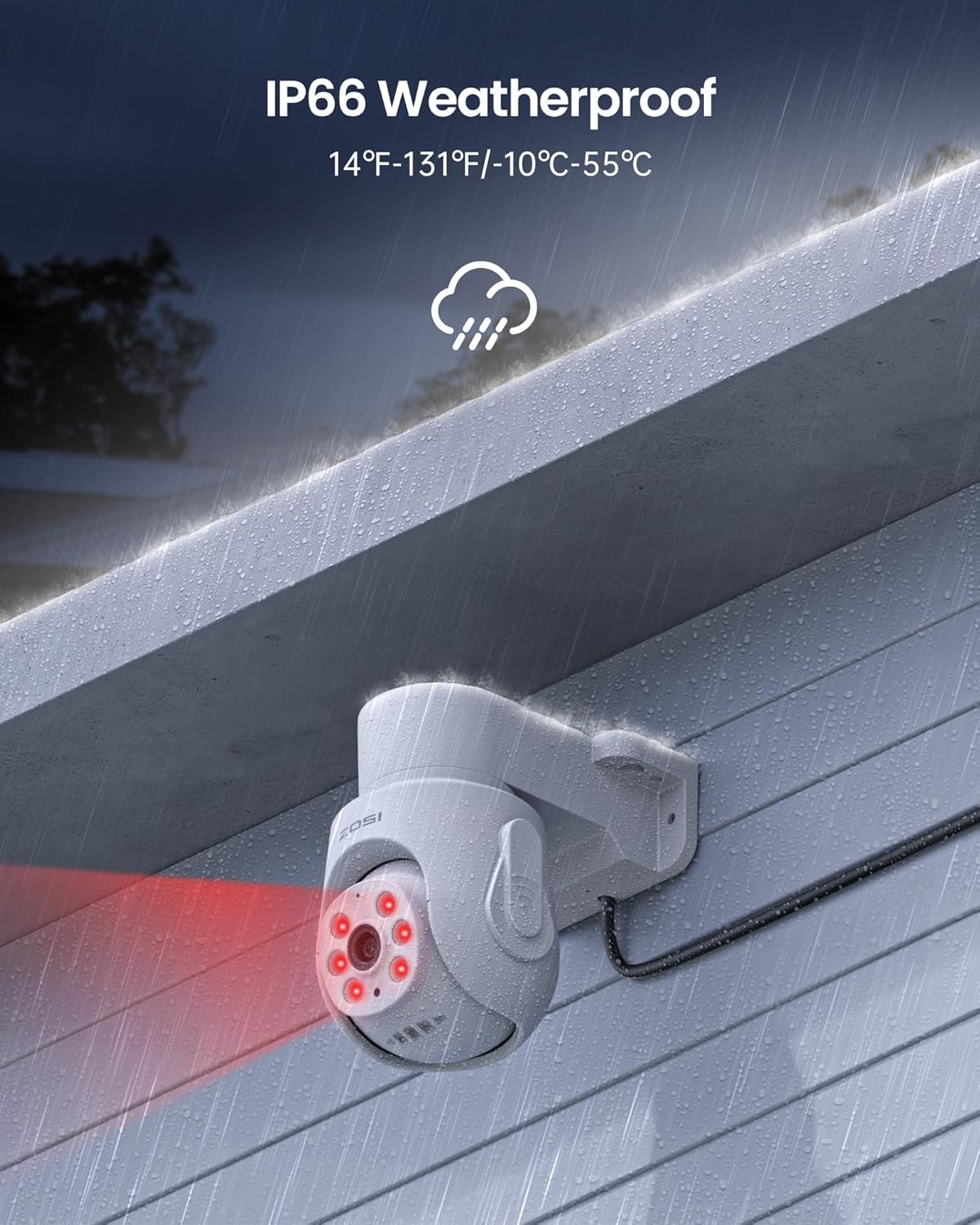
Image: IP66 weatherproof camera mounted outdoors during rain, with red infrared lights active, indicating its durability in harsh weather.
3.2 Regular Cleaning
Periodically clean the camera lenses and housing to prevent dust and dirt buildup, which can affect image clarity. Use a soft, damp cloth for cleaning.
3.3 Firmware Updates
Check the ZOSI website or ZosiSmart app regularly for firmware updates to ensure your system has the latest features and security enhancements.
4. Troubleshooting
This section addresses common issues you might encounter with your ZOSI Security Camera System.
4.1 No Video Signal
- Check Connections: Ensure all BNC cables are securely connected between the cameras and the DVR.
- Power Supply: Verify that all cameras and the DVR are receiving power. Check power adapters and connections.
- Monitor Input: Confirm your monitor is set to the correct input source (HDMI/VGA) for the DVR.
4.2 Remote Access Issues
- Network Connection: Ensure the DVR is connected to the internet via an Ethernet cable to your router.
- App Login: Double-check your ZosiSmart app login credentials.
- Device Status: In the app, verify that the DVR device is online. If offline, restart the DVR and your router.
4.3 Motion Detection Not Working
- Enable Detection: Ensure AI Human/Vehicle Detection is enabled in the DVR settings or ZosiSmart app.
- Sensitivity Settings: Adjust the detection sensitivity to an appropriate level. High sensitivity may cause false alarms, while low sensitivity might miss events.
- Detection Zones: Verify that detection zones are correctly configured to cover the desired areas.
5. Specifications
| Feature | Detail |
|---|---|
| Brand | ZOSI |
| Model Number | 85N05-2802W4-US |
| Connectivity Technology | Wired |
| Video Capture Resolution | 2MP, 5MP |
| Special Features | App Control, Audio Recording, Automatic Overwrite, Human Detection, Vehicle Detection |
| Number of Channels | 8 |
| Memory Storage Capacity | 500 GB (SSD) |
| Color | White |
| Power Source | Corded Electric |
| Item Dimensions L x W x H | 10 x 8 x 6 inches |
| Recommended Uses | Indoor, Outdoor |
| Compatible Devices | Cameras, Personal Computers, Smartphones, TV, Tablets |
| Low Light Technology | Night Vision |
| Night Vision Range | 65 Feet |
| Frame Rate | 25 FPS |
| Recording Mode | Manual, Schedule |
| Total USB Ports | 2 |
| Lens Type | Wide Angle |
| Video Input | BNC |
| Viewing Angle | 360 Degrees (Pan/Tilt Camera) |
6. Warranty Information
Your ZOSI Security Camera System comes with a 1 Year Warranty from the date of purchase.
For additional protection, extended protection plans are available:
- 2-Year Protection Plan: One-time payment of $21.99 USD.
- 3-Year Protection Plan: One-time payment of $28.99 USD.
- Complete Protect: Monthly billing of $16.99 USD, covering all eligible past and future purchases.
Please retain your proof of purchase for warranty claims.
7. Customer Support
ZOSI is committed to providing 24/7 all-round protection and dedicated customer support. If you encounter any issues or have questions regarding your security system, please contact us.
7.1 Contact Information
- Online Support: Visit the official ZOSI Store on Amazon for FAQs and resources.
- Mobile App Support: Use the ZosiSmart app for direct support options.

Image: Scan this QR code for quick access to ZOSI support and app download.


