
1. Important Safety Instructions
Please read these instructions carefully before using the appliance and keep them for future reference. Failure to follow these instructions may result in accidents or damage.
- Ensure the voltage indicated on the appliance's rating label matches your mains voltage before connecting.
- Do not immerse the appliance, power cord, or plug in water or any other liquid.
- Keep the appliance out of reach of children and individuals with reduced physical, sensory, or mental capabilities.
- Always place the appliance on a stable, flat, heat-resistant surface.
- Do not operate the appliance near flammable materials or heat sources.
- The appliance becomes very hot during operation. Avoid touching hot surfaces. Use handles or knobs.
- Allow the appliance to cool completely before cleaning or storing.
- Unplug the appliance from the mains socket when not in use and before cleaning.
- Do not use accessories not recommended by the manufacturer, as this may cause injuries or damage.
- Ensure adequate ventilation during operation to dissipate heat and smoke.
2. Product Overview
The Cecotec Roaster Booster is an electric coffee bean roaster designed for home use, offering both automatic and manual roasting options for fresh coffee. It features a powerful heating system and precise controls to achieve desired roast levels.
2.1 Components
- Roasting Chamber with transparent lid
- Control Panel with LED display
- Function Knobs (Time, Roast Level)
- Silver Skin Collector
- Base Unit
2.2 Key Features
- Power: 1400W for rapid and uniform roasting.
- Capacity: 100-150 grams of green coffee beans.
- Roasting Modes: Automatic for convenience, Manual for personalized control.
- Advanced Technology: Hot air circulation and automatic cooling system for consistent results.
- Adjustable Roasting Time: From 8 to 15 minutes.
- Roast Level Selection: 8 degrees of roast, from light to intense.
- Automatic Silver Skin Separation: Ensures cleaner, purer coffee without unwanted residues.
- Reminder Alarm: Notifies when roasting is complete.
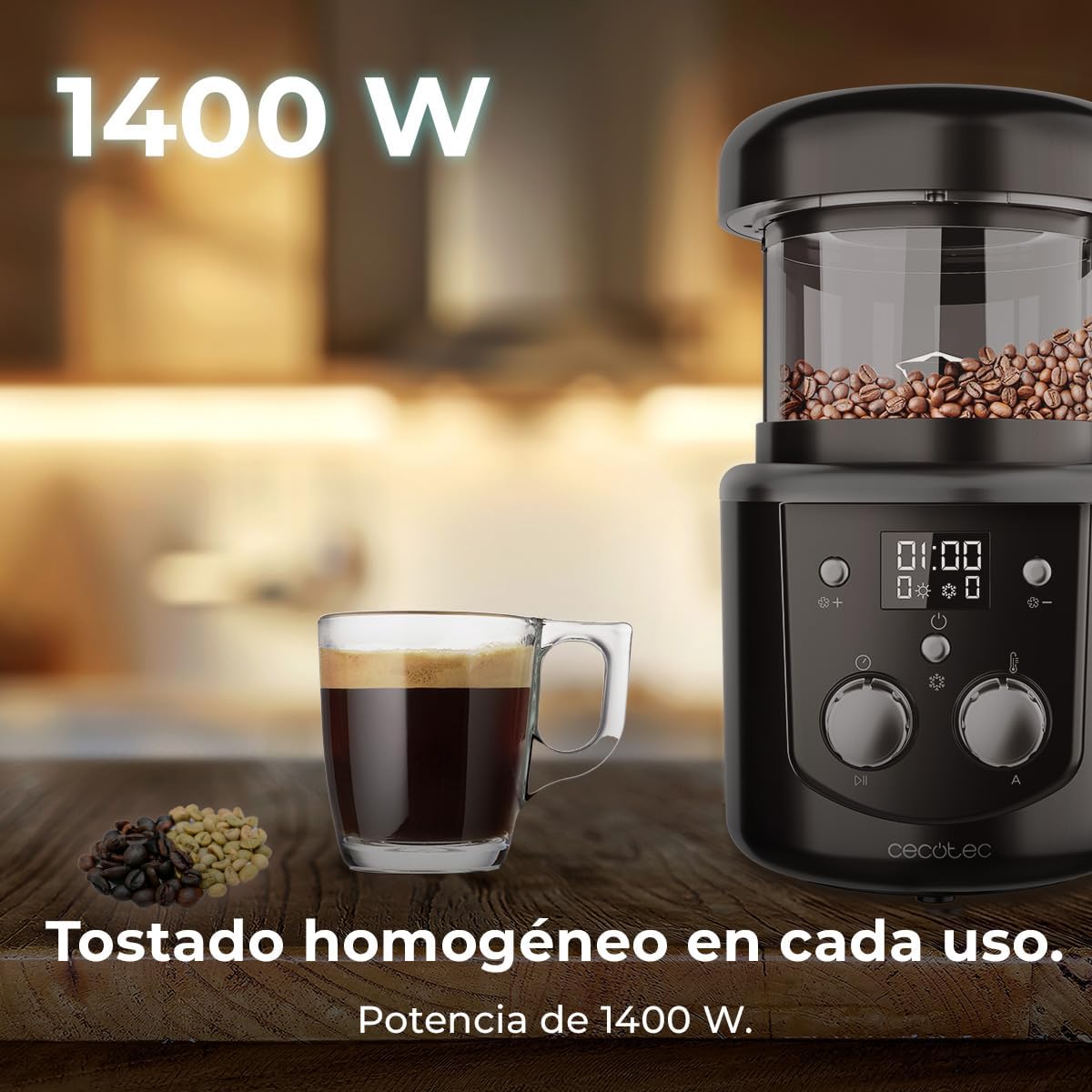
Image 1: The Cecotec Roaster Booster, highlighting its 1400W power and ability to achieve homogeneous roasting. A cup of coffee and green beans are also visible.
3. Setup
Before first use, ensure all packaging materials are removed and the appliance is clean.
- Place the roaster on a stable, heat-resistant, and well-ventilated surface.
- Ensure the silver skin collector is correctly installed at the base of the roasting chamber.
- Connect the power cord to a suitable 220V AC power outlet.
- The appliance is now ready for use.
4. Operating Instructions
4.1 Loading Coffee Beans
- Open the lid of the roasting chamber.
- Add 100-150 grams of green coffee beans into the chamber. Do not overfill.
- Close the lid securely.

Image 2: Close-up of the control panel, illustrating the manual and automatic roasting options.
4.2 Selecting Roasting Mode
The appliance offers two roasting modes:
- Automatic Roasting: Press the 'Auto' button (if available, or select a preset program). The appliance will follow a pre-programmed roasting cycle.
- Manual Roasting: Use the control knobs to set your desired roasting time and level.
4.3 Adjusting Time and Roast Level (Manual Mode)
- Use the 'Time' knob to select a roasting duration between 8 and 15 minutes.
- Use the 'Roast Level' knob to choose a desired intensity from 1 (light) to 8 (intense).

Image 3: The roaster displaying an adjustable time setting, emphasizing the 8 to 15 minute range.

Image 4: A visual representation of different roast levels, from light to dark, achievable with the roaster's 8 settings.
4.4 Starting and Monitoring Roasting
- Press the 'Start' button to begin the roasting process.
- The appliance will circulate hot air to roast the beans.
- An automatic cooling system will activate after roasting to cool the beans.
- The reminder alarm will sound once the process is complete.
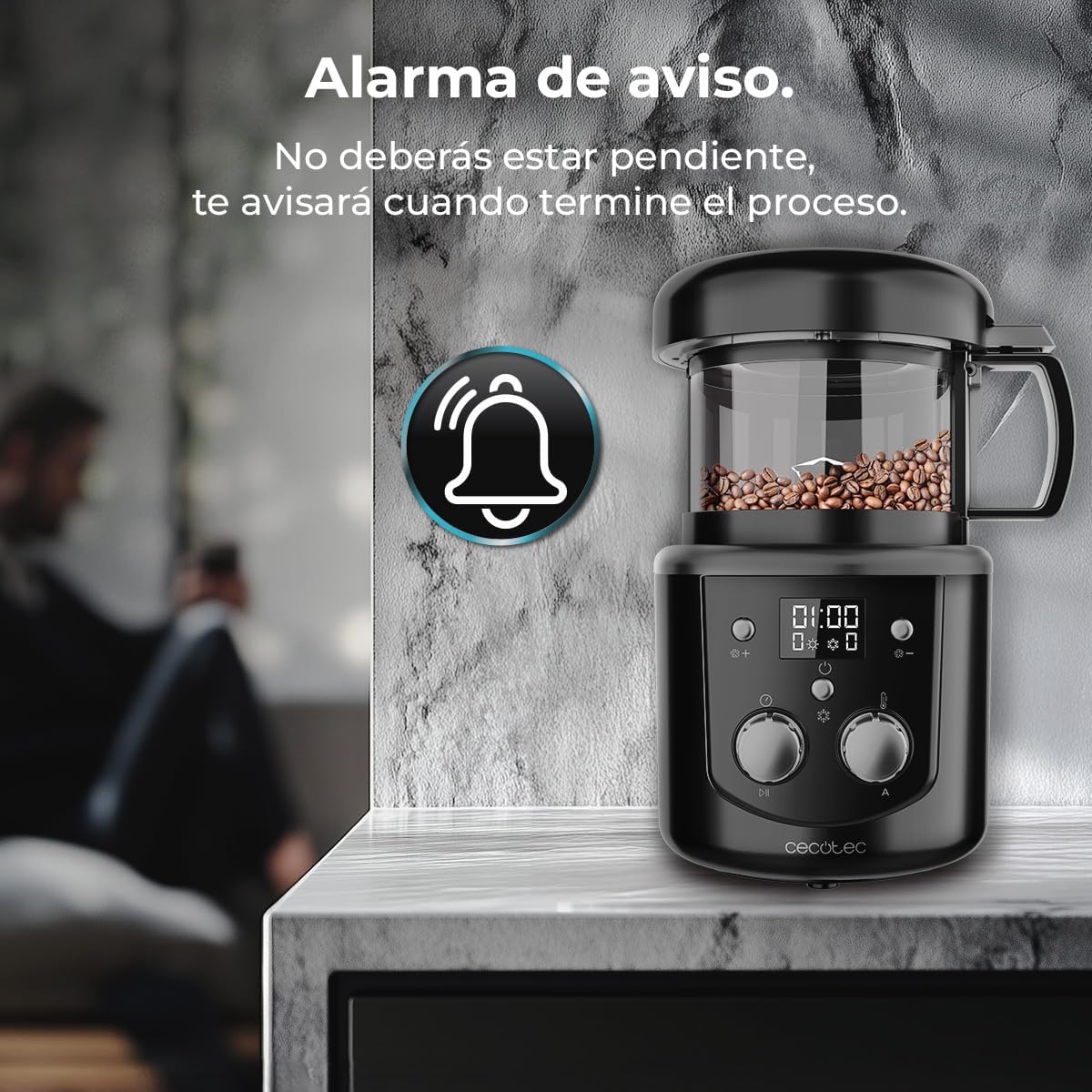
Image 5: The roaster with an alarm icon, signifying the completion reminder feature.
4.5 Video Demonstration
Video 1: A demonstration of the Cecotec Roaster Booster in use, showing the process of adding green beans, roasting, and preparing coffee.
5. Maintenance and Cleaning
Regular cleaning ensures optimal performance and extends the lifespan of your roaster.
- Always unplug the appliance and allow it to cool completely before cleaning.
- Remove the roasting chamber and silver skin collector.
- Empty the silver skin collector. Clean it with a soft brush or cloth.
- Wash the roasting chamber and lid with warm, soapy water. Rinse thoroughly and dry completely.
- Wipe the exterior of the base unit with a damp cloth. Do not use abrasive cleaners or immerse the base unit in water.
- Ensure all parts are dry before reassembling and storing the appliance.

Image 6: Roasted coffee beans and ground coffee, demonstrating the clean result after automatic silver skin separation.
6. Troubleshooting
If you encounter issues with your Cecotec Roaster Booster, refer to the following common problems and solutions:
| Problem | Possible Cause | Solution |
|---|---|---|
| Appliance does not turn on. | Not plugged in; power outage; faulty outlet. | Check power connection; test outlet with another appliance; contact customer support. |
| Beans not roasting evenly. | Overfilling the chamber; incorrect roast settings. | Ensure beans are within 100-150g capacity; adjust roast level and time. |
| Excessive smoke during roasting. | Poor ventilation; very dark roast setting. | Ensure adequate ventilation in the area; consider a lighter roast setting. |
| Alarm not sounding. | Volume too low; internal fault. | Check if there's a volume setting (if applicable); contact customer support. |
If the problem persists after attempting these solutions, please contact Cecotec customer support.
7. Specifications
| Feature | Specification |
|---|---|
| Brand | Cecotec |
| Model Number | A01_EU01_100091 |
| Power | 1400 W |
| Voltage | 220 V (AC) |
| Capacity | 100-150 g coffee beans |
| Adjustable Roasting Time | 8-15 minutes |
| Number of Roast Settings | 8 |
| Material | Plastic, Glass |
| Color | Black |
| Dimensions (D x W x H) | 20 cm x 17.5 cm x 17 cm |
| Weight | 1.53 kg |
| Special Features | Advanced hot air circulation, automatic cooling, automatic silver skin separation, reminder alarm. |
8. Warranty and Support
This product comes with a standard manufacturer's warranty. For detailed warranty information, please refer to the warranty card included with your purchase or visit the official Cecotec website.
For technical support, spare parts, or any inquiries regarding your Cecotec Roaster Booster, please contact Cecotec customer service:
- Website: www.cecotec.com
- Email: Refer to your product documentation for specific contact details.
- Phone: Refer to your product documentation for specific contact details.
Please have your model number (A01_EU01_100091) and purchase date ready when contacting support.