
1. Introduction
Thank you for choosing the AOFAR HX1000 Range Finder. This device is designed for accurate and fast distance measurement, ideal for hunting, archery, and outdoor activities. It features multiple modes including range, scan, speed, and angle measurement. Please read this manual thoroughly before use to ensure optimal performance and safety.

Figure 1: AOFAR HX1000 Range Finder
2. Setup
2.1 Unboxing and Included Components
Upon opening the package, ensure all the following components are present:
- AOFAR HX1000 Range Finder
- User Manual
- Carabiner
- CR2 Battery
- Cleaning Cloth
- Carrying Pouch
- High-Grade Rope

Figure 2: What's in the Box
2.2 Battery Installation
The AOFAR HX1000 uses a CR2 battery. To install:
- Locate the battery compartment cap on the side of the device.
- Unscrew the cap counter-clockwise.
- Insert the CR2 battery with the positive (+) terminal facing upwards (towards the cap).
- Screw the cap back on clockwise until secure.
2.3 Initial Power On
After installing the battery, press the 'POWER' button (usually the larger button on top) to turn on the device. The display will illuminate, indicating it is ready for use.
3. Operating the Range Finder
3.1 Mode Selection
The AOFAR HX1000 offers four primary functions: Range, Speed, Moving Scan, and Angle. Use the 'MODE' button (smaller button on top) to cycle through these modes.

Figure 3: Ultimate Functions Overview
3.2 Basic Ranging (Yardage Mode)
In this mode, the device measures the direct distance to a target. Simply aim at your target and press the 'POWER' button. The distance will be displayed almost instantly. The device measures up to 1000 yards with high accuracy (±1 yard).

Figure 4: Range Measurement
3.3 Continuous Scan Mode
For measuring distances to multiple targets or a moving target, activate the Scan Mode. Press and hold the 'POWER' button while sweeping the range finder across the targets. The display will continuously update with distances.

Figure 5: Continuous Scan Mode
3.4 Speed Mode
The Speed Mode allows you to measure the speed of a moving object. Select this mode, aim at the moving target, and press the 'POWER' button. The speed will be displayed in meters per second (m/s).

Figure 6: Speed Measurement
3.5 Angle and Horizontal Distance
This mode is particularly useful in archery or uneven terrain. It provides both the line-of-sight distance and the angle, along with the calculated horizontal distance, giving you a more accurate measurement for shooting.

Figure 7: Angle and Horizontal Distance
3.6 Eyepiece Adjustment
The eyepiece can be adjusted to achieve a clear focus for your vision. Rotate the eyepiece ring until the display and target appear sharp.
4. Maintenance
4.1 Cleaning
Use the provided cleaning cloth to gently wipe the lenses and the body of the range finder. Avoid using abrasive materials or harsh chemicals that could damage the optics or casing.
4.2 Water Resistance
The AOFAR HX1000 is IP54 rated, meaning it is dustproof and waterproof. It is designed to withstand splashes and light rain, ensuring reliable performance in various outdoor conditions. However, avoid submerging the device in water.
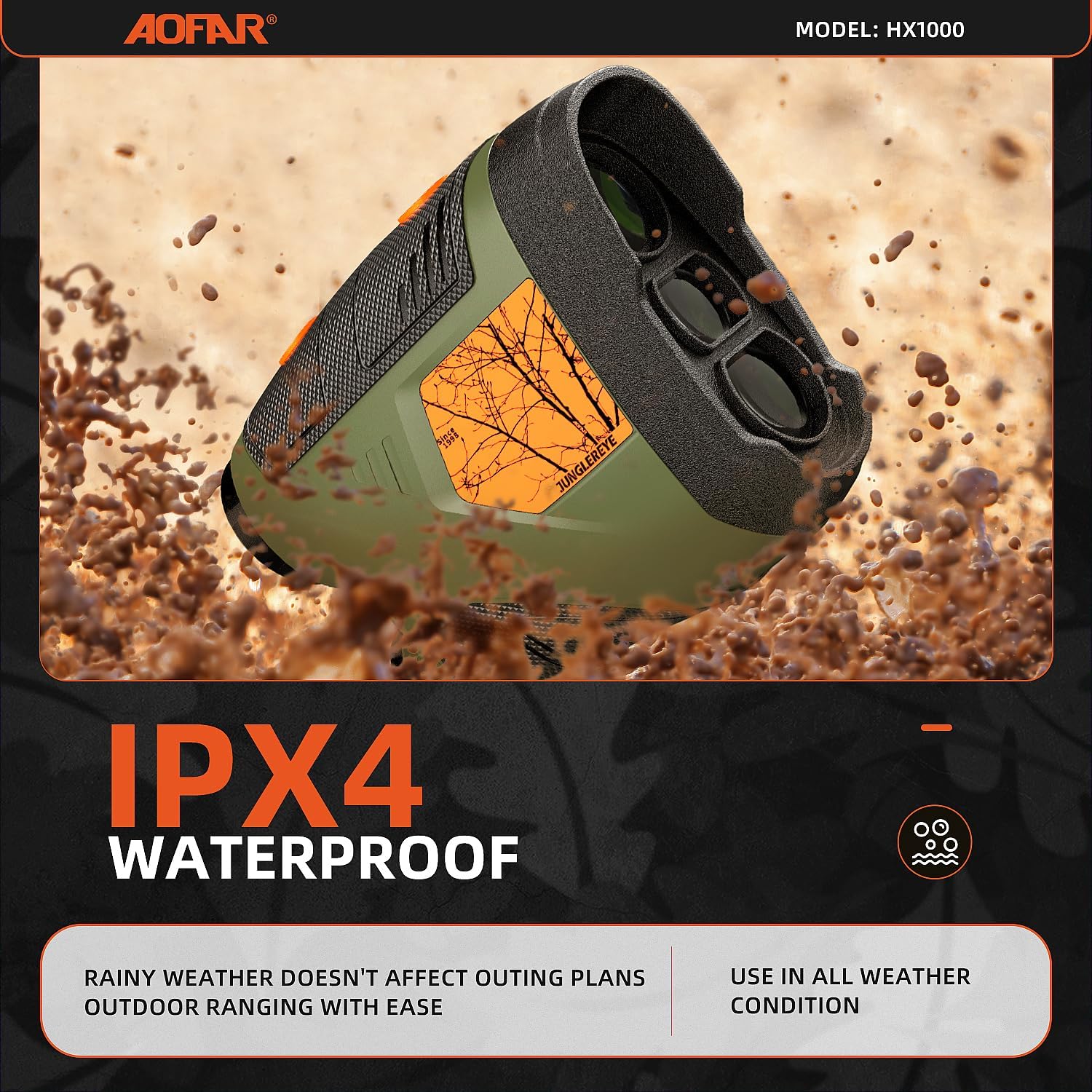
Figure 8: IPX4 Waterproof Feature
4.3 Storage
When not in use, store the range finder in its carrying pouch in a cool, dry place. Remove the battery if the device will not be used for an extended period to prevent battery leakage.
5. Troubleshooting
- Device does not power on: Check if the CR2 battery is installed correctly with the positive terminal facing up. Replace the battery if it is depleted.
- Inaccurate readings: Ensure the target is within the measuring range (5-1000 yards). Make sure the lenses are clean. Environmental factors like heavy fog or rain can affect accuracy.
- Display is dim or flickering: The battery might be low. Replace the CR2 battery.
- Cannot measure speed: Ensure the target is moving and you are in Speed Mode. The device needs a clear line of sight to track movement.
6. Specifications
| Feature | Detail |
|---|---|
| Brand | AOFAR |
| Model Name | HX1000 |
| Measuring Range | 1000 yards |
| Magnification Maximum | 6.0 |
| Item Weight | 131 Grams |
| Product Dimensions | 4.1"L x 1.8"W x 3.4"H |
| Water Resistance Level | Waterproof (IP54) |
| Battery Type | CR2 (included) |
| Color | Green |
7. Warranty and Support
While the product specifications indicate no warranty, AOFAR strives to improve product performance and customer experience. For any inquiries or technical assistance, please contact customer support.
- Customer Support Email: service@aofar.com
- Return Policy: 30 Days
- Technical Support: 24h availability
- Warranty: 24 Months (as per A+ content)
Note: Information regarding warranty and support is based on available product content and may be subject to change. Please refer to the latest information provided by the manufacturer.

Figure 9: AOFAR Brand Story


