
Monster Open Ear AC601
Monster AI Translation Earbuds Open AC601 User Manual
Brand: Monster | Model: Open Ear AC601
1. Introduction
Welcome to the user manual for your Monster AI Translation Earbuds Open AC601. These innovative earbuds combine high-quality audio with advanced real-time language translation capabilities, designed for seamless communication and entertainment. This manual provides essential information on setup, operation, maintenance, and troubleshooting to ensure optimal performance and user experience.

Image: The Monster AI Translation Earbuds Open AC601, showing both earbuds and their sleek charging case.
2. Package Contents
Please verify that all items are present in your product packaging:
- Monster AI Translation Earbuds (Left and Right)
- Charging Case
- USB Charging Cable
- User Manual (this document)
- Quick Start Guide
3. Setup Guide
3.1. Charging the Earbuds and Case
Before first use, fully charge the earbuds and the charging case. The case provides additional charges for extended use.
- Connect the USB charging cable to the charging port on the case and to a compatible USB power source.
- The indicator lights on the charging case will show the charging status.
- Place the earbuds into the charging case. Ensure they are properly seated; the earbuds will begin charging automatically.
- A full charge provides up to 8 hours of earbud use and a total of 32 hours with the charging case. Fast charging allows for 1 hour of use after a short charge.

Image: Visual representation of the 32-hour total playtime, including earbud and charging case battery life.
3.2. How to Wear the Earbuds
The Monster Open AC601 earbuds feature an open-ear design for comfort and awareness of your surroundings.
- Identify the small part of the earbud, which goes into the ear canal, and the larger part, which rests behind the ear.
- Gently clip the earbud onto your ear, ensuring the small part is comfortably seated in your ear and the larger part hooks securely behind your ear.
- Adjust the earbud to a comfortable and stable position. The flexible design allows for a secure fit for various ear shapes.

Image: Step-by-step diagram illustrating the correct way to wear the Monster Open AC601 earbuds, highlighting the ear clip design.

Image: Comparison showing the comfort and stability of the ear clip design versus traditional in-ear earbuds that may cause discomfort or fall out.
3.3. Bluetooth Pairing
The earbuds utilize Bluetooth 5.4 for a stable and efficient connection.
- Open the charging case. The earbuds will automatically enter pairing mode.
- On your device (smartphone, tablet, etc.), enable Bluetooth and search for available devices.
- Select "Monster Open AC601" from the list of found devices.
- Once connected, you will hear an audible confirmation, and the indicator lights on the earbuds may change.

Image: The Monster Open AC601 earbuds and case, illustrating their strong compatibility with Bluetooth 5.4, iOS, and Android operating systems.
4. Operating Instructions
4.1. Touch Controls
The Monster Open AC601 earbuds feature intuitive touch controls for managing calls, music playback, and translation functions.
| Action | Function |
|---|---|
| Tap x2 (L/R) | Answer/End Call, Play/Pause Music |
| Tap x3 (L/R) | Decline Phone Call |
| Tap x3 (L) | Previous Song |
| Tap x3 (R) | Next Song |
| Tap x1 (R) | Increase Volume |
| Tap x1 (L) | Reduce Volume |
| Press and Hold 2s (L/R) | Activate Voice Assistant |

Image: A visual guide detailing the various touch control gestures and their corresponding functions on the Monster Open AC601 earbuds.
4.2. Language Translation Features
The Monster Open AC601 earbuds offer real-time translation for 115 languages, powered by AI-driven natural interpretation technology.

Image: The earbuds and case with text bubbles showing various languages, illustrating the real-time multi-language translation capability.
Translation Modes:
The earbuds support three distinct translation modes:
- Free Talk Mode: Ideal for natural, flowing conversations. Speak freely, and the earbuds will translate in real-time for your conversation partner.
- Translation Machine Mode: Use your smartphone as a display for translated text while the earbuds handle audio input and output.
- Headphones & Phone Mode: Seamlessly integrates translation with music playback and phone communication, allowing you to switch between functions.
To utilize the translation features, download the dedicated app (e.g., "Nebula Buds" as mentioned in a review, or the official Monster app if specified) on your smartphone. Within the app, you can select languages and switch between translation modes.
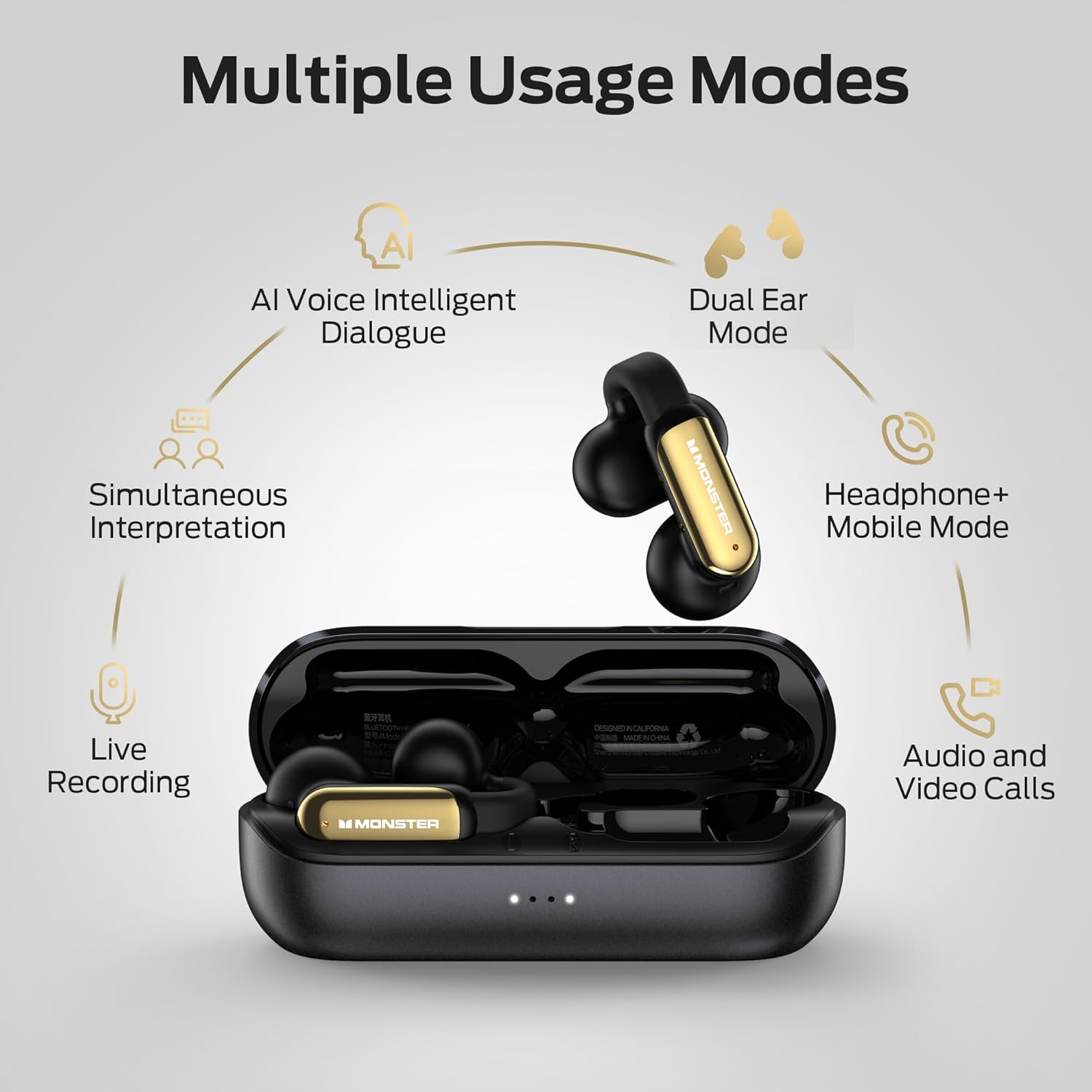
Image: A diagram illustrating the multiple usage modes, including AI Voice Intelligent Dialogue, Dual Ear Mode, Headphone+Mobile Mode, Simultaneous Interpretation, Live Recording, and Audio and Video Calls.
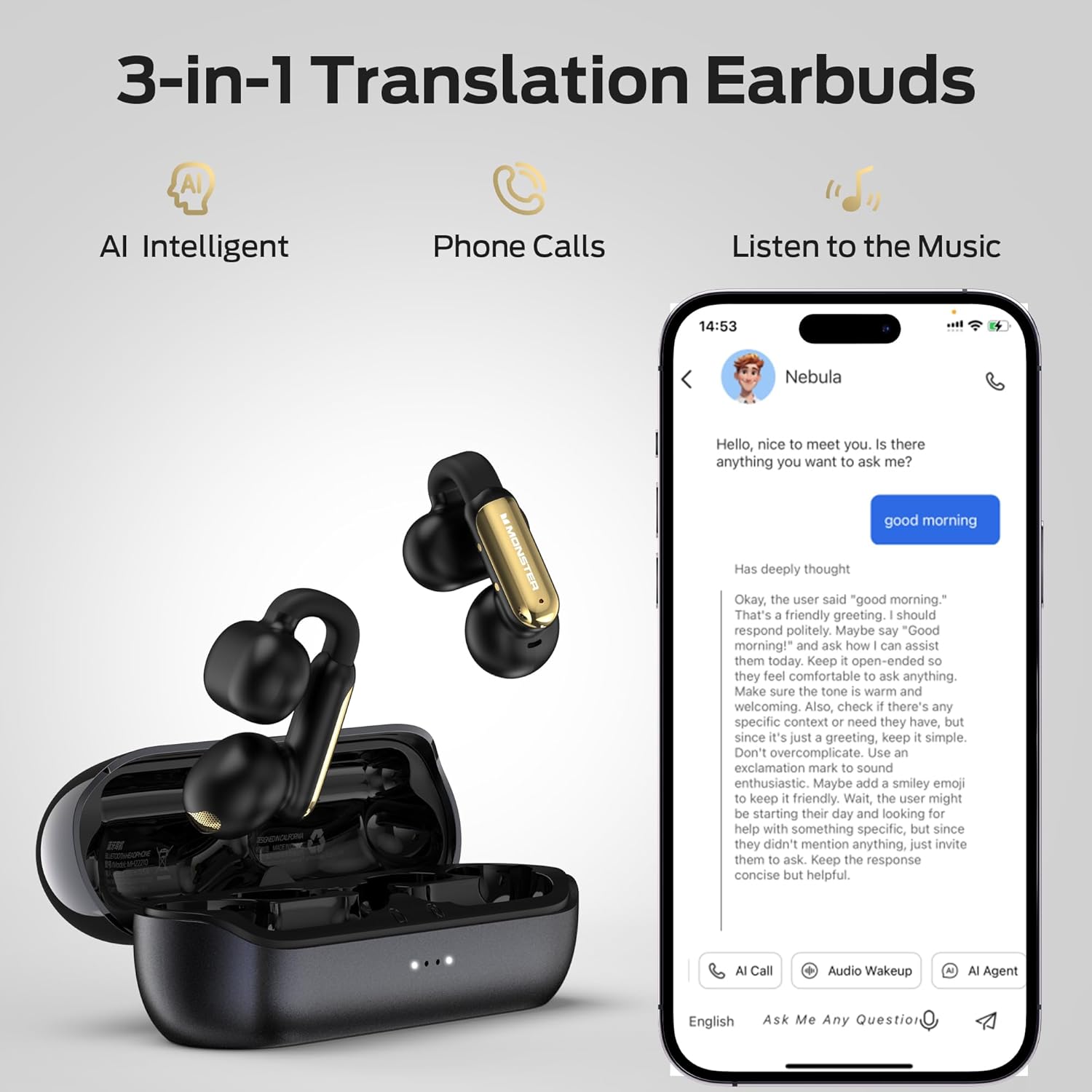
Image: A visual emphasizing the 3-in-1 functionality of the earbuds: AI Intelligent translation, phone calls, and music listening, shown with a smartphone interface.
4.3. Call Management and Audio Playback
The earbuds provide clear audio for calls and music, enhanced by ENC (Environmental Noise Cancellation) technology for calls.
- Answering/Ending Calls: Use the touch controls as described in Section 4.1.
- Music Playback: Control play, pause, skip tracks, and adjust volume using the touch controls.
- ENC Call Noise Reduction: This feature automatically reduces background noise during phone calls, ensuring clearer conversations.

Image: A visual demonstrating the ENC (Environmental Noise Cancellation) feature for clear calls, with a waveform indicating noise reduction.
4.4. Usage Scenarios
The Monster Open AC601 earbuds are versatile and suitable for various daily activities:
- Business: For international calls or meetings requiring real-time translation.
- Meetings: Facilitate understanding in multilingual environments.
- Face-to-Face Chat: Enable direct communication with individuals speaking different languages.
- Daily Use: Enjoy music, podcasts, and calls during commutes, workouts, or relaxation.

Image: A collage depicting individuals using the earbuds in different settings, including business interactions, meetings, casual conversations, and while walking, highlighting their versatility.
5. Maintenance and Care
Proper maintenance ensures the longevity and optimal performance of your earbuds.
- Cleaning: Gently wipe the earbuds and charging case with a soft, dry, lint-free cloth. Do not use abrasive cleaners or solvents.
- Water Resistance: The earbuds have an IPX5 waterproof rating, protecting them from splashes and sweat. Do not submerge them in water or expose them to strong jets of water. Dry them thoroughly if they get wet.
- Storage: When not in use, store the earbuds in their charging case to protect them and keep them charged. Store in a cool, dry place away from extreme temperatures.
- Battery Care: To preserve battery life, avoid fully discharging the earbuds and case frequently. Charge them regularly, even if not in constant use.

Image: The Monster Open AC601 earbuds shown with water splashes, indicating their IPX5 waterproof rating, which protects against sweat and light rain.
6. Troubleshooting
If you encounter issues with your Monster AI Translation Earbuds, refer to the following common solutions:
| Problem | Possible Cause | Solution |
|---|---|---|
| Earbuds not pairing/connecting | Earbuds not in pairing mode, Bluetooth off on device, out of range, interference. |
|
| No sound or low volume | Volume too low, earbuds not properly seated, connection issue, media source problem. |
|
| Translation app not working/connecting | App not updated, incorrect settings, temporary software glitch, specific app compatibility issue. |
|
| Earbuds not charging | Cable issue, power source issue, dirty charging contacts, earbuds not seated correctly. |
|
7. Specifications
Detailed technical specifications for the Monster AI Translation Earbuds Open AC601:
| Feature | Detail |
|---|---|
| Model Name | Open Ear AC601 |
| Connectivity Technology | Wireless (Bluetooth) |
| Bluetooth Version | 5.4 |
| Wireless Communication Technology | Bluetooth |
| Compatible Devices | Smartphones, Tablets, Laptops, Desktops, Smart Home Devices, Cars |
| Item Weight | 7 ounces (0.2 Kilograms) |
| Water Resistance Level | IPX5 Water Resistant |
| Frequency Range | 20 Hz - 20,000 Hz |
| Battery Life (Earbuds) | Up to 8 Hours |
| Total Battery Life (with Charging Case) | Up to 32 Hours |
| Control Method | Touch |
| Audio Driver Type | Dynamic Driver |
| Ear Placement | Open Ear |
| Form Factor | In Ear |
| Manufacturer | Monster |

Image: An X-ray like view of the earbud's internal components, emphasizing the advanced Bluetooth 5.4 chip and its benefits like low latency and stable connection.
8. Warranty and Support
Warranty Information: Specific warranty details for your Monster AI Translation Earbuds Open AC601 are typically provided with the product packaging or can be found on the official Monster website. Please retain your proof of purchase for warranty claims.
Customer Support: For further assistance, technical support, or inquiries regarding your product, please visit the official Monster support website or contact their customer service department. Refer to the contact information provided in your product packaging or on the Monster brand website.
Online Resources: You may find additional FAQs, video tutorials, and software updates on the Monster support page.
9. Important Safety Information
Please read and follow all safety instructions to prevent damage to your device or injury to yourself:
- Do not expose earbuds or case to extreme temperatures, direct sunlight, or fire.
- Avoid dropping or applying strong impact to the device.
- Do not attempt to disassemble or modify the earbuds or charging case. This will void the warranty.
- Keep out of reach of children and pets.
- Use only the provided charging cable or a certified equivalent.
- Prolonged exposure to high volume levels may cause hearing damage. Listen at moderate volumes.
- Be aware of your surroundings when using earbuds, especially in traffic or hazardous environments.
Ask a question about this manual
Ask about setup, troubleshooting, compatibility, parts, safety, or missing instructions. Manuals+ will review the question and use this page’s manual context to help answer it.