
Monster E35
Monster Open Ear AC312 Headphones
User Manual
Introduction
Thank you for choosing the Monster Open Ear AC312 Headphones. These wireless earbuds are designed to provide an immersive stereo sound experience with 16mm large drivers, clear calls facilitated by ENC noise-cancelling microphone technology, and extended playtime. With Bluetooth 5.4 connectivity, they offer a stable and efficient audio solution for daily use, sports, and more.
Package Contents
Upon opening your Monster Open Ear AC312 Headphones package, please ensure all components are present:
- Monster Open Ear AC312 Earbuds (Left and Right)
- Charging Case
- USB-C Charging Cable
- User Manual (this document)

Image: The Monster Open Ear AC312 Headphones, consisting of two earbuds and their accompanying charging case, displayed in their original packaging configuration.
Setup and Charging
Initial Charging
Before first use, fully charge your Monster Open Ear AC312 Headphones. Place both earbuds into the charging case. Connect the USB-C charging cable to the charging port on the case and the other end to a compatible USB power source. The indicator light on the charging case will show the charging status. A full charge provides up to 32 hours of total playback time with the charging case.
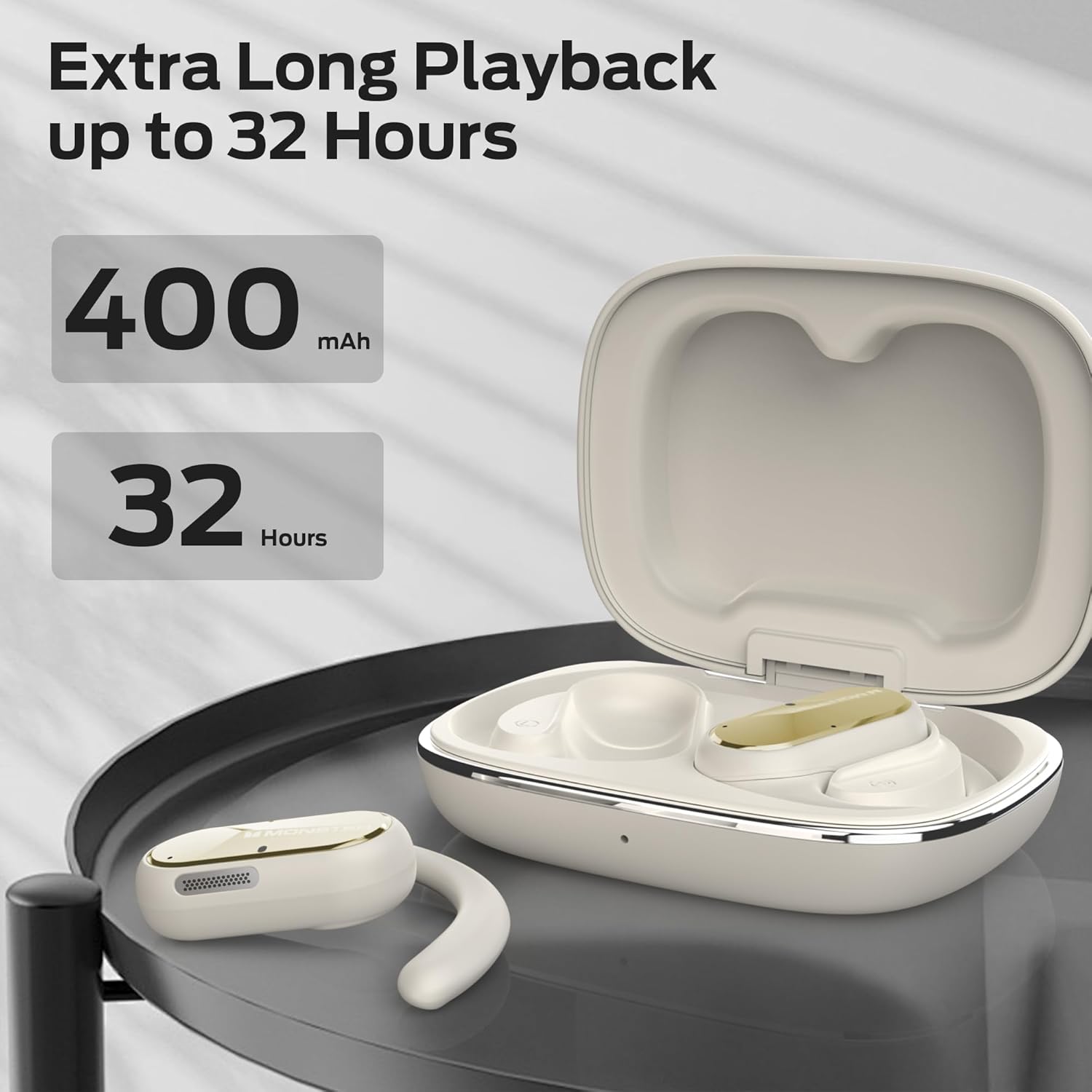
Image: The Monster Open Ear AC312 Headphones and their charging case, illustrating the impressive 32-hour total playback time and 400mAh battery capacity.
Pairing with Your Device
- Ensure the earbuds are charged and placed inside the charging case.
- Open the charging case lid. The earbuds will automatically enter pairing mode, indicated by a flashing light on the earbuds or case.
- On your device (smartphone, tablet, etc.), go to the Bluetooth settings.
- Search for "Monster AC312" or similar in the list of available devices.
- Select "Monster AC312" to connect. Once connected, a voice prompt will confirm the successful pairing, and the indicator light will stop flashing.
- If pairing fails, close the case, wait a few seconds, and repeat the steps.
Operating Instructions
Wearing the Earbuds
The Monster Open Ear AC312 Headphones are designed for comfortable, all-day wear with an open-ear design. Gently place the earbud over your ear, ensuring the ear hook rests securely behind your ear and the speaker portion is positioned comfortably near your ear canal without entering it. This design allows you to enjoy audio while remaining aware of your surroundings.

Image: A person wearing the Monster Open Ear AC312 Headphones, demonstrating the comfortable and secure fit of the open-ear design, highlighting ergonomic ear hooks, ultra-light construction, and soft silicone materials.
Basic Controls
The earbuds feature touch-sensitive controls for easy management of your audio and calls. Specific touch gestures may vary slightly, but common functions include:
- Play/Pause: Single tap on either earbud.
- Next Track: Double tap on the right earbud.
- Previous Track: Double tap on the left earbud.
- Answer/End Call: Single tap on either earbud during an incoming call.
- Reject Call: Press and hold on either earbud during an incoming call.
- Activate Voice Assistant: Triple tap on either earbud (e.g., Siri, Google Assistant).
Crystal Clear Calls with ENC
The Monster Open Ear AC312 Headphones are equipped with Environmental Noise Cancelling (ENC) technology. This feature accurately picks up your voice and filters out ambient noise, ensuring flawless hands-free calls even in noisy environments.

Image: A person smiling while using the Monster Open Ear AC312 Headphones, illustrating the clear call quality enabled by ENC noise-cancelling technology that accurately picks up voice for flawless hands-free communication.
Situational Awareness
The open-ear design of these headphones is specifically engineered to allow you to enjoy your music or calls while remaining fully aware of your surroundings. This is particularly beneficial for outdoor activities such as cycling, running, or walking in urban environments, enhancing safety by allowing you to hear traffic, announcements, and other important sounds.

Image: A cyclist wearing the Monster Open Ear AC312 Headphones, demonstrating how the open-ear design allows them to enjoy music while remaining aware of potential dangers, such as an approaching car, enhancing safety during outdoor activities.
Maintenance and Care
Cleaning Your Earbuds
To maintain optimal performance and hygiene, regularly clean your earbuds and charging case. Use a soft, dry, lint-free cloth to wipe down the surfaces. For stubborn dirt, a slightly damp cloth can be used, but ensure no moisture enters any openings. Do not use abrasive cleaners or solvents.
Water Resistance (IPX5)
The Monster Open Ear AC312 Headphones feature an IPX5 water resistance rating. This means they are protected against low-pressure water jets from any direction, making them suitable for sports, exercise, running, cycling, hiking, and other activities where they might be exposed to sweat or light rain. Note: IPX5 rating does not mean they are waterproof. Do not submerge the earbuds in water or expose them to heavy rain or strong water jets.

Image: A person engaged in exercise while wearing the Monster Open Ear AC312 Headphones, emphasizing their IPX5 water resistance, which makes them widely suitable for various activities like sports, running, cycling, hiking, driving, and working.
Storage
When not in use, store your earbuds in their charging case to protect them and keep them charged. Store the case and earbuds in a cool, dry place away from extreme temperatures and direct sunlight.
Troubleshooting
If you encounter any issues with your Monster Open Ear AC312 Headphones, please refer to the following common solutions:
| Problem | Solution |
|---|---|
| Earbuds not pairing | Ensure earbuds are charged. Place them back in the case, close the lid, wait 5 seconds, then open to re-enter pairing mode. Check your device's Bluetooth settings and try reconnecting. |
| No sound from one earbud | Ensure both earbuds are charged. Try placing both back in the case, closing the lid, and then taking them out again. Re-pair if necessary. |
| Poor sound quality | Check the audio source. Ensure earbuds are within Bluetooth range of your device. Clean the speaker mesh if necessary. |
| Earbuds not charging | Ensure the charging cable is securely connected to both the case and the power source. Try a different USB-C cable or power adapter. Clean the charging contacts on the earbuds and inside the case. |
| Bluetooth connection unstable | Move closer to your device. Avoid environments with strong Wi-Fi or other wireless interference. Ensure no physical obstructions are between the earbuds and your device. The upgraded Bluetooth 5.4 provides a more stable connection. |
Specifications
Below are the technical specifications for the Monster Open Ear AC312 Headphones:
| Feature | Detail |
|---|---|
| Model Name | Monster Open Ear AC312 Headphones |
| Item Model Number | E35 |
| Brand | Monster |
| Connectivity Technology | Wireless (Bluetooth 5.4) |
| Headphones Form Factor | Open Ear |
| Drivers | 16mm Large Drivers |
| Microphone | ENC Noise-Cancelling Mic |
| Battery Life | Up to 32 hours (with charging case) |
| Water Resistance | IPX5 |
| Color | Black |
| Package Dimensions | 13.21 x 11.4 x 4.7 cm |
| Item Weight | 181 g |
| Batteries | 1 A battery required (included) |
| Included Components | Earbuds |

Image: A visual representation of the upgraded Bluetooth 5.4 technology, highlighting its benefits: faster speed compared to previous generations, longer transmission distance, and a more stable connection for the Monster Open Ear AC312 Headphones.
Warranty and Support
For warranty information, technical support, or service inquiries regarding your Monster Open Ear AC312 Headphones, please refer to the official Monster website or contact their customer support directly. Details on warranty coverage and how to obtain service are typically provided with your purchase documentation or on the manufacturer's official support pages.
You can often find support resources, FAQs, and contact information by visiting the official Monster website: www.monsterproducts.com
Related documentsE35


Ask a question about this manual
Ask about setup, troubleshooting, compatibility, parts, safety, or missing instructions. Manuals+ will review the question and use this page’s manual context to help answer it.