1. Introduction
This manual provides detailed instructions for the operation and maintenance of your AGPTEK A02PL 64GB MP3 Player. Please read this manual thoroughly before using the device to ensure proper functionality and to maximize your user experience. Keep this manual for future reference.
2. Product Overview
The AGPTEK A02PL is a compact and lightweight MP3 player designed for portable music playback. It features a classic button interface for easy navigation and supports various audio formats, offering up to 70 hours of playback on a single charge.

Image: Front and back view of the AGPTEK A02PL MP3 Player in deep blue, highlighting its compact design and button layout.
3. Setup
3.1 Charging the Device
Before first use, fully charge your MP3 player. The device features a built-in Lithium ion polymer 420mAh battery, providing up to 70 hours of playback. A full charge typically takes 2-3 hours using the included USB charging cable.

Image: The AGPTEK A02PL MP3 player connected to a laptop via a USB cable, indicating the charging process.
3.2 Transferring Music Files
To transfer music to your MP3 player:
- Connect the MP3 player to your computer using the provided USB cable.
- On the MP3 player screen, select "Charge & Transfer" if prompted.
- Your computer should recognize the device as a removable disk.
- Open the device folder on your computer. You can manually create a new folder (e.g., "Music") within the device's storage.
- Drag and drop your desired music files (MP3, WMA, OGG, WAV, APE, FLAC, AAC-LC, ACELP) into the created folder. For proper sorting, it is recommended to rename songs with sequential numbers (e.g., "0001-Song Title.mp3").
- Once transfer is complete, safely eject the MP3 player from your computer.
Video: A demonstration on how to transfer music files from a PC to the AGPTEK MP3 player, including file organization tips.

Image: Visual guide illustrating the process of copying files to either the device's internal storage or an inserted TF card.
3.3 Expanding Memory with a MicroSD Card
The AGPTEK A02PL has 64GB of built-in memory and supports expandable memory up to 128GB via a MicroSD card (not included). Insert the MicroSD card into the designated slot on the side of the device.

Image: The AGPTEK A02PL MP3 player showing the slot for expandable memory with a 128GB MicroSD card.
4. Operating Instructions
4.1 Basic Navigation
Use the physical buttons on the front of the device to navigate through menus and control playback. The central button typically acts as 'Enter' or 'Play/Pause', while the surrounding buttons are for navigation (up, down, left, right) and menu access.
4.2 Music Playback and Playback Modes
To play music, navigate to the 'Music' option from the main menu. You can browse by 'All songs', 'Artists', 'Albums', 'Genres', or 'Playlists'. After transferring new music, select 'Update Playlist' to refresh the music library.
Video: A guide on how to organize files in order and set repeat or shuffle playback modes within a folder on the MP3 player.
The player supports various playback modes including:
- Play in Order: Plays songs sequentially.
- Shuffle: Plays songs in a random order.
- Repeat All: Repeats all songs in the current list.
- Repeat One: Repeats the current song.
- Repeat All Folders: Repeats all songs across all folders.
- Repeat Single Folder: Repeats all songs within the current folder.
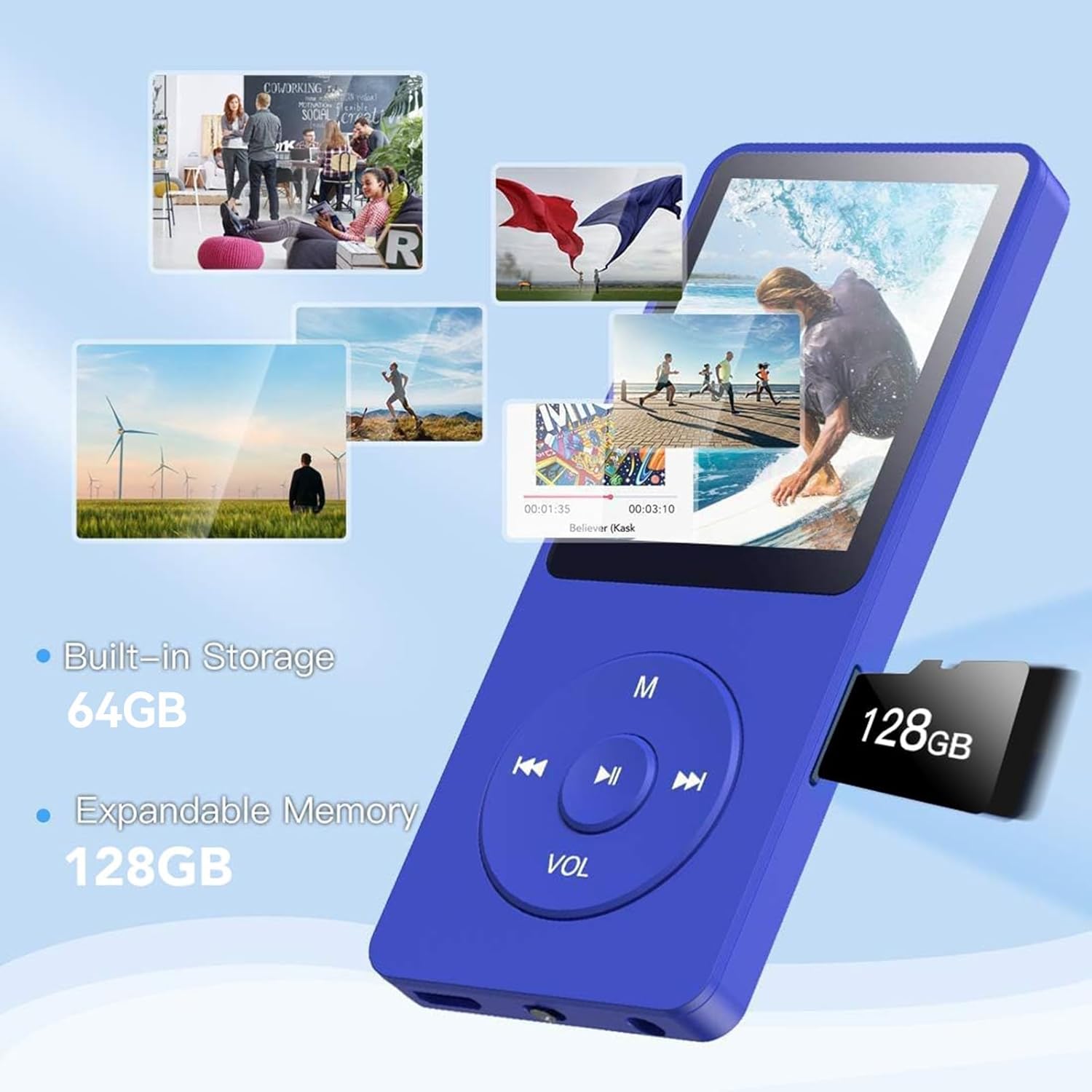
Image: The MP3 player's display showing various music playback modes and folder playback options.
4.3 FM Radio
Access the 'FM Radio' function from the main menu. Ensure headphones are connected as they act as the antenna. You can scan for stations and save your favorites.
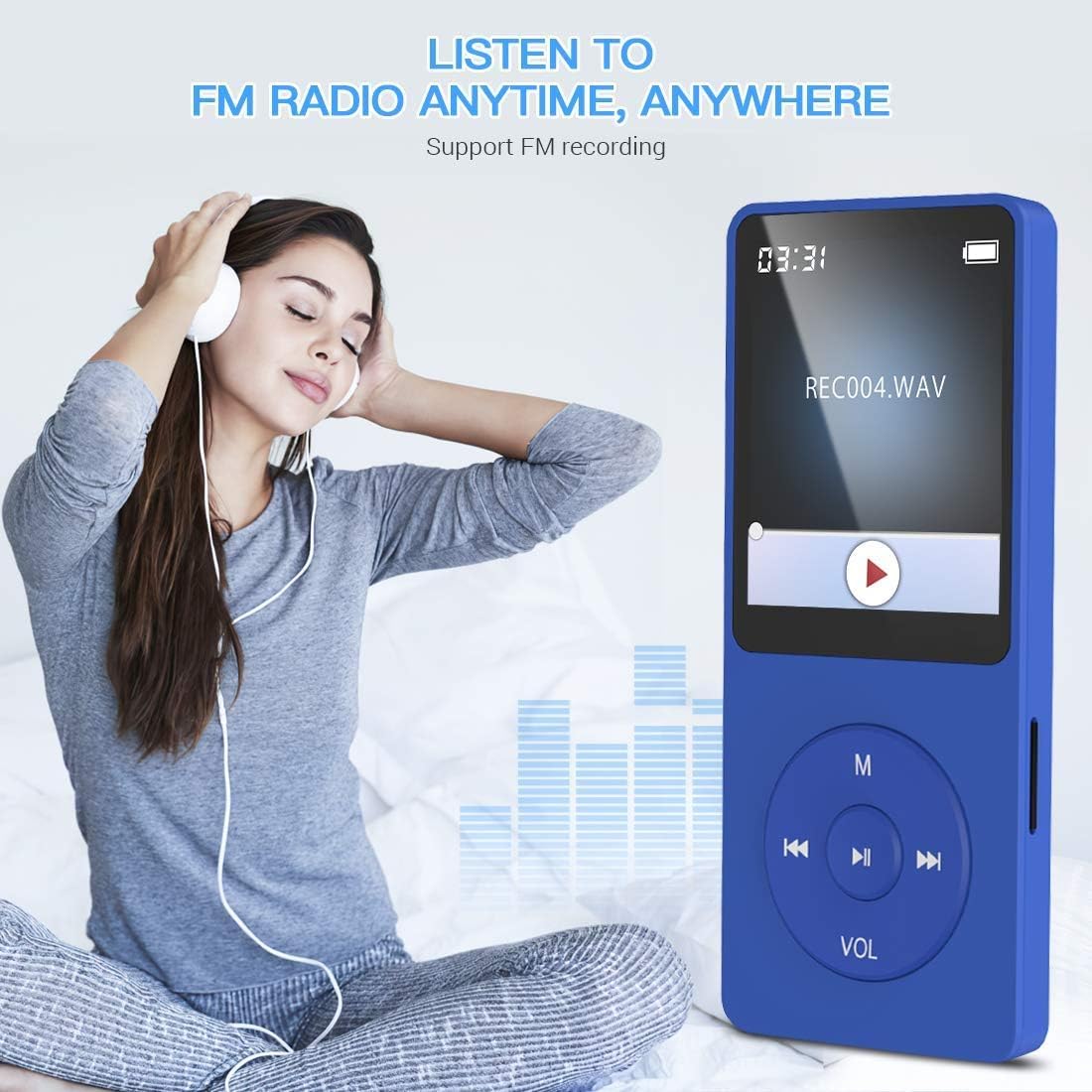
Image: A person listening to FM radio using the AGPTEK A02PL MP3 player with wired headphones.
4.4 Voice Recording
The device includes a voice recording feature. Select 'Recorder' from the main menu to start, pause, and save recordings.

Image: A graphical representation of the microphone icon, indicating the voice recording function of the device.
4.5 E-Book Function
The AGPTEK A02PL supports e-book reading. Transfer compatible text files to the device and access them via the 'e-Books' menu option.
4.6 Connecting to Car Audio via AUX
You can connect your MP3 player to a car's audio system using an AUX cable (included). Plug one end into the MP3 player's headphone jack and the other into your car's AUX input.

Image: The AGPTEK A02PL MP3 player connected to a car's audio system using an AUX cable.
5. Maintenance
5.1 Battery Care
- Avoid fully discharging the battery frequently to prolong its lifespan.
- Charge the device using only the provided USB cable or a certified charger.
- Do not expose the device to extreme temperatures.
5.2 Cleaning
Wipe the device with a soft, dry cloth. Avoid using harsh chemicals or abrasive materials that could damage the screen or casing.
6. Troubleshooting
6.1 Computer Not Recognizing MP3 Player
If your computer fails to recognize the MP3 player, try the following steps:
- Ensure you are using the original USB cable provided with the device. Some cables may only support charging, not data transfer.
- Try connecting to a different USB port on your computer.
- Restart both your computer and the MP3 player.
- Check your computer's Device Manager for any unrecognized devices and update drivers if necessary.
Video: Instructions on how to troubleshoot issues when a computer does not recognize the AGPTEK MP3 player.
6.2 Firmware Update
Periodically, firmware updates may be released to improve device performance or fix bugs. To update the firmware:
- Visit the official AGPTEK website (www.agptek.com).
- Search for your specific model (A02PL) to find the latest firmware package.
- Download the firmware file to your computer.
- Follow the instructions provided with the firmware package for installation. This typically involves connecting the device in a specific mode and using a flashing tool.
7. Specifications
| Feature | Detail |
|---|---|
| Model Name | A02PL |
| Brand | AGPTEK |
| Memory Storage Capacity | 64 GB (expandable up to 128GB via MicroSD card) |
| Connectivity Technology | Aux, USB |
| Battery Life | Up to 70 hours playback |
| Battery Type | 1 Lithium Polymer battery (included) |
| Supported Audio Formats | MP3, WMA, OGG, WAV, APE, FLAC, AAC-LC, ACELP |
| Item Weight | 4.2 ounces |
| Package Dimensions | 7.48 x 5.04 x 0.75 inches |
8. What's in the Box
- AGPTEK A02PL MP3 Player
- USB Cable
- AUX Cable
9. Warranty and Support
AGPTEK provides a 1-Year Warranty for this product. Additionally, customers benefit from Lifetime Technical Support and 7x24 Online Service. For assistance, please visit the official AGPTEK website or contact customer service.


