
Redkey S100
Redkey S100 Cordless Robotic Pool Cleaner
User Manual
Model: S100 | Brand: Redkey
Introduction
Thank you for choosing the Redkey S100 Cordless Robotic Pool Cleaner. This manual provides essential information for the safe and efficient operation, maintenance, and troubleshooting of your new pool cleaner. Please read it thoroughly before first use and keep it for future reference.

Image: The Redkey S100 Robotic Pool Cleaner, showing its compact design and included accessories like the charging adapter and retrieval hook.
The Redkey S100 is designed to provide a hassle-free and efficient cleaning solution for flat-bottom above-ground and in-ground pools up to 1100 sq.ft. Its cordless design eliminates tangled wires, offering superior convenience.
Key Features
- Cordless & Hassle-Free Operation: Enjoy untangled cleaning without the need for messy hoses or power cords. Simply charge, activate, and place in the pool.

Image: A woman relaxing in a pool, illustrating the convenience of the cordless Redkey S100 cleaner, free from tangled wires or hoses.
- Double Powerful Motors & Strong Suction: Equipped with two robust motors, the S100 effectively vacuums leaves, sand, gravel, and even floating algae from the pool floor. The 180μm filter basket ensures efficient debris capture.

Image: An underwater view of the Redkey S100 cleaner, showing debris being powerfully sucked into its filtration system.
- Extended Runtime & Coverage: A built-in 5200mAh high-capacity battery provides up to 130 minutes of uninterrupted cleaning, covering areas up to 1100 sq.ft on a single charge.
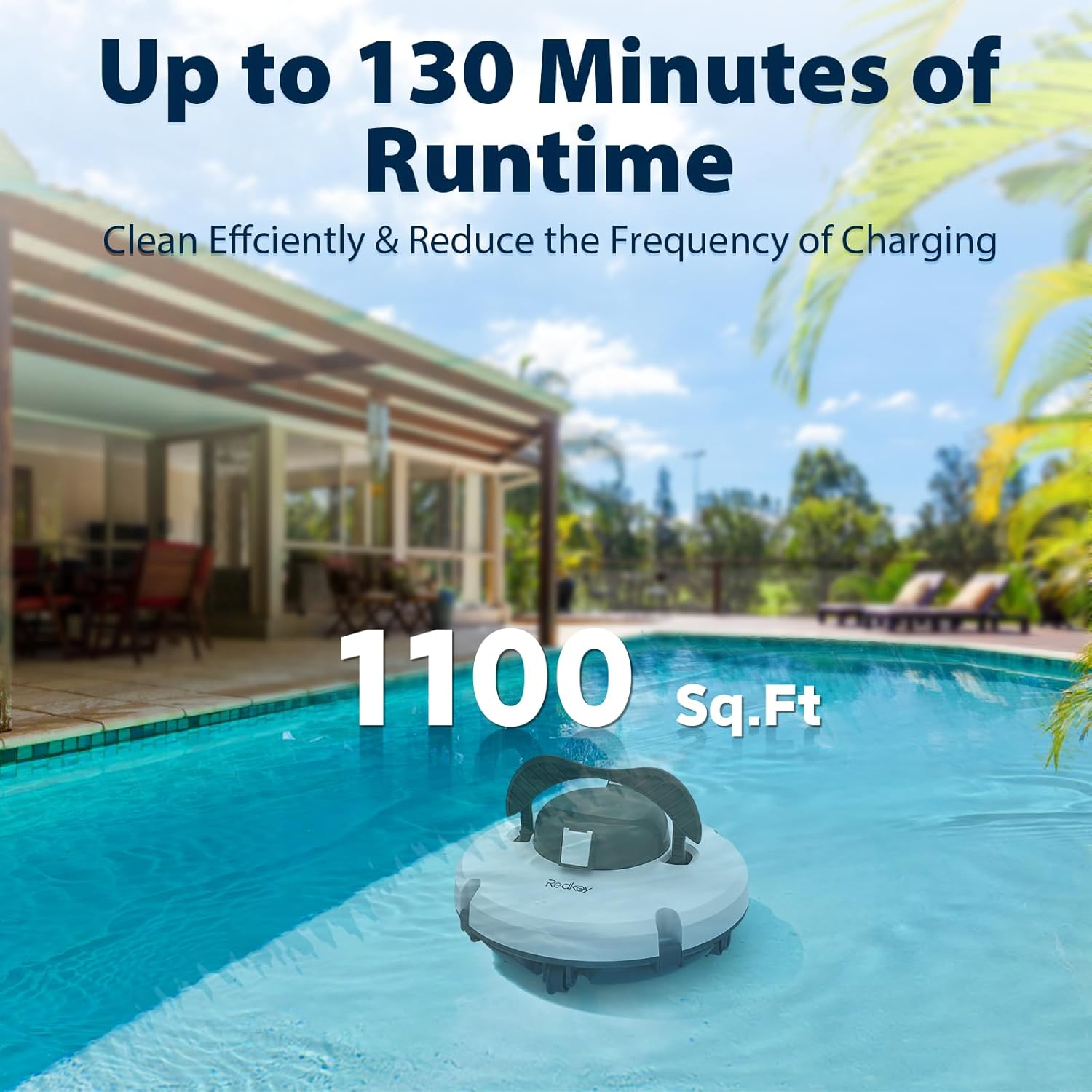
Image: The Redkey S100 cleaner in a spacious pool, with text indicating its 130-minute runtime and ability to clean up to 1100 sq.ft.
- 18° Climbing Ability & Self-Parking Technology: The cleaner can navigate slopes up to 18° and features advanced water sensor technology for quick reversals upon touching pool walls. When cleaning is complete or the battery is low, it automatically docks itself near the pool wall for easy retrieval.

Image: The Redkey S100 cleaner positioned on a sloped pool surface, illustrating its 18-degree climbing capability to avoid getting stuck.

Image: The Redkey S100 cleaner automatically moving towards the pool wall, indicating its self-parking feature when the battery is low or cleaning is complete.
Safety Information
To ensure safe operation and prevent damage to the unit, please observe the following:
- Always fully charge the cleaner before its first use.
- The cleaner is designed to operate only when fully submerged in water. Do not run it dry.
- Ensure the pool is flat-bottomed for optimal performance.
- Regularly clean the filter box to prevent clogging and maintain efficiency.
- If the cleaner is small and light for your pool, consider draining a portion of the water before use to ensure proper contact with the pool floor.
- Keep children and pets away from the pool area during operation.
- Do not attempt to repair or modify the cleaner yourself. Contact customer service for assistance.
What's in the Box
Upon opening your Redkey S100 package, you should find the following components:
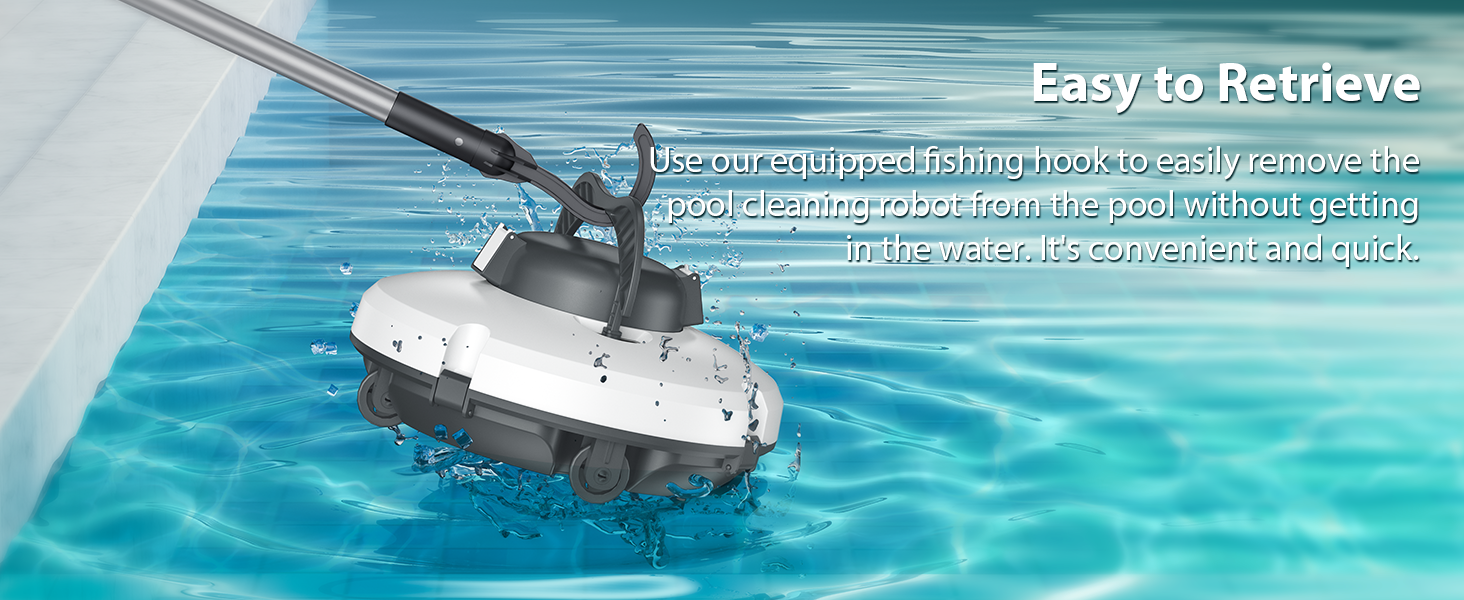
Image: A visual representation of all items included in the Redkey S100 Robotic Pool Cleaner package: the cleaner unit, filter basket, charger, retrieval hook, two brushes, and the user manual.
- 1 x Redkey S100 Robotic Pool Cleaner
- 1 x Filter Basket
- 1 x Charger
- 1 x Retrieval Hook
- 2 x Brushes
- 1 x User Manual (this document)
Setup
Follow these steps to prepare your Redkey S100 for its first use:
- Charge the Cleaner: Connect the charger to the cleaner and a power outlet. Ensure the cleaner is fully charged before its initial operation. A full charge typically takes 3-4 hours.

Image: The Redkey S100 cleaner plugged into a power source, illustrating its fast charging capability within 3-4 hours.
- Install Bottom Scrapers (if not pre-installed): Locate the bottom scrapers and insert them into the designated slots on the underside of the cleaner. Ensure they are securely in place.
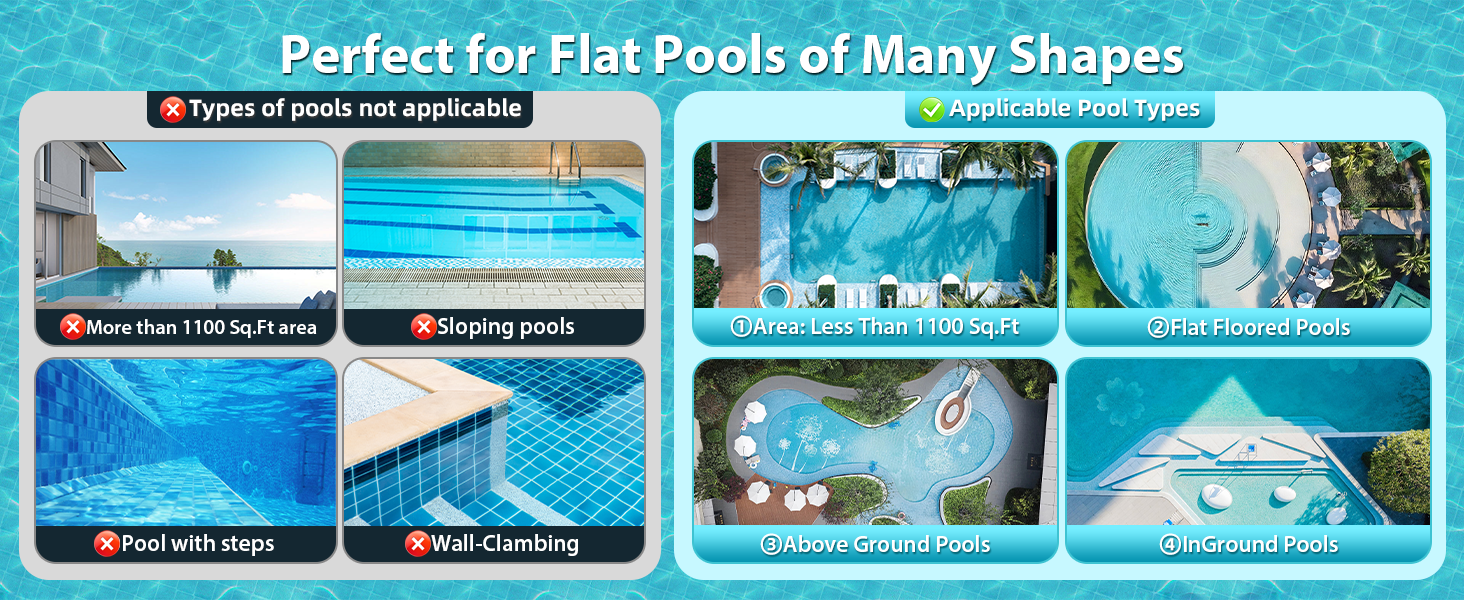
Image: A multi-step visual guide showing the installation of the bottom scraper (Step 1), activating the cleaner (Step 2), placing it in the pool (Step 3), retrieval (Step 4), and cleaning the filter (Step 5 & 6).
Operation
Operating your Redkey S100 is simple:
- Activate the Cleaner: Press the power button located on the underside of the unit. You may hear an audible confirmation.
- Place in Pool: Gently lower the cleaner into the pool. The automatic cleaning function will begin once the unit is fully submerged.
Video: This video demonstrates the Redkey S100 Cordless Pool Vacuum in action, showing its activation, placement in the pool, cleaning path, and self-parking feature. It highlights the ease of use and efficient debris collection.
- Cleaning Cycle: The S100 will autonomously navigate the pool floor, collecting debris. Its physical auto-turnaround mechanism ensures it covers the entire flat surface.
- Self-Parking & Retrieval: Once the cleaning cycle is complete or the battery is low, the cleaner will automatically move to the nearest pool wall. Use the provided retrieval hook to easily lift the cleaner out of the water without getting wet.
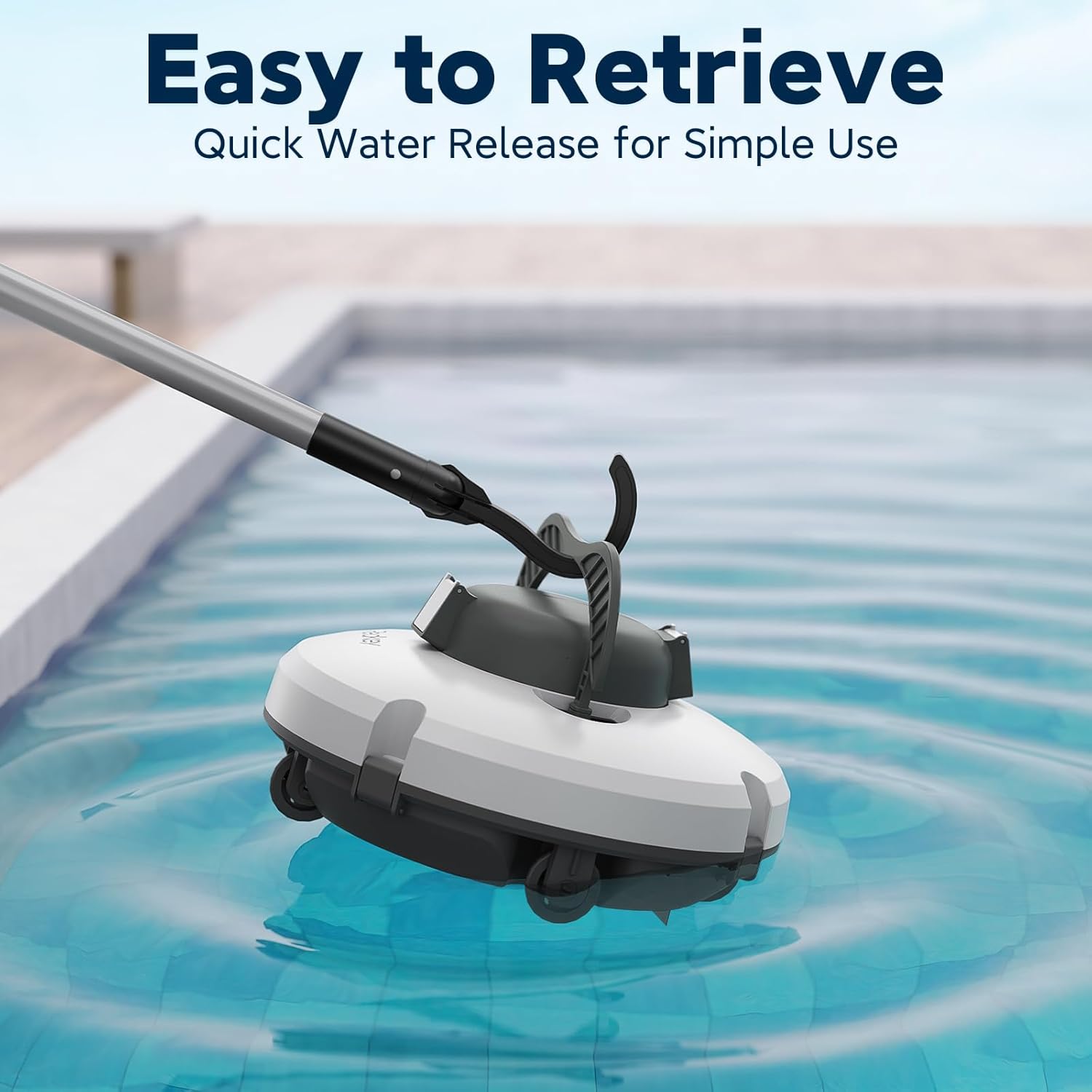
Image: A person using a long retrieval hook to easily lift the Redkey S100 cleaner from the pool, demonstrating the convenience of its self-parking feature.
Maintenance
Regular maintenance ensures optimal performance and longevity of your Redkey S100:
- Clean the Filter Basket: After each use, remove the filter basket from the cleaner. Dispose of collected debris and rinse the filter thoroughly with a hose until clean. The filter is designed for easy removal and cleaning.
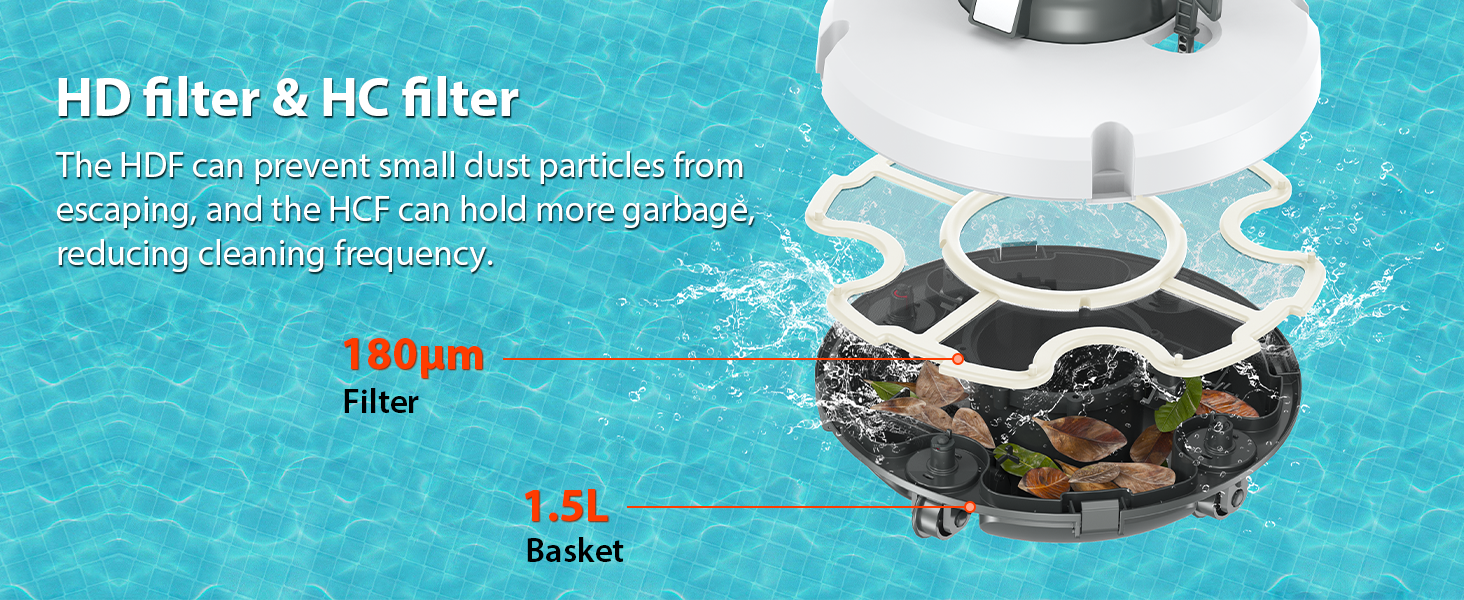
Image: An exploded view diagram of the Redkey S100's filtration system, highlighting the 180μm filter and 1.5L basket, designed to prevent debris leakage and reduce cleaning frequency.
Image: A visual guide demonstrating the process of removing and rinsing the filter basket of the Redkey S100 cleaner.
- Clean the Unit Exterior: Rinse the exterior of the cleaner with fresh water to remove any pool chemicals or residue. Do not use harsh chemicals or abrasive materials.
- Storage: Store the cleaner in a cool, dry place away from direct sunlight and extreme temperatures when not in use. Ensure it is clean and dry before storage.
Troubleshooting
If you encounter any issues with your Redkey S100, please refer to the table below:
| Problem | Possible Cause | Solution |
|---|---|---|
| Cleaner does not turn on. | Battery is low or depleted. | Charge the cleaner fully (3-4 hours). |
| Cleaner stops prematurely. | Battery is low; Filter basket is clogged. | Recharge the cleaner; Clean the filter basket. |
| Poor cleaning performance. | Filter basket is full or clogged; Scrapers are worn or damaged. | Clean the filter basket; Inspect and replace scrapers if necessary. |
| Cleaner gets stuck. | Obstacle in pool; Pool surface not flat. | Remove obstacles; Ensure pool is suitable for flat-bottom cleaners. |
| Cleaner does not self-park. | Water sensor obstructed; Unit malfunction. | Clean water sensors; Contact customer service if issue persists. |
If the problem persists after attempting these solutions, please contact Redkey customer support.
Specifications
| Feature | Detail |
|---|---|
| Model Name | S100 |
| Brand | Redkey |
| Product Dimensions | 13.8 x 7.08 x 13.4 inches |
| Item Weight | 9.09 pounds |
| Power Source | Battery Powered |
| Battery Type | 1 Lithium Ion battery (included) |
| Battery Capacity | 5200mAh |
| Lithium Battery Voltage | 12.6 Volts |
| Lithium Battery Energy Content | 36.72 Watt Hours |
| Runtime | Up to 130 minutes |
| Charging Time | 3-4 hours |
| Max Cleaning Area | 1100 sq.ft |
| Max Slope Angle | 18° |
| Filter Mesh Size | 180μm |
| Color | Gray |
Warranty and Support
Redkey offers comprehensive support for your S100 Robotic Pool Cleaner:
- Warranty: The product comes with a 2-year product protection. No repairs are needed within this period for covered issues.
- Customer Service: For any questions, concerns, or technical assistance, please contact our customer service team. We are available 24/7 to provide top-notch support.
You can reach us via your Amazon account:
Account > Orders > Order Detail > by: JS-Damai > Ask a question
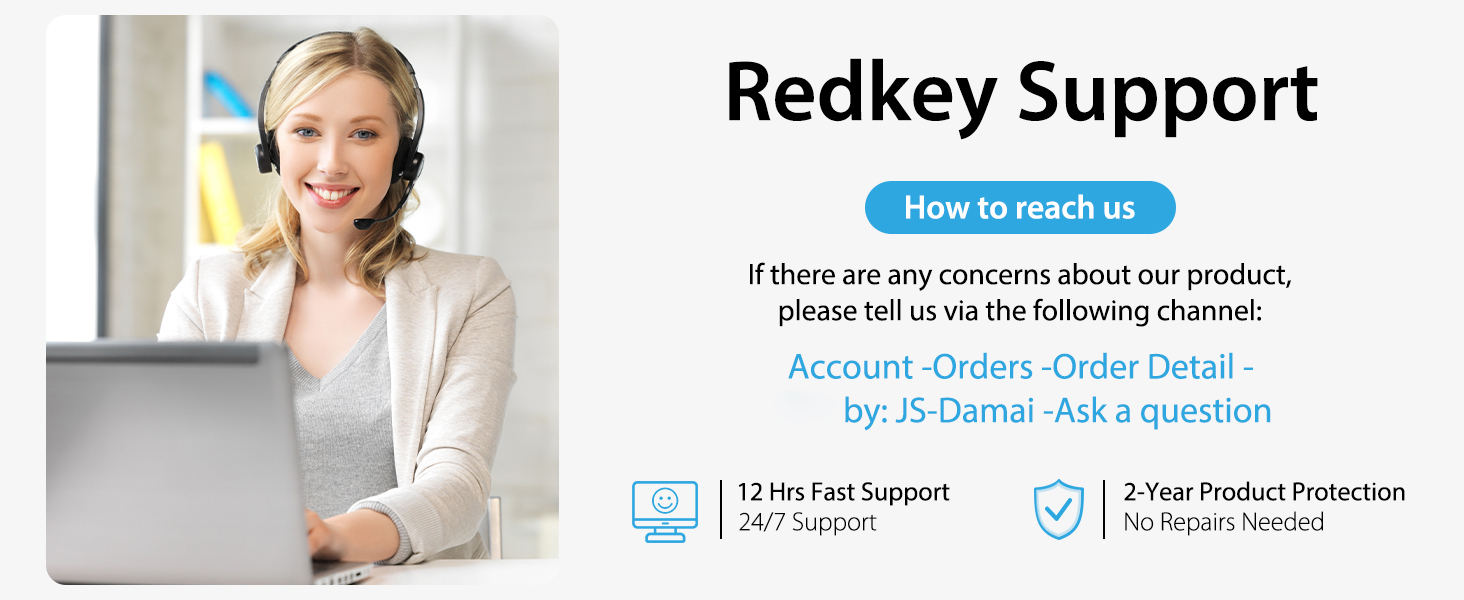
Image: Redkey customer support details, highlighting 12 hours fast support and 2-year product protection.
Related documentsS100


Ask a question about this manual
Ask about setup, troubleshooting, compatibility, parts, safety, or missing instructions. Manuals+ will review the question and use this page’s manual context to help answer it.