
1. Introduction
Thank you for choosing the Mophie powerstation prime20. This ultra-compact portable power bank is designed to provide reliable power for your mobile devices on the go. With a 20,000mAh internal battery, 18W USB-C PD fast charging, and the ability to charge up to three devices simultaneously, it ensures you stay connected throughout your day. This manual provides essential information for the safe and efficient use of your powerstation prime20.
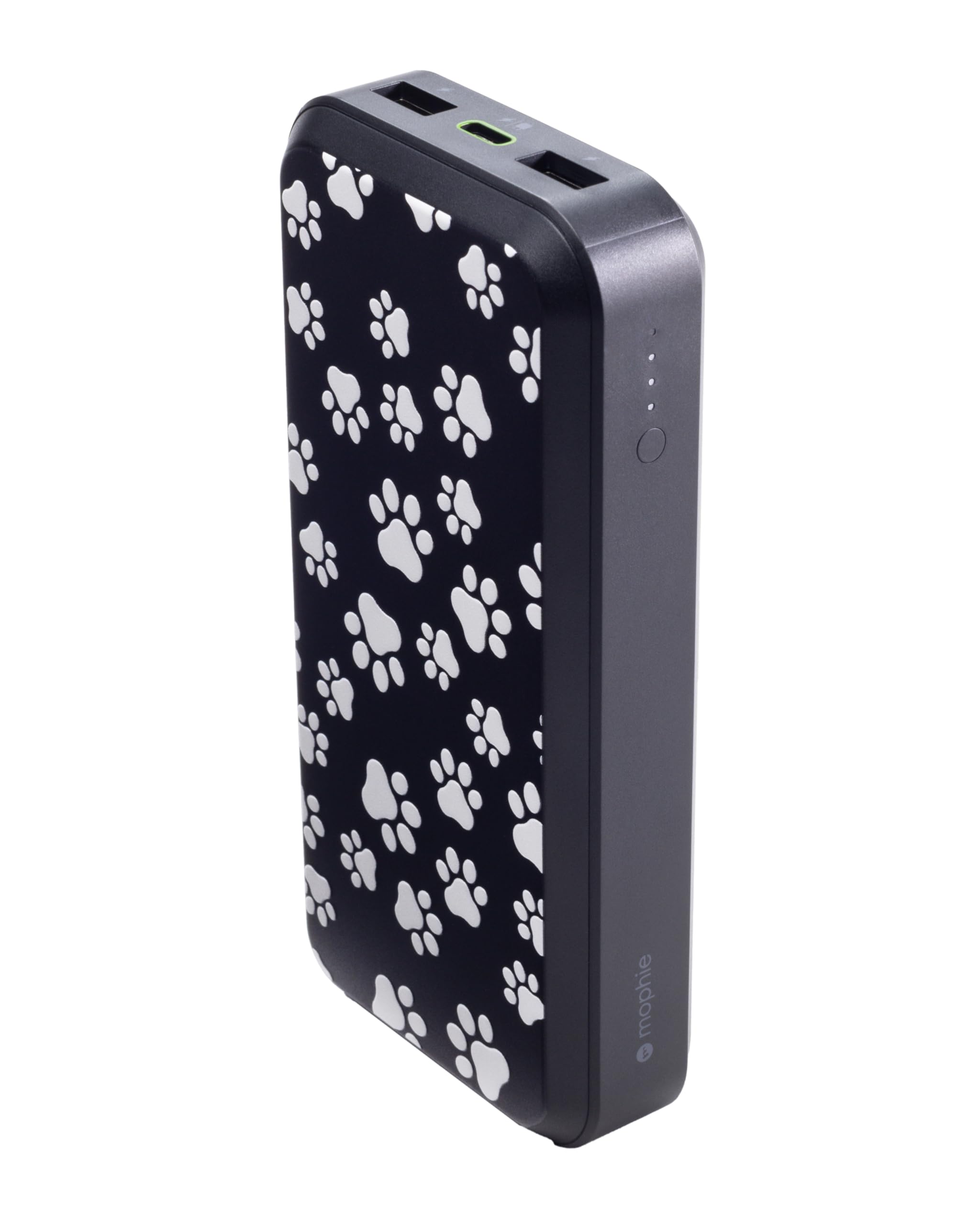
Image 1: Mophie powerstation prime20 with Dog Paws design.
2. Product Overview
The Mophie powerstation prime20 features multiple ports and an LED indicator for convenient power management.
- 20,000mAh Internal Battery: Provides extended battery life for your devices.
- 18W USB-C PD Fast Charging: Rapidly charges compatible devices.
- Multi-Device Charging: One USB-C port and two USB-A ports allow simultaneous charging of up to three devices.
- LED Power Indicator: Displays charging status and current battery level.
- Sustainable Design: Crafted from up to 50% post-consumer recycled plastics.

Image 2: Front view of the powerstation prime20, highlighting its ports and LED indicators.
3. Package Contents
Ensure all items are present in the package:
- Mophie powerstation prime20
- 1M USB-C to USB-C 60W TPE Cable
- Quick Start Guide (not included in this manual)
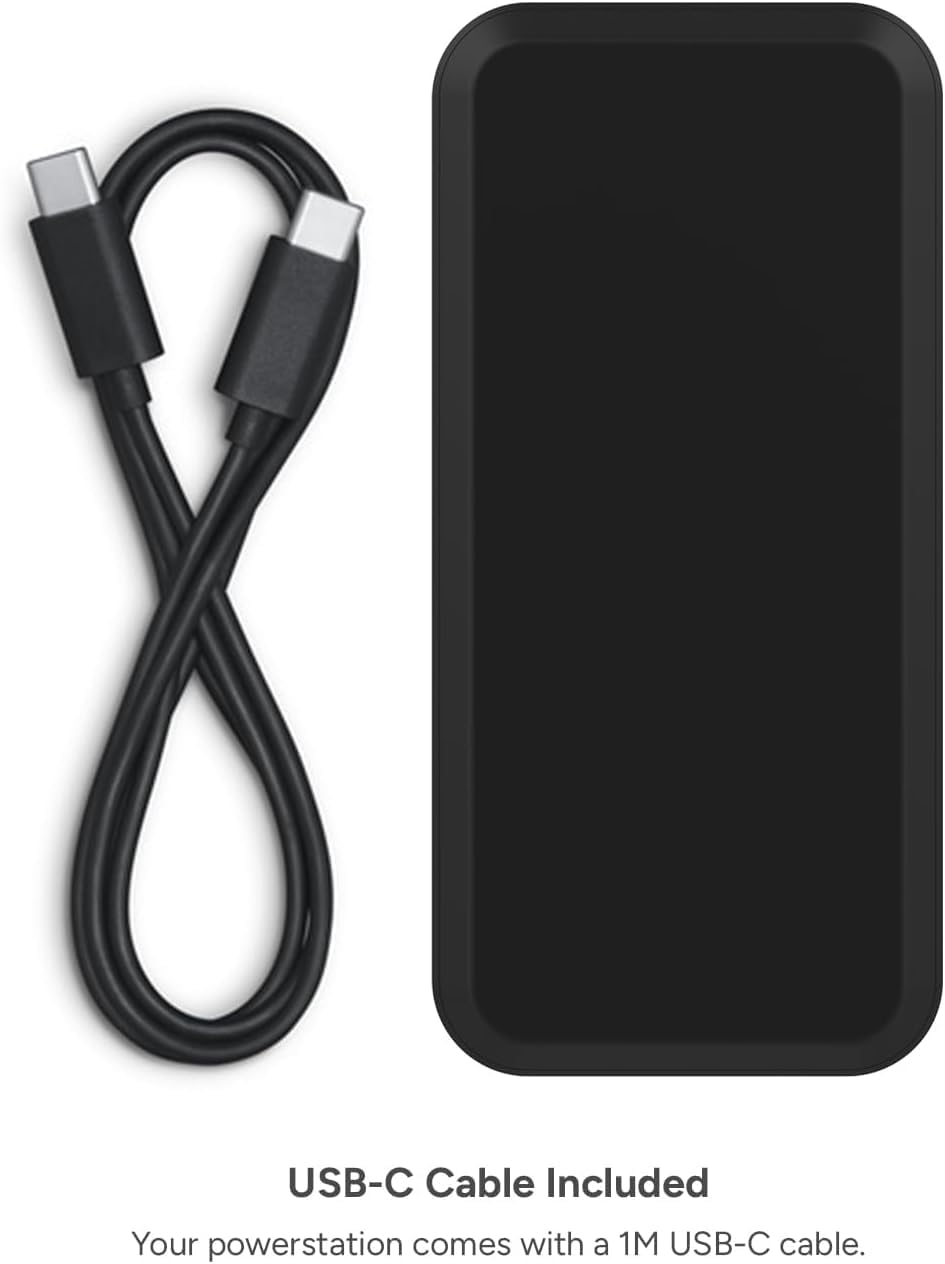
Image 3: The powerstation prime20 alongside its included 1M USB-C cable.
4. Setup and Initial Charge
Before using your powerstation prime20 for the first time, it is recommended to fully charge it.
- Connect the included USB-C cable to the USB-C PD port on the power bank.
- Connect the other end of the USB-C cable to a compatible USB-C wall adapter (not included).
- The LED power indicator lights will illuminate, indicating the charging progress. All four lights will be solid when fully charged.
Note: For optimal charging speed, use an 18W or higher USB-C PD wall adapter.
5. Operating Instructions
5.1 Charging Your Devices
The powerstation prime20 can charge up to three devices simultaneously.
- Connect your device's charging cable to one of the available USB-C PD or USB-A ports on the power bank.
- Connect the other end of the cable to your device.
- The power bank will automatically begin charging your device. If it does not, press the power button once to initiate charging.

Image 4: The powerstation prime20 charging an iPad, iPhone, and AirPods at the same time.
The USB-C PD port offers 18W fast charging for compatible devices, while the two USB-A ports provide standard charging. When all ports are used, the combined output is 15W.
5.2 LED Power Indicator
The four LED lights on the side of the power bank indicate the battery level and charging status.
- Press the power button once: To check the current battery level.
- Solid LEDs: Indicate remaining battery capacity.
- Flashing LEDs: Indicate the power bank is currently charging.
- All LEDs off: Power bank is off or fully discharged.

Image 5: Close-up view of the LED power indicator lights on the powerstation prime20.
6. Safety Information
- Do not expose the power bank to extreme temperatures (above 45°C or below 0°C).
- Do not disassemble or attempt to repair the device.
- Keep away from water and high humidity.
- Do not drop, puncture, or apply excessive force to the power bank.
- Dispose of the power bank responsibly according to local regulations.
- Keep out of reach of children.
7. Maintenance
- Clean the power bank with a soft, dry cloth. Do not use harsh chemicals or abrasive materials.
- Store the power bank in a cool, dry place when not in use.
- For optimal battery life, fully charge and discharge the power bank at least once every three months.
8. Troubleshooting
| Problem | Possible Cause | Solution |
|---|---|---|
| Power bank not charging | Cable or adapter issue; power bank fully charged. | Check cable and adapter connections. Try a different cable/adapter. Ensure power bank is not already full. |
| Device not charging from power bank | Power bank discharged; incorrect cable; device not compatible. | Recharge power bank. Use a compatible charging cable for your device. Ensure device is compatible with USB charging. Press power button to initiate charging. |
| Slow charging | Non-fast charging cable/adapter; multiple devices connected. | Use an 18W USB-C PD adapter and cable for fast charging. Disconnect other devices for faster single-device charging. |
9. Specifications
| Feature | Detail |
|---|---|
| Model Number | PS-PRIME-20 |
| Battery Capacity | 20,000mAh |
| Battery Cell Type | Lithium Ion |
| Connector Type | USB Type A, USB Type C |
| Number of Ports | 3 (1x USB-C PD, 2x USB-A) |
| USB-C PD Output | 18W |
| Combined Output | 15W (when all ports are used) |
| Special Features | Fast Charging, LED Indicator Lights |
| Dimensions (L x W x Th) | 6.93" x 3.94" x 1.77" |
| Item Weight | 14.81 ounces (approx. 420 grams) |
| Material | Up to 50% post-consumer recycled plastics |
10. Warranty and Support
The Mophie powerstation prime20 comes with a 2-year manufacturer's warranty.
For warranty claims or technical support, please visit the official Mophie website or contact their customer service. Keep your proof of purchase for warranty validation.
Online Support: www.mophie.com/support
11. Product Video
Watch the official product video for a visual guide on the Mophie powerstation prime20's features and usage.
Video 1: Official Mophie powerstation prime20 product overview. This video demonstrates the power bank's charging capabilities and features.


