
1. Introduction
Thank you for choosing the RDINSCOS MT18C1 Professional Pin-Type Moisture Meter. This device is designed for accurate and reliable measurement of moisture content in various materials such as wood, walls, plaster, and masonry. Its high-sensitivity metal probes ensure precise readings, making it an essential tool for construction, renovation, and property maintenance. This manual provides detailed instructions for safe operation, setup, and maintenance of your device.
2. Safety Information
- Keep the device out of reach of children. The sharp pins can cause injury.
- Do not attempt to measure live electrical circuits. This device is not designed for electrical testing.
- Avoid using the device in extremely wet or humid environments to prevent damage.
- Do not disassemble or modify the device. Repairs should only be performed by qualified personnel.
- Remove batteries if the device will not be used for an extended period to prevent leakage.
3. Package Contents
Please check the package for the following items:
- 1 x RDINSCOS MT18C1 Pin-Type Moisture Meter
- 2 x AAA Batteries
- 1 x User Manual

Image: Contents of the RDINSCOS MT18C1 package, including the moisture meter, two AAA batteries, and the user manual.
4. Product Overview
The RDINSCOS MT18C1 is a professional moisture meter featuring a clear color display and highly sensitive metal probes for accurate measurements. It includes various modes for different materials and an automatic alarm function.
Key Features:
- High Accuracy: Two highly sensitive metal probes ensure maximum accuracy (Precision: ±0.5%).
- Multi-Material Measurement: Suitable for wood, paper, walls, plaster, and masonry.
- Color Backlight Display: Red, orange, and green backlights indicate high, medium, and low moisture content respectively.
- Automatic Alarm: Alerts for high moisture readings.
- Data Hold Function: Press the HOLD button to lock the screen reading.
- Automatic Shut-off: Powers off automatically after five minutes of inactivity to save battery.
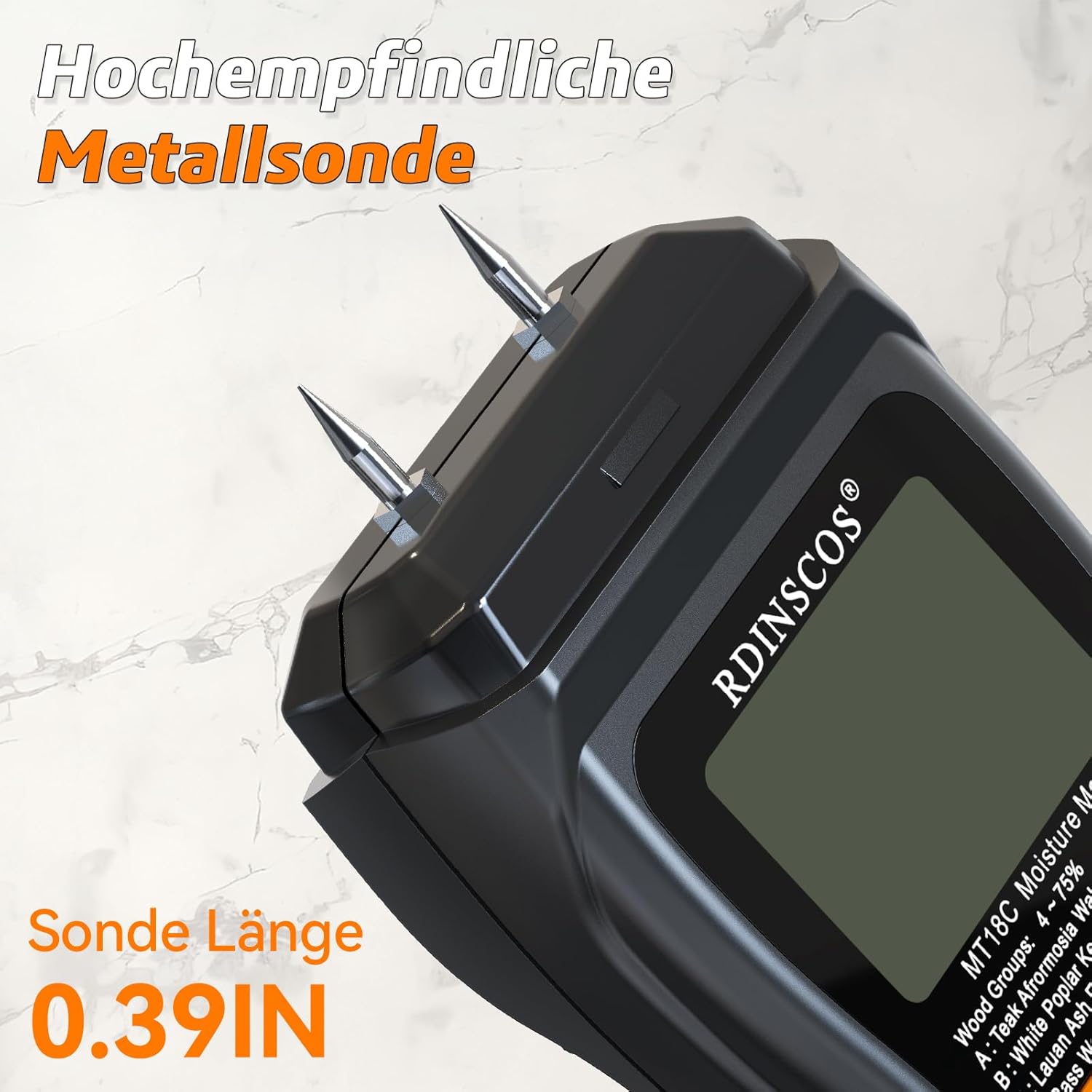
Image: A close-up view of the highly sensitive metal probes (pins) on the RDINSCOS MT18C1 moisture meter, designed for accurate penetration into materials.
5. Setup
Battery Installation:
- Locate the battery compartment cover on the back of the device.
- Slide or open the cover.
- Insert two AAA batteries, ensuring correct polarity (+/-).
- Close the battery compartment cover securely.
6. Operating Instructions
6.1 Power On/Off:
Press the power button (U) to turn the device on. The display will light up. To turn off, press and hold the power button, or the device will automatically shut off after 5 minutes of inactivity.

Image: The moisture meter displaying its automatic shut-off feature, indicating power saving functionality.
6.2 Mode Selection:
The device has different modes for various materials. Press the WOOD or PAPER/WALL button to switch between measurement modes:
- WOOD Mode: For measuring moisture content in wood and wood-based materials.
- PAPER Mode: For measuring moisture content in paper and cardboard.
- WALL Mode: For measuring moisture content in walls, plaster, and masonry.

Image: The moisture meter's display highlighting the different material modes (wood, paper, wall) and the button for switching between them.
6.3 Taking a Measurement:
- Select the appropriate material mode.
- Carefully press the metal pins into the material to be tested with moderate pressure. Ensure both pins are fully inserted and in contact with the material.
- The moisture content percentage will be displayed on the screen.

Image: The RDINSCOS MT18C1 moisture meter in use, showing its pins inserted into a piece of wood and displaying a moisture reading of 24.7%.

Image: The RDINSCOS MT18C1 moisture meter being used to measure moisture in a wall with visible damage, displaying a reading of 8.7%.
6.4 Hold Function:
Press the HOLD button to freeze the current reading on the display. Press it again to release the hold and resume live measurement.

Image: The moisture meter's display with the 'HOLD' function activated, indicated by a lock icon, freezing the current moisture reading.
6.5 Automatic Alarm and Color Display:
The device features a color-coded backlight and an automatic alarm to indicate moisture levels:
- Green Backlight: Indicates low moisture content.
- Orange Backlight: Indicates medium moisture content.
- Red Backlight: Indicates high moisture content, accompanied by an automatic alarm.

Image: The RDINSCOS MT18C1 moisture meter's display illustrating the red, orange, and green backlight indicators corresponding to high, medium, and low moisture levels, respectively.

Image: The moisture meter's display demonstrating the automatic alarm feature with color-coded indicators for various moisture thresholds.
7. Measurement Tips
- For best results, push the pins deep into the material. Ensure the pins are in full contact with the material (wall, wood, or hardwood).
- Avoid shaking the device while taking a reading.
- If the reading is 0, it may indicate that the material is extremely dry, acting as an insulator, and not conducting electricity.
- The pin-type meter is ideal for wood and wood-based materials as the pins penetrate to measure internal moisture accurately.
- Be aware that the pins may leave small holes in the material. If non-invasive measurement is required, consider a pinless moisture meter.
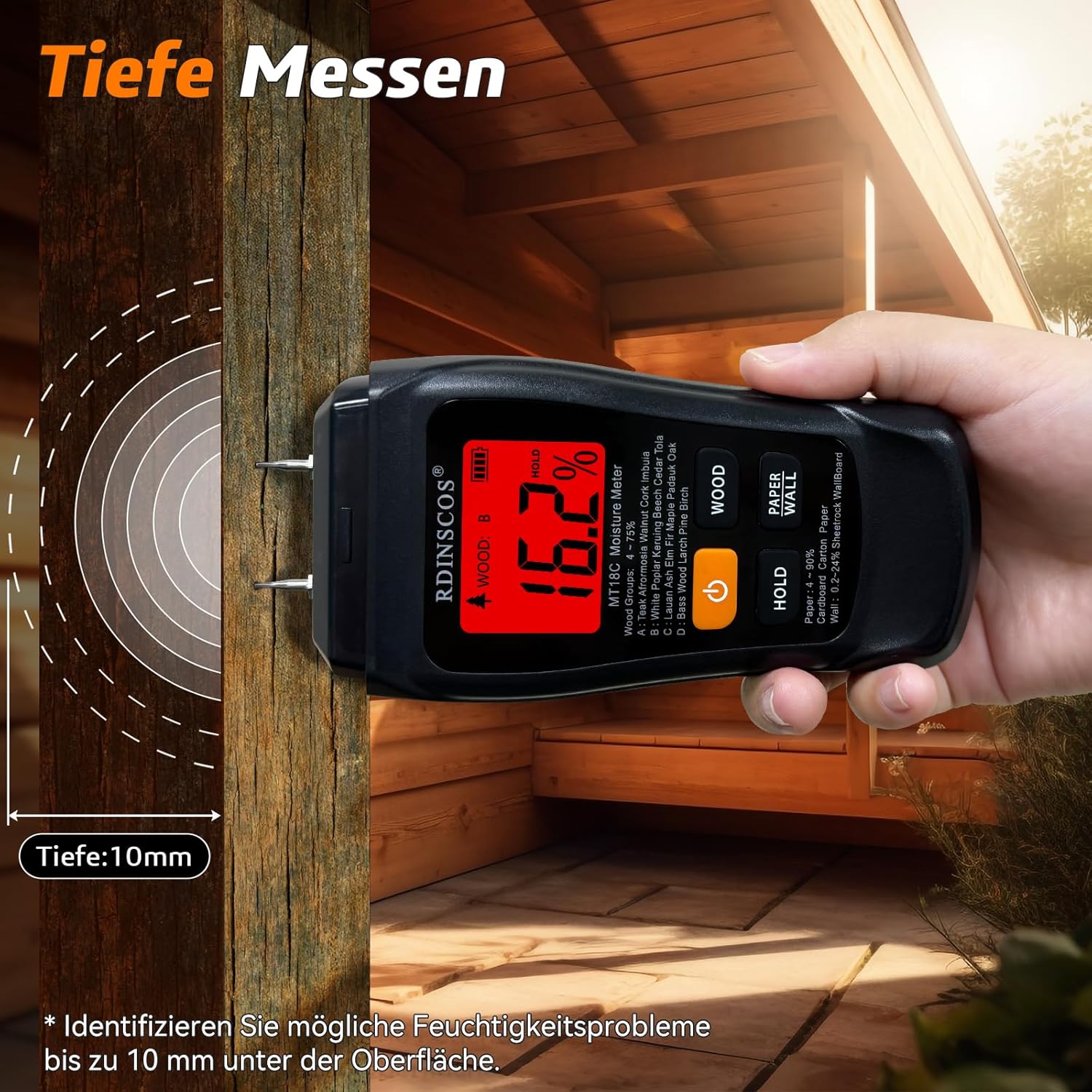
Image: The RDINSCOS MT18C1 moisture meter demonstrating its ability to measure moisture up to 10mm deep into a wooden beam, helping identify hidden moisture issues.

Image: The moisture meter's pins are shown pressed deeply into a cross-section of wood, emphasizing the importance of full pin insertion for reliable readings.
8. Maintenance
- Clean the device with a soft, dry cloth. Do not use abrasive cleaners or solvents.
- Ensure the pins are clean and free of debris after each use.
- Store the device in a dry, cool place, away from direct sunlight and extreme temperatures.
- If the pins become dull or damaged, they may affect measurement accuracy. Contact customer support for replacement options.
9. Troubleshooting
Common Issues and Solutions:
| Problem | Possible Cause | Solution |
|---|---|---|
| Device does not power on. | Low or dead batteries; incorrect battery installation. | Replace batteries with new AAA batteries; ensure correct polarity. |
| Inaccurate readings. | Pins not fully inserted; wrong material mode selected; pins are dirty or damaged. | Ensure pins are fully inserted; select correct mode (Wood, Paper, Wall); clean or replace pins. |
| Display shows '0' consistently. | Material is extremely dry or non-conductive. | Test on a known moist material to verify device function. |
| Alarm sounds frequently. | High moisture content detected. | This indicates the device is functioning correctly and detecting high moisture. |
10. Specifications
| Feature | Specification |
|---|---|
| Product Type | Pin-type Moisture Detector |
| Measurement Range | Wood: 4-75%; Paper: 4-90%; Wall: 0.2-24% |
| Accuracy | ±0.5% |
| Resolution | 0.1% |
| Automatic Shut-off | After approximately 5 minutes |
| Electrode Pin Length | 10mm (0.4") |
| Audible Alarm | Wood > 12%; Paper > 13%; Wall > 7% |
| Display | Color Backlit Display |
| Operating Temperature | 0-40°C (32-104°F) |
| Product Dimensions | 145 x 67 x 32mm (5.7" x 2.6" x 1.3") |
| Weight | 122g (4.3oz) |
| Battery | 2 x AAA Batteries |

Image: A detailed table outlining the technical specifications of the RDINSCOS MT18C1 moisture meter, including measurement ranges, accuracy, and dimensions.
11. Warranty and Support
RDINSCOS is committed to providing high-quality products and excellent customer service.
Warranty:
This product comes with a 3-year warranty from the date of purchase, covering manufacturing defects and malfunctions under normal use.
Return Policy:
We offer a 30-day free return policy. Please refer to your retailer's specific return guidelines for details.
Customer Support:
If you encounter any issues or have questions regarding the use of your RDINSCOS MT18C1 moisture meter, please do not hesitate to contact us. Our support team is available to provide online assistance within 24 hours.
You can reach us via the contact information provided in your purchase documentation or through the seller's store on Amazon.


