
BlueAnt PUMPX-BK
BlueAnt Pump X Wireless Over-Ear Headphones User Manual
Model: PUMPX-BK
Introduction
Welcome to the BlueAnt Pump X Wireless Over-Ear Headphones user manual. These headphones are designed for an active lifestyle, featuring robust construction, powerful audio, and advanced noise control. This manual provides essential information for setting up, operating, and maintaining your headphones.
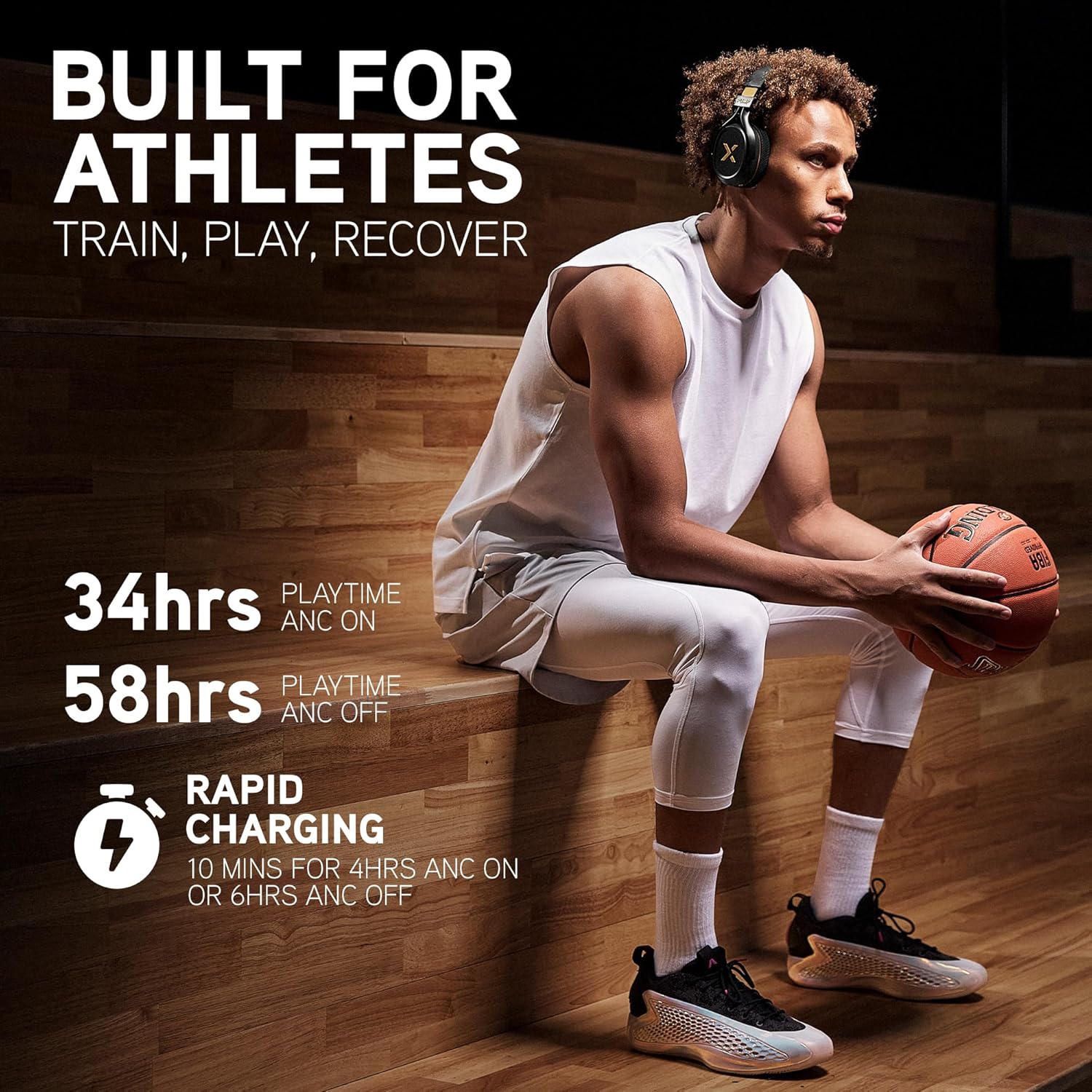
Image: BlueAnt Pump X headphones worn by an athlete, highlighting battery life (34 hours with ANC, 58 hours without ANC) and rapid charging capabilities (10 minutes for 4-6 hours playtime).
What's in the Box
Ensure all items are present before proceeding with setup:
- Pump X Headphones
- Cooling Gel Ear Pads (interchangeable)
- Everyday Ear Pads (fitted)
- Braided USB-C to USB-C Audio | Charging Cable
- Protective Case
Video: An unboxing of the BlueAnt Pump X headphones, showing the contents of the package including the headphones, interchangeable ear pads, charging cable, and protective case.
Product Overview
The BlueAnt Pump X headphones are engineered for performance and comfort, especially during physical activity. Key features include:
- Interchangeable Ear Cups: Comes with both standard and cooling gel ear pads for versatile use and comfort during intense workouts.
- Active Noise Cancelling (ANC): Reduces up to 35dB of ambient noise, allowing for focused listening.
- Advanced Transparency Mode: Amplifies surrounding sounds for increased awareness when needed.
- Powerful Audio: Boosts output and enhances bass for an energetic sound experience.
- Durable and Sweat-Resistant: Designed to withstand rigorous workouts.
- Intuitive Controls: Tactile buttons provide easy access to functions.

Image: A detailed diagram illustrating the construction of the cooling gel ear pads, showing layers of listening space, memory foam, cooling gel, and fabric for enhanced comfort and temperature regulation.

Image: An exploded view of the Pump X headphones, detailing the internal components, including drivers, circuit boards, and the overall build design, emphasizing precision engineering.
Setup
1. Charging the Headphones
Before first use, fully charge your Pump X headphones. Use the provided USB-C cable to connect the headphones to a compatible USB power source.
- Connect the USB-C cable to the charging port on the headphones.
- Connect the other end of the cable to a USB wall adapter or a computer's USB port.
- The LED indicator will show charging status (refer to the LED indicator section for details).
- A full charge provides up to 58 hours of playtime (ANC off) or 34 hours (ANC on).
2. Bluetooth Pairing
To connect your headphones to a device via Bluetooth:
- Ensure the headphones are powered off.
- Press and hold the Power button until the LED indicator flashes blue and red, indicating pairing mode.
- On your device (smartphone, tablet, computer), go to Bluetooth settings and enable Bluetooth.
- Select "BlueAnt Pump X" from the list of available devices.
- Once connected, the LED indicator will show a solid blue light or flash blue slowly.
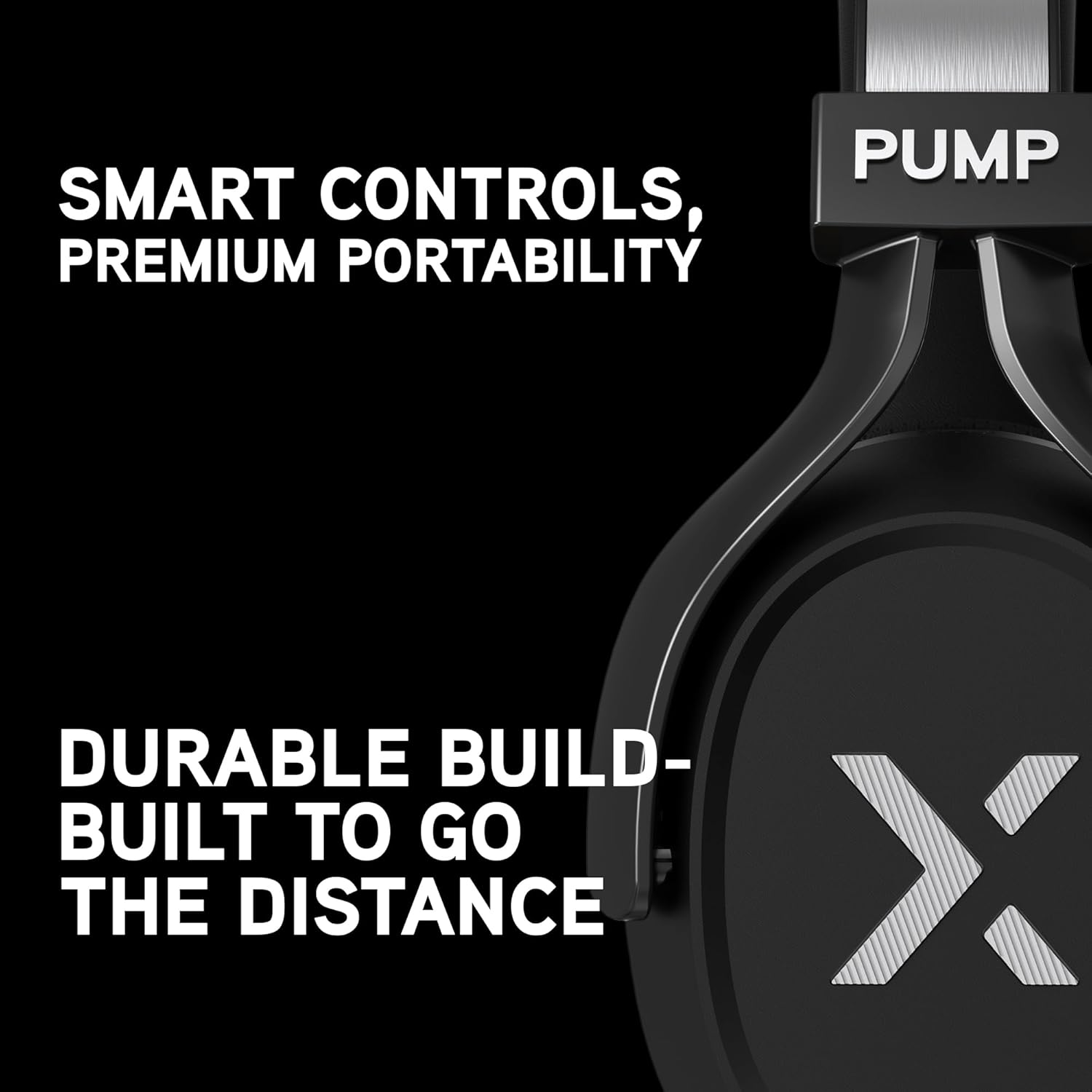
Image: A close-up view of the BlueAnt Pump X headphone ear cup, highlighting the power button, USB-C port, and the durable design, emphasizing smart controls and portability.
Operating the Headphones
Power On/Off
- Power On: Press and hold the Power button for 2 seconds.
- Power Off: Press and hold the Power button for 3 seconds.
Active Noise Cancelling (ANC) & Transparency Mode
The Pump X headphones feature both Active Noise Cancelling and Advanced Transparency modes to control your listening environment.
- Activate/Deactivate ANC: Press the ANC button once.
- Activate Transparency Mode: Press the ANC button twice quickly.
- Switch between modes: Continue pressing the ANC button to cycle through ANC On, Transparency Mode, and ANC Off.

Image: A woman wearing BlueAnt Pump X headphones, illustrating the concept of silencing external noise to stay focused on audio.
Video: A demonstration of switching between different audio modes, such as "Street Mode" and "Court Mode," likely referring to transparency and noise-cancelling modes for different environments.
Video: A short clip emphasizing the noise-cancelling capabilities of the headphones, with the tagline "Silence the Noise, Feel the Sound."
Music Playback & Call Management
Use the intuitive controls on the ear cup for media and calls:
- Play/Pause: Single press the multi-function button (often the 'X' logo).
- Next Track: Double press the multi-function button.
- Previous Track: Triple press the multi-function button.
- Answer/End Call: Single press the multi-function button during an incoming call or active call.
- Reject Call: Press and hold the multi-function button during an incoming call.
- Volume Up/Down: Use the dedicated volume buttons.
Maintenance
Cleaning Your Headphones
To ensure longevity and hygiene, regularly clean your headphones:
- Wipe the ear cups and headband with a soft, damp cloth.
- Avoid using harsh chemicals or abrasive materials.
- Ensure the headphones are dry before storing or charging.
Changing Ear Pads
The Pump X headphones come with interchangeable ear pads (Everyday and Cooling Gel) for different activities.
- Gently pull the current ear pad away from the ear cup to detach it.
- Align the new ear pad with the ear cup, ensuring the 'L' (left) or 'R' (right) indicator matches.
- Press firmly around the edges of the ear pad until it clicks securely into place.
Video: An unboxing video that also demonstrates the easy-swap feature of the cooling gel ear pads, showing how to remove and attach them to the headphones.
Troubleshooting
No Power
- Ensure the headphones are fully charged. Connect to a power source and check the charging indicator.
- Try using a different USB-C cable and power adapter.
Cannot Pair with Device
- Make sure the headphones are in pairing mode (LED flashing blue and red).
- Ensure Bluetooth is enabled on your device and it is within range (typically 10 meters).
- Forget "BlueAnt Pump X" from your device's Bluetooth list and attempt to re-pair.
- Restart both the headphones and your device.
No Sound or Poor Sound Quality
- Check the volume levels on both the headphones and your connected device.
- Ensure the headphones are properly connected via Bluetooth.
- Move closer to your device to avoid interference.
- Try playing audio from a different application or device.
ANC Not Working Effectively
- Ensure ANC mode is activated (single press the ANC button).
- Check that the ear pads are properly seated and creating a good seal around your ears.
Specifications
| Model Name | PUMPX-BK |
| Connectivity Technology | Wireless (Bluetooth) |
| Bluetooth Version | 5.4 |
| Noise Control | Active Noise Cancellation |
| Battery Life | Up to 58 Hours (ANC off) |
| Earpiece Shape | Over Ear |
| Water Resistance Level | Water Resistant (IP54) |
| Control Method | Touch / Tactile Buttons |
| Hardware Interface | USB Type C |
| Item Weight | 9.9 ounces |
| Product Dimensions | 2.95 x 6.7 x 7.87 inches |
Warranty and Support
For warranty information, product registration, and technical support, please visit the official BlueAnt website or refer to the documentation included in your product packaging.
Additional protection plans may be available for purchase. Please check with your retailer for details.
You can find more information and support at the BlueAnt Store.
Ask a question about this manual
Ask about setup, troubleshooting, compatibility, parts, safety, or missing instructions. Manuals+ will review the question and use this page’s manual context to help answer it.