
1. Introduction
This manual provides essential information for setting up, operating, maintaining, and troubleshooting your Redmi Note 14 Pro+ 5G Prime Edition smartphone. Please read this guide thoroughly to ensure optimal performance and longevity of your device.

Image: Redmi Note 14 Pro+ 5G Prime Edition overview.
2. What's in the Box
Verify that all items are present in your product packaging:
- Handset
- 90W Charger
- Type C USB Cable
- Sim Eject Tool
- Protective Case
- Quick Start Guide
- Warranty Card

Image: Contents of the Redmi Note 14 Pro+ 5G Prime Edition box.
3. Setup
3.1. Inserting SIM Cards
- Locate the SIM card tray on the side of your device.
- Insert the SIM eject tool into the small hole next to the tray and press firmly until the tray pops out.
- Place your Nano-SIM cards into the designated slots on the tray. Ensure the gold contacts face downwards. This device supports Dual Nano-SIM.
- Carefully reinsert the tray into the phone.

Image: Inserting SIM cards into the device.
3.2. Initial Power On and Configuration
- Press and hold the Power button until the Redmi logo appears.
- Follow the on-screen prompts to select your language, connect to a Wi-Fi network, and set up your Google account.
- Configure security features such as PIN, pattern, or fingerprint recognition. The in-display fingerprint scanner provides convenient unlocking.
4. Operating Instructions
4.1. Navigation and User Interface
Your Redmi Note 14 Pro+ 5G Prime Edition runs on Android 14 with Xiaomi HyperOS. Navigate through the system using gestures or on-screen buttons. Swipe up from the bottom for the app drawer, swipe down from the top for notifications and quick settings.
4.2. Display Features
The device features a 6.67-inch 1.5K Adaptive Curved AMOLED Display with a 120Hz refresh rate, offering smooth visuals and vibrant colors. It supports Dolby Vision and HDR10+ for enhanced media consumption, with a peak brightness of 3000 nits for clear visibility even in bright sunlight.

Image: Curved AMOLED display of the Redmi Note 14 Pro+ 5G Prime Edition.

Image: Display features highlighting 3000 nits brightness and 1.5K Curved AMOLED technology.
4.3. Audio
The device is equipped with dual stereo speakers and supports Dolby Atmos for an immersive audio experience. Note that this model does not include a 3.5mm headphone jack.
5. Camera Features
The Redmi Note 14 Pro+ 5G Prime Edition features a versatile camera system:
- Primary Camera: 50MP Light Hunter 800 with f/1.6 large aperture and 1/1.55" sensor size.
- Telephoto Camera: 50MP with f/2.0 aperture and 1/2.76" sensor size, offering 2.5X optical zoom.
- Ultra-Wide Camera: 8MP with f/2.2 aperture and 1/1.4" sensor size.
- Front Camera: 20MP for high-quality selfies and video calls.
Video recording supports 1080p and 4K resolutions at various frame rates (30fps, 60fps, 120fps).

Image: Detailed camera specifications for the Redmi Note 14 Pro+ 5G Prime Edition.

Image: Examples of portrait photography using the telephoto lens.
6. Battery and Charging
The device is powered by a large 6200 mAh battery, designed for extended usage. It supports 90W HyperCharge technology, allowing for rapid charging. The battery incorporates advanced Silicon-carbon Solid Electrolyte Tech for increased capacity and efficiency.

Image: Internal view of the phone's large 6200mAh battery with 90W HyperCharge.

Image: Explanation of Silicon-carbon Solid Electrolyte Technology.
7. Performance
The Redmi Note 14 Pro+ 5G Prime Edition is powered by the Snapdragon 7s Gen 3 Processor, built on a 4nm process. This 2.5 GHz Octa-core processor (4x Cortex A-720 + 4x A520) provides efficient performance for daily tasks and gaming. It also features a Spectra Triple ISP for enhanced image processing and an On-Device AI engine. The device comes with 8GB of RAM and 256GB of internal storage.
The phone runs on Xiaomi HyperOS, which offers 3 years of OS updates and 4 years of security updates.

Image: Snapdragon 7s Gen 3 Processor details.

Image: Xiaomi T1 Surge Chip.

Image: Available color options for the Redmi Note 14 Pro+ 5G Prime Edition.
8. AI Features
The Redmi Note 14 Pro+ 5G Prime Edition integrates several AI-powered features to enhance user experience:
- AI Erase Pro: Allows users to remove unwanted objects from photos.
- AI Image Expansion: Expands the boundaries of your photos using AI.
- AI Interpreter: Facilitates real-time language interpretation.
- AI Subtitles: Transcribes and translates audio content.
- Circle to Search: Enables searching for information by circling objects on the screen.
- Gemini Live: An advanced personal assistant for various tasks.

Image: Highlighting the AI capabilities of the device.

Image: AI Erase Pro and AI Image Expansion in action.
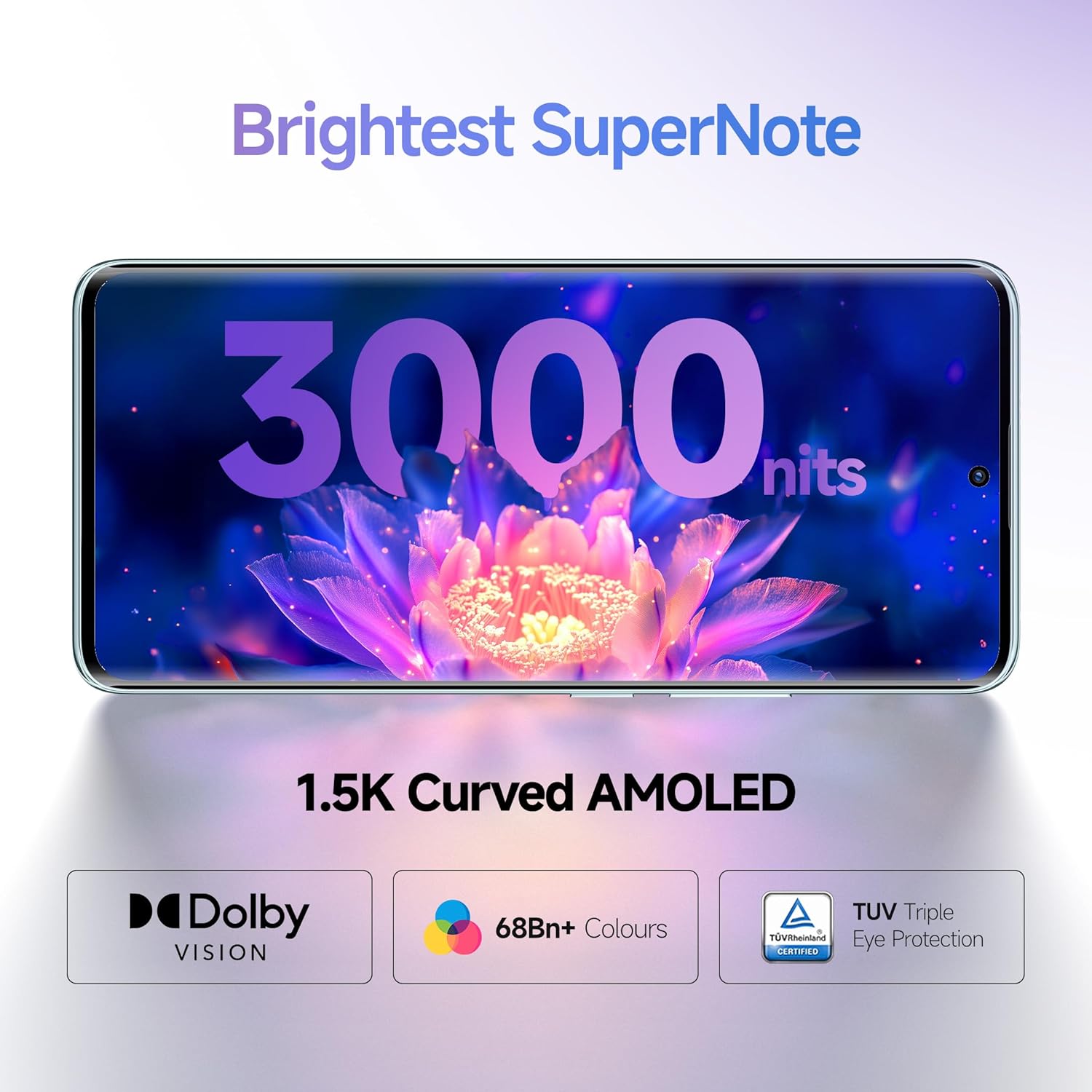
Image: AI Interpreter feature.

Image: Circle to Search feature.
9. Durability and Protection
The Redmi Note 14 Pro+ 5G Prime Edition is built with enhanced durability features:
- IP68 + IP69 Support: Provides resistance against dust and water ingress, making the device waterproof up to 6 feet.
- Corning Gorilla Glass Victus 2: Protects the front display from scratches and drops.
- Corning Gorilla Glass 7i: Provides additional protection for the device's back panel.

Image: Device demonstrating IP68+IP69 water resistance.

Image: Corning Gorilla Glass Victus 2 and 7i protection.
10. Maintenance
To ensure the longevity and optimal performance of your Redmi Note 14 Pro+ 5G Prime Edition, follow these maintenance guidelines:
- Cleaning: Use a soft, lint-free cloth to clean the screen and body. Avoid abrasive materials or harsh chemicals.
- Software Updates: Regularly check for and install system updates to benefit from the latest features, security patches, and performance improvements.
- Battery Care: Avoid extreme temperatures. While the device supports fast charging, occasional full charge cycles can help maintain battery health.
- Storage Management: Periodically clear unnecessary files and apps to free up storage space and maintain smooth operation.
11. Troubleshooting
If you encounter issues with your device, try the following steps:
- Device Not Responding: Press and hold the Power button for about 10-15 seconds to force a restart.
- App Crashes: Clear the cache and data of the problematic app in Settings > Apps. If the issue persists, reinstall the app.
- Network Issues: Toggle Airplane Mode on and off. Check your SIM card insertion. Reset network settings in Settings > System > Reset options.
- Overheating: Close background applications and reduce screen brightness. Avoid using the phone while charging or in direct sunlight for extended periods.
- Factory Reset: As a last resort, you can perform a factory data reset (Settings > System > Reset options > Erase all data). Warning: This will erase all data on your device. Back up important information before proceeding.
12. Specifications
| Feature | Specification |
|---|---|
| Brand | Redmi |
| Model | Note 14 Pro+ 5G Prime Edition |
| Operating System | Android 14 (with Xiaomi HyperOS) |
| Processor | Snapdragon 7s Gen 3 (2.5 GHz, 8 Cores, 4nm) |
| RAM | 8 GB |
| Internal Storage | 256 GB |
| Display Size | 6.67 Inches |
| Display Type | 1.5K Adaptive Curved AMOLED Display |
| Max Display Resolution | 1536 x 720 (446 PPI) |
| Rear Camera | 50MP (Primary) + 50MP (Telephoto) + 8MP (Ultra-Wide) |
| Front Camera | 20 MP |
| Battery Capacity | 6200 mAh |
| Charging | 90W HyperCharge |
| SIM Card Slot | Dual Nano-SIM |
| Connectivity | 5G, Bluetooth, Wi-Fi |
| Connector Type | USB Type C |
| Biometric Security | Fingerprint Recognition (In-display) |
| Water Resistance Level | Waterproof (IP68 + IP69 Support) |
| Protection | Corning Gorilla Glass Victus 2 (Front), Corning Gorilla Glass 7i (Back) |
| Dimensions | 18 x 8 x 6 Centimeters |
| Weight | 230 Grams |
13. Warranty and Support
13.1. Warranty Information
Your Redmi Note 14 Pro+ 5G Prime Edition comes with a 1 Year Manufacturer Warranty for the phone itself and a 6 Months Warranty for in-box accessories from the date of purchase. Please refer to the warranty card included in your packaging for detailed terms and conditions.
13.2. Manufacturer Contact Information
Manufacturer: Xiaomi Technology India Pvt. Ltd.
Address: Orchid Block, EmbassyTech Village, Devarabeesanahalli, Bangalore - 560103, Karnataka, India.
13.3. Xiaomi Care
Xiaomi provides a trusted care network with certified professionals. You can find support through:
- Available across 19,000+ Pin Codes.
- 1500+ Authorized Service Centre Network.
- ISO-certified Service Centers.
- 100% Genuine Spare Parts.
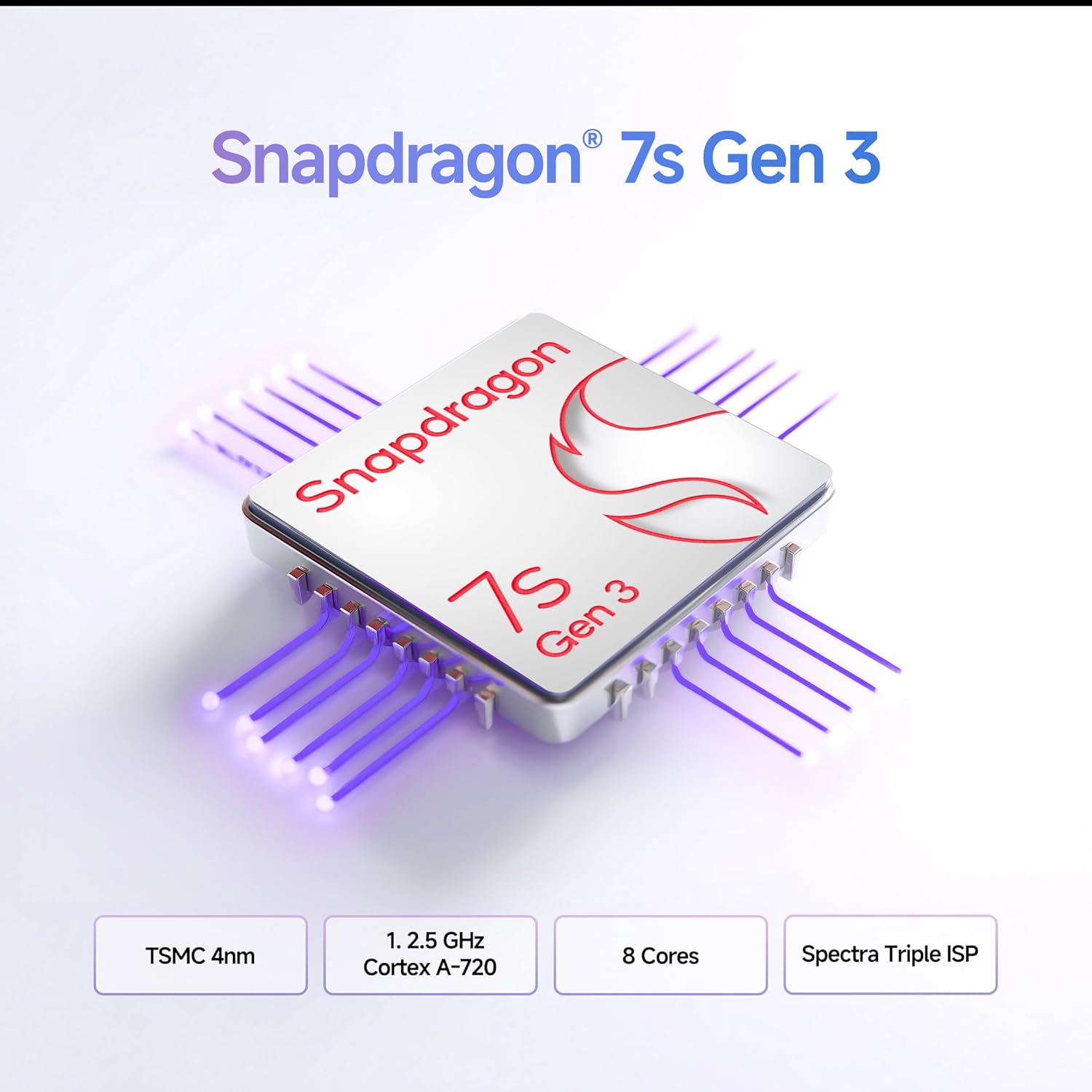
Image: Xiaomi Care service network details.


