
1. Introduction
This manual provides detailed instructions for the safe and efficient use of your GBEAST Wearable Bluetooth Speaker BH008A. Please read this manual thoroughly before operating the device and retain it for future reference.
2. Package Contents
- 1 x GBEAST Wearable Bluetooth Speaker BH008A
- 1 x Adjustable Rope
- 1 x USB Charging Cable
- 1 x User Manual
3. Product Overview
The GBEAST Wearable Bluetooth Speaker BH008A is a compact and versatile audio device designed for portability and hands-free use. It features a clip-on design, Bluetooth 5.4 connectivity, a built-in microphone for calls, IPX6 waterproof rating, and integrated flashlight and RGB lighting functions.

Figure 3.1: Front view of the GBEAST Wearable Bluetooth Speaker BH008A, showcasing its compact design and control buttons.
4. Setup
4.1 Charging the Speaker
Before first use, fully charge the speaker. The speaker is equipped with a 700mAh rechargeable battery. A full charge takes approximately 2 hours and provides up to 30 hours of playtime at 60% volume.

Figure 4.1: Connect the provided USB cable to the USB-C charging port on the speaker and a power source.
4.2 Power On/Off
- To Power On: Press and hold the Function button (central button) for 3 seconds. The indicator light will illuminate, and you will hear an audible prompt.
- To Power Off: Press and hold the Function button for 3 seconds. The indicator light will turn off, and you will hear an audible prompt.
4.3 Bluetooth Pairing
- Ensure the speaker is powered on and in pairing mode (indicator light flashing blue).
- On your device (smartphone, tablet, etc.), go to Bluetooth settings and search for available devices.
- Select "BH008A" from the list. Once connected, the indicator light will turn solid blue, and you will hear a confirmation tone.
4.4 True Wireless Stereo (TWS) Pairing
For an enhanced stereo experience, you can pair two GBEAST BH008A speakers together.
- Ensure both speakers are powered on and not connected to any other Bluetooth device.
- Triple-press the Function button on one of the speakers. This speaker will enter TWS pairing mode.
- The speakers will automatically connect to each other. Once paired, the indicator lights on both speakers will synchronize.
- Connect your device to one of the paired speakers via Bluetooth as described in section 4.3.
Video 4.1: A demonstration of the GBEAST BH008A speaker's features, including power on/off, Bluetooth pairing, TWS pairing, volume control, voice assistant activation, and flashlight/RGB light functions.
5. Operating Instructions
5.1 Music Playback
- Play/Pause: Press the Function button once during music playback.
- Volume Up: Press the "+" button. The speaker offers 16 precise volume levels.
- Volume Down: Press the "-" button.
- Next Song: Long press the "+" button.
- Previous Song: Long press the "-" button.
5.2 Hands-Free Calls
The speaker features a built-in ENC noise-canceling microphone for clear calls.
- Answer/End Call: Press the Function button once.
- Reject Call: Press and hold the Function button.
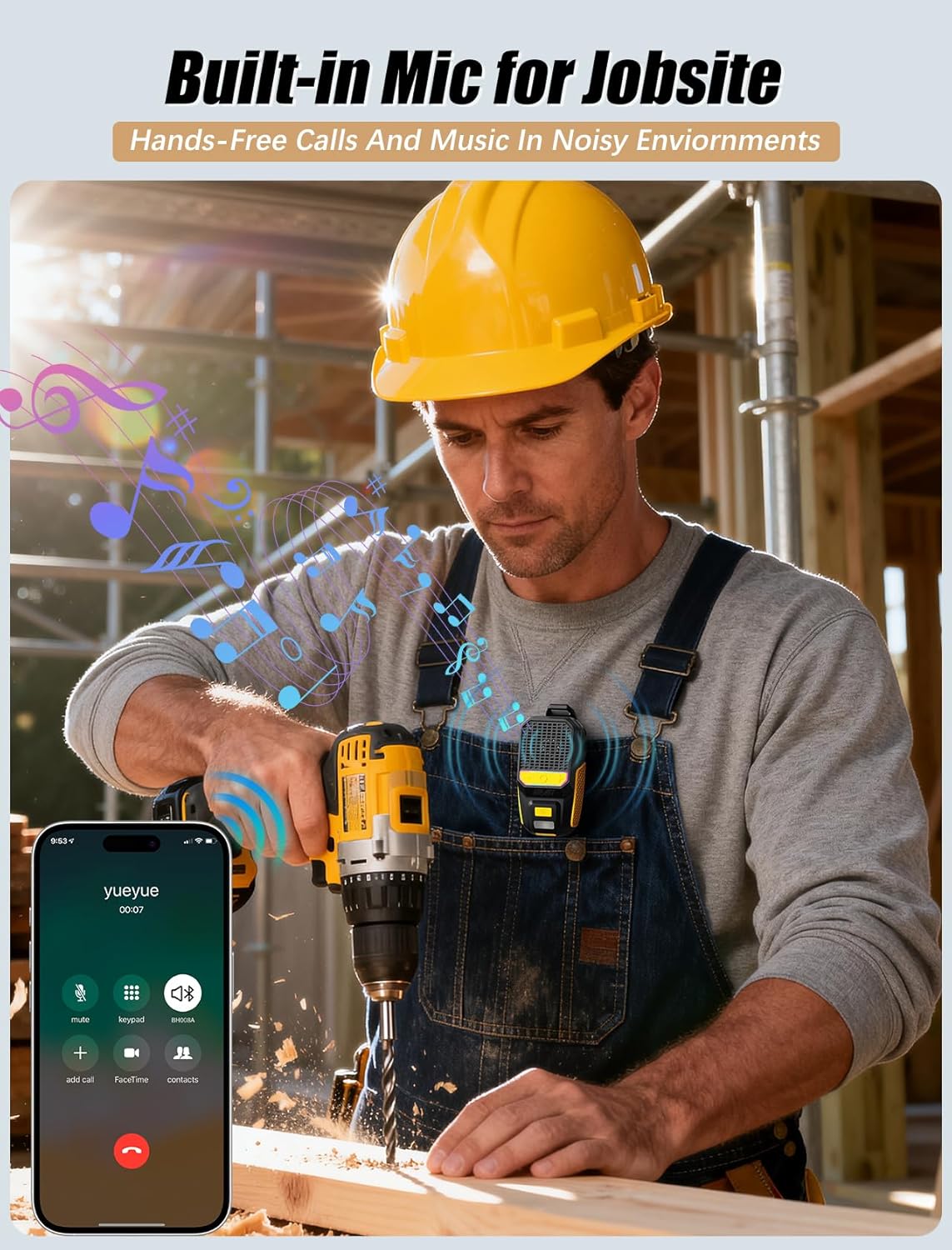
Figure 5.1: The GBEAST speaker allows for hands-free calls, ideal for noisy environments like a jobsite.
5.3 Voice Assistant
Summon your device's voice assistant (Siri/Google) for convenient control.
- Activate Voice Assistant: Double-press the Function button.

Figure 5.2: Voice control allows for seamless interaction with your device's assistant while on the go.
5.4 Flashlight & RGB Light
The speaker includes a versatile flashlight and dynamic RGB lighting.
- Turn on Flashlight: Press the flashlight button once. Press again for low brightness.
- Turn on RGB Light: Long press the flashlight button. The RGB light changes color to the rhythm of the music.
5.5 Wearing Options
The lightweight design and strong clip allow for various wearing styles.
- Clip-On: Attach the speaker to tool belts, clothing collars, backpacks, or bike handlebars.
- Lanyard: Use the included adjustable rope to hang the speaker around your neck or wrist.

Figure 5.3: The strong clip ensures the speaker stays secure during activities like cycling.

Figure 5.4: The speaker can be clipped to a belt for hands-free audio during activities like golf.
6. Maintenance
6.1 Waterproof and Dustproof
The GBEAST BH008A speaker has an IPX6 rating, making it resistant to water jets and dust. This means it can withstand outdoor rainy weather, water activities, or dusty environments.
- Do not submerge the speaker completely in water for extended periods.
- Ensure the charging port cover is securely closed before exposing the speaker to water or dust.

Figure 6.1: The IPX6 waterproof rating makes the speaker suitable for outdoor use in various weather conditions.
6.2 Cleaning
Wipe the speaker with a soft, damp cloth. Do not use harsh chemicals or abrasive cleaners.
6.3 Storage
Store the speaker in a cool, dry place away from direct sunlight and extreme temperatures when not in use.
7. Troubleshooting
- Speaker does not power on: Ensure the battery is charged. Connect to a power source and try again.
- Cannot pair via Bluetooth: Ensure the speaker is in pairing mode (flashing blue light) and within range of your device. Disconnect from other devices if already paired.
- No sound: Check the volume levels on both the speaker and your connected device. Ensure the speaker is properly paired.
- TWS pairing fails: Ensure both speakers are powered on, not connected to any other device, and within close proximity. Try resetting both speakers and attempting TWS pairing again.
8. Specifications
| Feature | Specification |
|---|---|
| Model Name | BH008A |
| Brand | GBEAST |
| Mounting Type | Clip On |
| Material | Plastic |
| Speaker Type | Portable Speaker |
| Special Features | Built-in Microphone, LED Light, Lightweight, Stereo Pairing, Waterproof |
| Compatible Devices | Desktop, Laptop, Smartphone, Tablet |
| Product Dimensions | 1.57"D x 3.32"W x 1.33"H |
| Water Resistance Level | IPX6 (Waterproof) |
| Control Method | Touch, Voice |
| Wireless Communication Technology | Bluetooth 5.4 |
| Speaker Size | 1.26 Inches |
| Power Source | Battery Powered (1 Lithium Ion battery included) |
| Battery Capacity | 700 Milliamp Hours |
| Charging Time | 2 Hours |
| Speaker Maximum Output Power | 10 Watts |
| Frequency Response | 20 KHz |
| Audio Output Mode | Stereo |
| Item Weight | 5.3 ounces |
9. Warranty and Support
The GBEAST Wearable Bluetooth Speaker BH008A comes with a limited warranty. For detailed warranty information, product support, or technical assistance, please refer to the contact information provided on the product packaging or the official GBEAST website.