
Introduction
Welcome to the EDYELL A1 Wireless Earbuds user manual. These earbuds are designed to provide a high-quality audio experience with advanced features such as Active Noise Cancellation (ANC), powerful dynamic drivers, and convenient Type-C fast charging. This manual will guide you through the setup, operation, and maintenance of your new earbuds.
What's in the Box
Please check the contents of your package. If any items are missing or damaged, contact customer support.
- 1 Pair of EDYELL A1 Wireless Earbuds
- 1 Charging Case
- 1 Type-C Charging Cable
- 2 Pairs of Earplugs (different sizes)
- 1 User Manual

Image: EDYELL A1 Wireless Earbuds, showing both earbuds and the charging case.
Product Features
- Active Noise Cancellation (ANC): Up to 35dB noise reduction for an immersive audio experience.
- Dynamic Drivers: Equipped with 13mm Titanized Diaphragm Drivers for deep bass and clear treble.
- Crystal Clear Calls: Four built-in microphones per earbud with CVC8.0 and anti-wind algorithms for enhanced call clarity.
- Touch Control: Intuitive touch controls for managing music, calls, and ANC modes.
- Long Battery Life: Up to 48 hours of music playback with the charging case.
- Fast Charging: Type-C port for quick and efficient charging.
- Water Resistant: Designed to be water resistant for durability.
- Bluetooth 5.3: Advanced Bluetooth connectivity for stable and seamless wireless pairing.

Image: Infographic highlighting key features of the EDYELL A1 earbuds, such as 35dB ANC, 100 hours playtime (total with case), Bluetooth 5.3, touch control, IPX5 water resistance, comfort fit, noise-canceling technology, and 13mm dynamic drivers.

Image: Detailed diagram illustrating the 4-microphone system with CVC8.0 technology for clear calls, highlighting anti-wind noise design, feedback microphone, and talk microphone, which contribute to 90% background noise reduction.

Image: An exploded view of the 13mm dynamic driver, showcasing its components and emphasizing its capability to deliver HIFI stereo sound with dynamic treble and deep bass.
Setup Guide
1. Charging the Earbuds and Case
Before first use, fully charge the earbuds and the charging case.
- Place the earbuds into the charging case.
- Connect the Type-C charging cable to the charging port on the case and to a USB power source.
- The indicator lights on the case will show the charging status. Once fully charged, the lights will indicate completion or turn off.
Note: A full charge provides up to 48 hours of music playback with the charging case. The earbuds themselves offer 5-6 hours of music time per charge, and the case can provide multiple recharges.
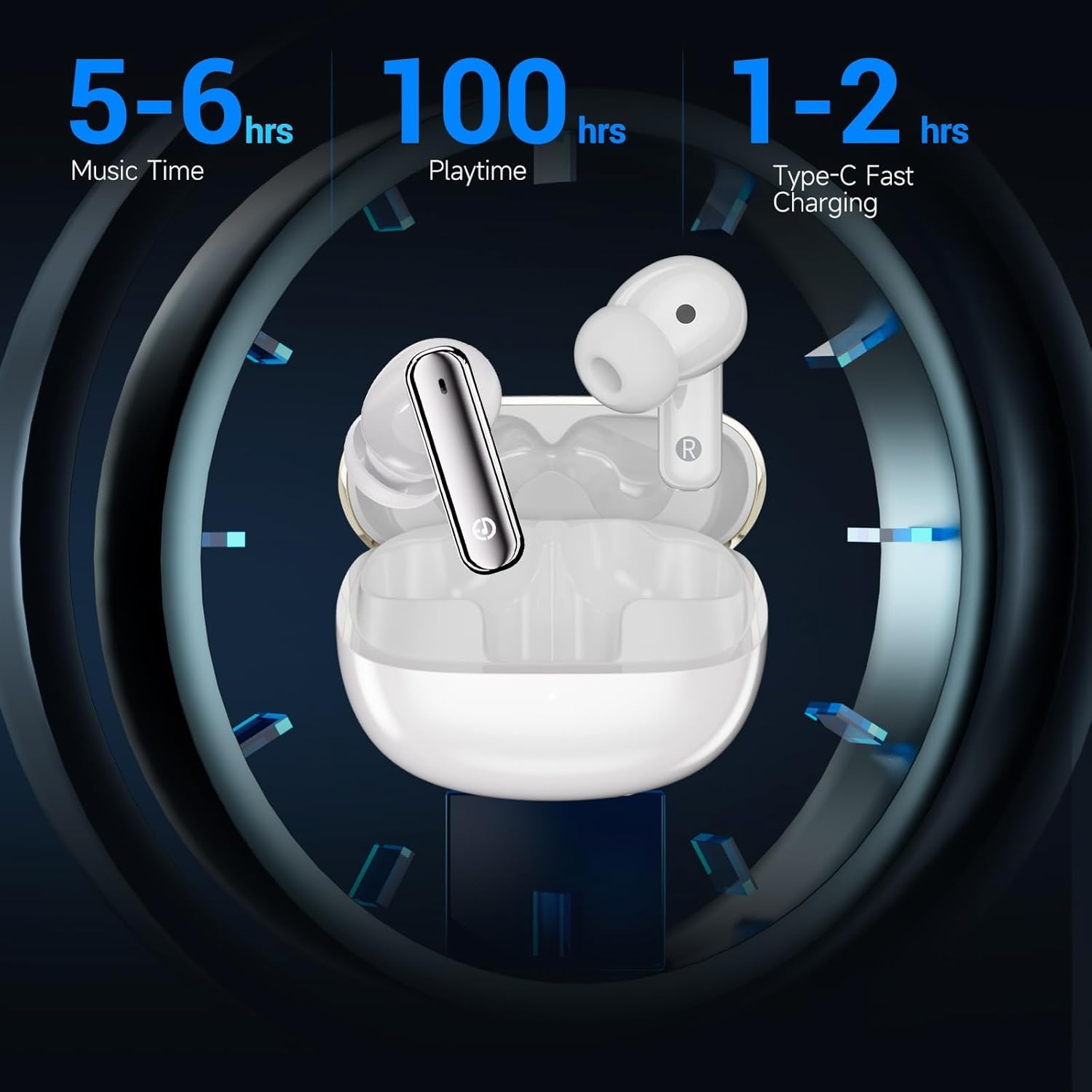
Image: Visual representation of the EDYELL A1 earbuds in their charging case, illustrating battery performance with 5-6 hours of music time per earbud charge, up to 100 hours total playtime with the charging case, and 1-2 hours for Type-C fast charging of the case.
2. Pairing with Your Device
- Open the charging case. The earbuds will automatically enter pairing mode.
- On your device (smartphone, tablet, laptop), go to Bluetooth settings.
- Search for available devices and select "EDYELL A1" from the list.
- Once connected, you will hear a confirmation tone, and the earbuds will be ready for use.
The earbuds feature Bluetooth 5.3 for a stable and efficient connection with various Bluetooth-enabled devices.
Operating Instructions
Touch Controls
The EDYELL A1 earbuds feature intuitive touch controls on each earbud. The specific functions may vary slightly, but common controls include:
| Action | Function |
|---|---|
| Single Tap (Left/Right) | Play/Pause Music, Answer/End Call |
| Double Tap (Right) | Next Track |
| Double Tap (Left) | Previous Track |
| Triple Tap (Left/Right) | Activate Voice Assistant |
| Long Press (Left/Right) | Toggle ANC/Transparency Mode (approx. 2 seconds) |
| Long Press (during incoming call) | Reject Call |
Active Noise Cancellation (ANC)
The EDYELL A1 earbuds feature Active Noise Cancellation to reduce ambient noise. To switch between ANC mode, Transparency mode, and Normal mode, long-press the touch sensor on either earbud for approximately 2 seconds. A voice prompt will confirm the mode change.
- ANC Mode: Reduces external noise for an immersive listening experience.
- Transparency Mode: Allows you to hear your surroundings while listening to audio, enhancing awareness.
- Normal Mode: Standard audio playback without noise cancellation or transparency.
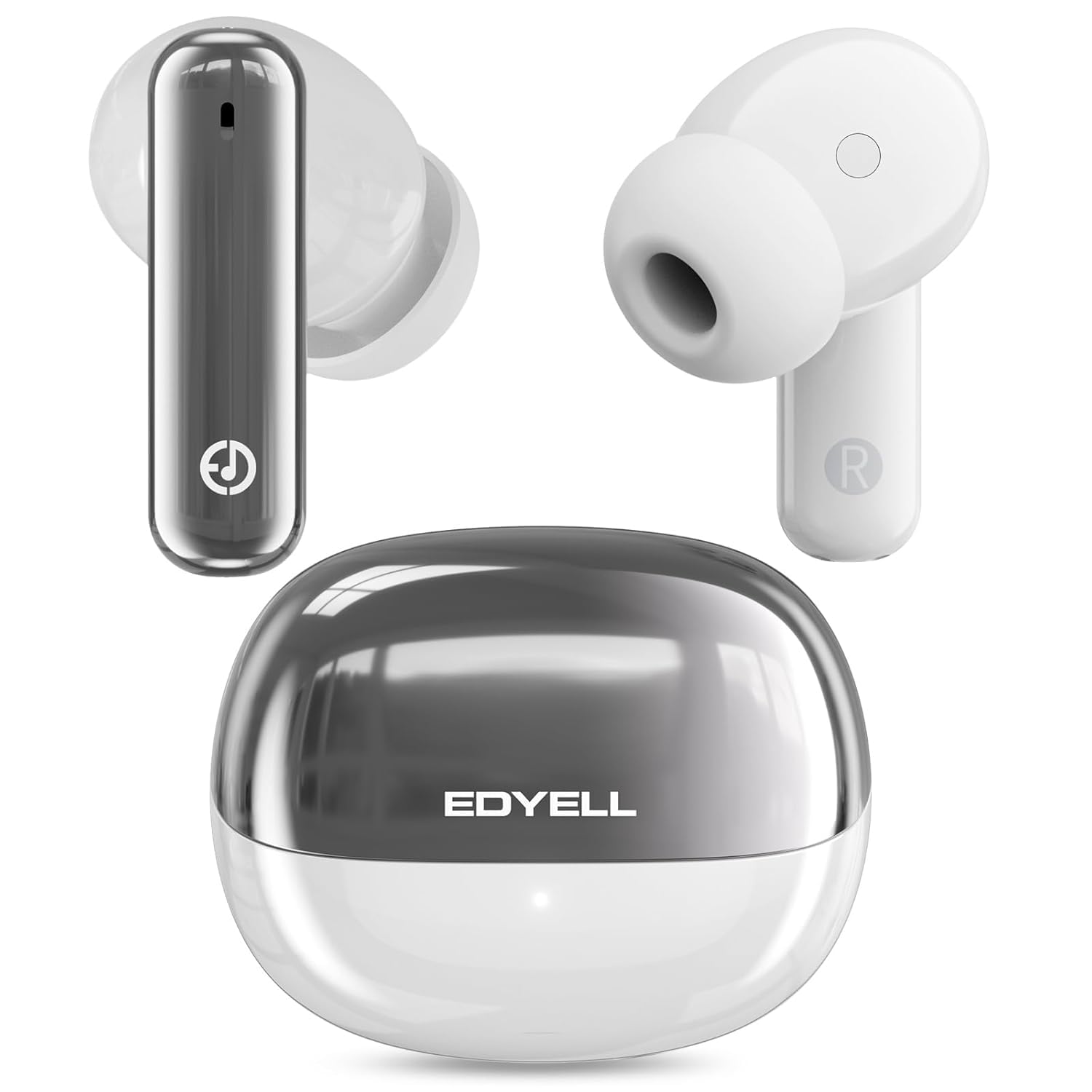
Image: A visual representation of the 35dB Active Noise Cancellation feature of the EDYELL A1 earbuds, depicting sound waves being eliminated for a quieter listening experience.
Maintenance and Care
- Cleaning: Regularly clean the earbuds and charging case with a soft, dry cloth. Do not use harsh chemicals or abrasive materials.
- Water Resistance: The earbuds are water resistant. Avoid submerging them in water or exposing them to excessive moisture for prolonged periods. Dry them thoroughly if they get wet.
- Storage: When not in use, store the earbuds in their charging case to protect them and keep them charged.
- Temperature: Avoid exposing the earbuds to extreme temperatures (hot or cold) as this can affect battery life and performance.
Troubleshooting
| Problem | Solution |
|---|---|
| Earbuds not pairing | Ensure earbuds are charged. Turn off and on Bluetooth on your device. Forget "EDYELL A1" from your device's Bluetooth list and re-pair. |
| Only one earbud working | Place both earbuds back in the case, close it, then open it again. Ensure both earbuds are charged. Re-pair the earbuds with your device. |
| Low volume or poor sound quality | Adjust volume on your device. Ensure earbuds are clean and free of debris. Try different earplug sizes for a better seal. |
| Earbuds not charging | Check the charging cable and power source. Ensure the charging contacts on the earbuds and case are clean. |
| ANC not effective | Ensure earbuds are properly seated in your ears for a good seal. Toggle ANC mode to ensure it's active. |
Specifications
| Feature | Detail |
|---|---|
| Model Name | FM-Earbuds-A1 |
| Bluetooth Version | 5.3 |
| Noise Control | Active Noise Cancellation (up to 35dB) |
| Audio Driver Size | 13mm Dynamic Drivers |
| Microphones | 4-built-in microphones with CVC8.0 |
| Battery Life (Earbuds) | 5-6 hours music time |
| Total Playtime (with case) | Up to 48 hours |
| Charging Port | Type-C |
| Water Resistance | Water Resistant (IPX5) |
| Control Type | Touch Control |
| Compatible Devices | Smartphones, Tablets, Laptops, Bluetooth-enabled Devices |
| Item Weight | 100 Grams |
Warranty and Support
Warranty: The EDYELL A1 Wireless Earbuds come with a 12-month EDYELL India Warranty. The warranty is valid for 15 months from the date of purchase.
Customer Support: For any quality problems or warranty-related inquiries, please contact EDYELL India customer care:
- Email: support@fenman.in
- Phone: +91 8882786235
- You can also contact us via Amazon.
Product Video Overview
Video: An official overview of the EDYELL A1 Wireless Earbuds, highlighting key features, battery life, design, and device compatibility.
