
1. Product Overview
The Jiawu JR04 Language Translation Earbuds are designed to facilitate real-time communication across various languages. These earbuds utilize Bluetooth 5.3 technology for stable connectivity and feature intelligent noise reduction for clear audio. With support for 144 languages and accents, they are suitable for travel, business, and learning environments. The device offers three distinct translation modes to adapt to different interaction scenarios.
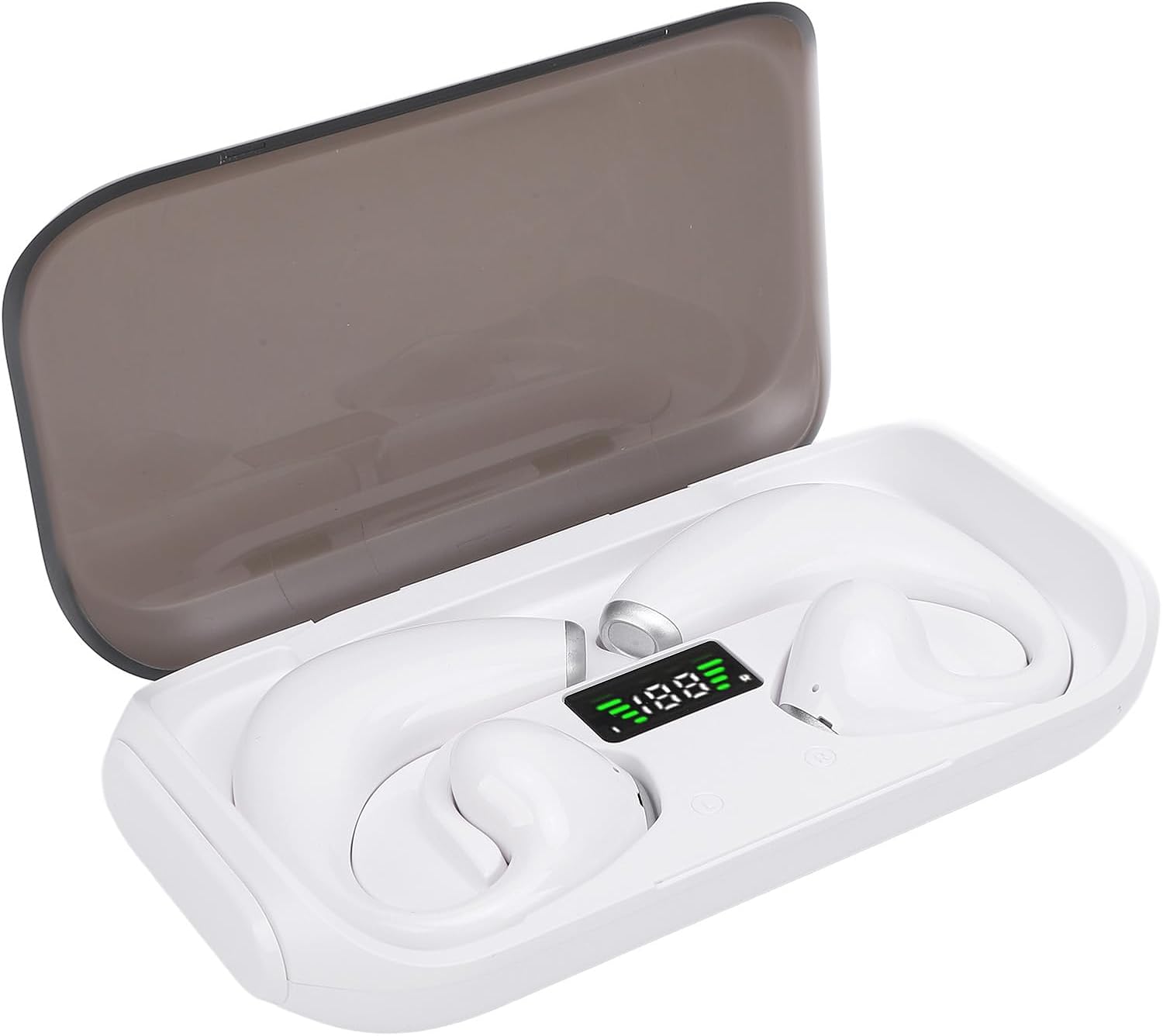
Image 1.1: Jiawu JR04 Language Translation Earbuds in their charging case, displaying a digital battery indicator.
2. Initial Setup
2.1 Charging the Earbuds and Case
Before first use, ensure both the earbuds and the charging case are fully charged.
- Connect the provided charging cable to the charging case and a compatible USB power source.
- The digital display on the charging case will indicate the charging status.
- A full charge typically takes approximately 2 hours.
- Once fully charged, the earbuds provide approximately 5 hours of playback time.

Image 2.1: The earbuds inside the charging case, connected to a USB charging cable.
2.2 Pairing with Your Device
- Open the charging case. The earbuds will automatically enter pairing mode.
- On your smartphone or tablet (iOS or Android), navigate to the Bluetooth settings.
- Search for "JR04" or a similar device name in the list of available devices and select it to pair.
- Once paired, a confirmation sound or notification will indicate a successful connection.
2.3 Installing the Translation Application
To utilize the translation features, you must download the dedicated application.
- Refer to the QR code or link provided in the physical instruction manual (if applicable) or search for the "Jiawu Translator" app (or similar, as not specified) in your device's app store (Google Play Store for Android, Apple App Store for iOS).
- Install the application and follow the on-screen prompts to complete the setup.
3. Operation
3.1 Real-Time Translation
The earbuds support real-time translation for 144 languages and accents. This functionality is managed through the dedicated translation application.
- Open the translation application on your paired smartphone.
- Select your native language and the target language for translation within the app interface.
- Speak clearly into the earbud's microphone. The application will process your speech and provide the translation in the selected target language, which will be audible through the earbuds or displayed on the phone screen.

Image 3.1: Illustration of two individuals engaging in real-time translated conversation using the earbuds and a smartphone.
3.2 Translation Modes
The JR04 earbuds offer three distinct translation modes to suit various communication needs:
- Touch Control Mode: Designed for close interactions. Each person wears one earbud. A single or double-click on the earbud initiates real-time translation. This mode is ideal for conversations with acquaintances.
- Speaker Mode: Suitable for interactions with strangers or when only one person can wear an earbud. One person wears an earbud, and the other person speaks into the smartphone's microphone. The translation is played through the phone's speaker.
- Talk Mode: Both individuals wear an earbud, allowing for hands-free, real-time translation and communication. This mode is designed for fluid, continuous conversation.

Image 3.2: Visual representation of the three translation modes: Touch Mode, Speaker Mode, and Free Talk Mode, with descriptions.
3.3 Earbud Controls
The earbuds feature touch-sensitive controls for various functions:
- Music Playback: Tap to play/pause, double-tap for next track (specific gestures may vary, refer to app for customization).
- Call Management: Tap to answer/end calls, long press to reject calls.
- Translation Activation: As described in the "Touch Control Mode" above, specific taps activate translation.

Image 3.3: A detailed view of the touch-sensitive area and microphone on one of the earbuds.
4. Maintenance
4.1 Cleaning
To ensure optimal performance and hygiene, regularly clean your earbuds and charging case.
- Use a soft, dry, lint-free cloth to wipe the exterior of the earbuds and charging case.
- For stubborn dirt, slightly dampen the cloth with water or a mild, non-abrasive cleaner. Avoid getting moisture into any openings.
- Gently clean the charging contacts on both the earbuds and inside the case with a dry cotton swab.
- Do not use harsh chemicals, aerosols, or abrasive materials.
4.2 Storage
When not in use, store the earbuds in their charging case to protect them from dust, damage, and to keep them charged.
- Store the device in a cool, dry place, away from direct sunlight and extreme temperatures.
- Avoid exposing the earbuds or case to water or excessive humidity.
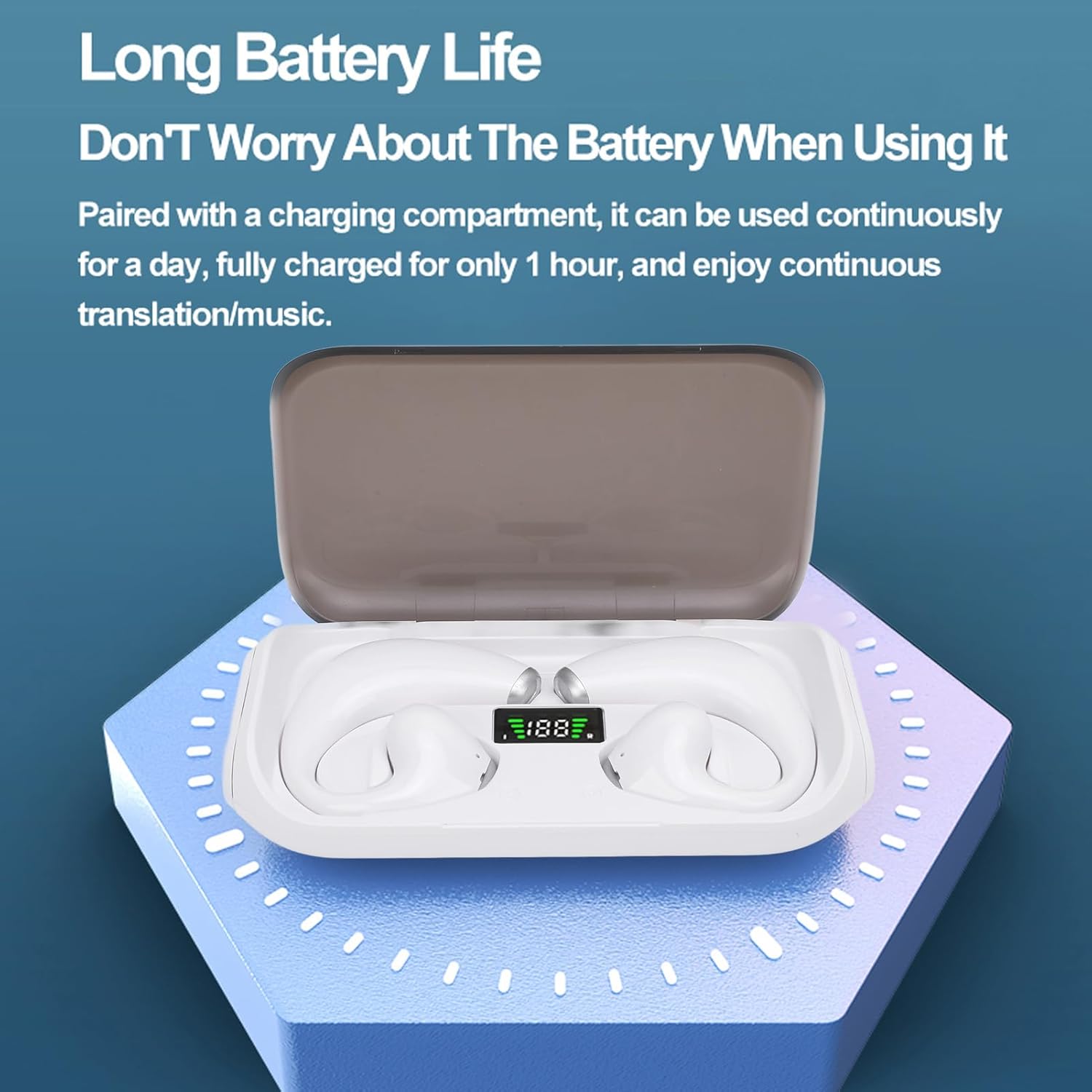
Image 4.1: The earbuds securely placed in their charging case, highlighting the battery status display.
5. Troubleshooting
If you encounter issues with your Jiawu JR04 earbuds, please refer to the following common solutions:
| Problem | Possible Cause | Solution |
|---|---|---|
| Earbuds not pairing | Bluetooth off, earbuds not in pairing mode, out of range, low battery. | Ensure Bluetooth is enabled on your device. Place earbuds in case, close, then reopen to re-enter pairing mode. Charge earbuds. Move closer to your device. |
| No sound or poor audio quality | Low battery, improper fit, volume too low, connection issues. | Charge earbuds. Adjust earbud fit. Increase volume on both earbuds and connected device. Reconnect Bluetooth. |
| Translation not working | App not open, incorrect language settings, poor internet connection, microphone blocked. | Ensure the translation app is open and active. Verify language selections. Check internet connectivity. Ensure earbud microphone is clear and not obstructed. |
| Earbuds not charging | Charging cable faulty, power source issue, dirty charging contacts. | Try a different charging cable and power adapter. Clean the charging contacts on both earbuds and case with a dry cotton swab. |
If the problem persists after trying these solutions, please contact customer support.
6. Product Specifications
| Feature | Detail |
|---|---|
| Product Model | JR04 |
| Bluetooth Version | 5.3 |
| Playback Format | Single Ear, Binaural |
| Operating Mode | Touch Operating |
| Bluetooth Connection Distance | 10m / 32.8ft |
| Playback Time | Approx. 5 Hours |
| Charging Time | Approx. 2 Hours |
| Earbud Battery | 2 x 50mAh Li-Ion Batteries (Built-In) |
| Charging Case Battery | 500mAh Li-Ion Battery (Built-In) |
| Supported Translation Languages | 144 Languages & Accents |
| Supported System Languages | Chinese, Chinese Traditional, English, French, Russian, Thai, Japanese, Korean, German, Spanish, Arabic (11 languages) |
| Item Weight | 4.1 ounces |
| Package Dimensions | 5.91 x 3.54 x 1.57 inches |
| Manufacturer | Jiawu |
7. Warranty & Customer Support
7.1 Warranty Information
Jiawu products are manufactured to high quality standards. This product is covered by a standard manufacturer's warranty against defects in materials and workmanship. Please refer to the warranty card included in your product packaging for specific terms and conditions, including the warranty period and coverage details. Keep your purchase receipt as proof of purchase for warranty claims.
7.2 Customer Support
For technical assistance, troubleshooting not covered in this manual, or warranty inquiries, please contact Jiawu customer support. Contact information can typically be found on the product packaging, the official Jiawu website, or through your retailer.
When contacting support, please have your product model (JR04) and purchase information readily available.