
mojawa StarClip
StarClip Open-Ear Wireless Bluetooth Headphones User Manual
Model: StarClip
1. Introduction
Thank you for choosing the mojawa StarClip Open-Ear Wireless Bluetooth Headphones. These headphones are designed to provide a comfortable, open-ear listening experience with high-quality sound and clear calls. This manual will guide you through the setup, operation, and maintenance of your new headphones.
2. What's in the Box
- StarClip Open-Ear Wireless Bluetooth Headphones
- Charging Cable
- Protective Charging Case
- User Manual (this document)
3. Product Overview
The StarClip headphones feature an elegant, lightweight ear clip design for comfortable all-day wear. They are equipped with a metallic spherical listening unit for 4D panoramic sound and AI ENC noise cancellation for clear calls.

Image: StarClip headphones and charging case.
4. Setup
4.1 Charging the Headphones and Case
Before first use, fully charge the headphones and the charging case. Place the headphones into the charging case. Connect the charging cable to the case and a power source. The indicator lights on the case will show the charging status.
4.2 Bluetooth Pairing
- Ensure the headphones are in the charging case and the case has sufficient power.
- Open the charging case lid. The headphones will automatically enter pairing mode, indicated by a flashing light (if applicable, refer to specific light indicators in a separate diagram if provided).
- On your device (smartphone, tablet, etc.), go to Bluetooth settings and turn Bluetooth on.
- Select "StarClip" from the list of available devices.
- Once connected, a voice prompt will confirm successful pairing.
The headphones will automatically reconnect to the last paired device when taken out of the case, if Bluetooth is enabled on the device.
5. Operating Instructions
5.1 Power On/Off
- Power On: Open the charging case lid. The headphones will power on automatically.
- Power Off: Place the earbuds inside the charging case and close the lid. The headphones will power off automatically.
5.2 Touch Controls
The StarClip headphones feature intuitive touch controls on each earbud.
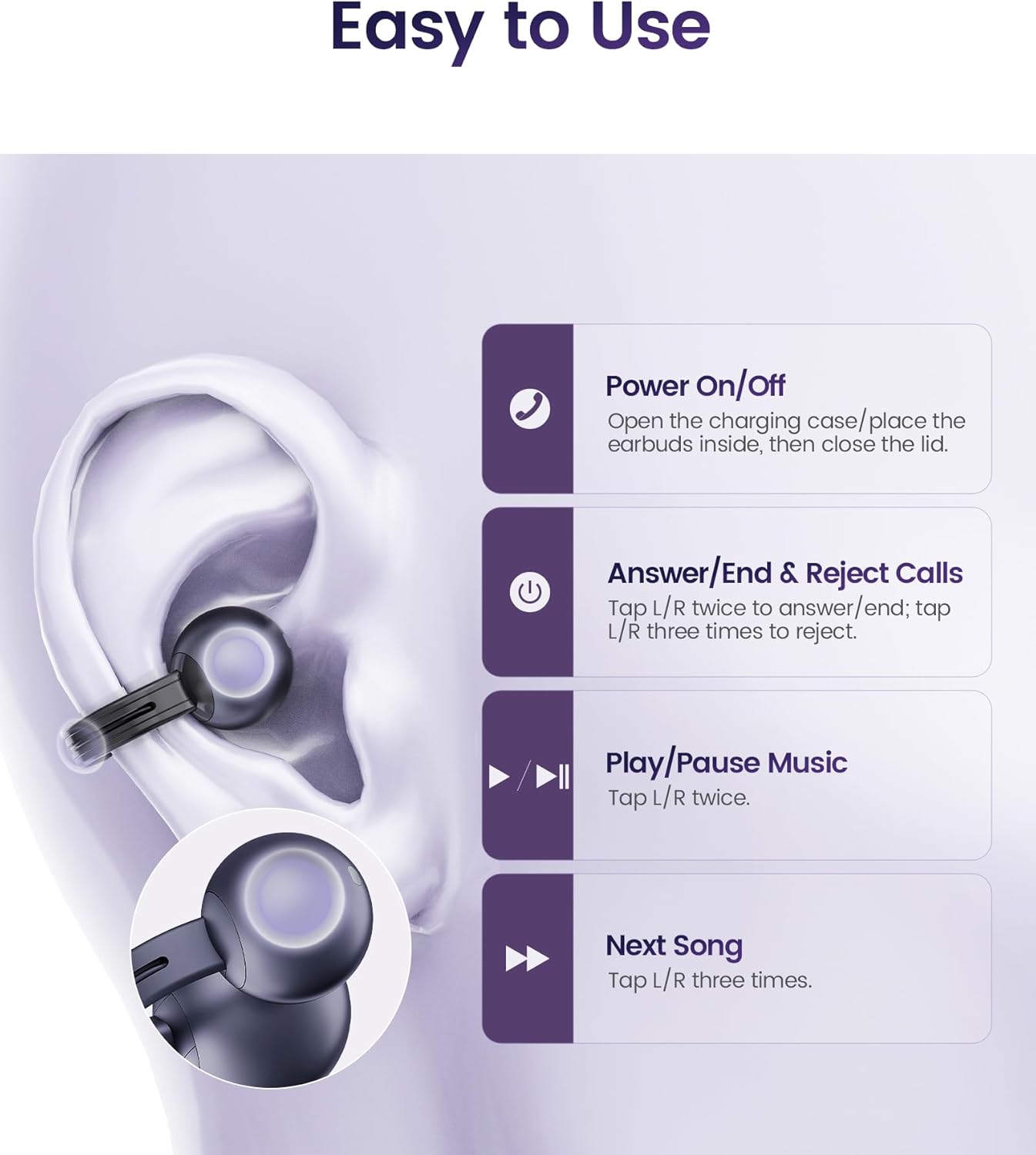
Image: Touch control functions.
- Answer/End Calls: Tap L/R earbud twice.
- Reject Calls: Tap L/R earbud three times.
- Play/Pause Music: Tap L/R earbud twice.
- Next Song: Tap L/R earbud three times.
5.3 Wearing the Headphones
The StarClip headphones are designed for an open-ear, clip-on fit. Gently clip each earbud onto your ear, ensuring a secure and comfortable position. The lightweight design (5.5g per earbud) allows for extended wear without discomfort.

Image: Proper wearing of StarClip headphones.
6. Maintenance
6.1 Cleaning
Regularly clean your StarClip headphones with a soft, dry, lint-free cloth. Do not use harsh chemicals or abrasive materials. Ensure the charging contacts on both the earbuds and the case are clean and dry.
6.2 Water Resistance (IP54)
The StarClip headphones are IP54 water and sweat resistant, making them suitable for workouts and daily use in light rain. This rating means they are protected from dust ingress and splashing water from any direction. Do not submerge the headphones in water or expose them to strong jets of water. Avoid using them in saunas or steam rooms.
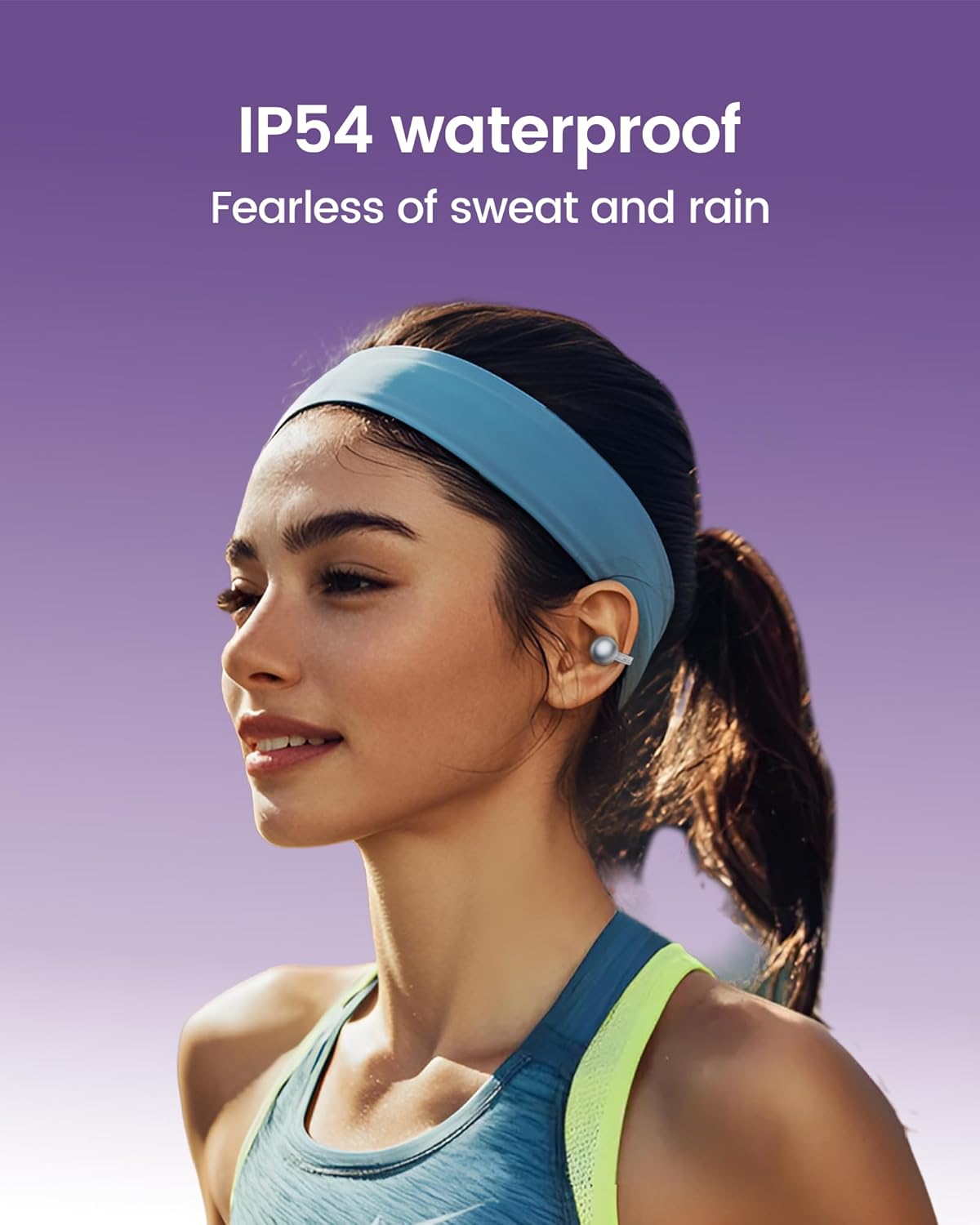
Image: StarClip headphones are IP54 water resistant.
7. Troubleshooting
- Headphones not powering on: Ensure the charging case is charged and the headphones are properly seated in the case. Open the lid to power on.
- No sound or poor sound quality: Check Bluetooth connection. Ensure headphones are charged. Adjust volume on your connected device. Ensure earbuds are worn correctly.
- Cannot pair with device: Ensure Bluetooth is enabled on your device. Make sure the headphones are in pairing mode (open case lid). Try forgetting the device on your phone and re-pairing.
- Calls are not clear: Ensure the microphone is not obstructed. AI ENC noise cancellation is active for clearer calls, but extreme noise environments may still affect clarity.
- Discomfort during wear: Adjust the position of the ear clips on your ear until a comfortable and secure fit is achieved.
8. Specifications
| Feature | Specification |
|---|---|
| Model Name | StarClip |
| Brand | mojawa |
| Connectivity Technology | Wireless (Bluetooth 5.4) |
| Ear Placement | Open Ear |
| Control Type | Touch Control |
| Water Resistance Level | IP54 Water Resistant |
| Battery Life (with case) | Up to 32 Hours |
| Item Weight | 4.2 ounces (total) |
| Frequency Range | 20 Hz - 20,000 Hz |
| Audio Driver Type | Dynamic Driver |
| Noise Control | AI ENC Noise Cancellation (for calls) |
9. Warranty and Support
Your mojawa StarClip headphones come with a standard manufacturer's warranty. For detailed warranty information, please refer to the warranty card included in your product packaging or visit the official mojawa website. For technical support, troubleshooting assistance, or any product-related inquiries, please contact mojawa customer service through their official channels.
For more information, visit the mojawa Store on Amazon.
Related documentsStarClip


Ask a question about this manual
Ask about setup, troubleshooting, compatibility, parts, safety, or missing instructions. Manuals+ will review the question and use this page’s manual context to help answer it.