
1. Introduction
Thank you for choosing the SUNLINKCO RGB+IC LED Strip Lights. This product features advanced RGB+IC technology, allowing for multiple colors to be displayed simultaneously on a single strip, creating dynamic and vibrant lighting effects. With multiple control options including a manual control box, a dedicated smartphone app, and voice commands via Alexa or Google Assistant, you can easily customize your lighting experience. This manual provides detailed instructions for setup, operation, and maintenance to ensure optimal performance and enjoyment of your LED strip lights.
2. What's in the Box
Please verify that all components are present:
- RGB+IC LED Strip Light (6.6ft)
- Power Adapter
- Control Box (integrated with USB cable)
- User Manual
- Mounting Accessories (clips with adhesive backing and screws)
3. Setup and Installation
3.1 Preparation
- Unroll the LED strip completely before connecting to power to prevent overheating.
- Ensure the installation surface is clean, dry, and smooth for optimal adhesive performance.
- Plan your desired layout and measure the required length. The strip is cuttable at designated marks (indicated by a scissor icon) to fit your space.
3.2 Connecting Components
- Connect the LED strip to the control box's output port.
- Connect the power adapter to the control box's input port.
- Plug the power adapter into a standard AC/DC power outlet.
3.3 Mounting the LED Strip
The LED strip features an adhesive backing for easy installation. For enhanced security, use the provided mounting clips.
- Peel off the protective film from the adhesive backing of the LED strip.
- Carefully press the strip onto the desired surface, ensuring firm contact.
- For corners or areas requiring extra hold, use the mounting clips. Peel the adhesive from the clips and press them firmly over the strip at regular intervals or critical points. Screws can be used for permanent installation through the designated holes in the clips.

Image: The flexible LED strip with visible cuttable marks and a protective coating.
3.4 App Download and Pairing
To unlock the full potential of your LED strip lights, download the Smart Life app:
- Scan the QR code provided in the user manual or search for "Smart Life" in your device's app store (Google Play or Apple App Store).
- Register or log in to your Smart Life account.
- Ensure Bluetooth and Wi-Fi are enabled on your smartphone.
- On the control box, press and hold the power button for 5 seconds until the LED strip light starts flashing, indicating pairing mode.
- In the Smart Life app, tap the "+" icon in the top right corner to add a device. The app should automatically detect the "Smart LED Magic Light".
- Follow the on-screen instructions to complete the pairing process, including entering your Wi-Fi network details.
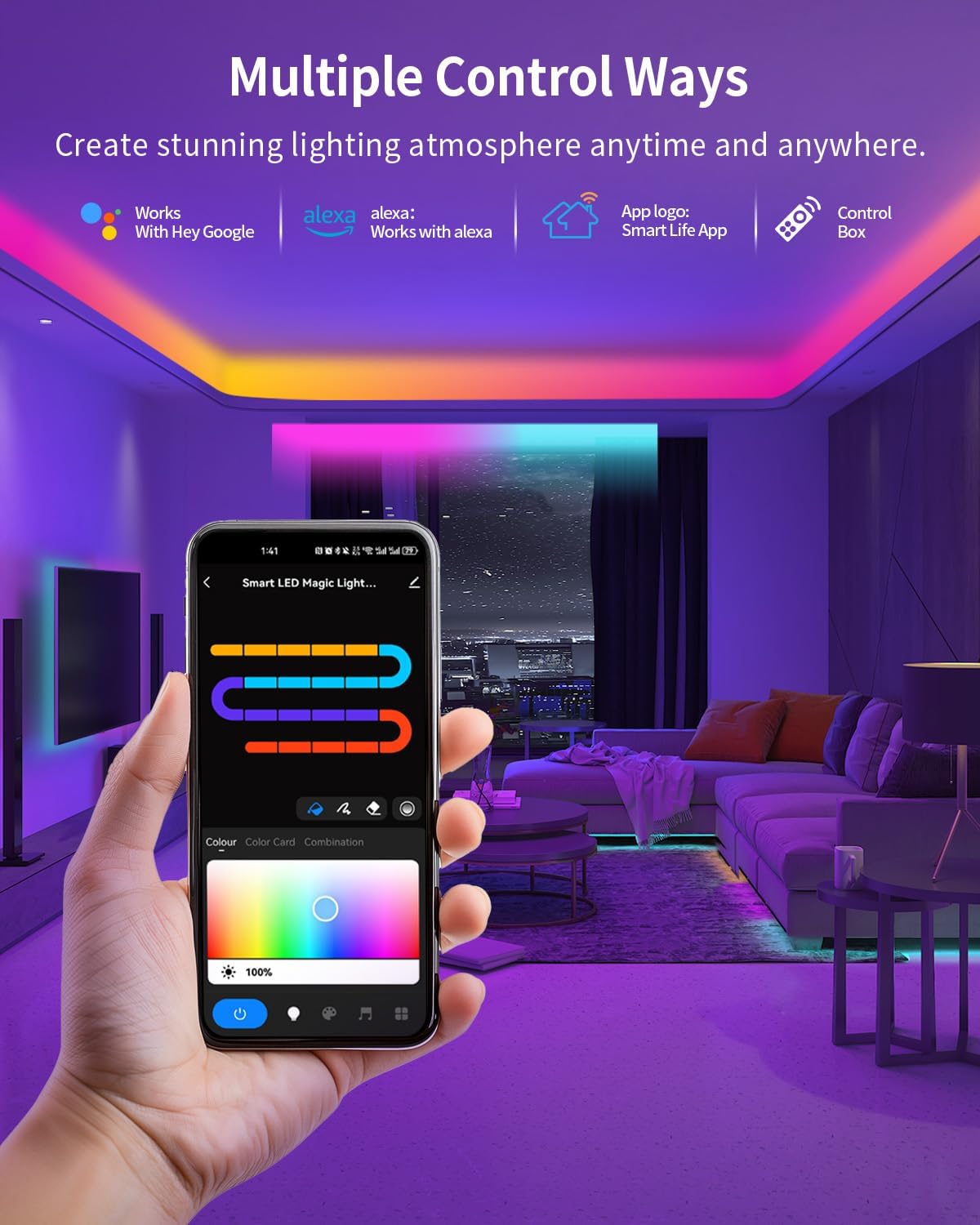
Image: The Smart Life app displaying multiple control options for the LED strip lights.
Video: An official product video demonstrating the installation process and app control features of the LED strip lights.
4. Operating the Lights
4.1 Manual Control Box
The integrated control box on the USB cable allows for basic control:
- Power Button: Press to turn the lights On/Off. Hold for 5 seconds to enter pairing mode.
- Mode Button: Cycle through various preset static colors and dynamic lighting effects.
- Music Button: Activate or deactivate the music sync mode.
4.2 Smart Life App Control
The Smart Life app offers extensive customization options:
- Color Selection: Choose from 16 million colors using a color wheel, color card options (55 specified), or 22 color combinations.
- Brightness Adjustment: Adjust the light intensity from 1% to 100%.
- Scene Modes: Select from 44 preset scene modes categorized for different occasions (e.g., Scenery, Life, Festival, Mood) to instantly set the ambiance.
- DIY Segments: Customize up to 20 individual segments of the LED strip to display different colors simultaneously, creating unique multi-color effects.
- Music Sync Mode: Utilize the built-in high-sensitivity microphone to synchronize the lights with music or ambient sounds, creating dynamic visual effects that react to audio rhythms. Various music modes are available (e.g., Rock, Jazz, Classic).
- Timer Function: Set schedules for the lights to automatically turn On/Off at specific times.

Image: The Smart Life app demonstrating the timer function, allowing users to schedule light operation.
4.3 Voice Control
Integrate your LED strip lights with smart home assistants for hands-free control:
- Amazon Alexa & Google Assistant: Once paired with the Smart Life app, you can link your account to Alexa or Google Assistant. Use voice commands to change colors, adjust brightness, turn lights On/Off, or activate scene modes.
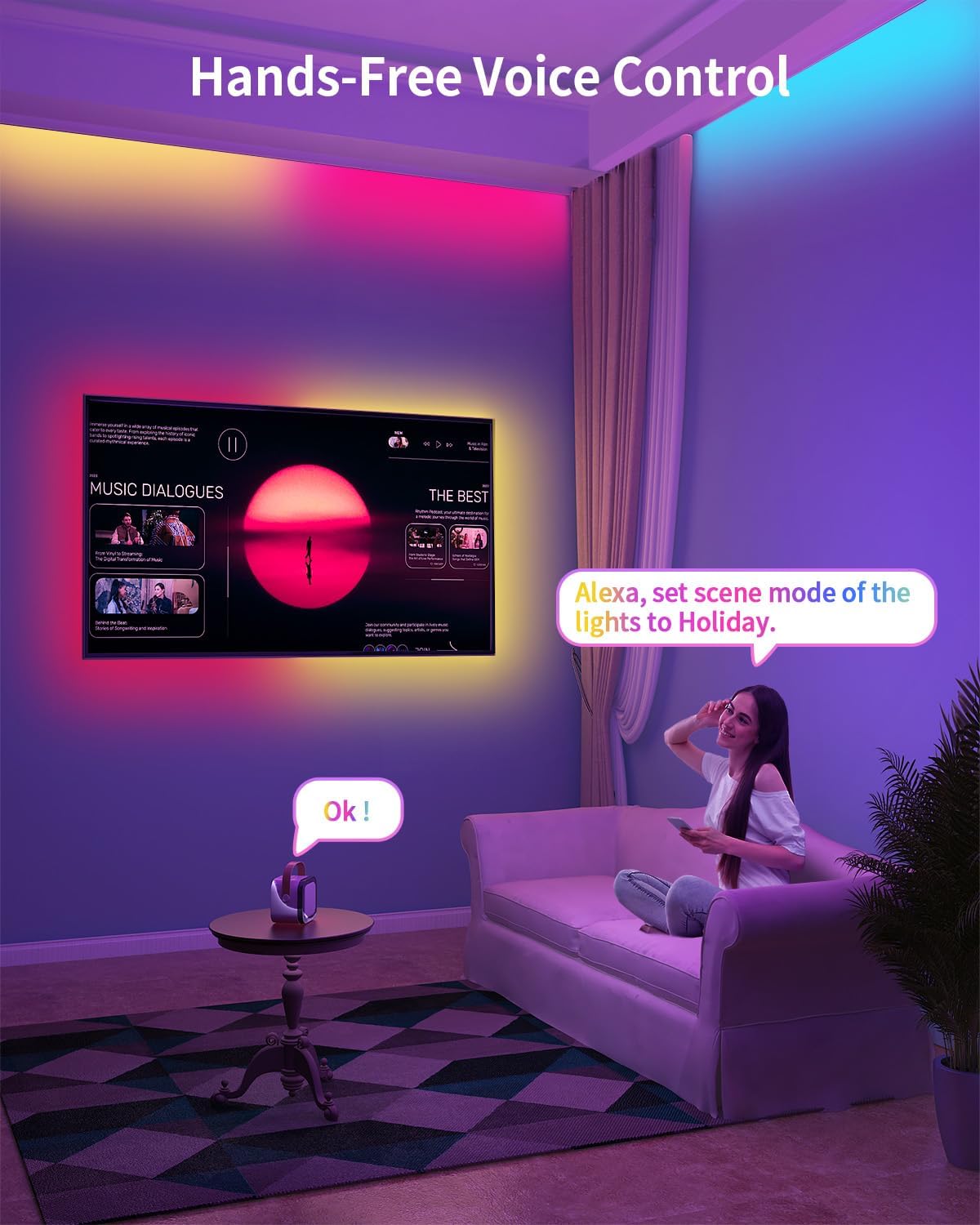
Image: A user interacting with a smart speaker to control the LED lights via voice commands.
5. Maintenance
- Cleaning: Gently wipe the LED strip with a dry, soft cloth to remove dust. Do not use liquid cleaners or abrasive materials.
- Handling: Avoid bending the strip sharply or applying excessive force, especially at the LED points, to prevent damage.
- Water Resistance: This product is Not Water Resistant. Avoid exposure to water or high humidity.
6. Troubleshooting
- Lights not turning on: Ensure all connections are secure and the power adapter is plugged into a working outlet. Check if the power button on the control box or app is pressed.
- App connectivity issues: Verify your phone's Bluetooth and Wi-Fi are on. Ensure the LED strip is in pairing mode (flashing). Check your Wi-Fi network stability and ensure it's 2.4GHz.
- Incorrect colors or unresponsive controls: Try restarting the LED strip by unplugging and replugging the power adapter. If issues persist, try re-pairing the device with the Smart Life app.
7. Specifications
| Model Number | PAK544581 |
| Brand | SUNLINKCO |
| Color | RGB+IC |
| Item Length | 6.6 Feet |
| Indoor/Outdoor Usage | Indoor |
| Light Source Type | LED |
| Power Source | AC/DC |
| Voltage | 24 Volts |
| Wattage | 3 watts |
| Material Type | Polycarbonate |
| Water Resistance Level | Not Water Resistant |
| Number of Light Sources | 48 |
| Controller Type | Amazon Alexa, App Control, Button Control, Voice Control |
| Connectivity Technology | Bluetooth, Wi-Fi |
8. Warranty and Support
This product comes with a 2-year manufacturer's warranty. For warranty claims, technical support, or any inquiries, please contact SUNLINKCO customer service through the retailer where the product was purchased or visit the official SUNLINKCO website for contact details.