
ieGeek 826-X
ieGeek 3MP 2K CCTV Camera User Manual
Model: 826-X
Introduction
Thank you for choosing the ieGeek 3MP 2K CCTV Camera. This indoor WiFi security camera is designed to provide comprehensive surveillance for your home, offering advanced features such as 360° pan/tilt, two-way audio communication, intelligent motion tracking, human detection, and clear night vision. This manual will guide you through the setup, operation, maintenance, and troubleshooting of your new camera, ensuring optimal performance and peace of mind.
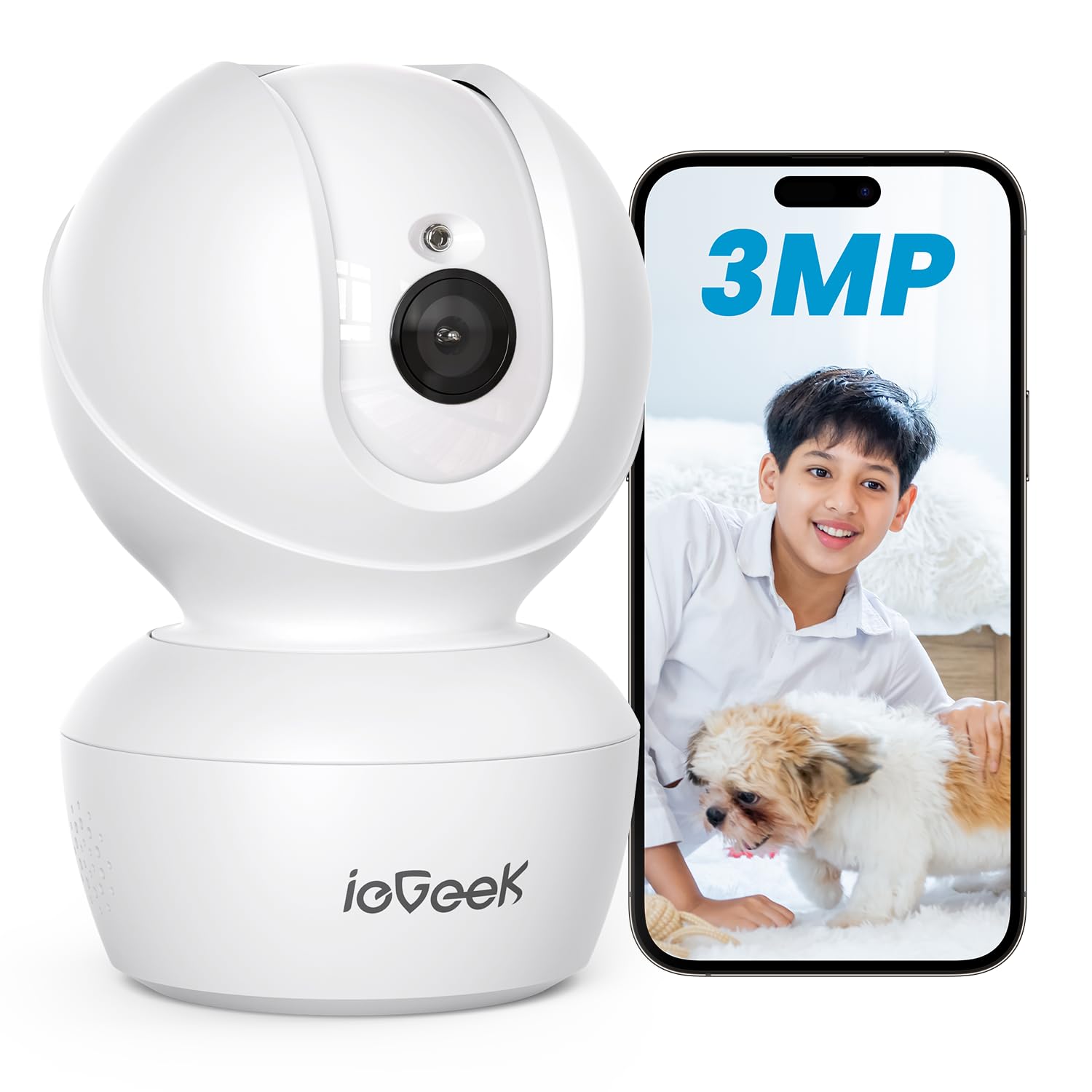
The ieGeek 3MP 2K CCTV Camera, a white dome-shaped security camera with a lens and base, shown next to a smartphone displaying a live feed of a child and a dog.
What's in the Box
Please verify that all components are present and in good condition upon unboxing:
- 1 x ieGeek 3MP 2K CCTV Camera
- 1 x Power Adapter
- 1 x USB Cable
- 2 x Screws
- 2 x Screw Hats
- 1 x Mounting Bracket
- 1 x User Manual
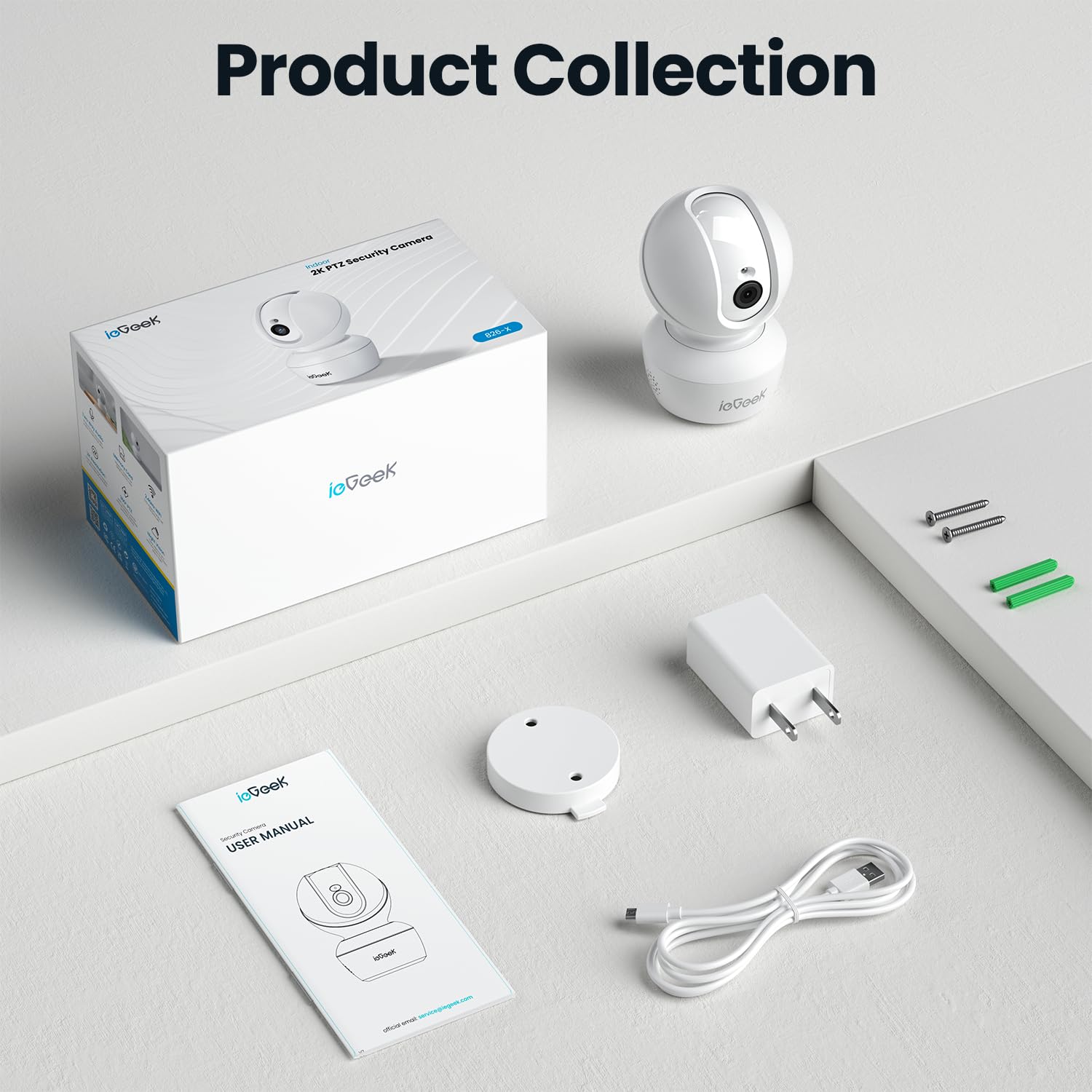
All items included in the ieGeek 3MP 2K CCTV Camera package: the camera, power adapter, USB cable, mounting screws, bracket, and user manual.
Setup Guide
Follow these steps for initial setup and connection:
- Download the "Canny Cam" App: Search for "Canny Cam" in your mobile app store (iOS or Android) and download the application.
- Power On the Camera: Connect the camera to the power adapter using the provided USB cable and plug it into a power outlet. Wait for the camera to initialize.
- Connect to 2.4G WiFi: Open the Canny Cam app, create an account or log in, and follow the in-app instructions to add your new camera. Ensure your Wi-Fi network is 2.4GHz, as the camera does not support 5GHz networks.
- Complete Setup: Once connected, you can name your camera and begin using its features.

Visual representation of the three setup steps: Download the "Canny Cam" App, Connect to 2.4G WiFi, and begin using the camera.
Operating Instructions
Explore the key functionalities of your ieGeek security camera:
2K QHD Clarity & 8X Digital Zoom
The camera captures video in stunning 2K QHD (2304*1296) resolution, providing clear and detailed images. Utilize the 8X digital zoom feature within the app to magnify specific areas of interest without significant loss of quality.
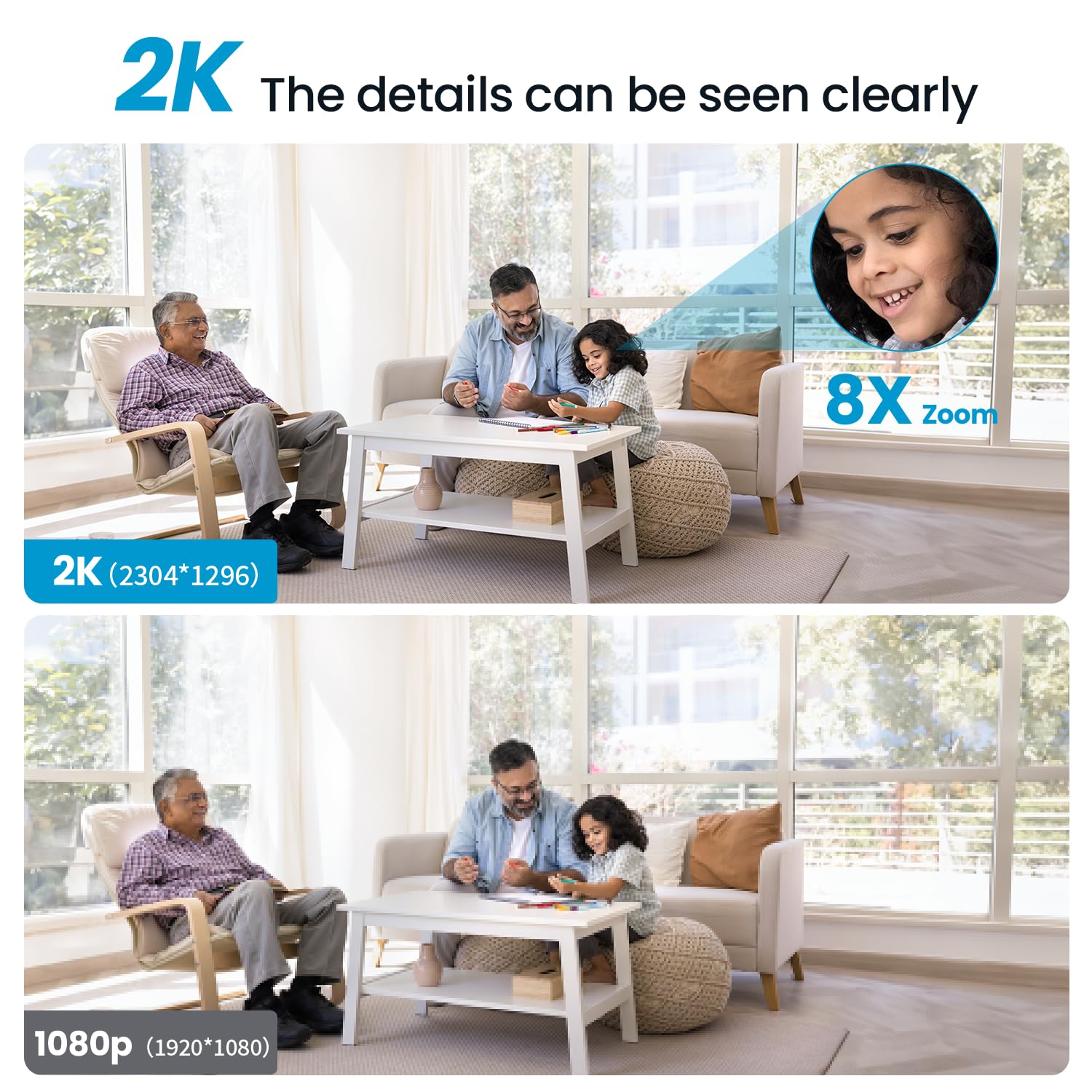
Comparison of 2K (2304*1296) and 1080p (1920*1080) video quality, highlighting the superior detail of 2K with an 8X zoom inset.
360° Pan/Tilt Coverage
Achieve complete room coverage with the camera's pan and tilt capabilities. It offers 340° horizontal rotation and 115° vertical rotation, allowing you to remotely adjust the viewing angle via the app to eliminate blind spots.
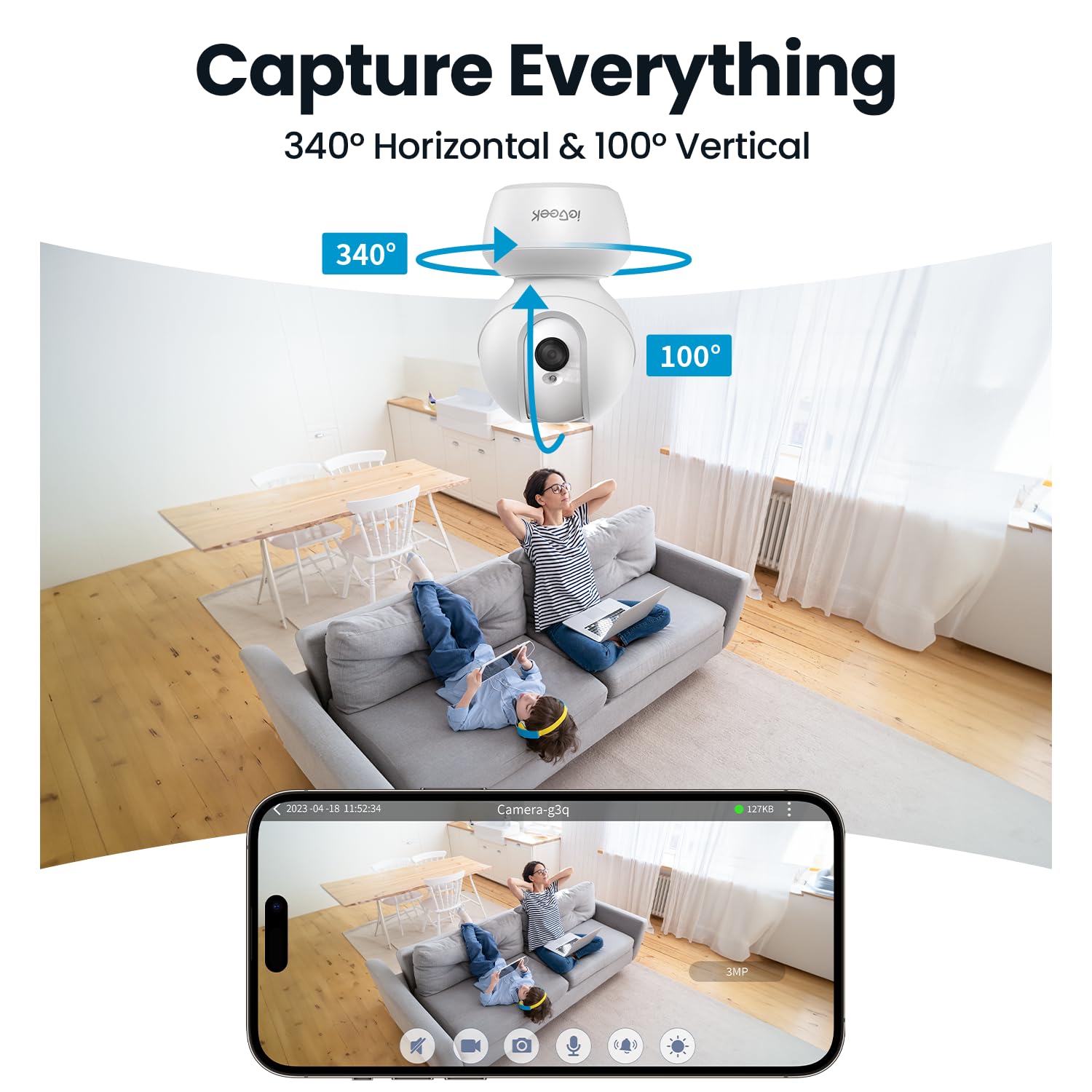
An illustration demonstrating the camera's 340° horizontal and 100° vertical rotation capabilities, providing comprehensive coverage of a room.
Two-Way Audio
Communicate directly through the camera using the built-in microphone and speaker. This two-way audio feature allows you to talk to family members, pets, or even deter intruders from anywhere using your smartphone.
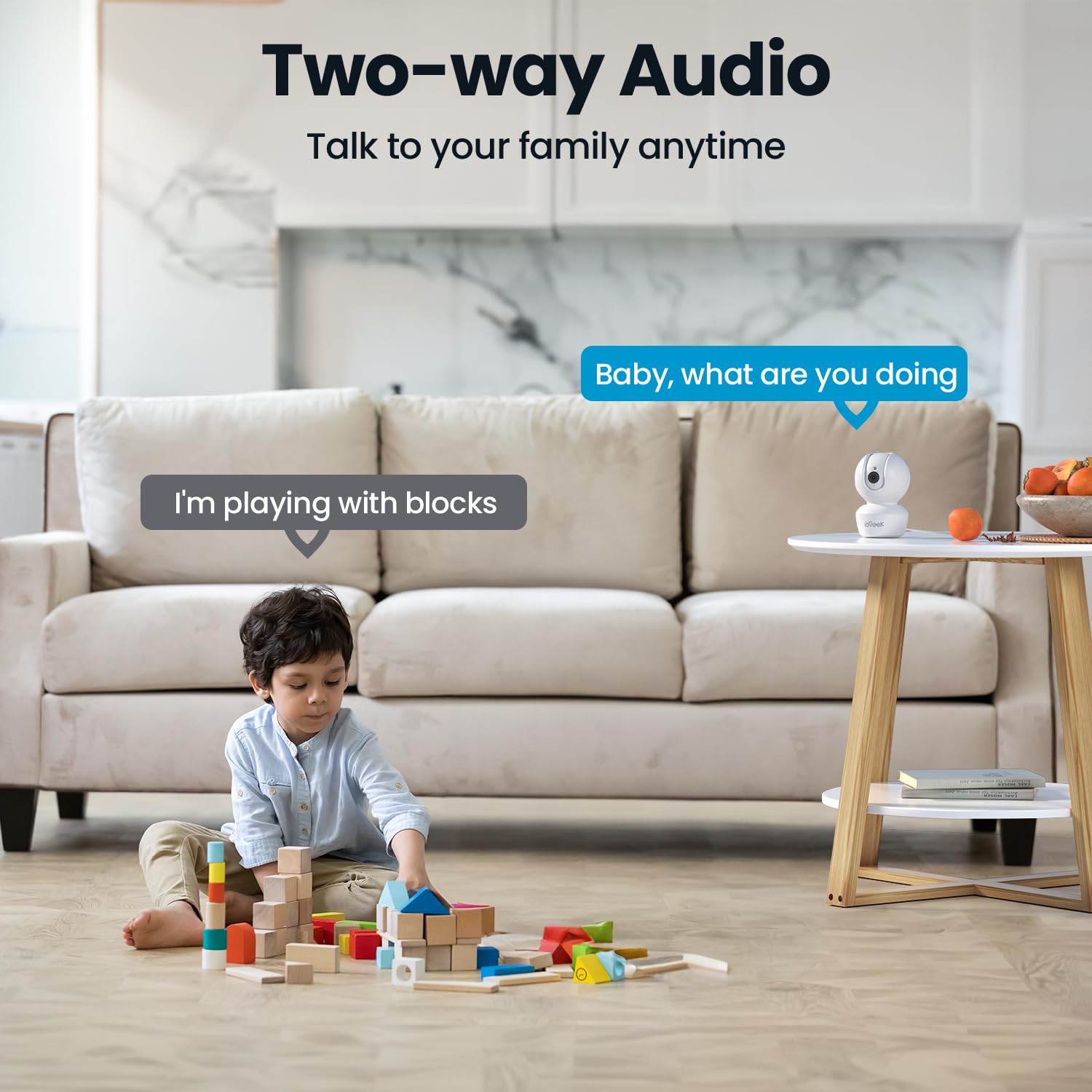
A child playing with blocks, with speech bubbles indicating two-way audio communication: "Baby, what are you doing" from the camera and "I'm playing with blocks" from the child.
Motion Tracking & Human Detection
The camera features smart motion tracking that automatically follows detected movement. With advanced human detection (PIR), it accurately identifies human figures, sending instant notifications to your phone and minimizing false alarms from pets or inanimate objects.
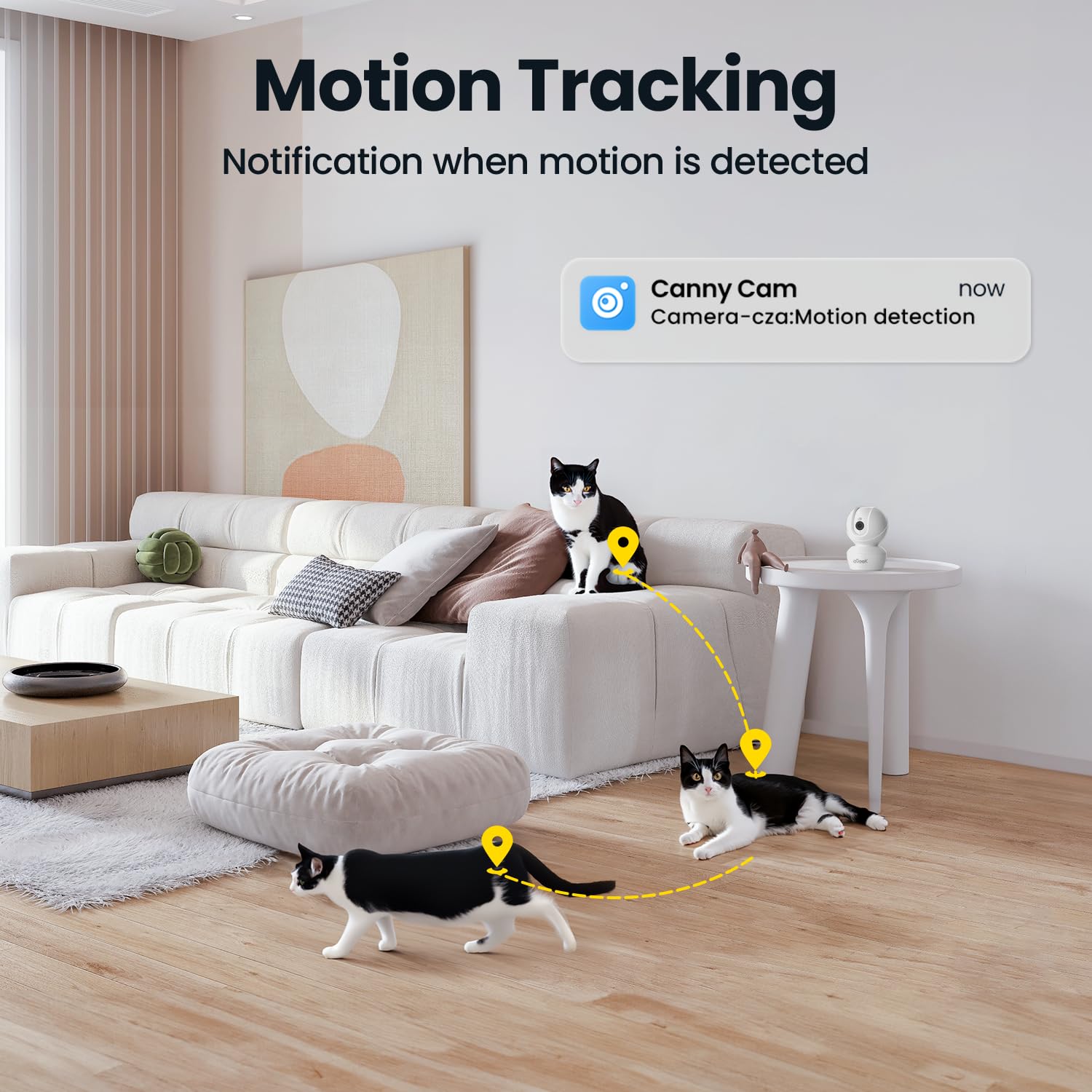
Two cats on a living room floor, with dotted lines showing the camera's motion tracking path and a notification bubble indicating "Motion detection" from the "Canny Cam" app.
Night Vision
Equipped with infrared night vision, the camera provides clear black-and-white video up to 10 meters in low-light or complete darkness, ensuring continuous monitoring around the clock.

A baby sleeping peacefully in a crib, captured in black and white, demonstrating the camera's night vision capabilities.
Alexa Integration
Integrate your ieGeek camera with Amazon Alexa for convenient voice control. You can ask Alexa to display the camera's live feed on compatible smart displays, enhancing your smart home security system.

An Amazon Echo Show displaying a live feed of a crying baby in a crib, with a speech bubble indicating the voice command: "Alexa, turn on the camera."
Storage Options
The camera supports local storage via a Micro SD card (up to 128GB, not included) for continuous recording. Additionally, cloud storage options are available through the Canny Cam app for secure, off-site video backup.

An illustration showing the ieGeek camera with a Micro SD card slot, a cloud icon, and a smartphone displaying video playback, indicating both cloud and local SD card storage options.
Maintenance
To ensure the longevity and optimal performance of your ieGeek camera, follow these maintenance guidelines:
- Cleaning: Gently wipe the camera lens and body with a soft, dry cloth. Avoid using harsh chemicals or abrasive materials that could scratch the surface or damage the lens.
- Placement: Place the camera in a stable location, away from direct sunlight, extreme temperatures, and high humidity. Ensure it is not easily accessible to children or pets if mounted at a lower height.
- Software Updates: Regularly check the Canny Cam app for firmware updates. Keeping your camera's software up-to-date ensures you have the latest features and security enhancements.
- Power Supply: Use only the original power adapter and USB cable provided with the camera to prevent damage.
Troubleshooting
If you encounter issues with your camera, refer to the following common problems and solutions:
| Problem | Possible Solution |
|---|---|
| Camera offline | Check Wi-Fi connection, ensure camera is powered on, restart camera and router. Re-add camera to app if necessary. |
| Poor video quality | Ensure stable Wi-Fi signal. Clean the camera lens. Adjust resolution settings in the app. |
| Motion detection not working | Verify motion detection is enabled in app settings. Adjust sensitivity. Ensure camera is positioned correctly. |
| Two-way audio issues | Check microphone and speaker permissions for the app on your phone. Ensure volume is up on both ends. |
| Cannot connect to Wi-Fi | Confirm you are connecting to a 2.4GHz Wi-Fi network. Double-check Wi-Fi password. Move camera closer to router. |
Specifications
| Feature | Detail |
|---|---|
| Model Number | 826-X |
| Video Capture Resolution | 3MP (2K QHD) |
| Pan/Tilt Angle | 340° Horizontal, 115° Vertical |
| Connectivity Technology | Wireless (2.4GHz Wi-Fi) |
| Storage | Micro SD Card (up to 128GB), Cloud Storage |
| Night Vision Distance | Up to 10 meters |
| Audio | Two-Way Audio |
| Detection | Motion Tracking, Human Detection (PIR) |
| Compatibility | Android 5.0+, iOS 8.0+, Alexa |
| Power Source | 250~300mA (5 Watts) |
| Dimensions (LxWxH) | 7.2 x 7.2 x 10.6 cm |
| Weight | 320 g |
| Material | Acrylonitrile Butadiene Styrene (ABS) |
| Mounting Type | Flat, Wall, Ceiling |
Warranty and Support
ieGeek is committed to providing high-quality products and excellent customer service. Your ieGeek 3MP 2K CCTV Camera comes with comprehensive support:
- 2-Year Quality Guarantee: Enjoy peace of mind with a 2-year warranty covering manufacturing defects.
- 30-Day Free Returns Policy: If you are not satisfied with your purchase, you may return it within 30 days.
- 24/7 Professional After-sales Team: Our dedicated support team is available around the clock to assist you with any queries or issues.
For technical assistance or warranty claims, please contact us via email:

Details on ieGeek's after-sales warranty, including 24/7 support, 30-day free returns, and a 2-year quality guarantee, along with the support email address.

An illustration of the ieGeek Center, symbolizing customer support with a note about replies within 24 hours and a 2-year warranty.
Related documents826-X


Ask a question about this manual
Ask about setup, troubleshooting, compatibility, parts, safety, or missing instructions. Manuals+ will review the question and use this page’s manual context to help answer it.