
1. Introduction
Welcome to the LIKCUT Glee S501 Vinyl Cutter Machine user manual. This guide provides essential information for setting up, operating, and maintaining your new crafting tool. The Glee S501 is designed for precision cutting and drawing, making it ideal for a wide range of DIY projects, from custom stickers to home decor.
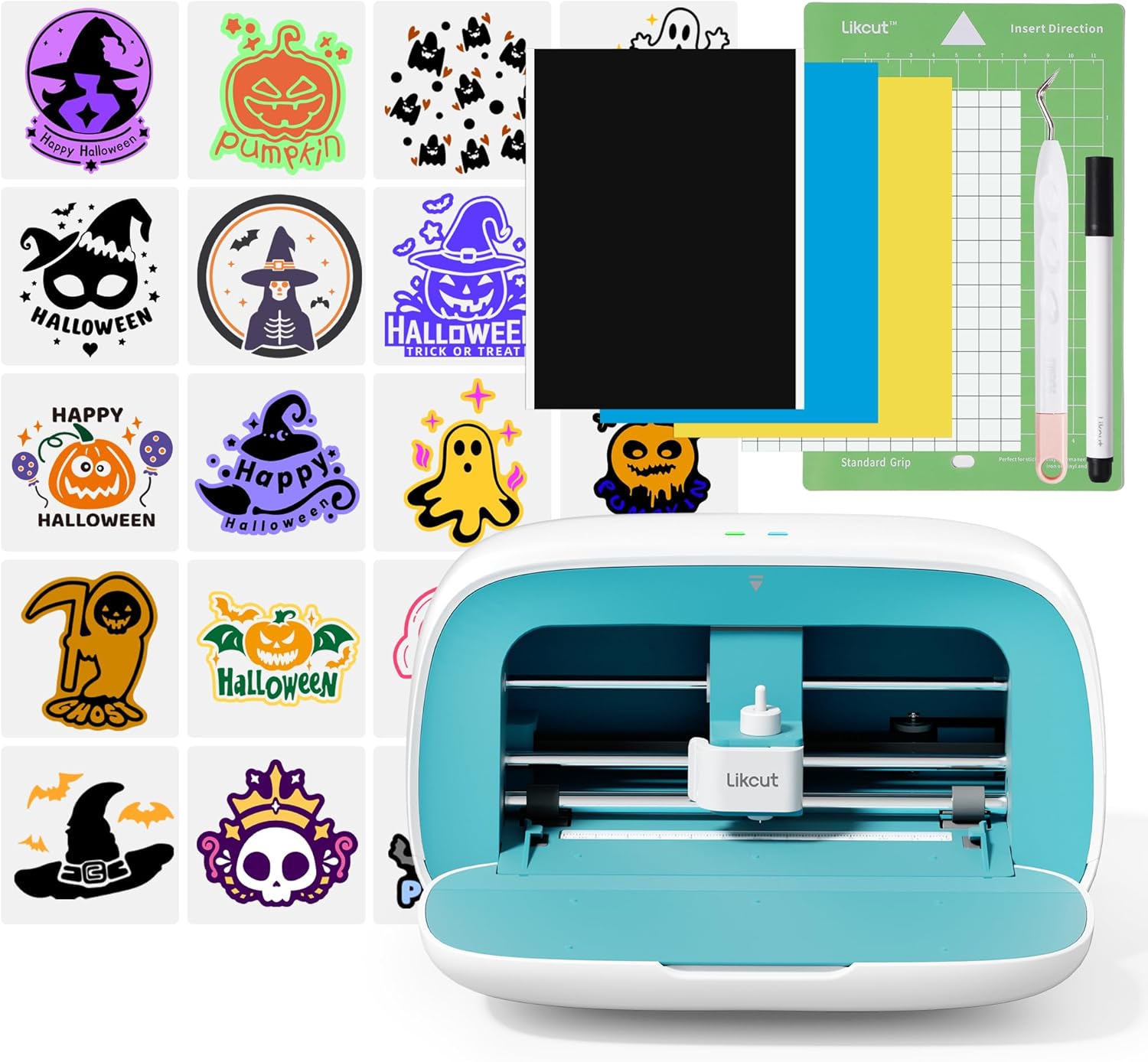
What's in the Box
- 1 x LIKCUT Glee S501 Cutting Machine
- 1 x Power Adapter
- 1 x USB-C Cable
- Vinyl Bundle (starter materials)
2. Setup
Follow these steps to set up your LIKCUT Glee S501 machine for first use.
2.1 Unboxing and Placement
- Carefully remove all components from the packaging.
- Place the machine on a stable, flat surface with adequate space around it for material loading and operation.
2.2 Power Connection
- Connect the power adapter to the machine's charging port.
- Plug the adapter into a standard electrical outlet.
2.3 Software Installation and Connectivity
The LIKCUT Glee S501 operates via a dedicated application. Download the Likcut app from your device's app store (iOS or Android) or the official Likcut website for desktop versions.
- Bluetooth 5.0: Ensure Bluetooth is enabled on your device. Open the Likcut app and follow the on-screen instructions to pair with your Glee S501.
- USB 2.0: Connect the machine to your computer using the provided USB-C cable. The app will detect the machine automatically.

3. Operating Instructions
Operating the LIKCUT Glee S501 involves three main steps: design selection, material preparation, and execution.
3.1 Easy 3-Step Creation
- Pick a Design: Use the Likcut app to select from a vast library of designs or create your own.
- Set Your Material: Load your chosen material (e.g., vinyl, cardstock) onto the cutting mat and insert it into the machine.
- Press a Button: Initiate the cutting or drawing process directly from the app.

3.2 Material Compatibility
The Glee S501 is compatible with over 50 different materials, including:
- Vinyl (adhesive, heat transfer)
- Cardstock
- Glossy film
- Labels
- And more.

3.3 Design Resources
The Likcut Design Store, integrated within the app, provides extensive resources:
- Over 500,000 designs
- More than 1,000 fonts
- Beginner-friendly tutorials and guides

4. Maintenance
Regular maintenance ensures optimal performance and longevity of your LIKCUT Glee S501.
4.1 Cleaning
- Use a soft, dry cloth to wipe down the exterior of the machine.
- Periodically clean the cutting area to remove any material debris.
4.2 Blade Replacement
The cutting blade is a consumable part and will need replacement over time. Refer to the Likcut app or website for instructions on how to safely replace the blade.
4.3 Built-in Storage
Utilize the machine's built-in front cover storage to keep your tools and small materials organized and protected.

5. Troubleshooting
If you encounter issues with your LIKCUT Glee S501, refer to the following common problems and solutions.
5.1 Connection Issues
- Machine not connecting: Ensure the machine is powered on and within range for Bluetooth. For USB, check cable connections. Restart the app and your device.
- Intermittent connection: Move the machine closer to your device. Avoid sources of wireless interference.
5.2 Cutting Quality Problems
- Poor cuts: Check if the blade is dull and needs replacement. Ensure the correct material settings are selected in the app. Verify the material is properly adhered to the cutting mat.
- Material jamming: Ensure the material is loaded straight and not wrinkled. Use the appropriate cutting mat for your material.
5.3 Software/App Issues
- App freezing/crashing: Close and reopen the app. Ensure your app is updated to the latest version.
- Design loading problems: Check your internet connection if using online resources. Ensure file formats are compatible.
For further assistance, consult the online community or contact customer support.
6. Specifications
Detailed technical specifications for the LIKCUT Glee S501 Vinyl Cutter Machine.
| Feature | Detail |
|---|---|
| Brand | LIKCUT |
| Model Number | S501-WBL-A1-EU |
| Material | Plastic |
| Color | Blue |
| Active Surface Area | 10 inches x 10 inches |
| Operation Mode | Automatic |
| Item Weight | 2.63 Kilograms (5.79 pounds) |
| Print Media Compatibility | Card stock, Glossy film, Labels |
| Product Dimensions | 6.3 x 8.58 x 4.53 inches (16.0 x 21.8 x 11.5 cm) |
| Connectivity | Bluetooth 5.0, USB 2.0 (Type-C) |

7. Warranty and Support
LIKCUT is committed to providing excellent customer service and support for your Glee S501 machine.
7.1 Customer Support
For any setup, design questions, or troubleshooting needs, our dedicated support team is available to assist you. Please refer to the contact information provided with your product or visit the official LIKCUT website for support options.
7.2 Online Community and Resources
Join the active LIKCUT online community to share ideas, get inspiration, and find solutions from fellow crafters. Access beginner-friendly tutorials and easy guides through the Likcut app and website.


