1. Introduction
This manual provides essential information for the safe and effective use of your GT POWER AC/DC Power Adapter, Model 112. This charger is specifically designed to be compatible with the Soundcore Rave PartyCast Bluetooth Speaker A3390.
What's in the Box
- 1 x GT POWER AC Adapter (Model 112)

Image 1.1: The GT POWER AC Adapter, Model 112, featuring its compact design and integrated power cord.
2. Safety Information
Please read all safety instructions carefully before using this product. Failure to follow these instructions may result in electric shock, fire, or other hazards.
- Indoor Use Only: This power adapter is designed for indoor use only. Do not expose it to rain, moisture, or extreme temperatures.
- Proper Voltage: Ensure the input voltage of the power outlet matches the adapter's specifications (110 Volts AC).
- Protection Features: This adapter is equipped with Over Voltage Protection (OVP), Over Current Output Protection (OCP), and Short Circuit Output Protection (SCP) to ensure safe operation.
- Avoid Damage: Do not use the adapter if the cord or plug is damaged. Do not attempt to open or repair the adapter.
- Keep Away from Children: Store the adapter out of reach of children.

Image 2.1: Close-up view of the GT POWER AC Adapter's label, indicating "CAUTION INDOOR USE ONLY" and electrical specifications.
3. Setup
Follow these steps to properly set up your GT POWER AC Adapter for charging your Soundcore Rave PartyCast Bluetooth Speaker A3390.
- Verify Compatibility: Before connecting, ensure your speaker is the Soundcore Rave PartyCast Bluetooth Speaker A3390. This charger is specifically designed for this model.
- Connect to Speaker: Locate the charging port on your Soundcore Rave PartyCast Bluetooth Speaker A3390. Insert the barrel plug connector of the GT POWER AC Adapter firmly into the speaker's charging port.
- Connect to Power Outlet: Plug the AC prongs of the adapter into a standard 110V AC wall outlet.
- Confirm Connection: Ensure both connections are secure. The speaker should indicate that it is receiving power or charging (refer to your speaker's manual for specific charging indicators).
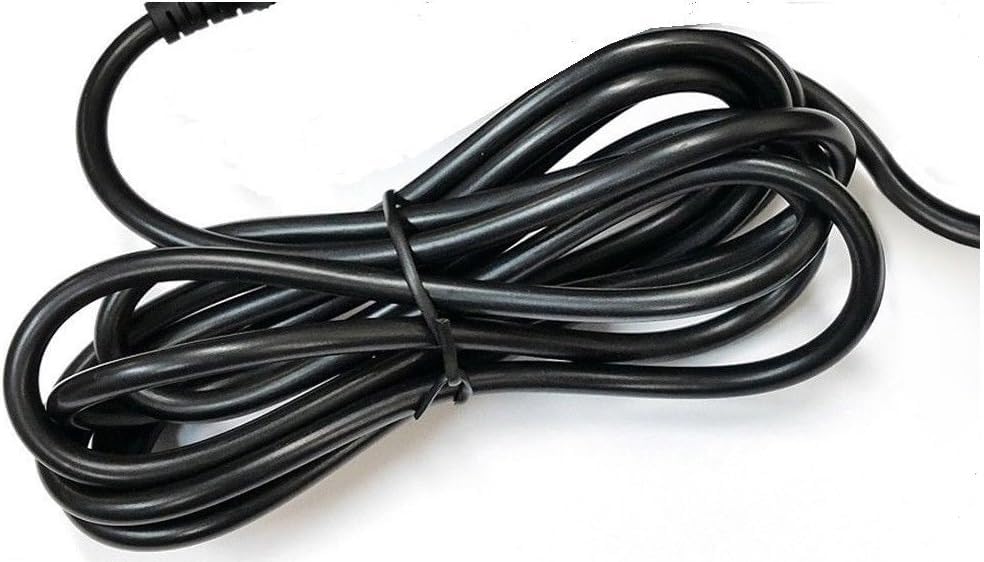
Image 3.1: Close-up of the barrel plug connector, which connects to the speaker's charging port.
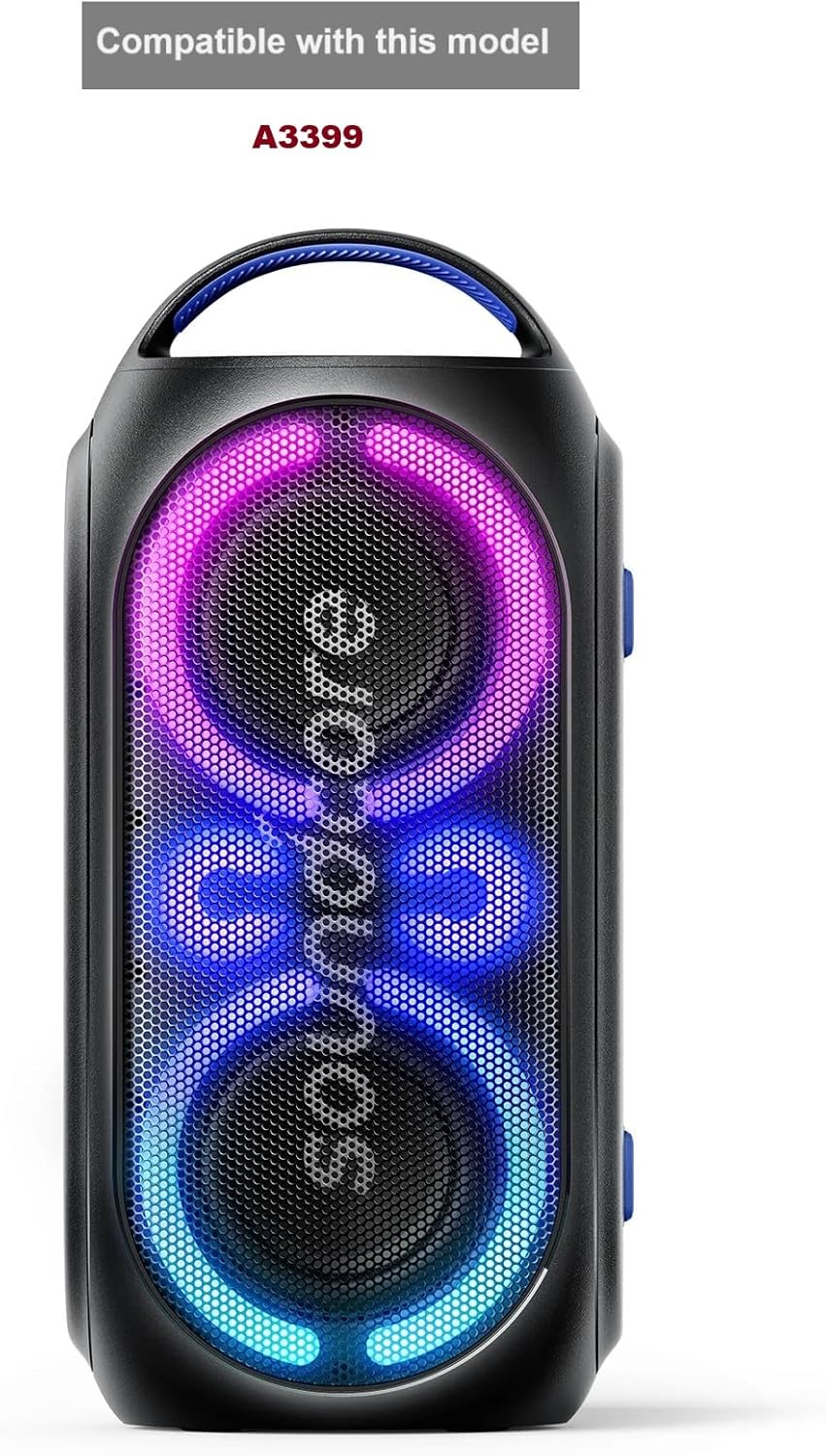
Image 3.2: Top-down view of the GT POWER AC Adapter, showing the AC prongs and the integrated cable leading to the barrel plug.
4. Operating Instructions
Once the adapter is properly connected, the Soundcore Rave PartyCast Bluetooth Speaker A3390 will begin charging. The charging process is automatic.
- Charging Indication: Refer to your Soundcore speaker's user manual for information on its charging indicator lights or display. Typically, a light will illuminate or change color to indicate charging status.
- Charging Time: Charging time will vary depending on the speaker's battery level and usage.
- Disconnection: Once the speaker is fully charged, you may disconnect the adapter from both the speaker and the wall outlet.
5. Maintenance
Proper care and maintenance will extend the life of your GT POWER AC Adapter.
- Cleaning: Disconnect the adapter from the power source before cleaning. Use a soft, dry cloth to wipe the exterior. Do not use liquid cleaners or solvents.
- Storage: When not in use, store the adapter in a cool, dry place, away from direct sunlight and moisture. Avoid tightly coiling the cable to prevent damage.
- Cable Care: Do not bend, twist, or pull the cable excessively. Avoid placing heavy objects on the cable.

Image 5.1: The power cable of the GT POWER AC Adapter, shown coiled for storage. Avoid tight coiling to prevent damage.
6. Troubleshooting
If you encounter issues with your GT POWER AC Adapter, refer to the following common troubleshooting steps:
| Problem | Possible Cause | Solution |
|---|---|---|
| Speaker not charging |
|
|
| Slow charging |
|
|
If the problem persists after trying these steps, please refer to the Warranty and Support section.
7. Specifications
| Feature | Detail |
|---|---|
| Model Number | 112 |
| Brand | GT POWER |
| Input Voltage | 110 Volts (AC) |
| Output Current | 3 Amps |
| Wattage | 33 watts |
| Connector Type | Barrel Plug |
| Compatible Devices | Soundcore Rave PartyCast Bluetooth Speaker A3390 |
| Special Features | Over Voltage Protection (OVP), Over Current Output Protection (OCP), Short Circuit Output Protection (SCP) |
8. Warranty and Support
GT POWER stands behind the quality of its products.
- Money Back Guarantee: This product comes with a 30-day money-back guarantee.
- Warranty: A one-year warranty covers defects in materials and workmanship from the date of purchase.
- Contact Support: For warranty claims, technical assistance, or further inquiries, please contact GT POWER customer support. Refer to the product packaging or the retailer's website for contact information.


