
Wildgame Innovations Encounter XT Cellular 26MP Trail Camera
Wildgame Innovations Encounter XT Cellular Trail Camera User Manual
Model: Encounter XT Cellular 26MP Trail Camera
Brand: Wildgame Innovations
1. Introduction
This manual provides detailed instructions for the setup, operation, and maintenance of your Wildgame Innovations Encounter XT Cellular Trail Camera. This device is designed to capture high-quality images and videos in various outdoor environments, transmitting them in real-time to your mobile device.
The Encounter XT features 26MP image capture and 720p HD video recording (without audio). It utilizes four 850nm infrared LEDs for night vision and boasts a trigger speed of less than half a second, detecting subjects up to 80 feet away. Images are delivered in a 16:9 ratio format to the Wildgame Innovations HuntSmart App, which includes an Artificial Intelligence Management (AIM) System for organizing and analyzing captures based on species and geolocation.
2. What's in the Box
Please verify that all items listed below are included in your package:
- Wildgame Innovations Encounter XT Cellular 26MP Trail Camera with 720p Video Capture and 850nm LEDs
- 32GB Ultra SDHC UHS-I Memory Card
- 4-In-1 USB Card Reader with 480 MBPS Transfer Speed and Lightweight Design (Black)
- Adjustable Tree Strap

Figure 2.1: Included items in the product package.
3. Setup
Follow these steps to set up your Encounter XT Cellular Trail Camera:
3.1 Battery Installation
- Open the camera housing latch.
- Locate the battery compartment.
- Insert 8 AA batteries (not included) into the compartment, ensuring correct polarity (+/-).
- Close the battery compartment securely.
Note: The camera can also be powered by a 12-volt DC jack compatible with solar power panels (not included) for consistent operation.
3.2 SD Card Installation
- With the camera housing open, locate the SD card slot.
- Insert the provided 32GB Ultra SDHC UHS-I Memory Card into the slot until it clicks into place. Ensure the card is inserted in the correct orientation.
3.3 App Download and Camera Activation
- Download the Wildgame Innovations HuntSmart App from your device's app store (available for iOS and Android).
- Open the HuntSmart App and follow the on-screen instructions to create an account or log in.
- Within the app, select the option to add a new camera.
- Scan the QR code located on your camera to quickly set up and activate the device.
- Follow any additional prompts in the app to configure cellular settings. The camera is compatible with Verizon wireless and AT&T providers and operates anywhere cell service is available in the U.S. or Canada.
3.4 Mounting the Camera
- Select a suitable location for your trail camera, ensuring a clear view of the area you wish to monitor.
- Use the included adjustable tree strap to securely fasten the camera to a tree or post. Thread the strap through the camera's mounting slots and tighten it firmly.
- Adjust the camera's angle to optimize its field of view.

Figure 3.1: Proper camera mounting using the adjustable tree strap.
Security Note: The camera features a cable-lock-ready latch for added security. Security accessories are not included.
4. Operating Instructions
Once set up, your Wildgame Innovations Encounter XT Cellular Trail Camera is ready to capture images and videos.
4.1 Automatic Capture
- The camera is equipped with a motion sensor that triggers image or video capture when movement is detected within its 80-foot detection range.
- The trigger speed is less than half a second, ensuring quick capture of moving subjects.
- For low-light or nighttime conditions, four 850nm infrared LEDs illuminate the area without startling wildlife.

Figure 4.1: Key operational features of the Encounter XT.
4.2 Image and Video Specifications
- Image Resolution: 26 Megapixels
- Video Resolution: 720p HD (without audio)
- Aspect Ratio: Images are delivered in 16:9 ratio format.
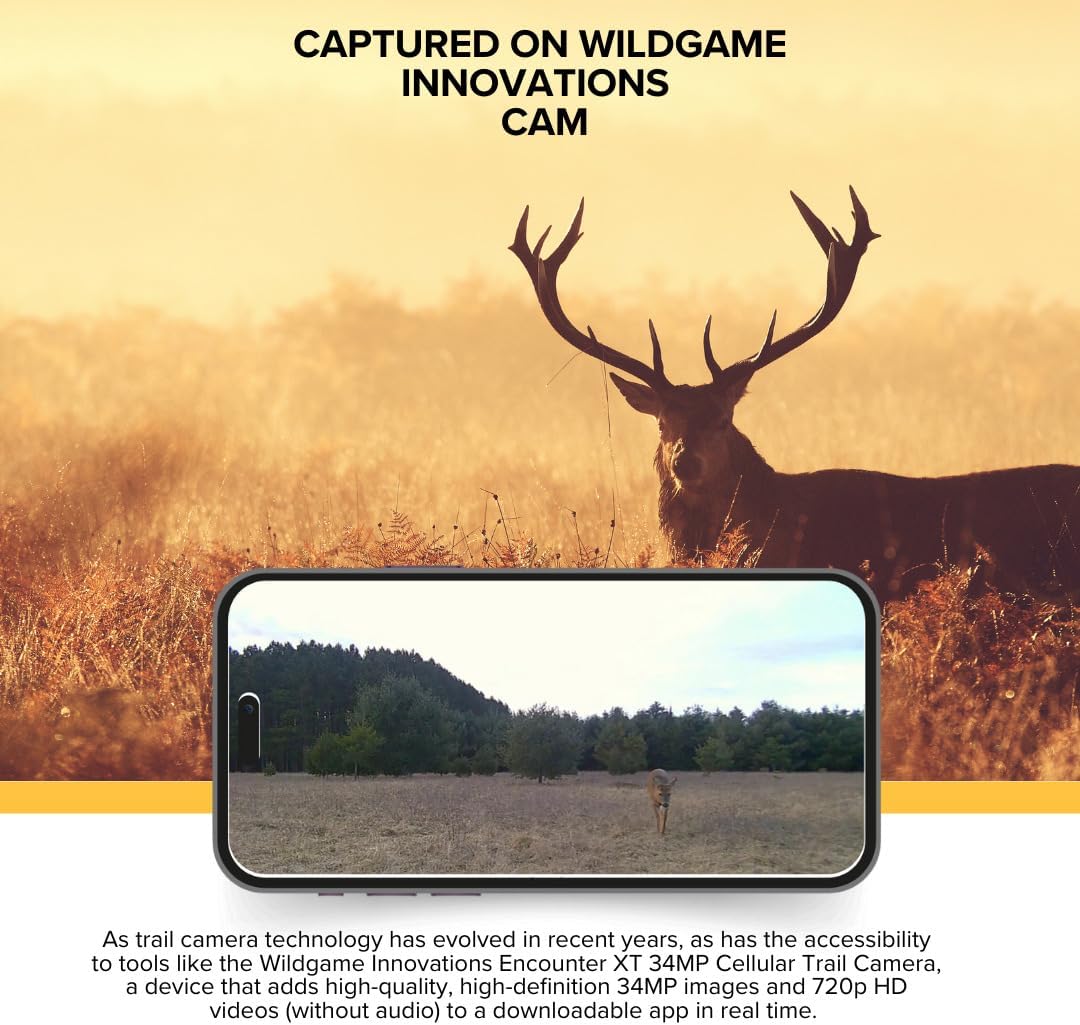
Figure 4.2: Example of captured footage viewed on a mobile device.
4.3 Using the HuntSmart App
- The HuntSmart App is your primary interface for viewing and managing captures from your camera.
- The app's Artificial Intelligence Management (AIM) System automatically organizes and analyzes captures, providing information on species detected and geolocation.
- You can view images and videos, manage camera settings, and monitor camera status directly from the app.

Figure 4.3: Detailed operational parameters and on-demand photo capability.

Figure 4.4: Rear view and key features related to image transmission.
5. Maintenance
Proper maintenance ensures the longevity and optimal performance of your trail camera.
- Cleaning: Periodically clean the camera lens and sensor window with a soft, lint-free cloth. Avoid abrasive materials or harsh chemicals.
- Battery Check: Regularly check battery levels via the HuntSmart App or by inspecting the camera. Replace batteries when low to prevent interruption of service.
- SD Card Management: Format the SD card periodically to maintain optimal performance and prevent data corruption. Back up important captures before formatting.
- Firmware Updates: Check the Wildgame Innovations website or HuntSmart App for any available firmware updates. Keeping your camera's firmware updated can improve performance and add new features.
- Storage: When not in use for extended periods, remove batteries and store the camera in a cool, dry place away from direct sunlight and extreme temperatures.
6. Troubleshooting
If you encounter issues with your Encounter XT Cellular Trail Camera, refer to the following common problems and solutions:
| Problem | Possible Cause | Solution |
|---|---|---|
| Camera does not power on. |
|
|
| No images/videos captured. |
|
|
| Images/videos not appearing in HuntSmart App. |
|
|
| Poor image/video quality. |
|
|
7. Specifications
| Feature | Detail |
|---|---|
| Model | Encounter XT Cellular Trail Camera |
| Image Resolution | 26 Megapixels |
| Video Resolution | 720p HD (without audio) |
| Trigger Speed | Less than 0.5 seconds |
| Detection Range | Up to 80 feet |
| Flash Type | 850nm Infrared LEDs (4 LEDs) |
| Power Source | 8 AA Batteries (not included) or 12V DC input |
| Memory Card Support | SDHC UHS-I (32GB card included) |
| Cellular Compatibility | Verizon Wireless, AT&T (U.S. & Canada) |
| App Compatibility | Wildgame Innovations HuntSmart App (iOS, Android) |
| Product Dimensions | 9.1 x 9.1 x 9.1 inches |
| Item Weight | 1.4 pounds |
| UPC | 196271082842 |
8. Warranty & Support
Wildgame Innovations products are manufactured to high standards. For specific warranty details, please refer to the warranty information provided with your product packaging or visit the official Wildgame Innovations website.
For technical support, troubleshooting assistance, or inquiries regarding your Wildgame Innovations Encounter XT Cellular Trail Camera, please contact Wildgame Innovations customer service. Contact information can typically be found on their official website or within the HuntSmart App.
Online Resources:
- Wildgame Innovations Official Website: www.wildgameinnovations.com
- HuntSmart App Support: Refer to the help section within the app.
Ask a question about this manual
Ask about setup, troubleshooting, compatibility, parts, safety, or missing instructions. Manuals+ will review the question and use this page’s manual context to help answer it.