1. Introduction
The roborock Q8 Max is an advanced robot vacuum and mop designed to provide efficient and thorough cleaning for various floor types. This manual provides essential information for setting up, operating, and maintaining your device to ensure optimal performance.
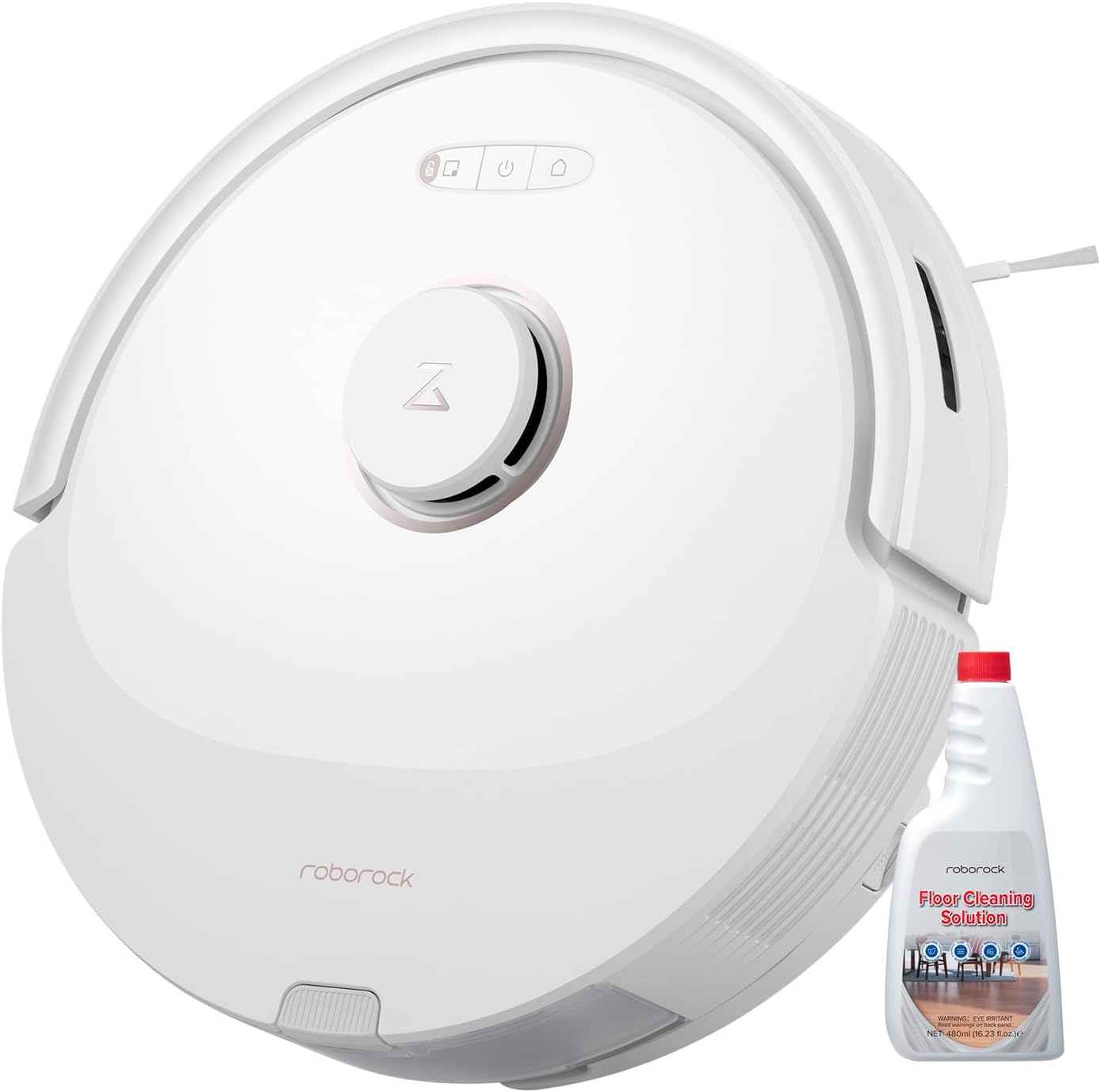
Image 1.1: The roborock Q8 Max Robot Vacuum and Mop with included cleaning solution.
2. Setup
2.1 Unboxing and Component Check
Carefully remove all components from the packaging. Ensure the following items are present:
- roborock Q8 Max Robot Vacuum and Mop
- Charging Dock
- Power Cable
- Water Tank
- Mop Cloth
- DuoRoller Brush (pre-installed)
- Floor Cleaning Solution
- User Manual (this document)
2.2 Initial Charging
Place the charging dock against a wall on a hard, level surface. Connect the power cable to the dock and a power outlet. Place the robot onto the charging dock. For first-time use, fully charge the robot before operation. The indicator light will show charging status.
2.3 App Connection
Download the roborock app from your device's app store. Follow the in-app instructions to connect your Q8 Max robot vacuum to your home Wi-Fi network. This enables smart features, scheduling, and remote control.
3. Operating Instructions
3.1 Power On/Off and Basic Cleaning
Press and hold the power button on the robot to turn it on or off. A short press of the power button will start or pause a cleaning cycle. The robot will automatically return to the charging dock when cleaning is complete or the battery is low.
3.2 Vacuuming and Mopping Simultaneously
The Q8 Max is designed to vacuum and mop concurrently. To enable mopping:
- Remove the water tank from the robot.
- Fill the water tank with clean water. For enhanced cleaning, add the roborock Floor Cleaning Solution according to the dilution ratio (approximately 5ml per 1L of water).
- Attach the mop cloth securely to the water tank.
- Reinsert the filled water tank and mop cloth assembly into the robot.
- Use the roborock app to select the desired water flow level (30 options available) for different floor types.

Image 3.1: The Q8 Max features a combined dustbin and water tank for simultaneous vacuuming and mopping.

Image 3.2: Dilution ratio for roborock Floor Cleaning Solution: approximately 5ml (2/3 cap) per 1 liter of water.
3.3 DuoRoller Brush Technology
The Q8 Max features DuoRoller Brushes, which are dual rubber brushes designed to improve vacuuming performance, especially on carpets, and reduce hair tangles. This technology contributes to a 20% increase in hair pickup rate compared to previous models.
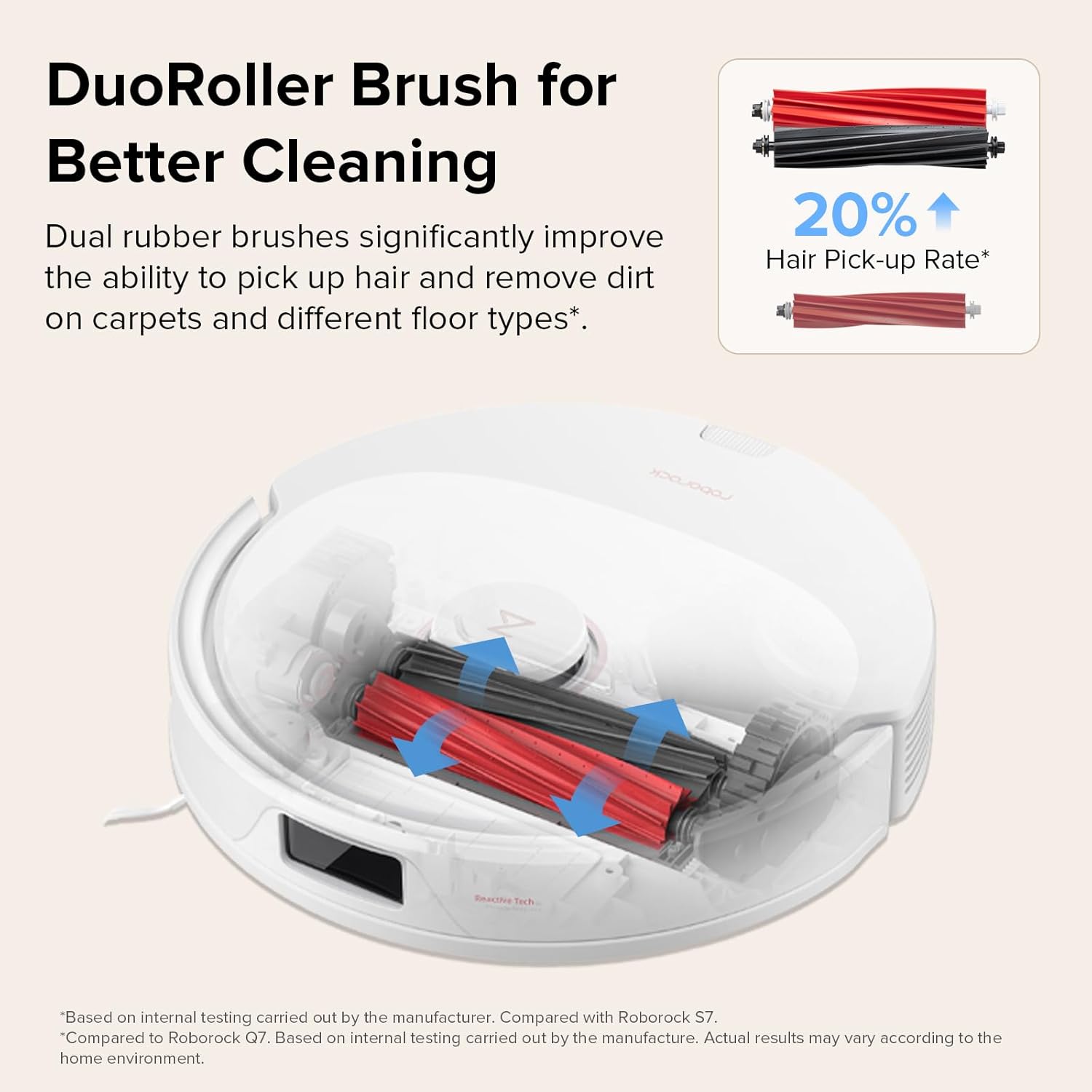
Image 3.3: Illustration of the DuoRoller Brush system for enhanced cleaning and reduced tangles.
3.4 Smart Navigation and Mapping
The Q8 Max utilizes PreciSense LiDAR Navigation to create detailed and accurate maps of your home. This enables the robot to plan the most efficient cleaning routes. Features include:
- 6X Faster Quick Mapping: Rapidly maps your home environment.
- 3D Map Display: View your home layout in a three-dimensional representation within the app.
- Multi-level Mapping System: Supports mapping for homes with multiple floors.
- Smart 'Z' Route Planning: Optimizes cleaning paths for comprehensive coverage.
- Obstacle Avoidance and AI No-Go Zones: Helps the robot navigate around obstacles and avoid designated areas.
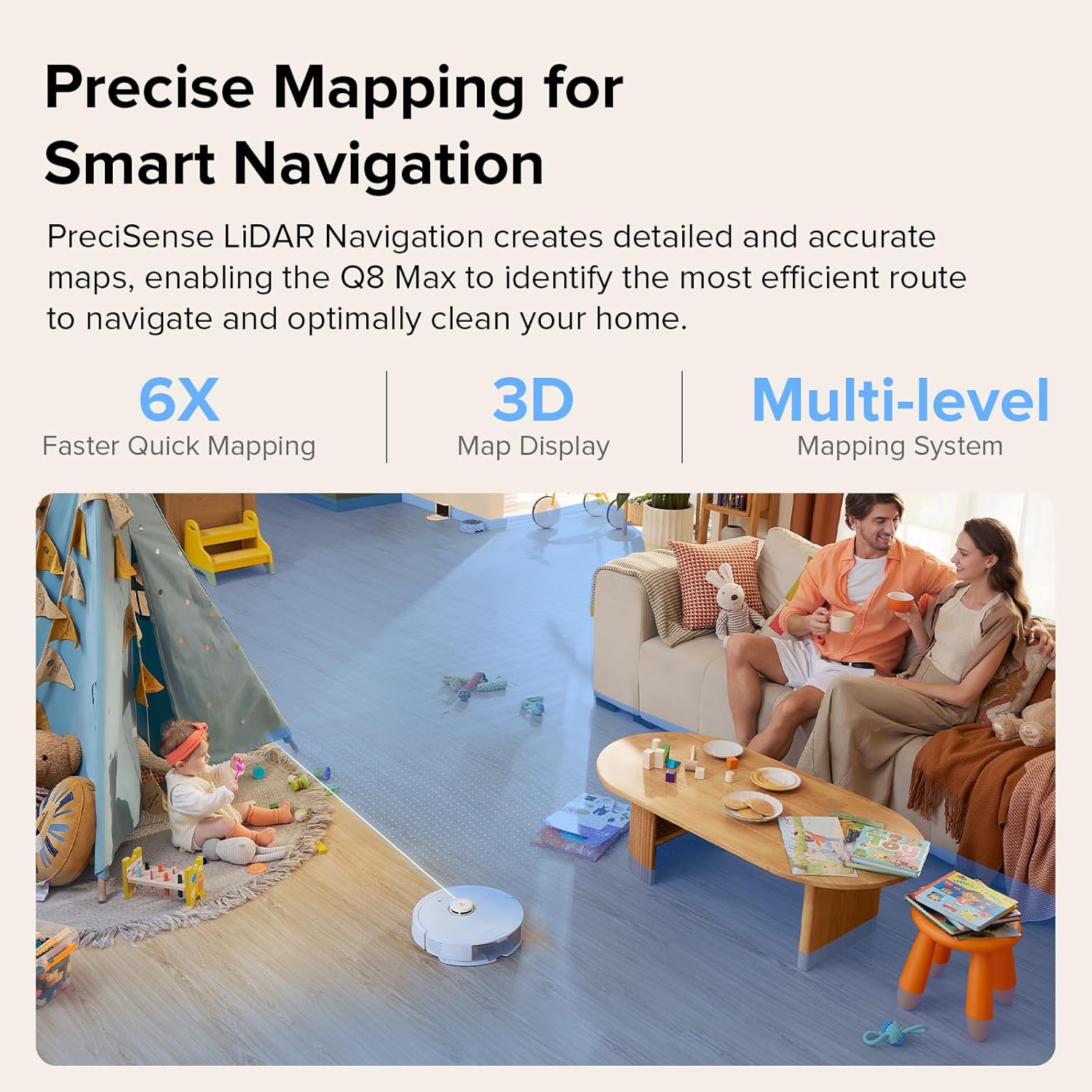
Image 3.4: The Q8 Max uses LiDAR for precise mapping and smart navigation.

Image 3.5: Smart 'Z' route planning and obstacle avoidance features of the Q8 Max.
3.5 HyperForce Suction Power
The Q8 Max features an impressive HyperForce suction power of 5500 Pa. This allows it to effectively remove dirt, dust, and pet hair from various floor types, including carpets and hard floors.

Image 3.6: The Q8 Max boasts 5500 Pa suction power for effective cleaning.
3.6 Floor Cleaning Solution
The included roborock Floor Cleaning Solution is designed to penetrate deep into surfaces, effectively removing dust, dirt, grime, and sticky messes. It is suitable for multiple surfaces, including hardwood, vinyl, ceramic tile, laminate floors, marble, and stone.

Image 3.7: The roborock Floor Cleaning Solution bottle.

Image 3.8: The cleaning solution is effective on various floor types including wood, hard floor, tile, marble, and stone.
4. Maintenance
Regular maintenance ensures the longevity and optimal performance of your roborock Q8 Max.
4.1 Dustbin and Filter Cleaning
Empty the dustbin after each cleaning cycle. Remove the filter and tap it gently to dislodge dust. The filter can be rinsed with water, but ensure it is completely dry before reinstallation.
4.2 Water Tank and Mop Cloth Cleaning
After each mopping session, empty any remaining water from the tank and rinse it thoroughly. Remove the mop cloth, rinse it with water, and allow it to air dry. Replace the mop cloth periodically for best results.
4.3 DuoRoller Brush Cleaning
Periodically remove the DuoRoller Brushes and clean any tangled hair or debris. Use the cleaning tool provided (if applicable) to cut and remove hair. Ensure the brushes spin freely after cleaning.
4.4 Sensor Cleaning
Wipe all sensors (cliff sensors, wall sensors, LiDAR sensor window) with a soft, dry cloth to remove dust and debris. Clean the charging contacts on both the robot and the charging dock.
4.5 Side Brush Cleaning
Check the side brush for tangled hair or debris. Remove and clean it as needed. If the side brush is damaged, replace it.
5. Troubleshooting
If you encounter issues with your roborock Q8 Max, refer to the following common problems and solutions:
| Problem | Possible Cause | Solution |
|---|---|---|
| Robot does not power on or charge. | Low battery; charging contacts dirty; power cable disconnected. | Ensure robot is on charging dock; clean charging contacts; check power cable connection. |
| Poor cleaning performance. | Dustbin full; filter clogged; brushes tangled; suction power too low. | Empty dustbin; clean/replace filter; clean main/side brushes; increase suction power in app. |
| Robot gets stuck frequently. | Obstacles on floor; sensors dirty. | Clear floor of cables/small items; clean all sensors. |
| App connection issues. | Incorrect Wi-Fi password; router issues; robot too far from router. | Verify Wi-Fi password; restart router; move robot closer to router; reset Wi-Fi on robot. |
For more detailed troubleshooting or persistent issues, please refer to the roborock app or contact customer support.
6. Specifications
| Feature | Detail |
|---|---|
| Brand | roborock |
| Model Name | Q8 Max |
| Special Features | Tangle Free, Wet/Dry, Smart Mapping |
| Filter Type | Cloth, Cartridge, Foam |
| Power Source | Battery Powered |
| Control Method | App |
| Form Factor | Round |
| Suction Power | 5500 Pa |
| Dustbin Capacity | 470ml |
| Water Tank Capacity | 350ml |
7. Warranty and Support
Your roborock Q8 Max Robot Vacuum and Mop comes with a manufacturer's warranty. Please refer to the warranty card included in your product packaging or visit the official roborock website for detailed warranty terms and conditions.
For technical support, service, or further inquiries, please contact roborock customer service through their official website or the roborock app. Ensure you have your product model and serial number ready when contacting support.


