
Wildgame Innovations Spark 2.0 Combo Lightsout 18MP
Wildgame Innovations Spark 2.0 Combo Trail Camera User Manual
Model: Spark 2.0 Combo Lightsout 18MP
Introduction
This manual provides detailed instructions for the setup, operation, and maintenance of your Wildgame Innovations Spark 2.0 Combo Lightsout 18MP Trail Camera. This bundle includes the trail camera, a 4-in-1 USB 2.0 Card Reader, and an SD memory card, offering a complete solution for remote wildlife monitoring and data management.
Package Contents
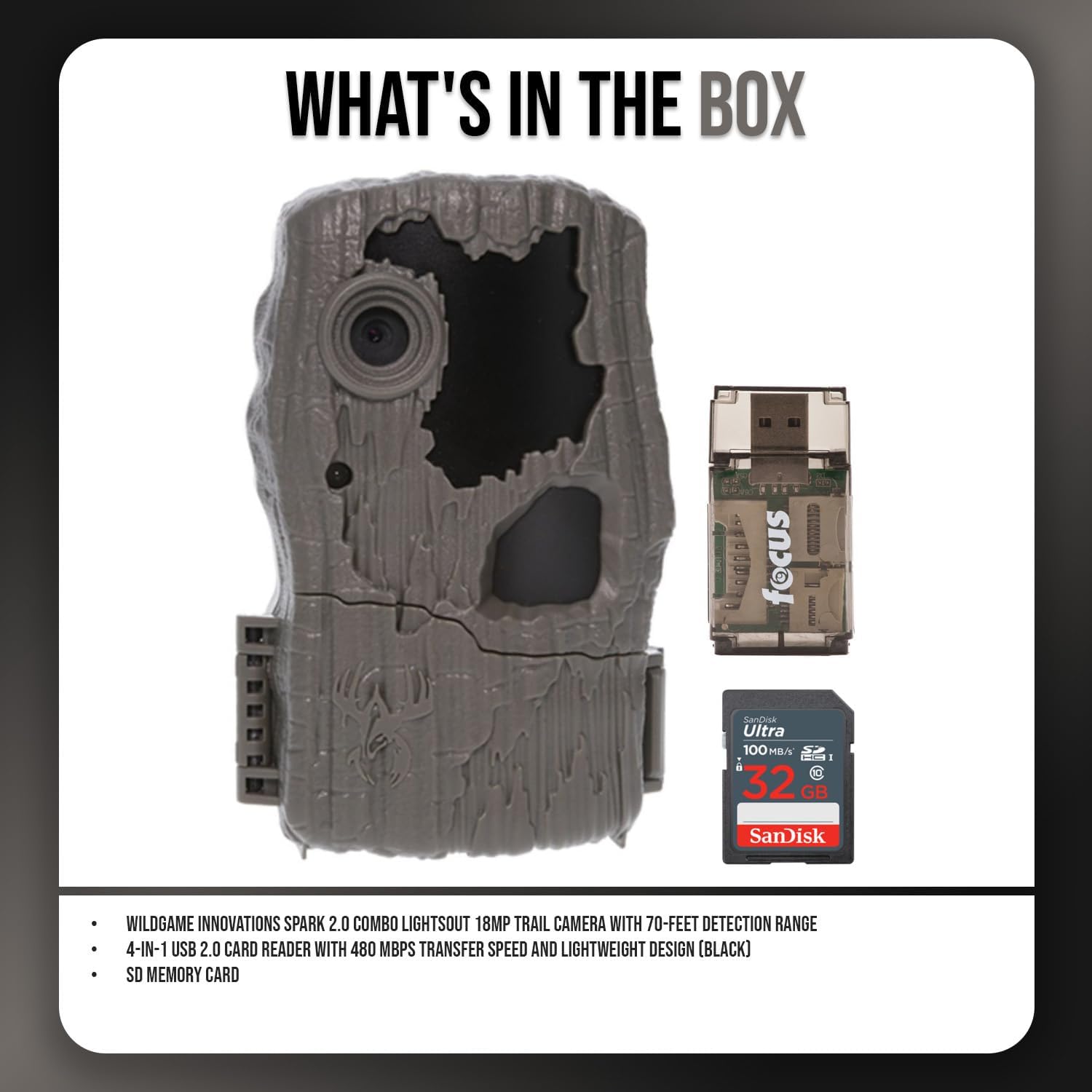
Figure 1: Included items in the Spark 2.0 Combo package.
- Wildgame Innovations Spark 2.0 Combo Lightsout 18MP Trail Camera
- 4-in-1 USB 2.0 Card Reader
- SD Memory Card
- Adjustable Tree Strap
- 8 AA Batteries (pre-installed or included separately)
Product Overview
The Wildgame Innovations Spark 2.0 Trail Camera is designed for reliable outdoor surveillance, capturing high-resolution images and videos. Key features include:
- 18 Megapixel Resolution: For crisp photo capture.
- 720p HD Video: Clear video recording without audio.
- Sub-second Trigger Speed: Captures subjects quickly.
- 70-Feet Detection Range: Wide area coverage for motion detection.
- Lightsout Infrared Technology: For discreet night vision.
- Intuitive Switch Programming: Easy setting adjustments.
- Time, Date, and Moon Phase Stamp: Overlays data on captured media.
- Cable-Lock-Ready Latch: For enhanced security (security accessories not included).

Figure 2: Key features of the Spark 2.0 Trail Camera.
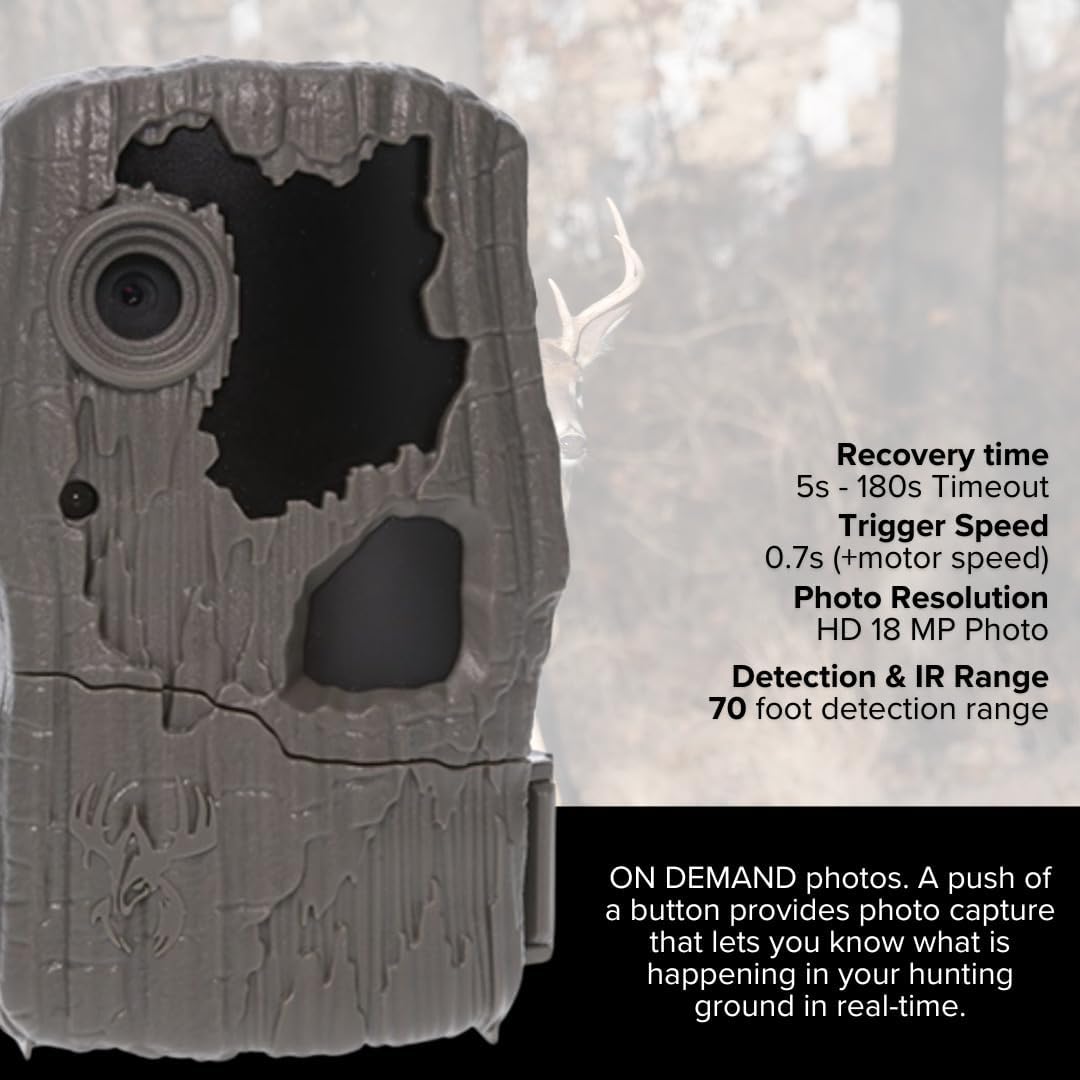
Figure 3: Detailed performance specifications.
Setup
1. Battery Installation
The camera requires 8 AA batteries. Ensure correct polarity when inserting. The camera is designed to operate efficiently with these batteries.

Figure 4: Open camera showing battery compartment and controls.
2. SD Card Installation
Insert the provided SD memory card into the designated SD card slot on the camera. Ensure it is fully seated. The camera supports standard SD cards.
3. Mounting the Camera
Use the adjustable tree strap to secure the camera to a tree or post. Position the camera to cover the desired monitoring area. The strap features alligator-style clips for easy attachment.
Operating Instructions
1. Powering On/Off
Locate the power switch inside the camera housing. Toggle it to the 'ON' position to power on the camera. To power off, toggle the switch to 'OFF'.
2. Mode Selection
The camera features intuitive switch programming. Select between photo and video modes using the internal controls. Refer to the internal labels for specific switch functions.
3. Setting Time, Date, and Moon Phase
Access the settings menu via the internal controls to set the current time, date, and enable/disable the moon phase stamp. This information will be overlaid on captured images and videos.
4. Capturing Media
Once configured, the camera will automatically capture photos or 720p HD videos when motion is detected within its 70-foot detection range. The sub-second trigger speed ensures minimal delay in capture.
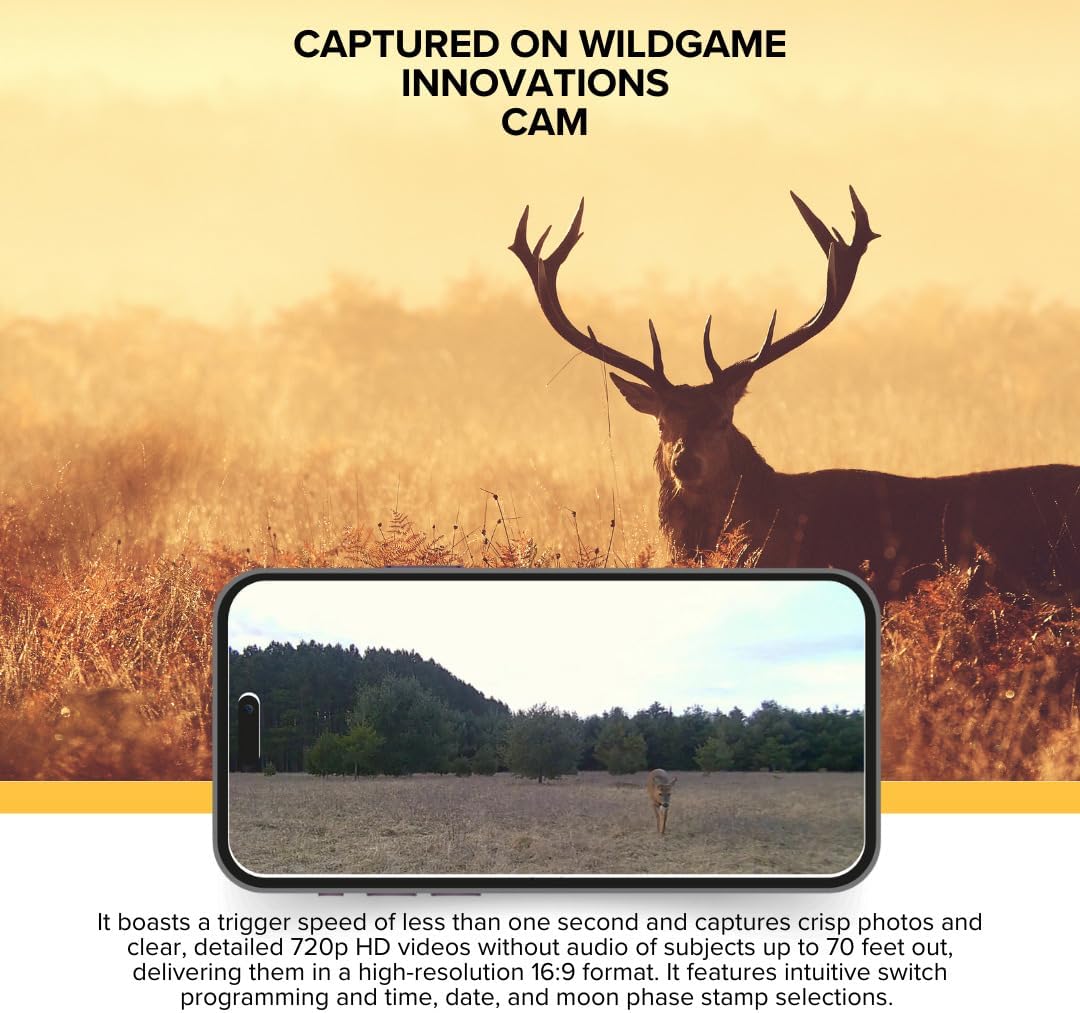
Figure 5: Example of media captured by the camera.
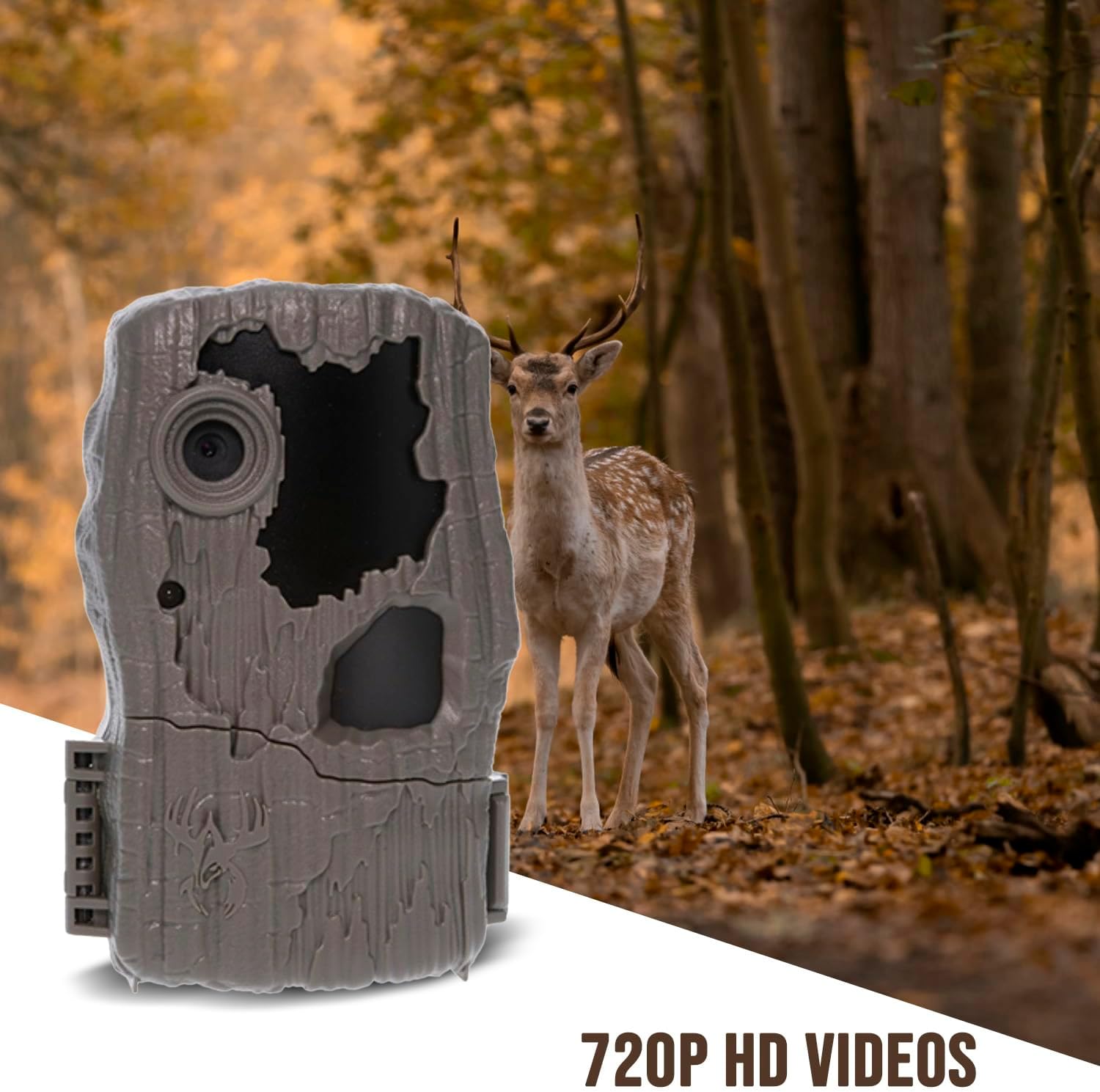
Figure 6: Camera in a natural environment.
Data Transfer with USB Card Reader
The included 4-in-1 USB 2.0 Card Reader allows for quick transfer of captured media from your SD card to a computer or other compatible device.

Figure 7: Trail camera bundle including the USB card reader.
- Remove the SD card from the trail camera.
- Insert the SD card into the appropriate slot on the 4-in-1 USB 2.0 Card Reader.
- Connect the USB card reader to a USB port on your computer.
- The computer will recognize the card reader as a removable drive. Access the drive to view and transfer your photos and videos.
- Once transfer is complete, safely eject the card reader from your computer before disconnecting.
The card reader supports SD, SDHC, microSD, and microSDHC formats and offers transfer speeds up to 480 MBPS.
Maintenance
- Cleaning: Use a soft, dry cloth to clean the camera lens and housing. Avoid abrasive cleaners or solvents.
- Battery Replacement: Replace all 8 AA batteries when the low battery indicator appears or performance degrades.
- SD Card Management: Periodically format the SD card to ensure optimal performance and prevent data corruption. Back up important files before formatting.
- Storage: When not in use, store the camera in a cool, dry place, away from direct sunlight and extreme temperatures. Remove batteries if storing for extended periods.
Troubleshooting
| Problem | Possible Solution |
|---|---|
| Camera not powering on. |
|
| No photos/videos captured. |
|
| Poor image/video quality. |
|
| Card reader not recognized by computer. |
|
Specifications
| Model | Spark 2.0 Combo Lightsout 18MP |
| Image Resolution | 18 Megapixels |
| Video Resolution | 720p HD (without audio) |
| Trigger Speed | Less than 1 second (0.7s) |
| Detection Range | Up to 70 feet |
| Flash Range | 70 feet (Lightsout Infrared) |
| Power Source | 8 AA Batteries (included) |
| Memory | SD Card (included) |
| Dimensions | Approximately 9.1 x 9.1 x 9.1 inches |
| Weight | Approximately 5 pounds |
| UPC | 196271886839 |
Warranty and Support
For warranty information and technical support, please refer to the official Wildgame Innovations website or contact their customer service department. Keep your purchase receipt for warranty claims.
Wildgame Innovations Customer Service: Visit Support Page
Related documentsSpark 2.0 Combo Lightsout 18MP


Ask a question about this manual
Ask about setup, troubleshooting, compatibility, parts, safety, or missing instructions. Manuals+ will review the question and use this page’s manual context to help answer it.