
Cearvol Diamond X1
Cearvol Diamond X1 OTC In-The-Ear Hearing Aids with Bluetooth App Control User Manual
Brand: Cearvol | Model: Diamond X1
1. Introduction
This manual provides detailed instructions for the proper use, setup, operation, and maintenance of your Cearvol Diamond X1 OTC In-The-Ear Hearing Aids. Please read this manual thoroughly before using the device to ensure optimal performance and user safety.
What's in the Box

Image: Contents of the Cearvol Diamond X1 hearing aid box, including earbuds, charging case, silicone ear tips, USB-C cable, cleaning brush, and user manual.
- Diamond X1 Hearing Aids (Left and Right)
- Portable Charging Case
- Silicone Ear Tips (6 pairs in various sizes)
- USB-C Charging Cable
- Cleaning Brush
- User Manual (this document)
2. Setup
2.1 Initial Charging
Before first use, fully charge the portable charging case and the hearing aids. Place the hearing aids into the charging case. Connect the USB-C charging cable to the case and a power source. The indicator lights on the case will show charging status.
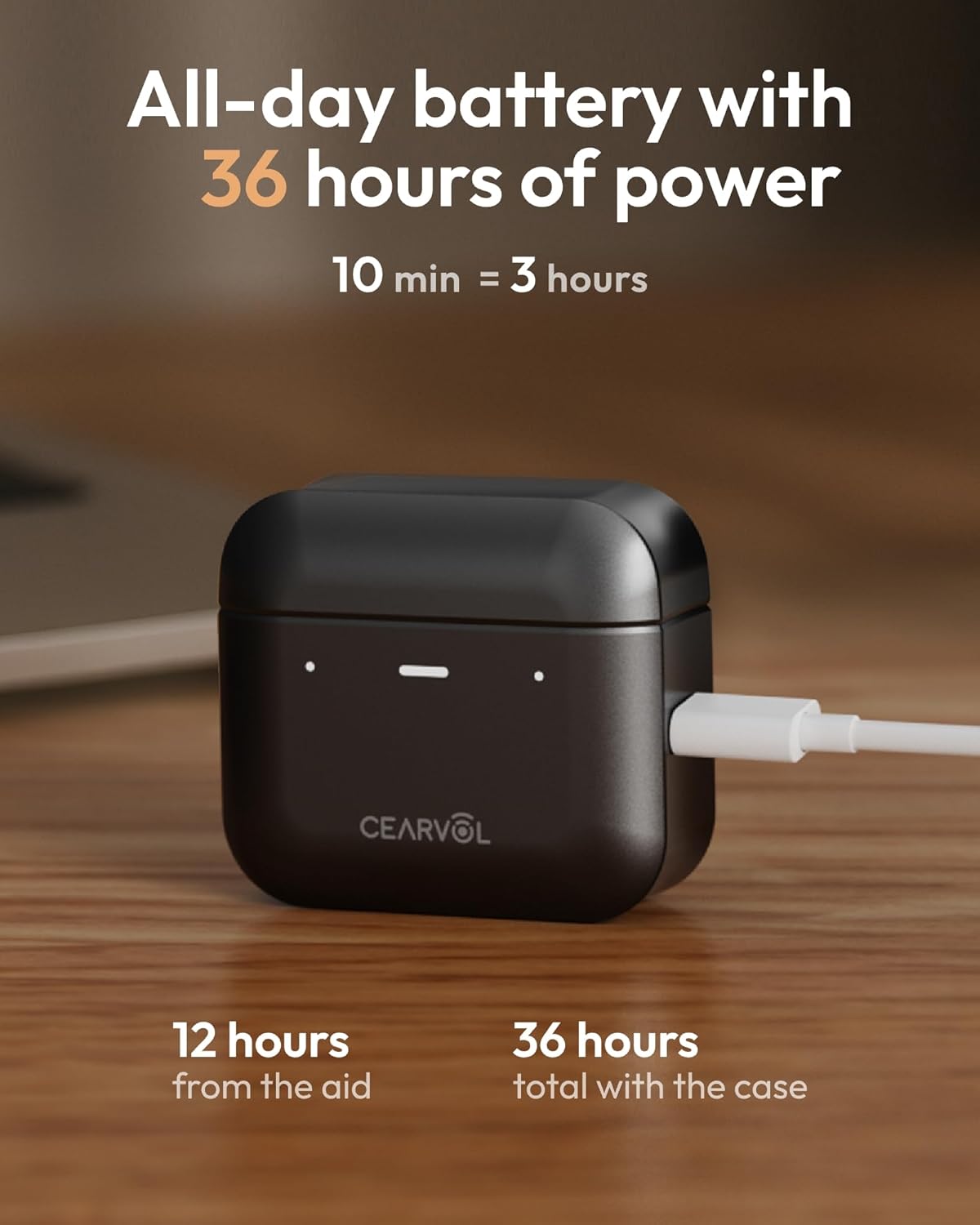
Image: Cearvol Diamond X1 charging case connected to a USB-C cable, indicating long battery life and fast charging capabilities.
2.2 Ear Tip Selection and Placement
Select the silicone ear tips that provide the most comfortable and secure fit for your ears. A proper fit is crucial for optimal sound quality and to prevent feedback. Gently insert the hearing aids into your ear canals until they feel snug.

Image: Cearvol Diamond X1 in-the-ear hearing aids in their open charging case, showcasing their compact and discreet design.
2.3 App Download and Pairing
Download the Cearvol app from your device's app store (compatible with Android and iOS). Open the app and follow the on-screen instructions to pair your hearing aids via Bluetooth 5.3. The app will guide you through an initial hearing test to personalize your sound profile.

Image: A person using the Cearvol app on a smartphone to personalize their hearing aid settings, with various sound adjustment options visible.
Video: This video demonstrates the customizable app control features of the Cearvol OTC Hearing Aids, showing how users can personalize their sound experience.
3. App Control and Personalization
The Cearvol app allows for extensive personalization of your hearing experience:
- Audiogram Import: Upload your existing audiogram for precise, doctor-recommended adjustments.
- In-App Hearing Test: Conduct an online hearing test directly within the app to fine-tune your hearing profile.
- Scene Modes: Easily switch between four preset modes (Indoor, Conversation, Restaurant, Traffic) optimized for different environments.
- Individual Ear Control: Adjust settings for each ear independently to achieve perfectly balanced sound and comfort.
- Voice Enhancement & Noise Reduction: Adjust levels to minimize background noise and focus on conversations.
- OTA Upgrades: Receive the latest software updates and new features directly through the app.
4. Operating Your Hearing Aids
4.1 Power On/Off and In-Ear Detection
The hearing aids automatically power on when removed from the charging case and power off when placed back in. They feature in-ear detection, which pauses audio or mutes amplification when removed from your ear and resumes when reinserted.
4.2 Bluetooth Streaming and Calls
Utilize Bluetooth 5.3 for low-latency, high-fidelity audio streaming from your smartphone or other compatible devices. You can stream music, podcasts, and take crystal-clear phone calls directly through your hearing aids.
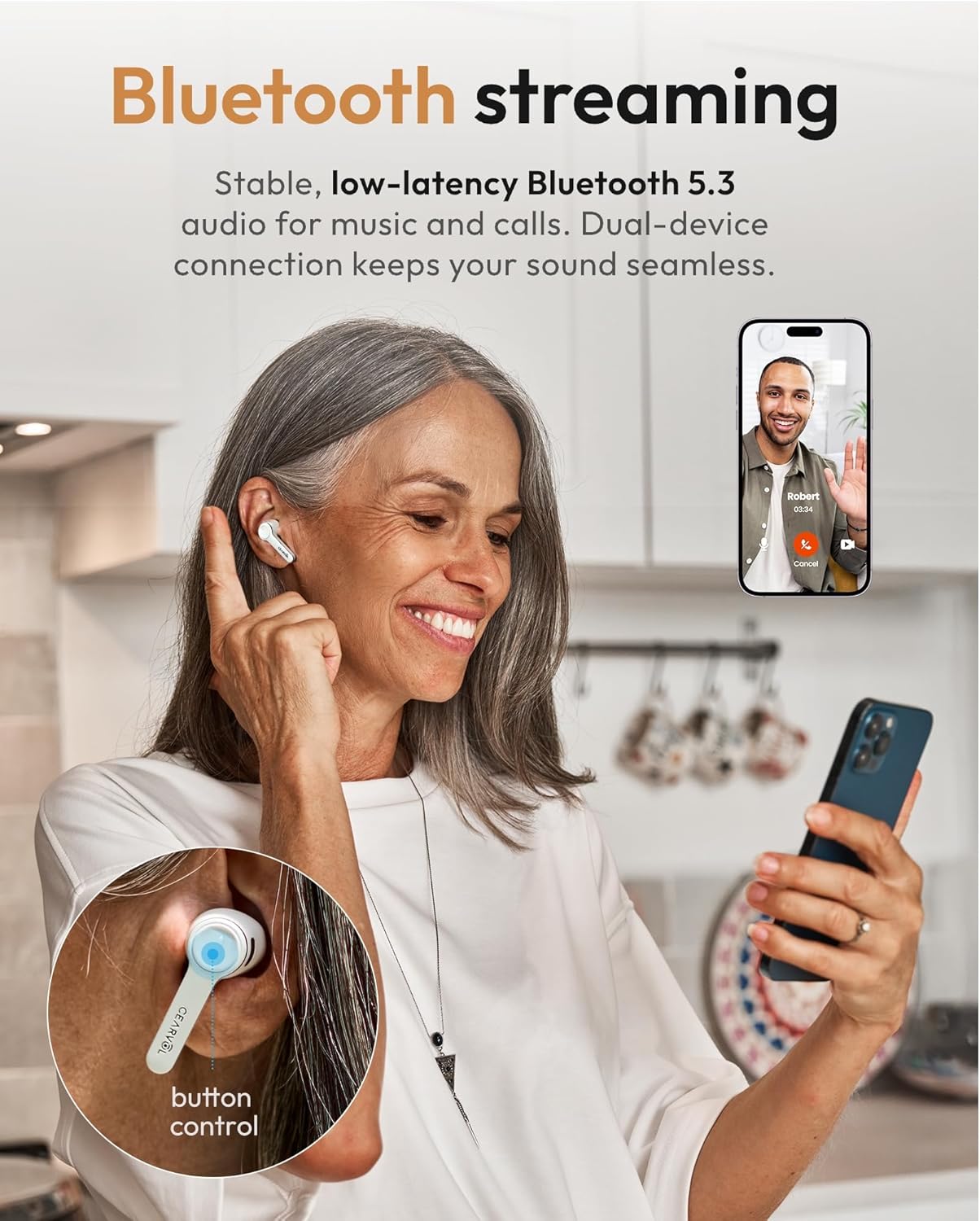
Image: A woman smiling while wearing Cearvol Diamond X1 hearing aids and holding a smartphone, demonstrating seamless Bluetooth streaming for calls and media.
Video: This video provides a comprehensive guide on how to use the Cearvol Diamond X1 hearing aids, covering various aspects of their functionality.
5. Key Features
- 16-Channel WDRC Technology: Experience superior sound clarity with balanced amplification across various frequencies, ideal for mild to moderate hearing loss. WDRC dynamically adjusts gain based on sound intensity for comfortable listening.
- Adjustable Noise Reduction: Effectively minimize background noise to focus on conversations in various environments, from bustling restaurants to busy streets.
- Directional Sound Collection: Equipped with directional microphones to capture sounds from specific directions, enhancing speech clarity in noisy settings.
- Long Battery Life & Fast Charging: Enjoy up to 12 hours of use on a single charge, and up to 24 hours with the charging case. A 10-minute fast charge provides up to 3 hours of use.
- IPX5 Water & Dust Resistance: Certified with IPX5 protection, these hearing aids are resistant to water and dust, making them durable for active lifestyles.

Image: A man smiling while wearing a Cearvol Diamond X1 hearing aid, highlighting the powerful 30dB gain for mild to moderate hearing loss.

Image: A close-up of a Cearvol Diamond X1 earbud in an ear, illustrating the directional dual-mic array for clearer speech in noisy environments.
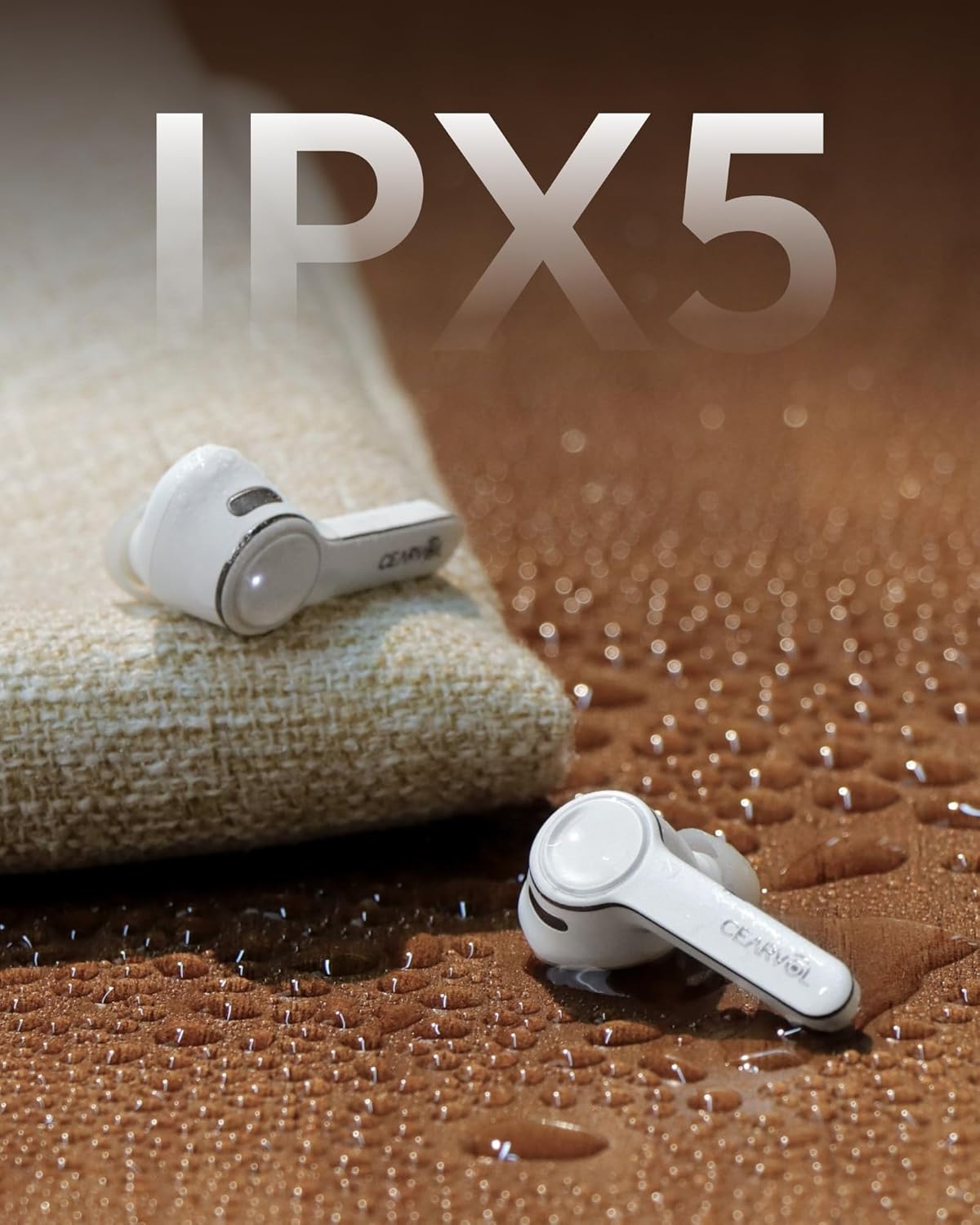
Image: Two Cearvol Diamond X1 earbuds on a wet surface, demonstrating their IPX5 water and dust resistance.
Video: This video highlights the various features and benefits of the Cearvol Diamond X1 Hearing Aid, including its design and technology.
6. Maintenance
6.1 Cleaning Your Hearing Aids
Regular cleaning is essential to maintain optimal performance and hygiene. Use the provided cleaning brush to gently remove any earwax or debris from the ear tips and sound ports. You may also use a soft, dry cloth to wipe the surface of the hearing aids. Avoid using harsh chemicals or excessive moisture. Due to IPX5 rating, light spraying with disinfectant is acceptable, but do not submerge them in water.
6.2 Storing Your Hearing Aids
When not in use, store your hearing aids in their charging case to protect them from dust, moisture, and physical damage, and to ensure they are always charged and ready for use.
7. Troubleshooting
- No Sound: Ensure the hearing aids are charged, properly seated in your ears, and connected to your device via Bluetooth. Check the volume settings in the app.
- Poor Sound Quality/Feedback: Verify that the ear tips are the correct size and are securely fitted. Clean any earwax from the ear tips and sound ports. Adjust settings in the app, particularly noise reduction and feedback cancellation.
- Connection Issues: Make sure Bluetooth is enabled on your device and the hearing aids are within range. Try unpairing and re-pairing the devices. Restarting both the hearing aids (by placing them in the case and taking them out) and your device can often resolve connection problems.
- Battery Not Charging: Ensure the charging cable is securely connected to both the case and the power source. Check the charging indicator lights on the case. Clean the charging contacts on both the hearing aids and the case.
8. Specifications
| Feature | Detail |
|---|---|
| Model Number | Cearvol X1 A White |
| Product Dimensions | 1.97 x 1.97 x 0.79 inches; 0.2 ounces |
| Ear Placement | In Ear |
| Form Factor | In Ear |
| Impedance | 32 Ohm |
| Batteries | 1 Lithium Ion batteries required (included) |
| Connectivity | Bluetooth 5.3 |
| Water Resistance | IPX5 |
| Channels | 16-Channel WDRC |
9. Warranty and Support
For warranty information, technical support, or any questions regarding your Cearvol Diamond X1 hearing aids, please refer to the official Cearvol website or contact Cearvol customer service directly. Contact details are typically found in the packaging or on the product's official support page.
Statements regarding dietary supplements have not been evaluated by the FDA and are not intended to diagnose, treat, cure, or prevent any disease or health condition.
Related documentsDiamond X1


Ask a question about this manual
Ask about setup, troubleshooting, compatibility, parts, safety, or missing instructions. Manuals+ will review the question and use this page’s manual context to help answer it.