
1. Introduction
Thank you for choosing the charmast 10000mAh Portable Charger. This device is designed to provide convenient and efficient power on the go for a wide range of electronic devices. Its integrated cables and compact design make it an ideal companion for daily use and travel.

Image 1.1: The charmast 10000mAh Portable Charger, showcasing its compact design and integrated charging cables.
This manual provides essential information on how to set up, operate, and maintain your portable charger, along with important safety guidelines and troubleshooting tips.

Image 1.2: Visual representation of how the built-in cables reduce clutter compared to traditional charging setups.
2. Package Contents
Please verify that all items are present in your package:
- 1 x charmast 10000mAh Portable Charger (Model CB01)
- 1 x User Manual
- 1 x Protective Pouch

Image 2.1: The complete package contents, including the power bank, user manual, and protective pouch.
3. Product Overview
The charmast CB01 portable charger features a 10000mAh battery capacity, multiple charging options, and a digital display for battery status. It includes built-in cables for various devices and additional ports for versatility.
3.1 Ports and Cables
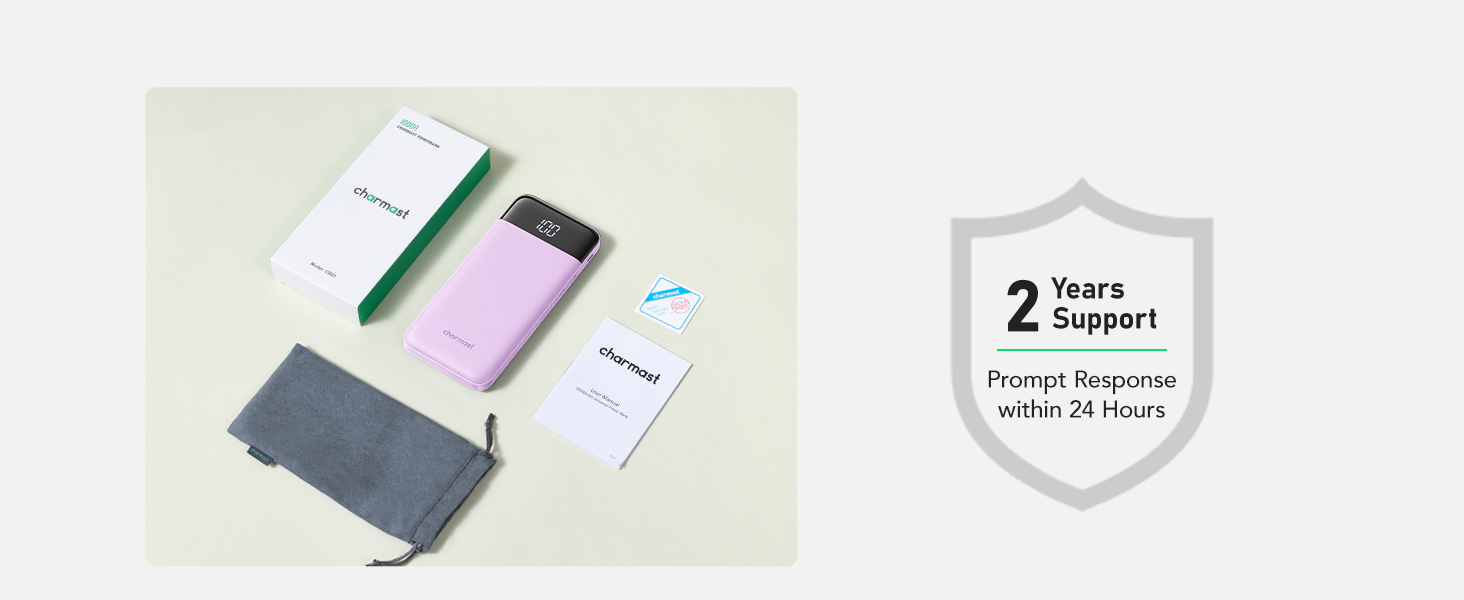
Image 3.1: Detailed view of the multi-cable and port configuration on the power bank.
- Built-in USB-A Cable: For recharging the power bank.
- Built-in USB-C Cable: For charging USB-C devices.
- Built-in Lightning Cable: For charging Apple devices (iPhone/iPad).
- Built-in Micro USB Cable: For charging Micro USB devices.
- USB-C Input/Output Port: Supports both charging the power bank and charging devices.
- USB Output Ports (x2): For charging devices via external USB cables.

Image 3.2: Illustration of the USB-C port's dual functionality for both input and output.
3.2 Digital Display
The integrated LED digital display shows the remaining battery percentage of the power bank, allowing for precise power management.
4. Setup
4.1 Initial Charging of the Power Bank
Before first use, fully charge your charmast portable charger. This ensures optimal battery performance.
- Using the Built-in USB-A Cable: Extend the built-in USB-A cable and plug it into a USB wall adapter (not included) or a computer's USB port.
- Using the USB-C Port: Connect a USB-C to USB-C cable (not included) from a USB-C wall adapter to the power bank's USB-C input/output port.
- The digital display will show the charging progress, indicating 100% when fully charged.

Image 4.1: Charging the power bank using its integrated USB-A cable.

Image 4.2: Charging the power bank using the dedicated USB-C port.
5. Operating Instructions
5.1 Charging Your Devices
The power bank can charge up to six devices simultaneously using its various outputs.
- Using Built-in Cables: Select the appropriate built-in cable (USB-C, Lightning, or Micro USB) and plug it directly into your device's charging port.
- Using USB Output Ports: Connect your device's charging cable to one of the two USB output ports on the power bank.
- Using USB-C Output Port: Connect a USB-C to USB-C cable (not included) from your device to the power bank's USB-C input/output port.
- The power bank will automatically begin charging your device. The digital display will show the remaining battery percentage.

Image 5.1: The power bank charging multiple devices concurrently, demonstrating its versatility.
5.2 Low Current Mode
For charging low-current devices such as wireless earphones, smartwatches, or small fans, the power bank features a low current mode to ensure safe and optimized charging. To activate, press and hold the power button for 3 seconds. The display will show a special indicator (e.g., a small 'L' or specific icon) to confirm low current mode is active. To exit, press and hold the power button again for 3 seconds.
5.3 Digital Display Usage
The digital display provides real-time battery percentage. A quick press of the power button will illuminate the display to show the current charge level. This allows you to monitor the power bank's remaining capacity and plan your recharges.

Image 5.2: The LED digital display showing the battery percentage during use.
5.4 Wide Compatibility
The charmast portable charger is compatible with a broad range of devices, including:
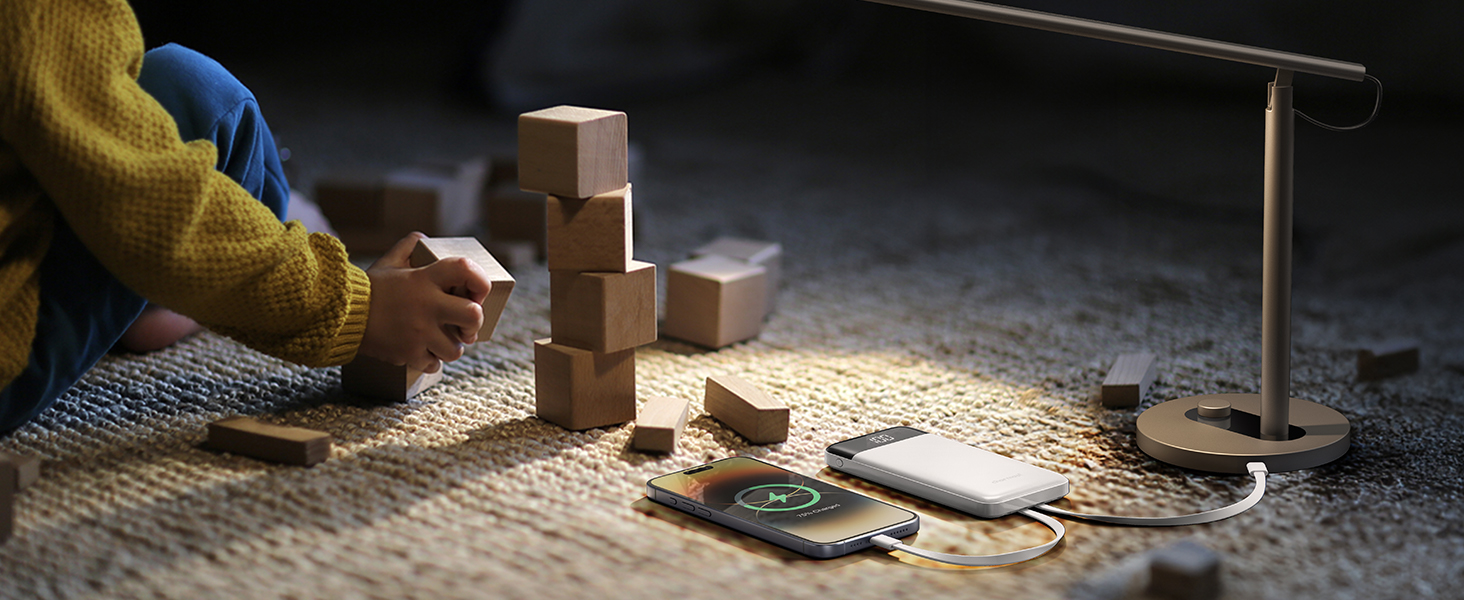
Image 5.3: Compatibility chart for various devices, including smartphones, tablets, and low-current gadgets.
- iPhones: iPhone 16/15 series, iPhone 14/13/12 series, iPhone X/11 series, etc.
- Android Phones: Samsung, Google Pixel, and other Android models.
- Tablets: iPad series and other Android tablets.
- Low Current Devices: Fans, earphones, speakers, etc.
6. Safety Information
To ensure safe operation and prolong the life of your device, please observe the following safety guidelines:
- Do not expose the power bank to extreme temperatures (above 60°C/140°F or below 0°C/32°F).
- Avoid dropping, disassembling, or modifying the device.
- Keep away from water, moisture, and flammable materials.
- Use only certified charging cables and adapters.
- Do not operate if the device is damaged.
- The power bank is equipped with advanced safety features including short-circuit, overcharge, over-discharge, over-current, and temperature protection.
- This device complies with airline carry-on regulations (37Wh capacity).
7. Maintenance
7.1 Cleaning
Wipe the power bank with a soft, dry cloth. Do not use harsh chemicals or abrasive cleaners.
7.2 Storage
Store the power bank in a cool, dry place away from direct sunlight. Use the provided protective pouch to prevent scratches and wear when not in use or during transport.

Image 7.1: The multifunctional pouch can store the power bank or other small items.
8. Troubleshooting
- Power bank not charging:
- Ensure the charging cable is securely connected to both the power bank and the power source.
- Try a different wall adapter or USB port.
- Verify the power source is active.
- Device not charging from power bank:
- Ensure the power bank has sufficient charge (check digital display).
- Verify the charging cable (built-in or external) is securely connected to both the power bank and your device.
- Try a different cable or port on the power bank.
- Ensure your device is compatible with the power bank's output.
- Slow charging:
- Ensure you are using a high-quality cable and a compatible wall adapter for optimal charging speed.
- Charging multiple devices simultaneously may reduce individual charging speeds.
9. Specifications
| Feature | Specification |
|---|---|
| Model Number | CB01 |
| Battery Capacity | 10000 Milliamp Hours (37Wh) |
| Product Dimensions | 5.68 x 2.63 x 0.7 inches |
| Item Weight | 8.8 ounces |
| USB-C Input/Output | 15W (Max) |
| Special Features | Auto Shut-Off, Built-in Cables, LED Indicator Lights, Pocket Size, Slim |
10. Warranty and Support
charmast provides 24 months of care and lifetime technical support for this product. If you encounter any issues or have questions, please contact our customer support team for assistance.
For further information or to contact support, please visit the official charmast store or website.
Visit the charmast Store on Amazon


