
1. Introduction
This manual provides detailed instructions for the Varmilo Sword68 Sakura 65% Hotswap Wireless RGB Mechanical Keyboard. Please read this manual thoroughly before using the product to ensure proper operation and to maximize its lifespan. This keyboard features a full 6063 aluminum CNC case, multiple connectivity options, hot-swappable switches, and customizable RGB lighting.
2. Safety Information
- Keep the keyboard away from liquids and excessive moisture to prevent damage.
- Avoid exposing the keyboard to extreme temperatures.
- Do not attempt to disassemble or modify the keyboard, as this may void the warranty and cause damage.
- Use only the provided USB-C cable for charging and wired connection.
- Keep out of reach of children.
3. Package Contents
Verify that all items are present in the package:
- Varmilo Sword68 Mechanical Keyboard
- USB-C Cable
- Keycap Puller (may be included)
- Switch Puller (may be included)
4. Setup
4.1 Initial Charging
Before first use, connect the keyboard to a USB power source using the provided USB-C cable. The keyboard features a 4000mAh rechargeable battery. A full charge is recommended for optimal wireless performance.
4.2 Connectivity Options
The Varmilo Sword68 supports three connection modes:
- Wired (USB-C): Connect the keyboard directly to your computer using the USB-C cable. The keyboard will automatically switch to wired mode.
- Bluetooth 5.0:
- Turn on the keyboard and switch to Bluetooth mode (refer to the keyboard's function keys for mode switching).
- On your device (PC, laptop, smartphone, tablet), enable Bluetooth and search for new devices.
- Select 'Varmilo Sword68' from the list of available devices to pair.
- 2.4 GHz Wireless:
- Insert the 2.4 GHz USB receiver into an available USB port on your computer.
- Switch the keyboard to 2.4 GHz wireless mode (refer to the keyboard's function keys for mode switching). The keyboard should automatically connect to the receiver.
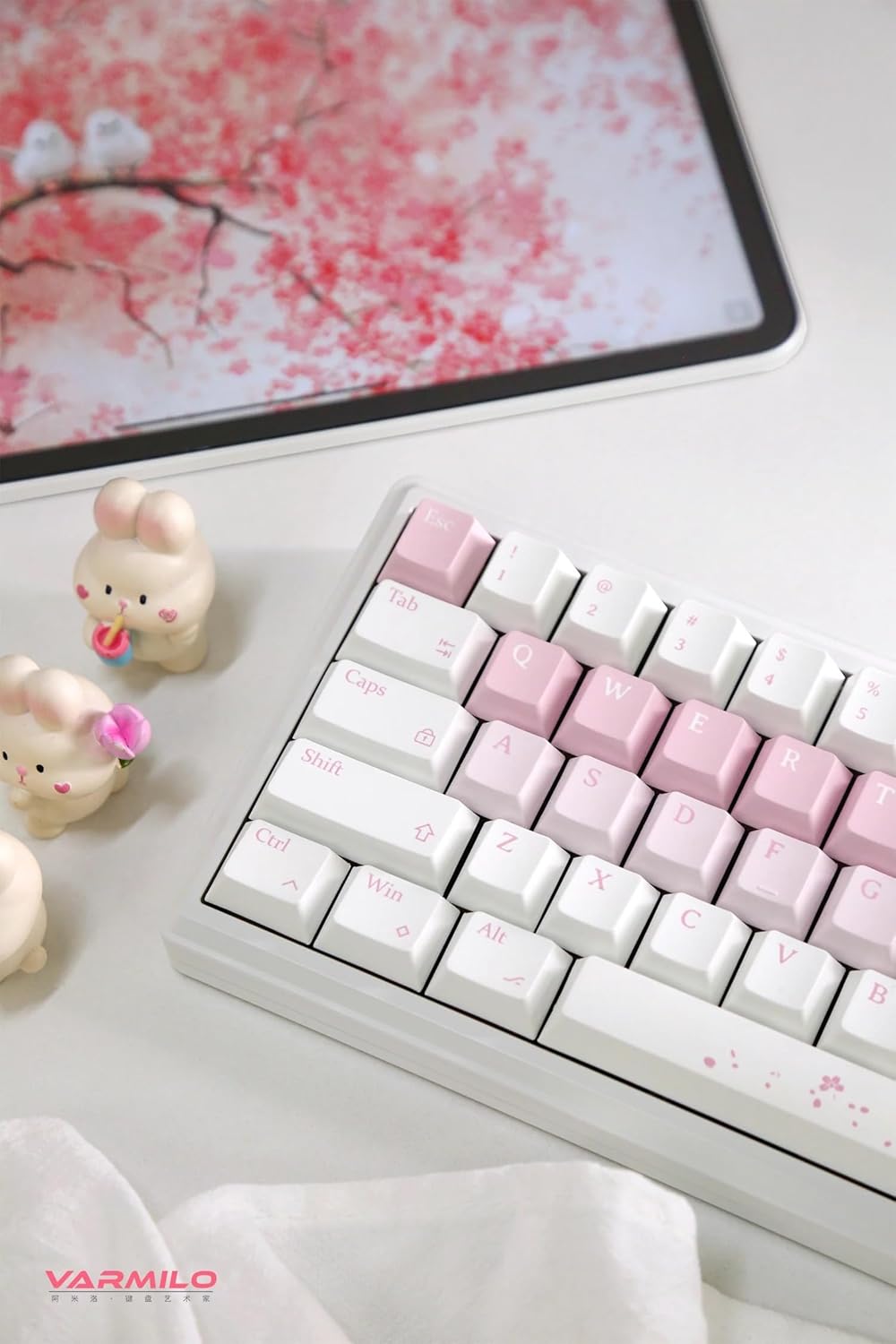
Image: The Varmilo Sword68 keyboard set up on a desk, demonstrating its compact size and aesthetic design alongside a tablet.
5. Operating
5.1 Basic Keyboard Functions
The Varmilo Sword68 functions as a standard 65% mechanical keyboard. All keys perform their labeled functions. For secondary functions (accessed via the Fn key), refer to the keycap legends or the custom software.

Image: A detailed view of the Varmilo Sword68 keyboard's right side, highlighting the white and pink keycaps and the Sakura-themed spacebar and escape key.
5.2 RGB Backlighting
The keyboard features RGB backlighting. Lighting effects and colors can be customized using the dedicated software. Refer to the software's instructions for detailed customization options.
5.3 Custom Layout Control
The Varmilo Sword68 supports custom layout control through its software. This allows users to remap keys, create macros, and personalize the keyboard's functionality to suit their workflow or gaming preferences.
5.4 Hot-Swappable Switches
The PCB is hot-swappable, allowing users to change mechanical switches without soldering. This feature supports both plate mount and PCB mount stabilizers. To replace a switch:
- Gently remove the keycap using a keycap puller.
- Use a switch puller to carefully extract the switch from the PCB.
- Align the pins of the new switch with the holes on the PCB and press firmly until it clicks into place. Ensure pins are not bent.

Image: A close-up view of the Varmilo Sword68 keyboard, showcasing the arrangement of its white and pink keycaps and the decorative spacebar.
6. Maintenance
6.1 Cleaning the Keyboard
To maintain the keyboard's appearance and functionality:
- Disconnect the keyboard from all power sources before cleaning.
- Use a soft, lint-free cloth slightly dampened with water or a mild cleaning solution to wipe the keycaps and case.
- For dust and debris between keycaps, use compressed air or a small brush.
- Avoid using harsh chemicals or abrasive materials.
6.2 Keycap and Switch Care
The Double Shot ABS keycaps are durable. If removing keycaps or switches, do so gently to avoid damaging the components or the PCB.
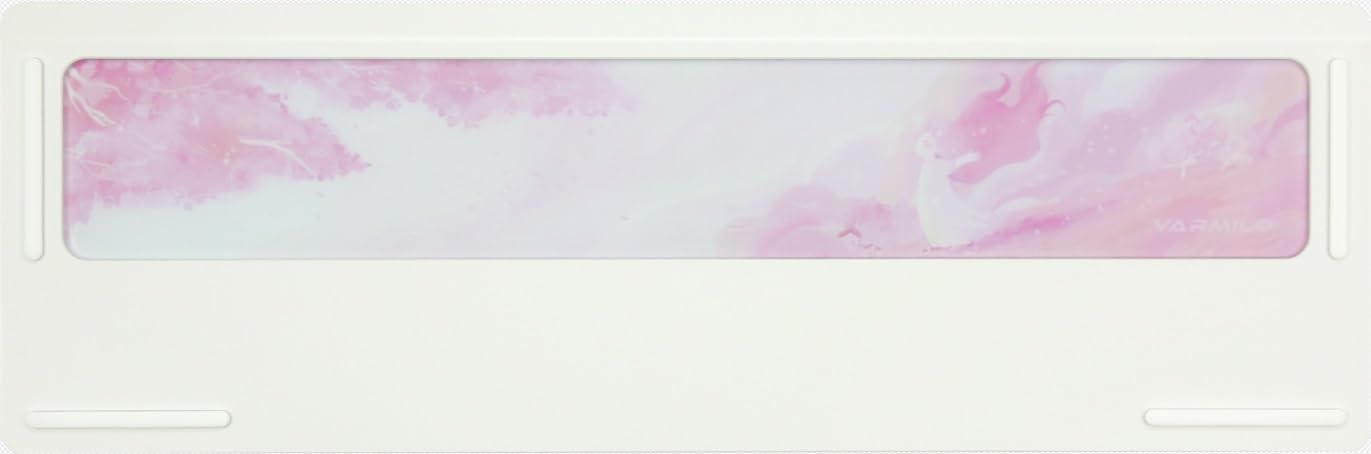
Image: The underside of the Varmilo Sword68 keyboard, revealing the frosted glass weight and rubber feet for stability.
7. Troubleshooting
- Keyboard not responding: Ensure the USB-C cable is securely connected or that the wireless receiver is properly inserted and the keyboard is in the correct mode (wired, Bluetooth, 2.4 GHz). Check battery level if in wireless mode.
- Bluetooth pairing issues: Ensure the keyboard is in pairing mode and your device's Bluetooth is enabled. Try removing previous pairings and re-pairing.
- RGB lighting not working: Check the software settings for RGB control. Ensure the keyboard is not in a low-power mode that disables lighting.
- Keys not registering: For hot-swappable switches, ensure the switch is fully seated and its pins are not bent. Try replacing the switch if the issue persists.
- Intermittent wireless connection: Ensure the keyboard is within range of the receiver/device and there are no significant obstructions or interference sources.
8. Specifications
| Brand | Varmilo |
| Model | Sword68 |
| ASIN | B0DMXL67WS |
| Connectivity Technology | Bluetooth, USB-C |
| Keyboard Description | Mechanical |
| Special Features | Backlit, Hot-Swappable, Rechargeable |
| Keyboard Backlighting Color Support | RGB |
| Material | Aluminum, Polycarbonate |
| Battery Capacity | 4000mAh |
| Keycaps | Double Shot ABS |
| Sound Absorption | 3x Poron foam, 2x PET foam, 1x IXPE foam |
| Case Material | 6063 Aluminum CNC with electrophoresis finish |
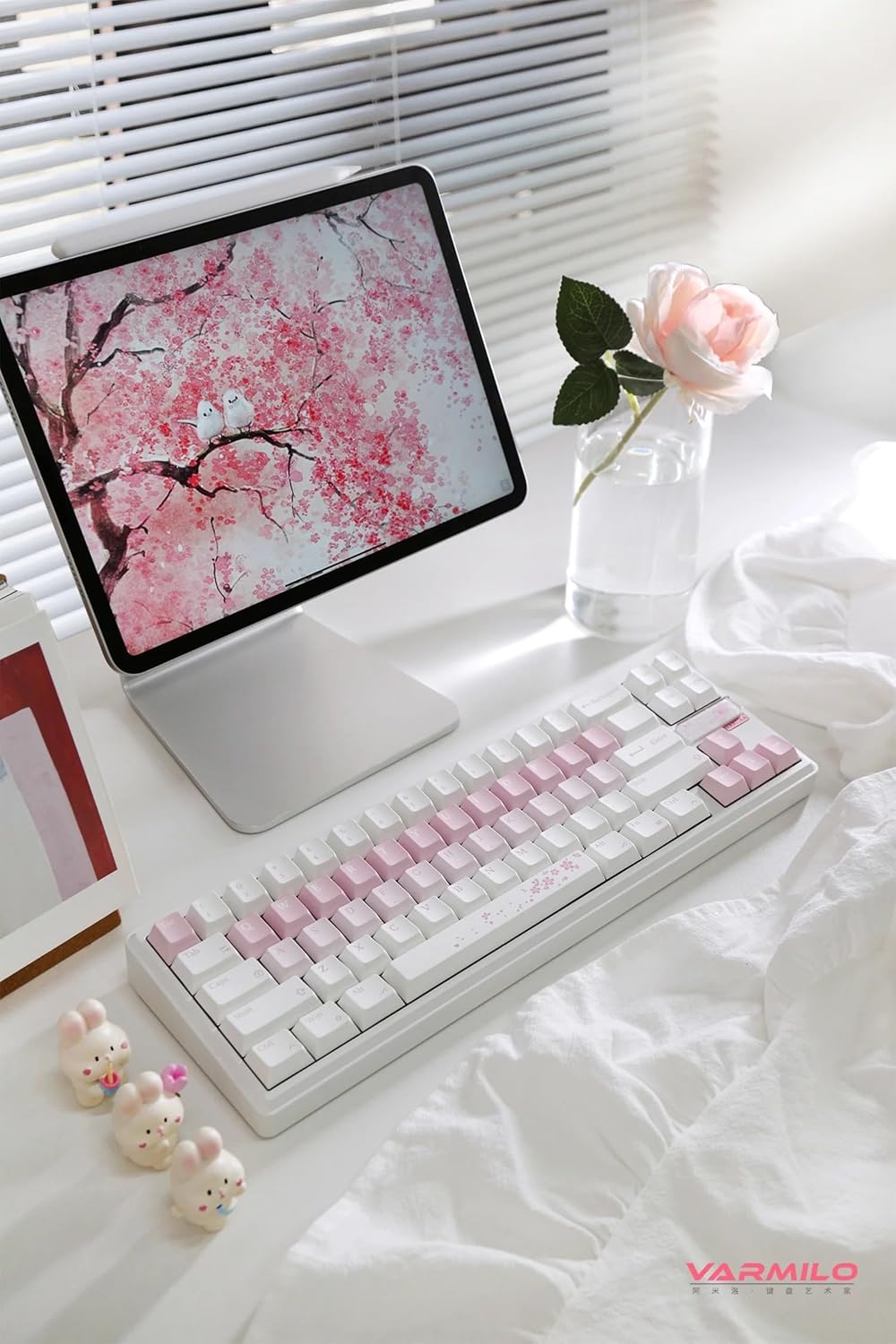
Image: A complete view of the Varmilo Sword68 keyboard in a desk setup, showcasing its elegant design and compact form factor.
9. Warranty and Support
For warranty information, technical support, or service inquiries, please refer to the official Varmilo website or contact their customer support directly. Keep your purchase receipt for warranty claims.


