
Introduction
Thank you for choosing the AWEI TZ12 Wireless Over-Ear Bluetooth Earbuds. This manual provides essential information for setting up, operating, maintaining, and troubleshooting your new earbuds. Please read it thoroughly to ensure optimal performance and longevity of your device.
Package Contents
- Wireless Bluetooth Headset (AWEI TZ12 Earbuds)
- Wireless Bluetooth Headset Charging Case
- USB-C Charging Cable
- User Instructions (This Manual)
Product Overview
The AWEI TZ12 earbuds are designed for a superior audio experience and secure fit during various activities. Key features include:
- Hi-Fi Sound Quality: Equipped with 14mm drivers for rich, balanced audio with crisp trebles, full midranges, and deep bass.
- Secure Over-Ear Fit: Ergonomically engineered with earhooks to ensure stability during physical activities.
- IPX4 Waterproof: Resistant to dust and splashes, suitable for workouts and outdoor use.
- Bluetooth 5.4 Connectivity: Provides stable audio and video synchronization with low power consumption.
- Long Battery Life: Up to 32 hours of total playback with the charging case.
- Directional Propagation: Allows you to stay aware of your surroundings while enjoying audio.

Image: 14mm Dynamics for Natural & Pure Sound. This image illustrates the internal structure of the earbud driver, emphasizing its role in delivering high-fidelity audio.
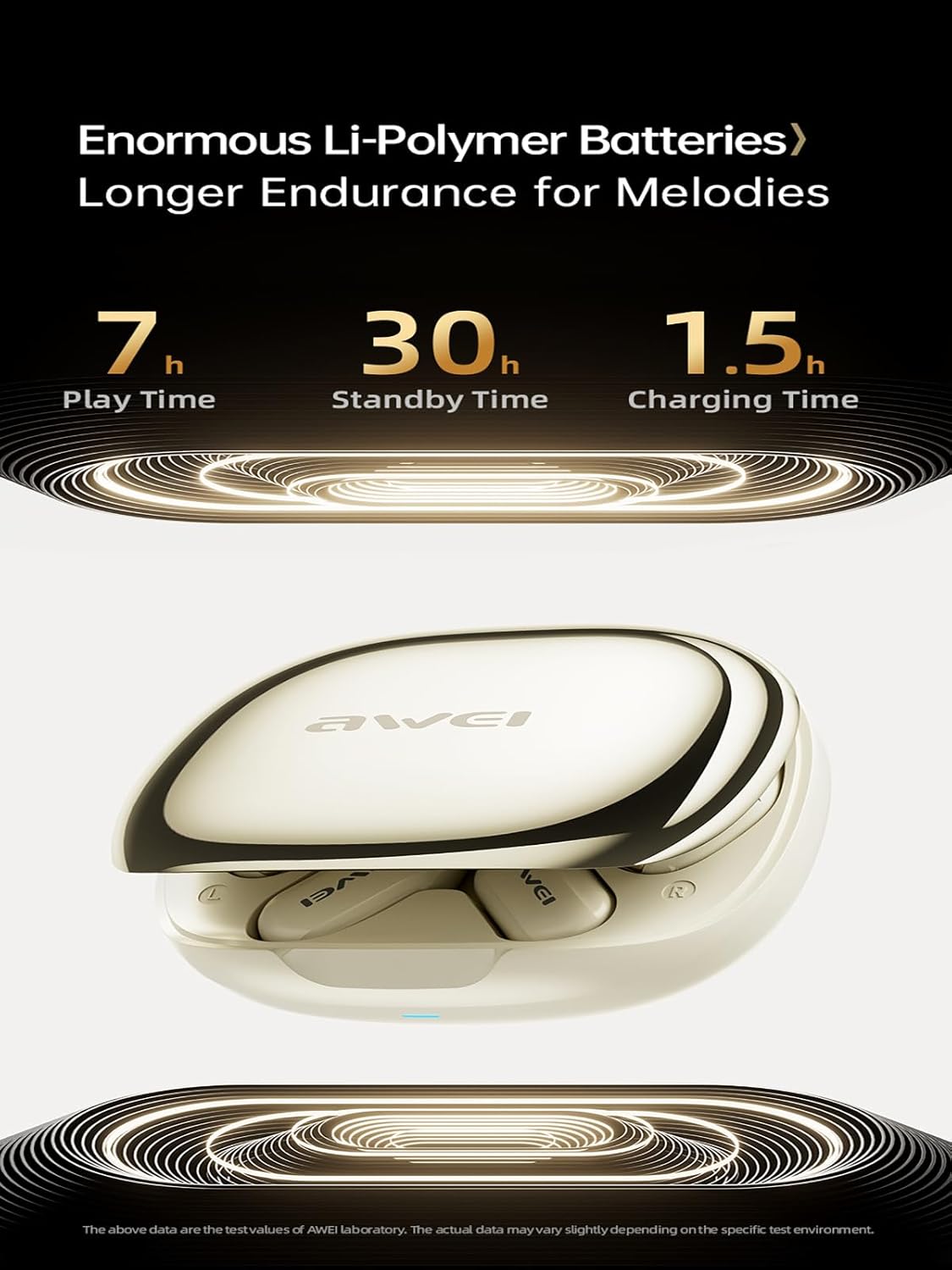
Image: Bluetooth 5.4 for Audio & Video Synchronization. This image displays the core Bluetooth chip, indicating advanced connectivity features for stable and low-latency performance.
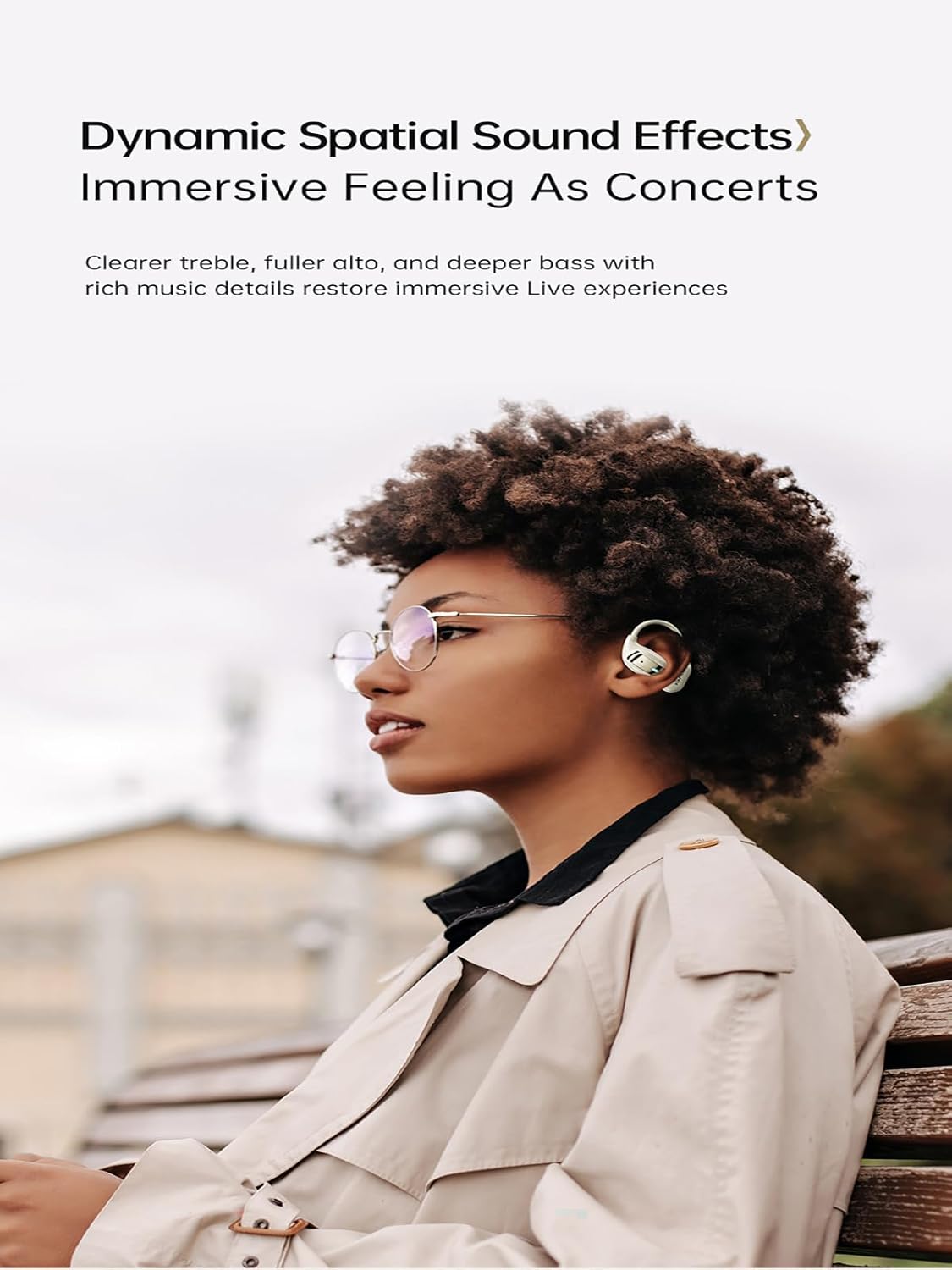
Image: Skin-Friendly Silicone Ear Hooks. This image highlights the ergonomic design of the ear hooks, which provide a secure and comfortable fit for extended wear, especially during sports.
Setup
1. Charging the Earbuds and Case
Before first use, fully charge the earbuds and the charging case. Connect the provided USB-C charging cable to the charging case and a power source. The charging case will indicate its charging status. A full charge for the case and earbuds takes approximately 1.5 hours.

Image: Battery Endurance. This image illustrates the impressive battery life of the earbuds and charging case, including play time, standby time, and charging duration.
2. Automatic Pairing
- Open the charging case. The earbuds will automatically power on and enter pairing mode.
- On your device (smartphone, tablet, laptop), enable Bluetooth and search for available devices.
- Select "AWEI TZ12" from the list of found devices to connect.
- Once paired, the earbuds will automatically connect to the last paired device when removed from the case.
The connection range can reach up to 33 feet (10 meters). When placed back into the charging case, the earbuds will automatically shut down and begin recharging.
Operating Instructions
Wearing the Earbuds
Gently place the earbuds into your ears, ensuring the earhooks are securely positioned over your ears. Adjust the earbuds for a comfortable and stable fit. Selecting the most suitable ear tip (if multiple sizes are provided) is crucial for optimal sound quality and comfort.
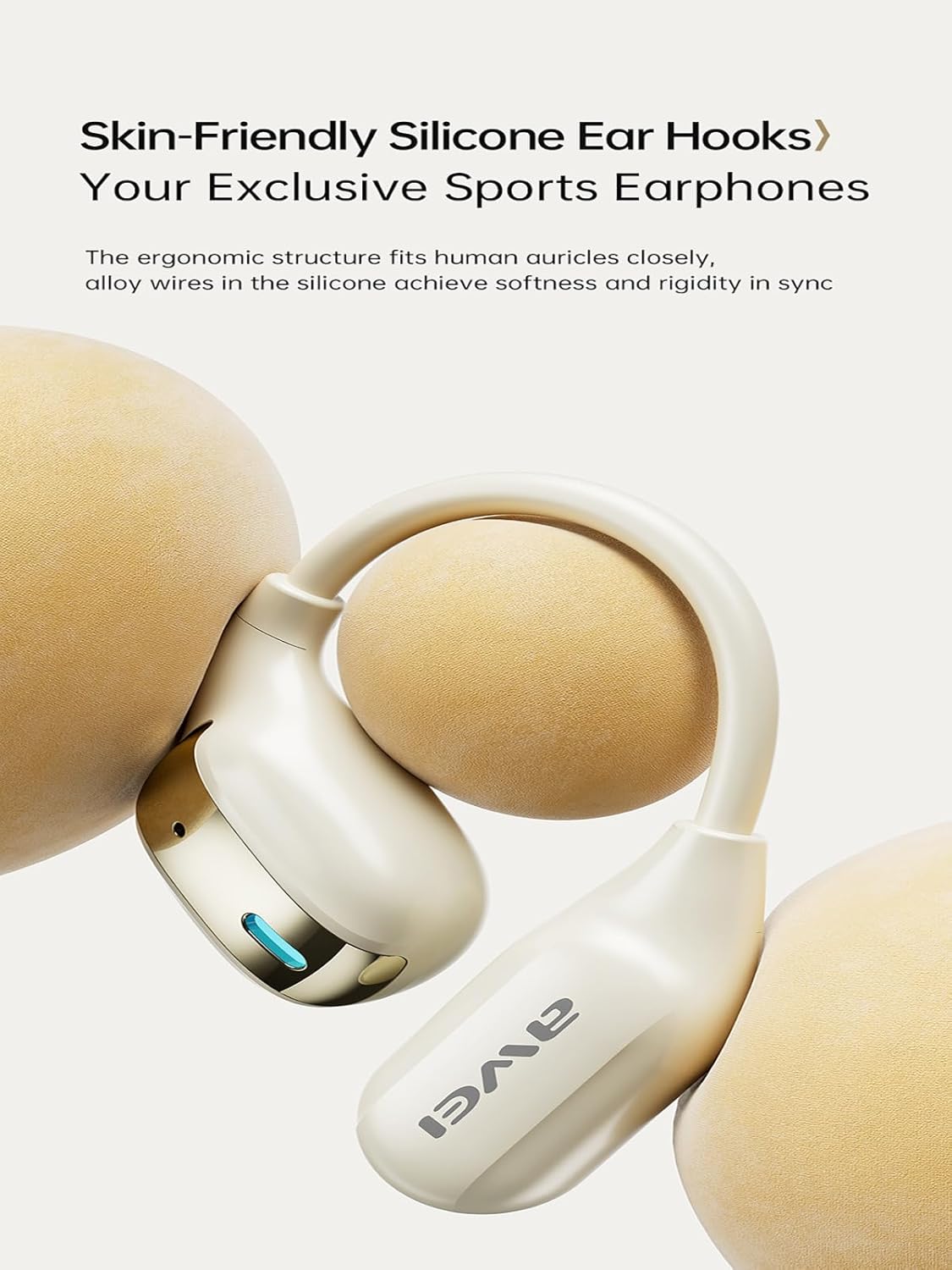
Image: Directional Propagation. This image shows a user wearing the earbuds, illustrating how the design allows for situational awareness while listening to audio, enhancing safety in various environments.
Touch Controls
The AWEI TZ12 earbuds feature intuitive touch controls for managing playback, calls, and voice assistants. Refer to the quick start guide included in the package for specific touch gestures for functions such as:
- Play/Pause music
- Answer/End calls
- Skip tracks
- Activate voice assistant
Maintenance
To ensure the longevity and optimal performance of your AWEI TZ12 earbuds, follow these maintenance guidelines:
- Cleaning: Regularly wipe the earbuds and charging case with a soft, dry, lint-free cloth. Do not use harsh chemicals or abrasive materials.
- Water Resistance: The earbuds are IPX4 waterproof, meaning they are resistant to splashes. Do not submerge them in water or expose them to heavy rain. Dry them thoroughly if they get wet.
- Storage: When not in use, store the earbuds in their charging case to protect them from dust and damage. Store in a cool, dry place away from extreme temperatures.
- Charging: Use only the provided USB-C cable and a certified charger to prevent damage to the battery.
Troubleshooting
If you encounter issues with your AWEI TZ12 earbuds, try the following solutions:
- No Sound: Ensure the earbuds are charged and properly paired. Check the volume level on both your device and the earbuds.
- Pairing Issues: Turn off Bluetooth on your device, then turn it back on. Forget the "AWEI TZ12" from your device's Bluetooth list and attempt to re-pair. Ensure the earbuds are close to your device.
- Charging Problems: Verify that the USB-C cable is securely connected to both the charging case and the power source. Try a different charging cable or power adapter. Ensure the charging contacts on the earbuds and case are clean.
- Intermittent Connection: Move closer to your paired device. Avoid environments with strong electromagnetic interference.
- Earbuds Not Responding: Place the earbuds back into the charging case, close the lid, wait a few seconds, then take them out again to reset.
Specifications
| Model Name | TZ12 |
| Brand | Awei |
| Connectivity Technology | Wireless (Bluetooth) |
| Wireless Communication Technologies | Bluetooth 5.4 |
| Ear Placement | Open Ear (Over-Ear with Earhooks) |
| Form Factor | True Wireless |
| Water Resistance Level | IPX4 (Waterproof) |
| Maximum Operating Distance | 33 Feet (10 meters) |
| Driver Size | 14mm |
| Play Time | Up to 7 hours (earbuds) |
| Total Play Time (with charging case) | Up to 32 hours |
| Standby Time | Up to 30 hours |
| Charging Time | Approximately 1.5 hours |
Warranty and Support
The AWEI TZ12 Wireless Over-Ear Bluetooth Earbuds come with a 1-year warranty from the date of purchase. This warranty covers manufacturing defects. For warranty claims or technical support, please contact your retailer or the official AWEI customer service through their website or contact information provided with your purchase documentation.
Please retain your proof of purchase for warranty validation.


