
Introduction
Thank you for choosing the CASCHO G10 Bluetooth Headset. This manual provides detailed instructions for setting up, operating, maintaining, and troubleshooting your new headset. Please read this manual carefully before use to ensure optimal performance and longevity of your device.
Product Overview
Key Features
- Bluetooth 5.3 Technology: Ensures stable connection, fast pairing, and extended range.
- CVC8.0 & ENC Call Noise Cancellation: Advanced noise-canceling technology for clear calls.
- Long Battery Life: Up to 20 hours of talking time and 250 hours of standby time.
- IP7 Water Resistance: Provides protection against water splashes and sweat.
- Mute Function: Allows you to mute your voice during calls for privacy.
- LED Display: Indicates battery status and other relevant information.
Package Contents
- 1 x CASCHO G10 Bluetooth Headset
- 1 x Charging Cable
- User Manual
Product Diagram

Figure 1: General view of the CASCHO G10 Bluetooth Headset.
Setup
1. Charging the Headset
Before first use, fully charge the headset. Connect the charging cable to the headset's charging port and a USB power source. The LED display will indicate the charging status. A full charge takes approximately 1.5 hours.
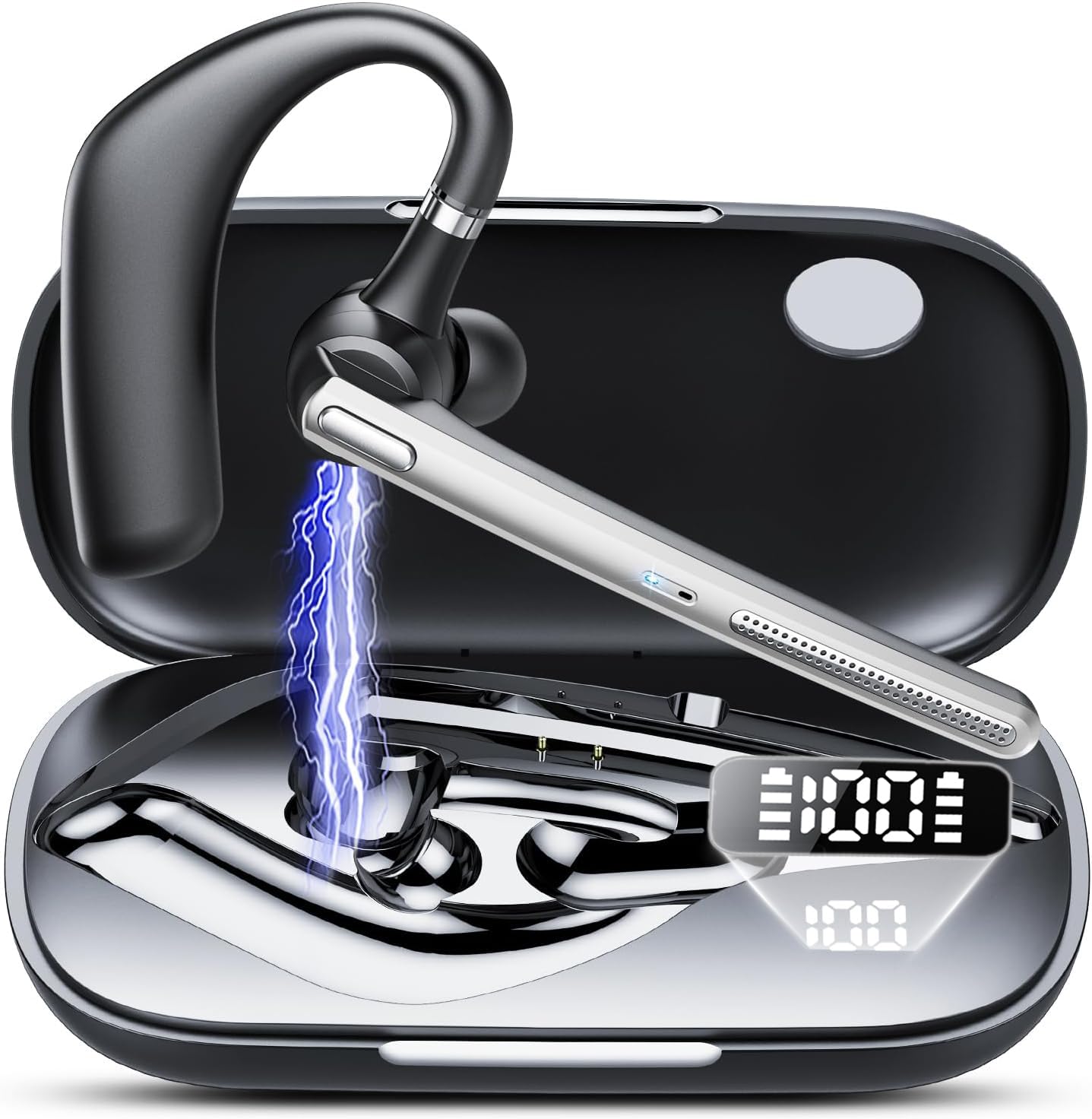
Figure 2: Headset showing battery life and LED display. The charging case has a 500mAh capacity.
2. Powering On/Off
- Power On: Press and hold the Multi-function Button for 3 seconds until the LED indicator flashes blue.
- Power Off: Press and hold the Multi-function Button for 5 seconds until the LED indicator flashes red and then turns off.
3. Bluetooth Pairing
- Ensure the headset is powered off.
- Press and hold the Multi-function Button for 5-7 seconds until the LED indicator flashes red and blue alternately, indicating pairing mode.
- On your device (smartphone, tablet, etc.), enable Bluetooth and search for available devices.
- Select "CASCHO G10" from the list of devices.
- Once paired, the LED indicator will flash blue slowly.

Figure 3: Bluetooth 5.3 technology provides stable connection, fast pairing (approx. 2 seconds), and an extended range.
4. Wearing the Headset
Gently place the ear hook over your ear and adjust the earpiece to fit comfortably in your ear canal. Ensure the microphone is positioned towards your mouth for optimal call clarity.
Operating Instructions
Call Management
- Answer/End Call: Press the Multi-function Button once.
- Reject Call: Press and hold the Multi-function Button for 2 seconds.
- Mute/Unmute: During a call, click the mute button once. The other party will not hear your voice.
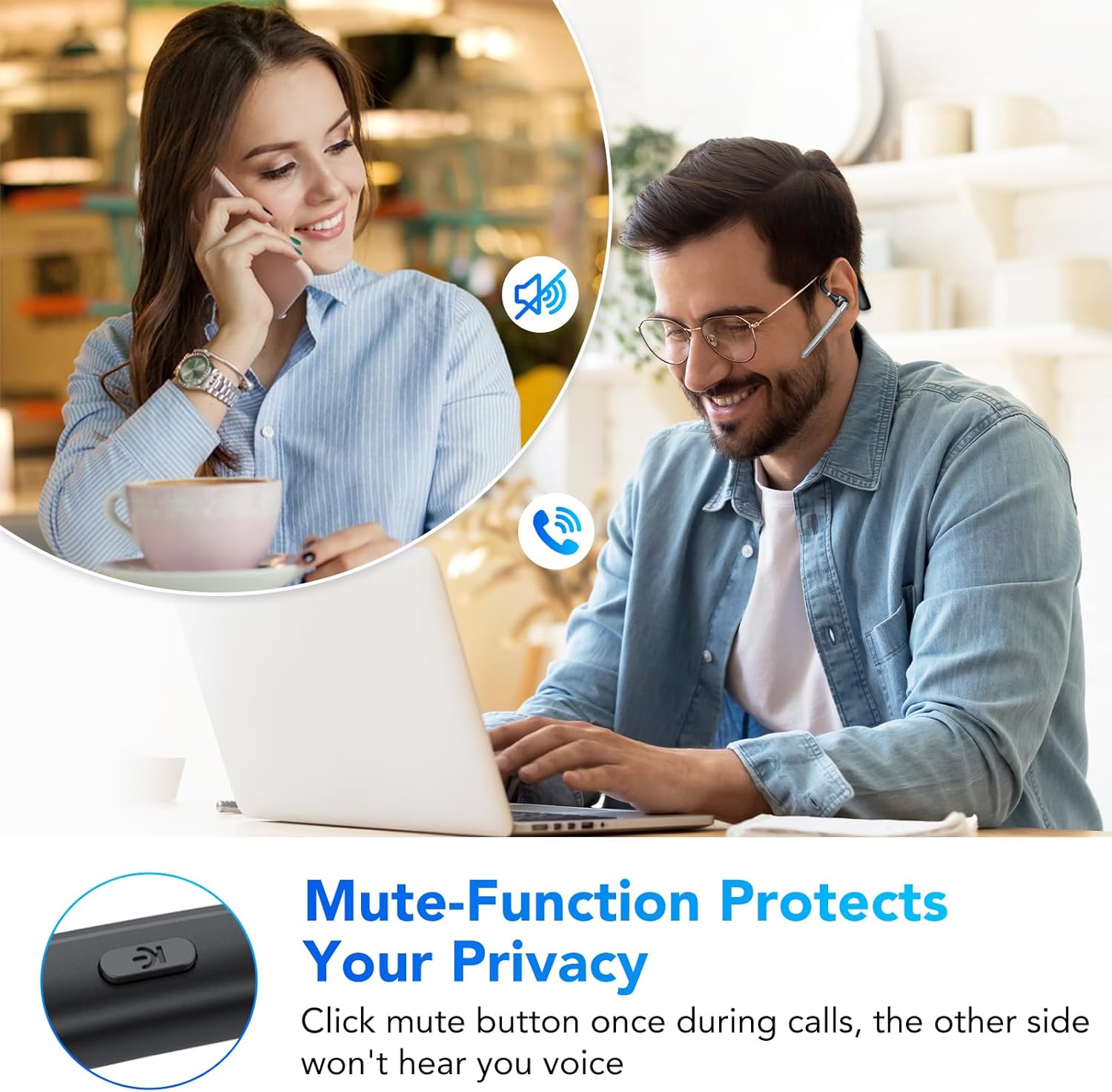
Figure 4: The mute function protects your privacy during calls.
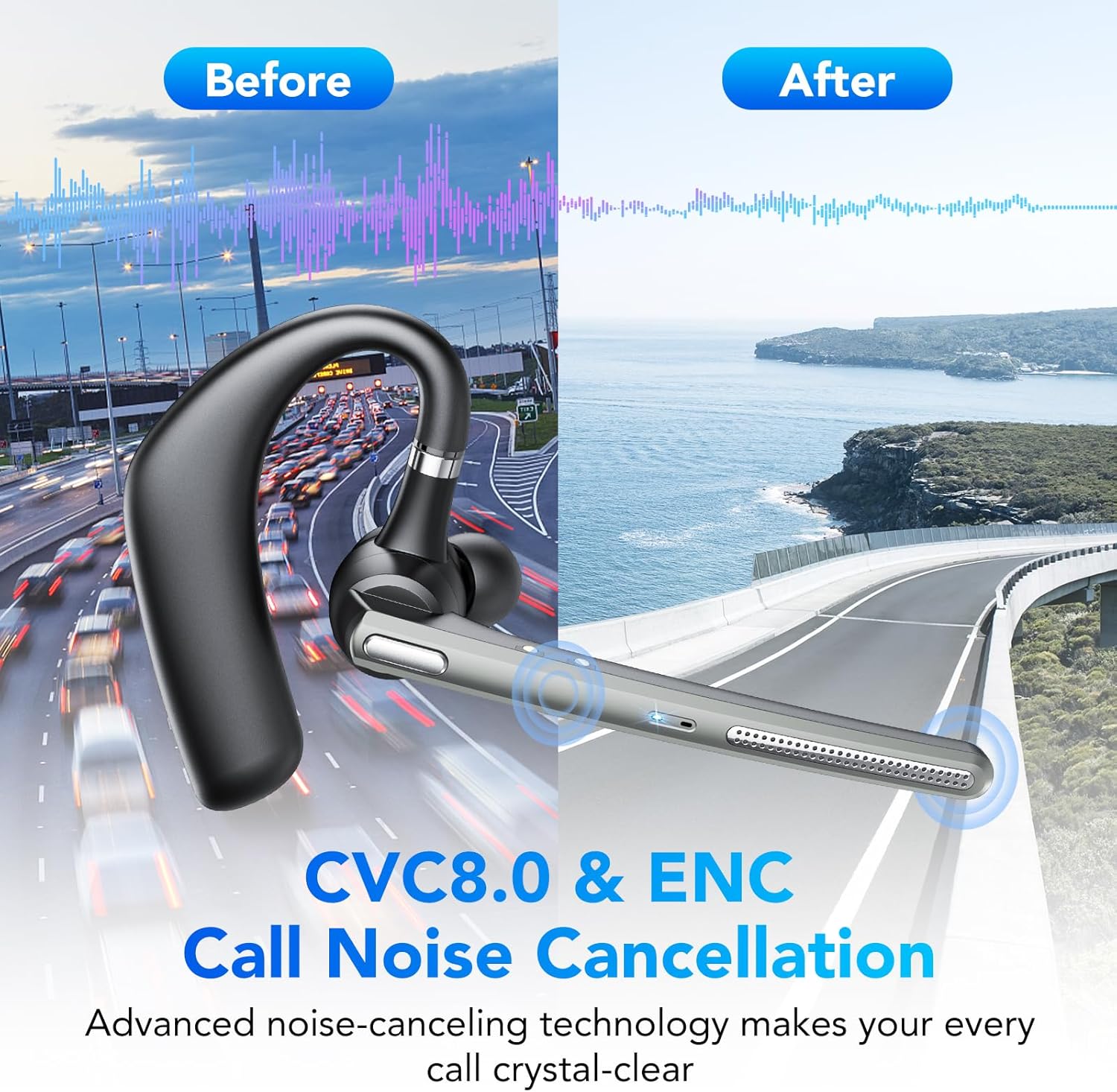
Figure 5: CVC8.0 & ENC Call Noise Cancellation ensures crystal-clear calls even in noisy environments.
Music Playback
- Play/Pause: Press the Multi-function Button once.
- Next Track: Double-press the Multi-function Button.
- Previous Track: Triple-press the Multi-function Button.
Volume Control
- Volume Up: Press the Volume Up button.
- Volume Down: Press the Volume Down button.
Voice Assistant
Press and hold the Volume Down button for 2 seconds to activate your device's voice assistant (e.g., Siri, Google Assistant).
Maintenance
Cleaning
Wipe the headset with a soft, dry cloth. Do not use abrasive cleaners or solvents. For the earpiece, gently clean with a cotton swab if necessary.
Storage
Store the headset in a cool, dry place away from direct sunlight and extreme temperatures. When not in use for extended periods, charge the headset at least once every three months to preserve battery life.
Water Resistance (IP7)
The headset is IP7 water-resistant, meaning it can withstand splashes and sweat. However, it is not designed for submersion in water. Avoid exposing it to heavy rain or swimming.
Troubleshooting
| Problem | Possible Cause | Solution |
|---|---|---|
| Headset does not power on. | Low battery. | Charge the headset fully. |
| Cannot pair with device. | Headset not in pairing mode; Bluetooth off on device; device too far. | Ensure headset is in pairing mode (red/blue flashing LED). Turn on Bluetooth on your device. Move headset closer to device. |
| No sound during calls/music. | Volume too low; headset not connected; incorrect audio output selected. | Increase volume on headset and device. Reconnect headset. Check device's audio output settings. |
| Poor call quality. | Weak signal; environmental noise. | Move closer to your device. Ensure microphone is positioned correctly. CVC8.0 & ENC should minimize environmental noise. |
Specifications
| Model Number: | G10 |
| Brand: | CASCHO |
| Connectivity Technology: | Wireless (Bluetooth 5.3) |
| Special Features: | Noise Cancellation (CVC8.0 & ENC), Mute Function |
| Water Resistance Level: | IP7 (Waterproof) |
| Battery Type: | Lithium-ion |
| Talking Time: | Up to 20 hours |
| Standby Time: | Up to 250 hours |
| Charging Case Capacity: | 500mAh |
| Charging Time: | Approx. 1.5 hours |
| Weight: | 150 Grams |
| Material: | Plastic |
| Color: | Iron Gray |
| Form Factor: | In-Ear (Intra-Auriculaire) |
| Included Components: | Headset, Charging Cable |
Warranty and Support
For warranty information or technical support, please refer to the documentation provided at the time of purchase or contact your retailer. Keep your proof of purchase for warranty claims.


