
Introduction
The Tayogo W22 Swimming Headphones are designed for an immersive audio experience during aquatic and other sports activities. Featuring bone conduction technology, IPX8 waterproofing, Bluetooth 5.4 connectivity, and a built-in 32GB MP3 player, these headphones allow you to enjoy music, podcasts, and audiobooks both in and out of the water.
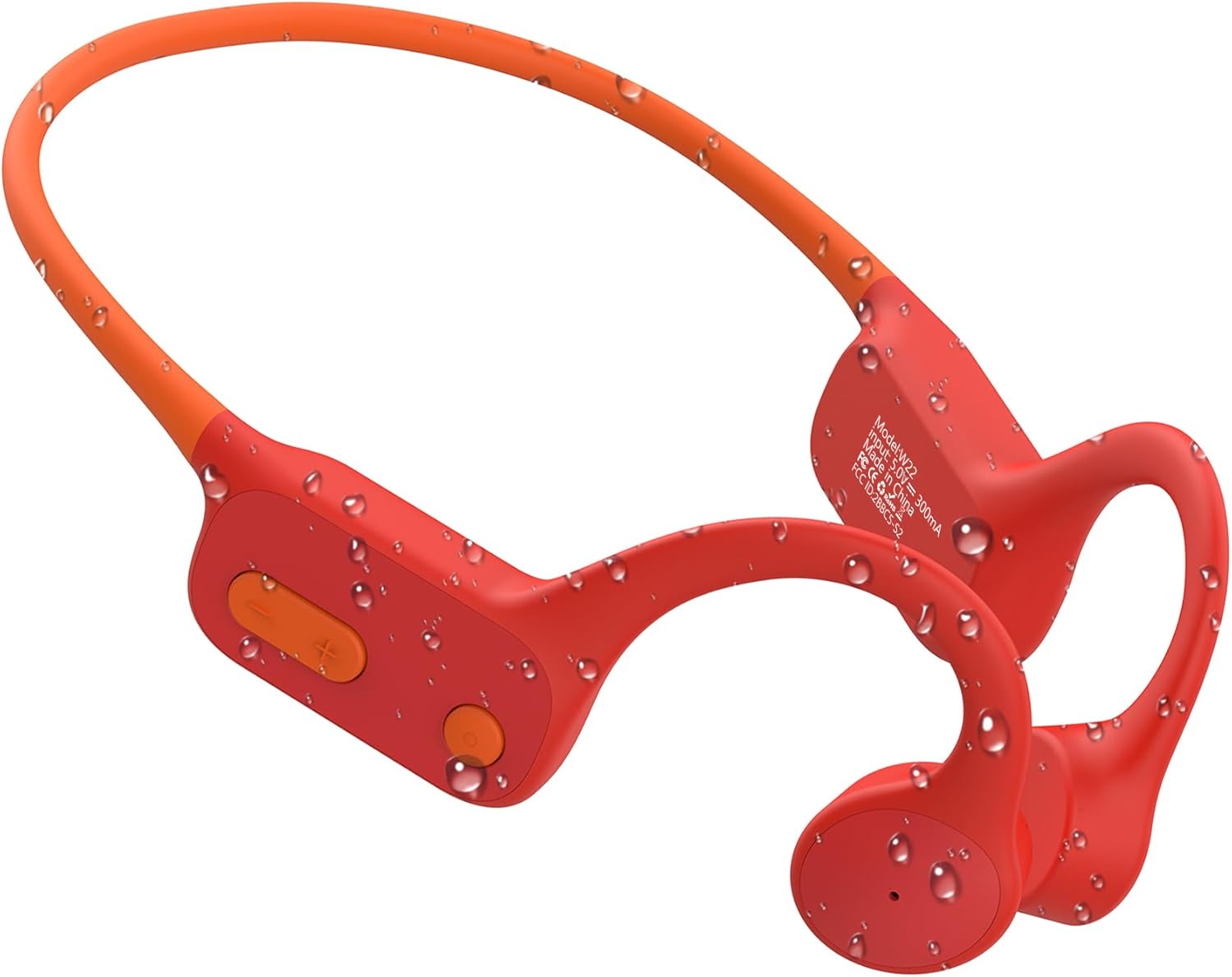
Image: Tayogo W22 Swimming Headphones in red, showing water resistance with droplets on the surface.
What's in the Box
- 1* Waterproof Bone Conduction Headset
- 1* Sets of Earbuds
- 1* Magnetic Charging Cable
- 1* Adjustable Strap
- 1* USB to Type-C Plug
- 1* Instruction Manual

Image: All items included in the Tayogo W22 package, neatly laid out next to the product box and manual.
Setup
1. Charging the Headphones
Before first use, fully charge your Tayogo W22 headphones. Use the provided magnetic charging cable.
- Connect the magnetic end of the charging cable to the charging port on the headphones. Ensure a secure connection.
- Connect the USB end of the cable to a USB power adapter (not included) or a computer's USB port.
- The indicator light will show charging status (refer to the included instruction manual for specific light indicators).
- A full charge takes approximately 1.5 to 2 hours.

Image: Close-up of the magnetic charging port on the Tayogo W22 headphones, illustrating the connection process.
2. Wearing the Headphones
The open-ear design ensures comfort and awareness of your surroundings.
- Place the headphones over your ears, with the bone conduction transducers resting on your cheekbones, just in front of your ears.
- The band should rest comfortably around the back of your head.
- For swimming, use the adjustable strap to secure the headphones and press them against your head with goggle straps for optimal sound underwater.

Image: Visual guide demonstrating the correct way to wear the headphones, including a specific method for swimming with goggles.
3. Bluetooth Pairing
The Tayogo W22 uses Bluetooth 5.4 for stable wireless connection.
- Ensure the headphones are charged and powered on.
- Activate Bluetooth on your device (smartphone, tablet, laptop).
- Search for "Tayogo W22" in the list of available Bluetooth devices.
- Select "Tayogo W22" to pair. A voice prompt will confirm successful connection.

Image: A man wearing the Tayogo W22 headphones while interacting with his smartphone, demonstrating the Bluetooth connection feature.
4. MP3 Mode Setup (32GB Internal Storage)
The headphones feature 32GB of internal storage for MP3 playback, ideal for underwater use where Bluetooth signals may be limited.
- Connect the headphones to your computer using the magnetic charging cable.
- The headphones will appear as a removable disk drive (e.g., "W22").
- Drag and drop your MP3, WAV, or FLAC audio files into the designated "W22" folder on the device.
- Safely eject the device from your computer once files are transferred.
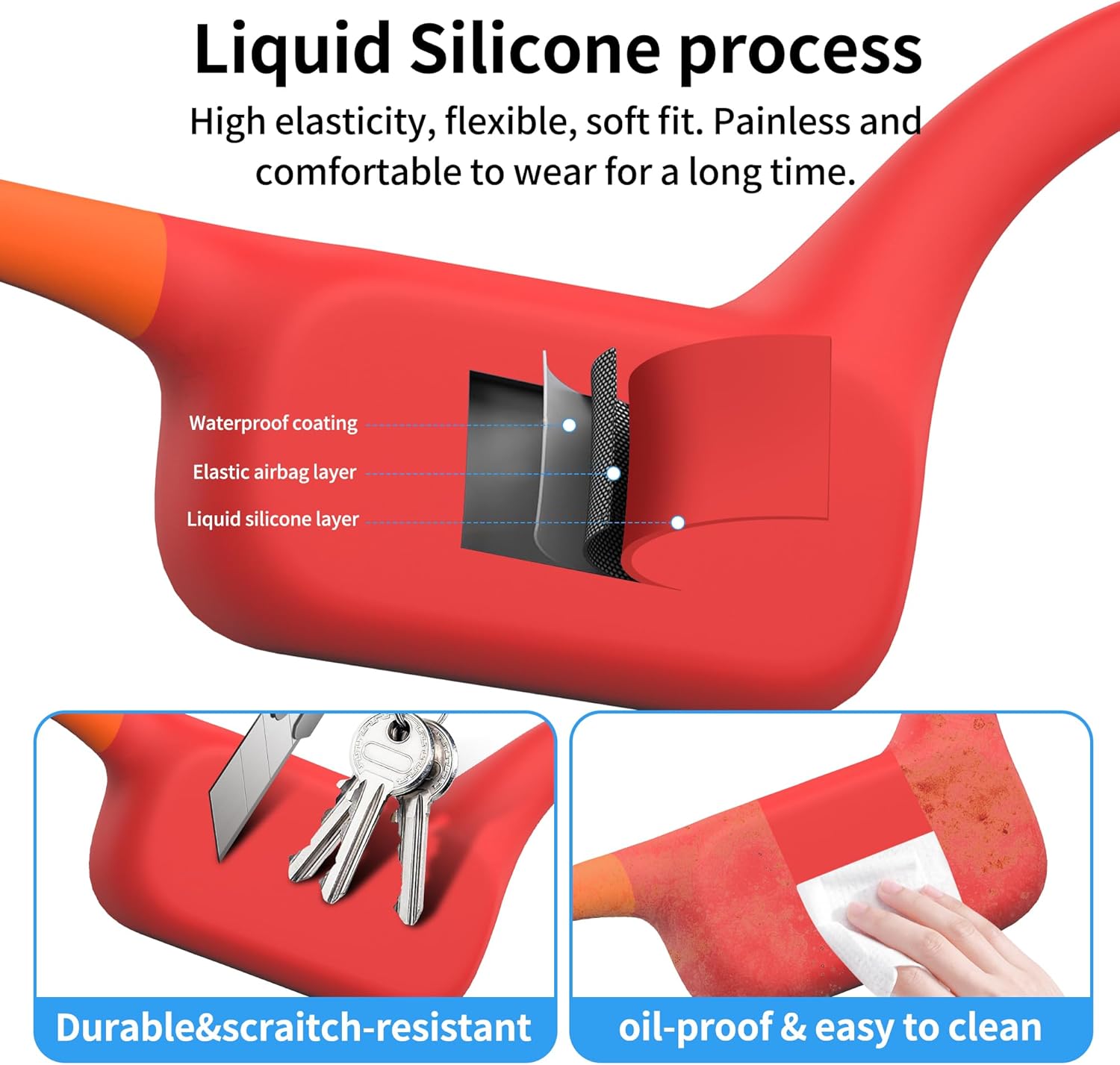
Image: The Tayogo W22 headphones connected to a laptop, highlighting the built-in 32GB MP3 storage and the ease of downloading music.
Operating Instructions
Power On/Off
- To Power On: Press and hold the Power button for 3 seconds.
- To Power Off: Press and hold the Power button for 5 seconds.
Mode Switching (Bluetooth / MP3)
- Press the Mode button (usually indicated by an 'M' or a specific icon) to switch between Bluetooth mode and MP3 player mode.
- A voice prompt will confirm the current mode.

Image: A visual representation of the Tayogo W22 headphones, emphasizing the dual Bluetooth and MP3 modes, and the integrated 32GB memory card.
Music Playback (Bluetooth & MP3 Mode)
- Play/Pause: Press the Multi-function button (often the power button or a dedicated play/pause button) once.
- Next Track: Press and hold the Volume Up button.
- Previous Track: Press and hold the Volume Down button.
- Volume Up: Short press the Volume Up button.
- Volume Down: Short press the Volume Down button.
Call Management (Bluetooth Mode Only)
- Answer/End Call: Press the Multi-function button once.
- Reject Call: Press and hold the Multi-function button for 2 seconds.
Using in Water (IPX8 Waterproof)
The Tayogo W22 headphones are fully sealed and waterproof up to 3 meters (10 feet) underwater, making them suitable for swimming and other water sports.
- Always switch to MP3 mode when using the headphones underwater, as Bluetooth signals do not transmit effectively through water.
- Ensure the charging port is dry before connecting the magnetic charging cable after water exposure.
- For best sound quality underwater, ensure the headphones are securely pressed against your cheekbones, ideally with swimming goggle straps.
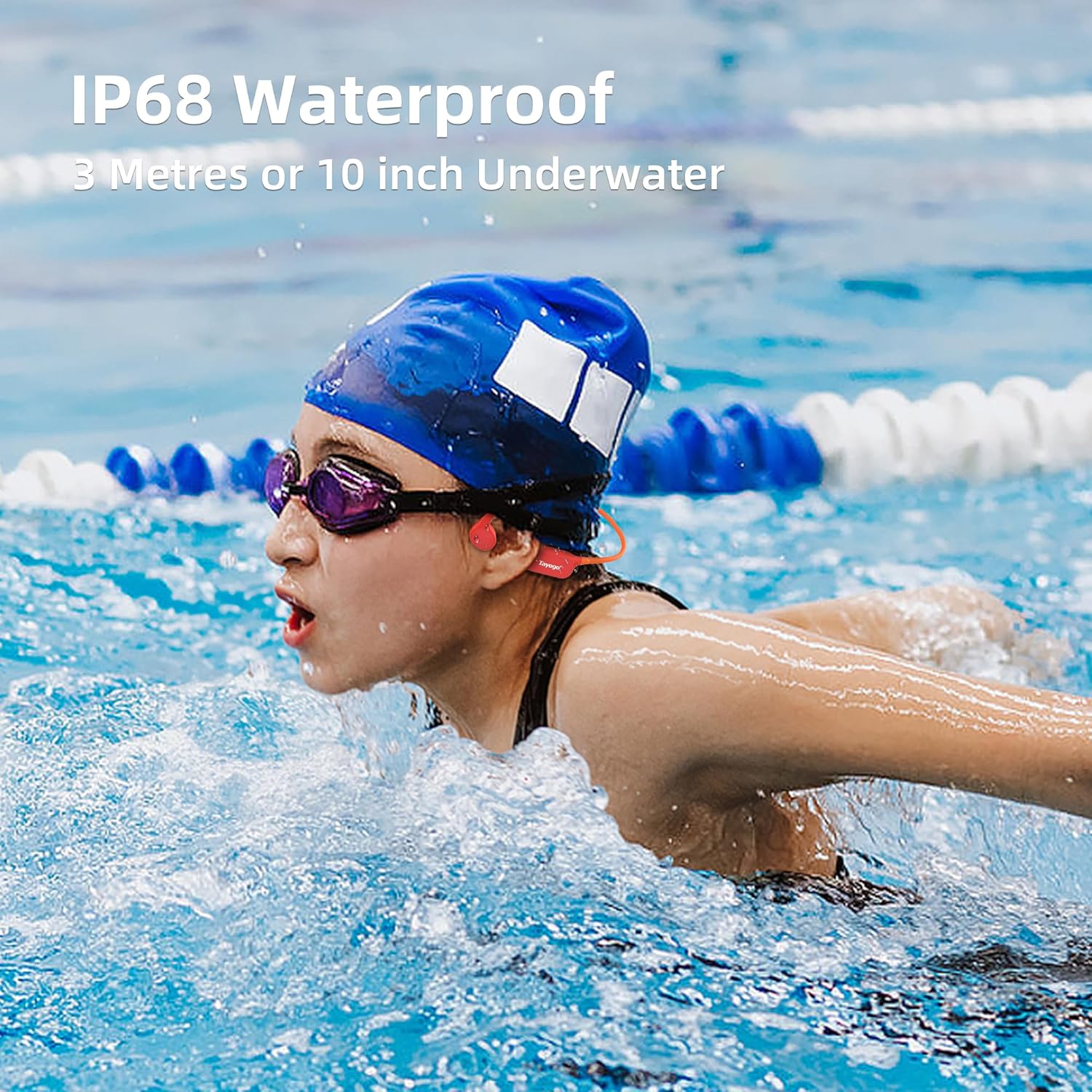
Image: A child swimming in a pool while wearing the Tayogo W22 headphones, highlighting their IP68 waterproof capability for underwater use.
Maintenance
- Cleaning: Wipe the headphones with a soft, damp cloth after each use, especially after swimming. The liquid silicone material is oil-proof and easy to clean.
- Drying: Ensure the headphones, especially the charging port, are completely dry before charging or storing.
- Storage: Store the headphones in a cool, dry place away from direct sunlight and extreme temperatures.
- Avoid Punctures: While durable and scratch-resistant, avoid sharp objects that could damage the silicone coating.
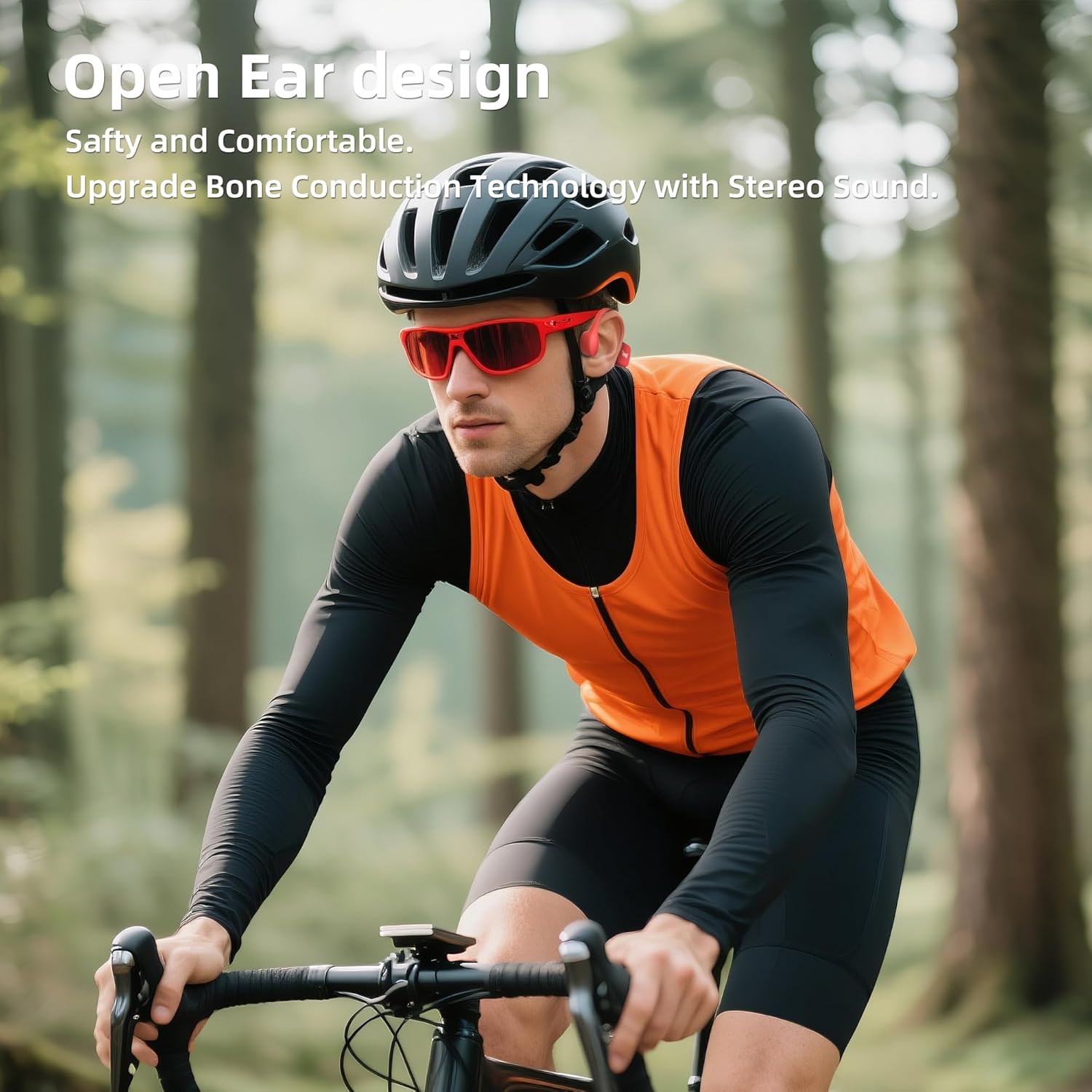
Image: Detailed view of the Tayogo W22 headphones' liquid silicone construction, emphasizing its flexibility, comfort, and resistance to scratches and oil.
Troubleshooting
| Problem | Possible Cause | Solution |
|---|---|---|
| Headphones won't turn on. | Low battery. | Charge the headphones fully. |
| Cannot pair via Bluetooth. | Headphones not in pairing mode; device Bluetooth off; too far from device. | Ensure headphones are on and in Bluetooth mode. Turn device Bluetooth off/on. Move closer to device (within 10 meters). |
| No sound in MP3 mode. | No songs loaded; incorrect file format; low volume. | Ensure MP3 files are loaded correctly. Check file format compatibility. Increase volume. |
| Poor sound quality underwater. | Not in MP3 mode; headphones not securely placed. | Switch to MP3 mode. Ensure headphones are pressed firmly against cheekbones, possibly using goggle straps. |
| Magnetic charging cable not connecting. | Port or cable is wet; debris in port. | Ensure both the port and cable are completely dry. Clean any debris from the port. |
Specifications
| Feature | Detail |
|---|---|
| Model Name | W22 SWIMMING HEADPHONE 1101 |
| Connectivity Technology | Wireless (Bluetooth) |
| Wireless Communication Technology | Bluetooth 5.4 |
| Bluetooth Range | 10 Meters |
| Water Resistance Level | IPX8 Waterproof (up to 3 meters) |
| Internal Storage | 32GB (for MP3, WAV, FLAC files) |
| Battery Capacity | 300mAh |
| Battery Life | 8-15 Hours (Bluetooth Mode 15H, MP3 Mode 8-10H) |
| Charging Time | 1.5 - 2 Hours |
| Audio Driver Type | Bone Conduction Driver |
| Earpiece Shape | Open Ear |
| Material | Liquid Silicone |
| Item Weight | 45 Grams (1.59 ounces) |
| Product Dimensions | 6.1 x 6.2 x 2 inches |
| Control Method | Button |
| Frequency Range | 20 Hz - 20,000 Hz |
| Impedance | 8 Ohm |
| Sensitivity | 94 dB |
Warranty and Support
All Tayogo items come with a 12-month warranty from the date of purchase. For any questions, concerns, or warranty claims, please contact the Tayogo sales team.
Contact Information:
- Email: sales@tayogo.com
- Website: www.tayogo.com
The Tayogo sales team aims to assist you within 48 hours.


