
1. Introduction
This manual provides essential information for the safe and efficient operation of your HOTWAV R9 Pro Rugged Tablet. The HOTWAV R9 Pro is designed for durability, featuring MIL-STD-810H, IP68, and IP69K certifications, making it resistant to drops, water, and dust. It operates on Android 14 and offers a robust set of features for various environments. Please read this manual thoroughly before using your device.
2. Safety Information
- Water and Dust Resistance: While the device is IP68/IP69K rated, avoid prolonged submersion beyond specified depths (2 meters) and durations (30 minutes). Ensure all port covers are securely closed before exposure to water or dust.
- Temperature: Do not expose the device to extreme temperatures (below -20°C or above 60°C).
- Impact: The device is drop-resistant up to 1.2 meters. However, severe impacts can still cause damage.
- Battery: Use only approved chargers and cables. Do not attempt to replace the battery yourself. Avoid puncturing or damaging the battery.
- Cleaning: Use a soft, damp cloth for cleaning. Avoid harsh chemicals.
- Disposal: Dispose of the device and its battery responsibly according to local regulations.
3. Package Contents
Verify that all items are present in your package:
- 1x HOTWAV R9 Pro Rugged Tablet
- 1x USB Type-C Cable
- 1x OTG Cable
- 1x Power Adapter
- 1x User Manual
4. Device Overview
The HOTWAV R9 Pro features an 11-inch display and a robust exterior. Familiarize yourself with the key components.

Front and back view of the HOTWAV R9 Pro Rugged Tablet, showing the screen, cameras, and rugged casing.

Side view of the HOTWAV R9 Pro Rugged Tablet, highlighting port locations and buttons.
5. Setup
5.1 Initial Charging
Before first use, fully charge the tablet using the provided power adapter and USB Type-C cable. Connect the cable to the tablet's charging port and the adapter to a power outlet. The charging indicator will show the charging status.
5.2 Powering On/Off
- To Power On: Press and hold the Power button until the HOTWAV logo appears.
- To Power Off: Press and hold the Power button, then select "Power off" from the options on the screen.
- Restart: Press and hold the Power button, then select "Restart" from the options.
5.3 SIM Card and TF Card Installation
The tablet supports dual 4G SIM cards and a TF card for expandable storage up to 2TB.
- Locate the SIM/TF card tray on the side of the tablet.
- Use the provided SIM ejector tool to open the tray.
- Carefully place the SIM cards and/or TF card into their respective slots, ensuring correct orientation.
- Gently push the tray back into the tablet until it is flush with the device.
5.4 Initial Android Setup
Upon first power-on, follow the on-screen prompts to complete the initial setup, including language selection, Wi-Fi connection, Google account login, and security settings.
6. Operating Instructions
6.1 Basic Navigation
The HOTWAV R9 Pro uses standard Android touch gestures:
- Tap: Select an item or open an app.
- Swipe: Scroll through screens or lists.
- Pinch: Zoom in or out on images and web pages.
- Long Press: Access contextual menus or move icons.
6.2 Connectivity
- Wi-Fi: Go to Settings > Network & internet > Wi-Fi to connect to available networks. The tablet supports 5G Wi-Fi.
- 4G Dual SIM: Insert two 4G SIM cards to manage calls and data from different networks. (Note: Not compatible with AT&T, Cricket, or Verizon networks. Fully supports T-Mobile, Mint, Boost, and Google Fi.)
- Bluetooth 5.0: Go to Settings > Connected devices > Bluetooth to pair with Bluetooth accessories.
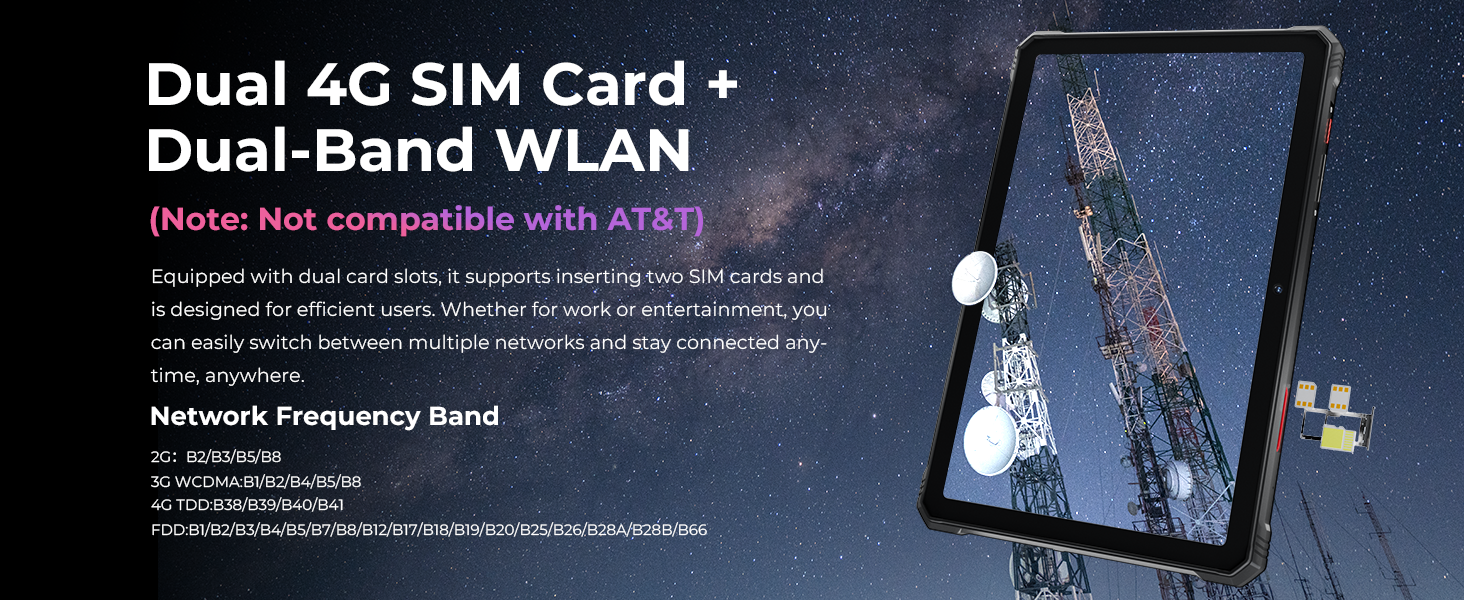
Image showing the tablet's dual 4G SIM card and dual-band WLAN capabilities.
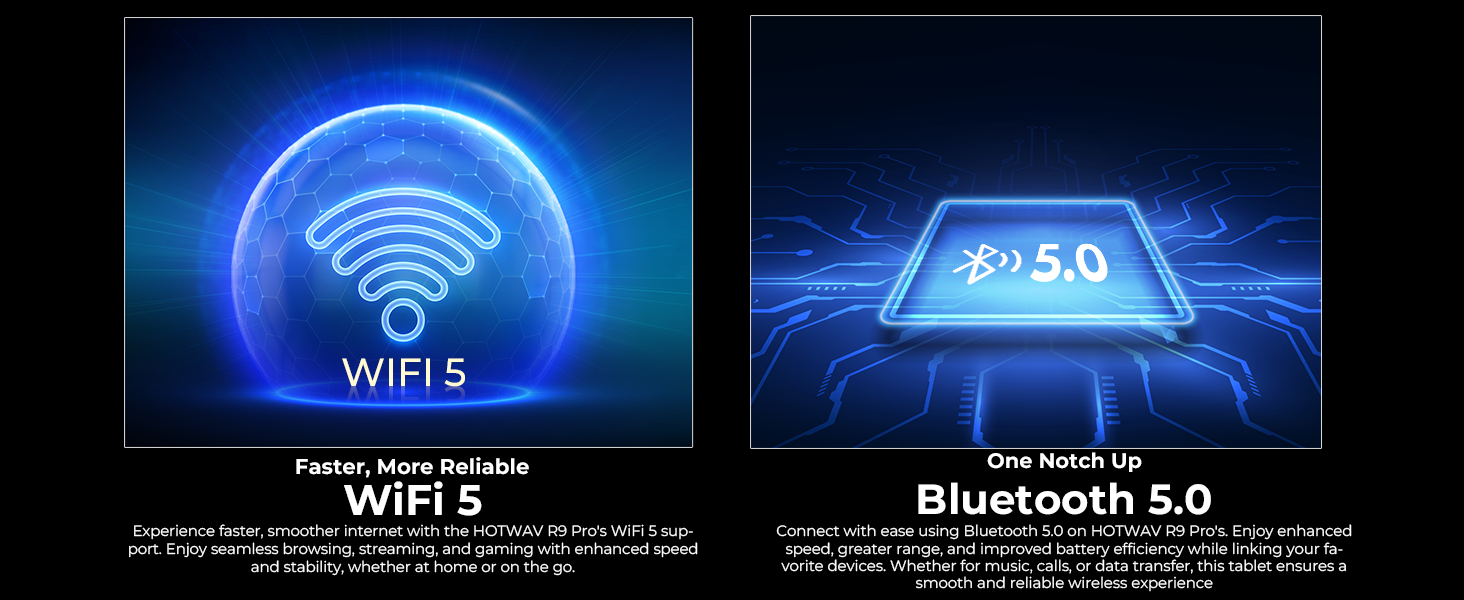
Visual representation of WiFi 5 and Bluetooth 5.0 connectivity features.
6.3 Camera Usage
The tablet features a 64MP rear camera and a 16MP front camera.
- Open the Camera app to take photos or record videos.
- Underwater Mode: Activate this mode in the camera settings before taking photos or videos underwater. Ensure all port covers are sealed.

Image showcasing the 64MP rear camera's capability to capture detailed photos.
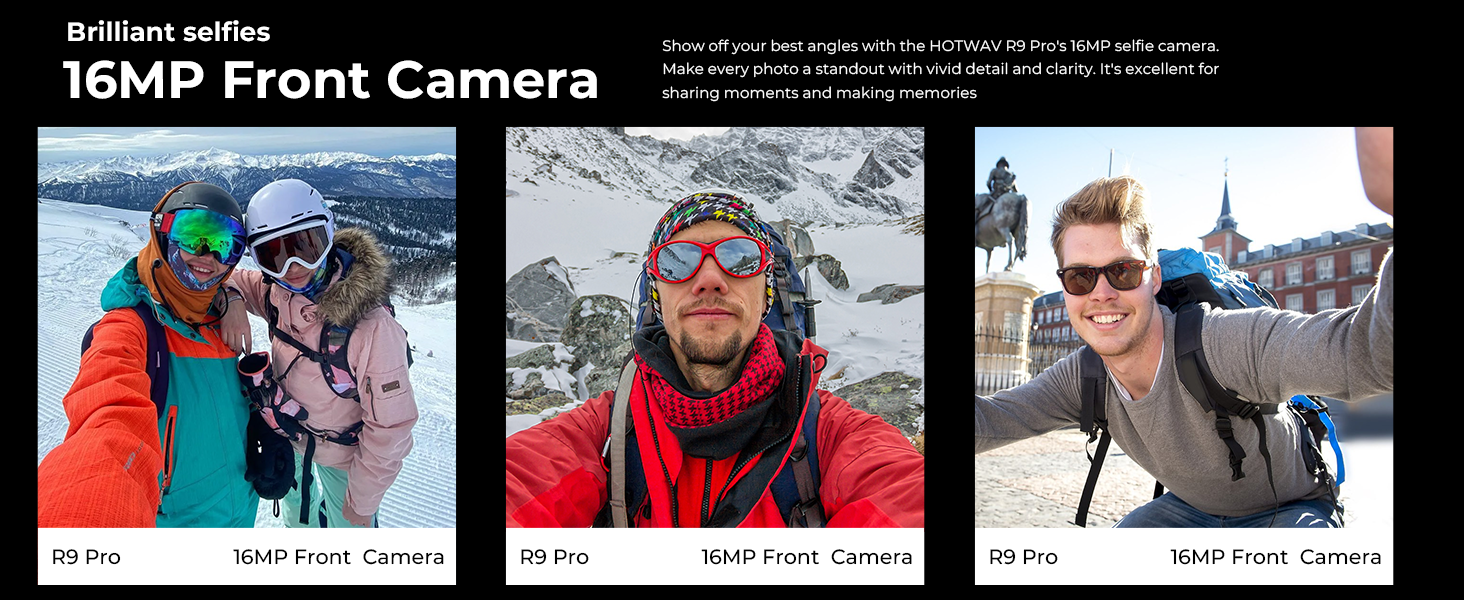
Image demonstrating the 16MP front camera for selfies and video calls.

The tablet's underwater mode allows for photography in aquatic environments.
6.4 GPS Navigation
The tablet supports GPS, BEIDOU, GLONASS, and Galileo for accurate positioning. Download maps in advance for offline use.
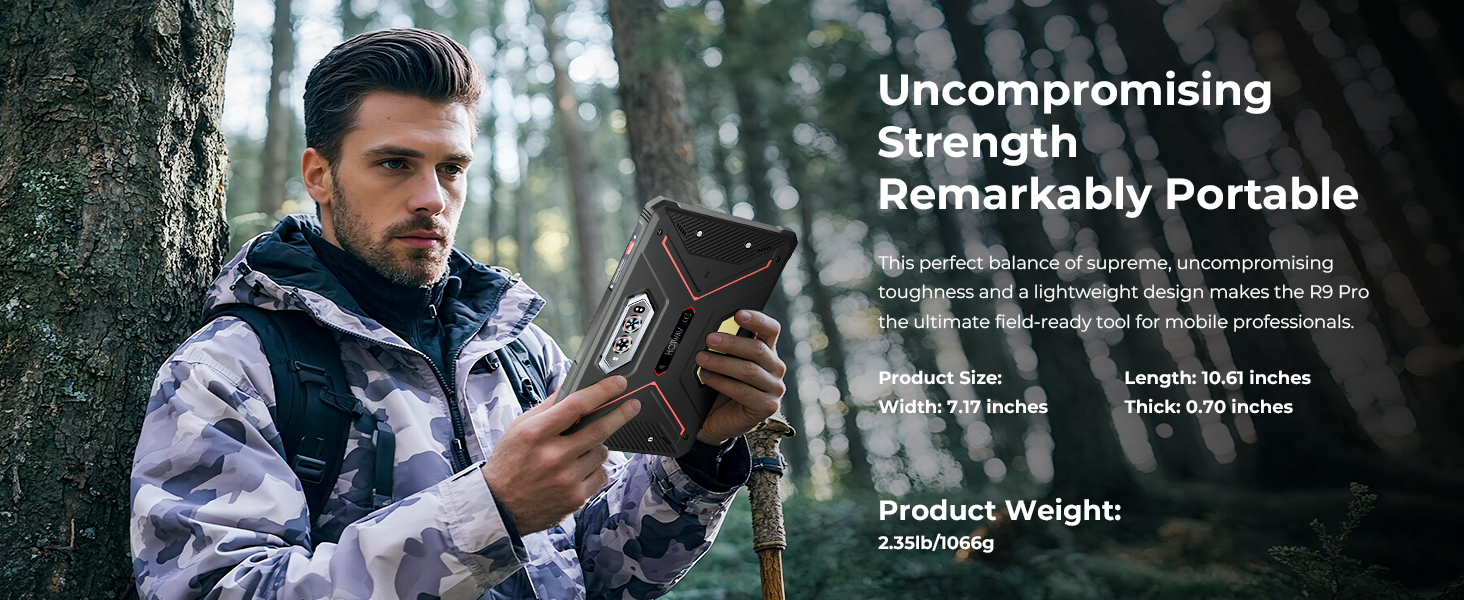
The tablet's GPS capabilities for navigation and location tracking.
6.5 Face ID
Set up Face ID for secure and convenient unlocking of your device. Go to Settings > Security & privacy > Face unlock and follow the instructions.
6.6 Camping Light
The integrated Super LED Camping Light provides 350 lumens of illumination and can last for 14 hours. Access and control the camping light through the quick settings panel or a dedicated app.
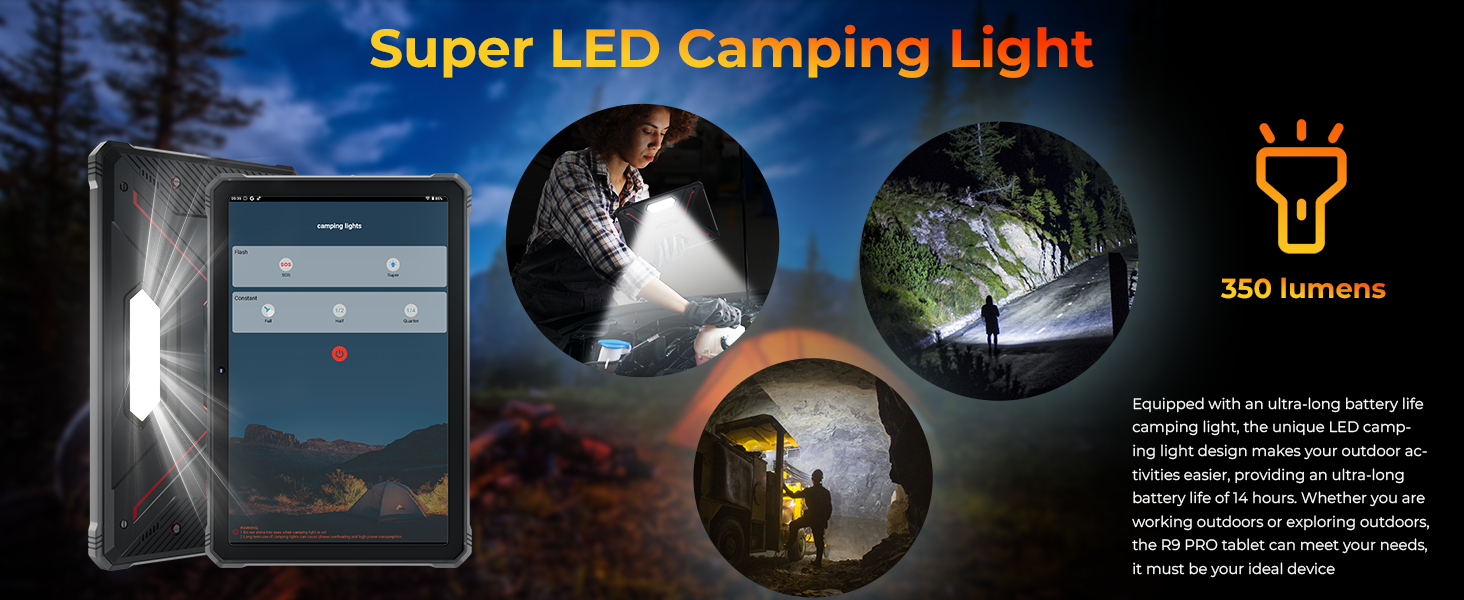
The tablet's Super LED Camping Light in use, providing illumination.
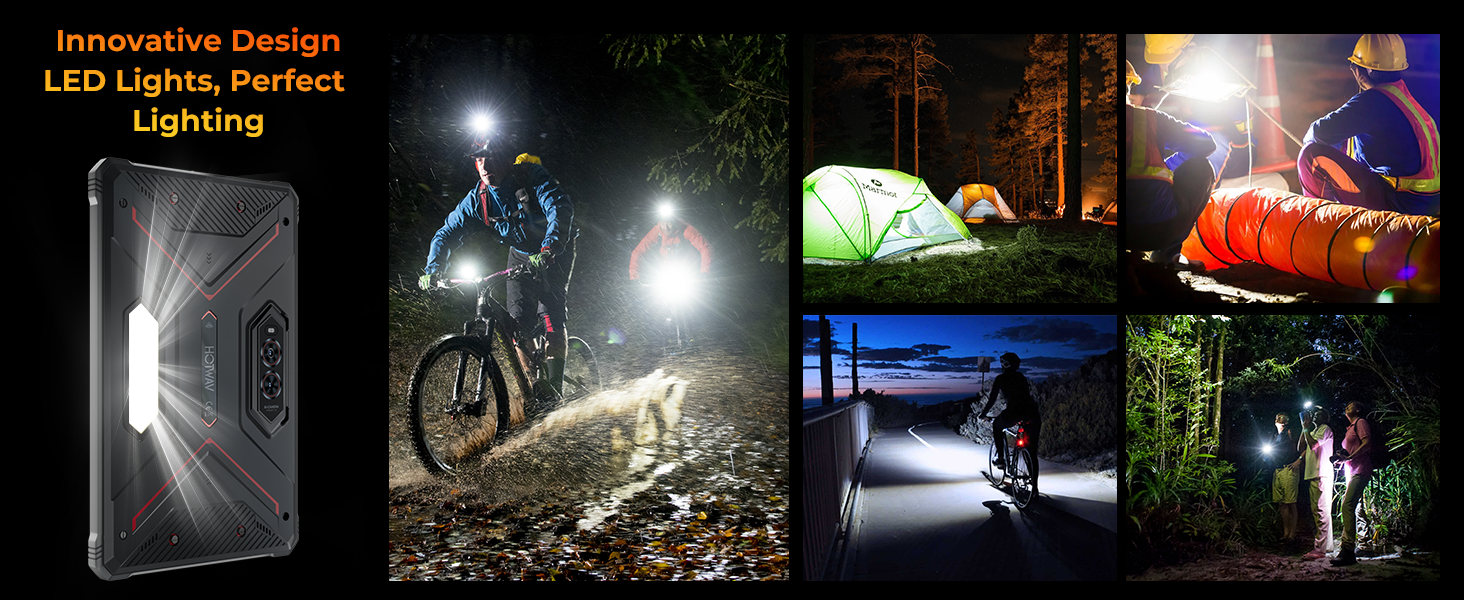
Various scenarios demonstrating the utility of the tablet's LED camping light.
6.7 OTG Reverse Charging
Use the provided OTG cable to connect other devices to your tablet and use the tablet's large battery to charge them. This feature allows the tablet to act as a power bank.

Diagram illustrating the OTG reverse charging function, showing the tablet charging other devices.
6.8 Android 14 Features
The tablet runs on the latest Android 14, offering enhanced privacy controls, improved performance, and features like split-screen multitasking.

Image depicting the Android 14 operating system interface on the HOTWAV R9 Pro.
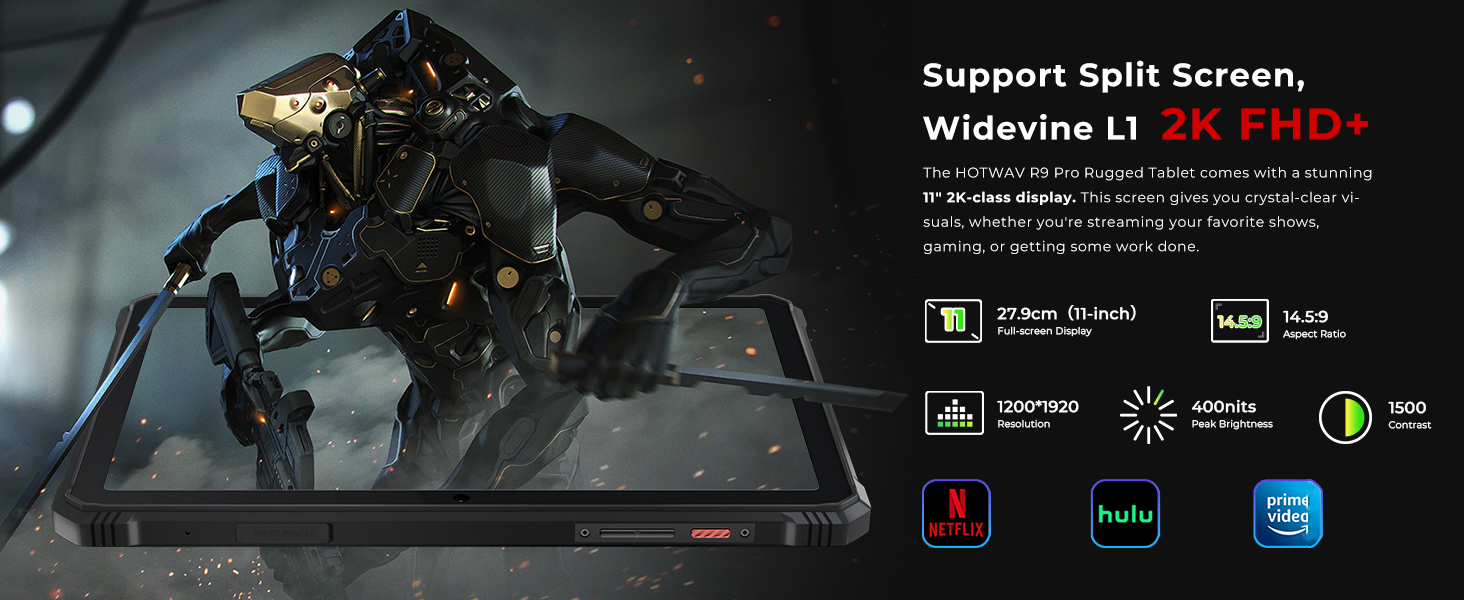
The tablet supports split-screen functionality and Widevine L1 for high-definition streaming.
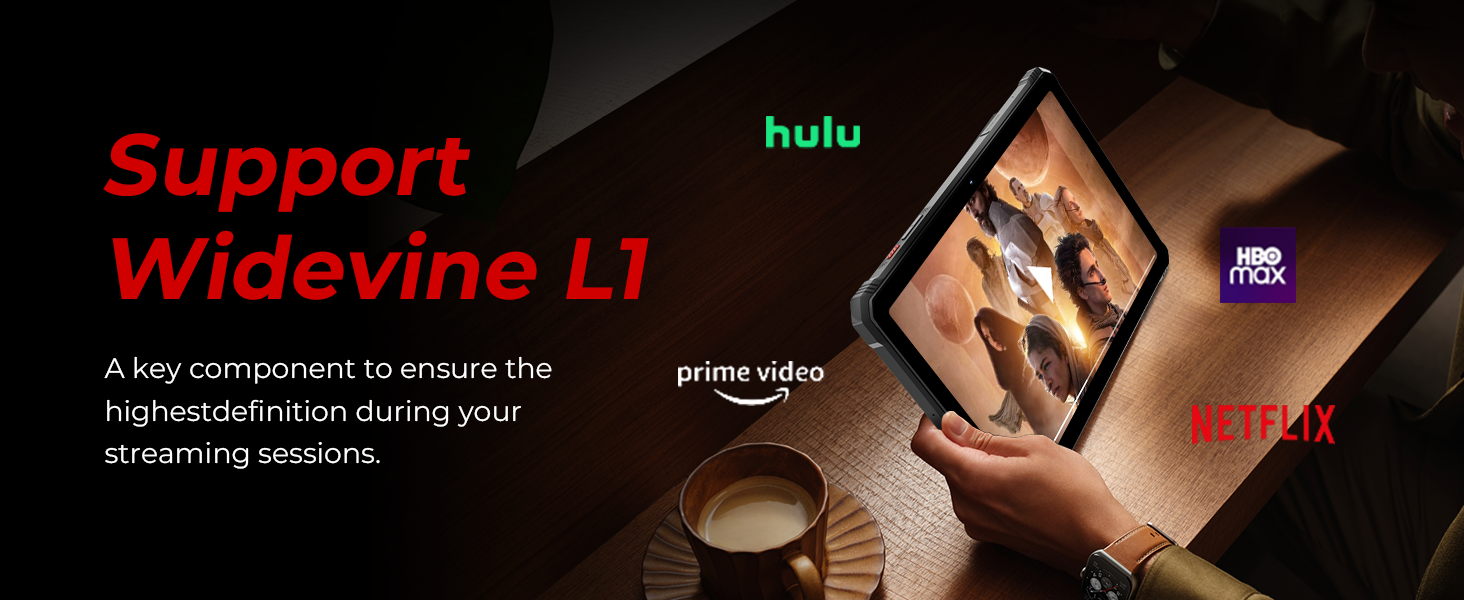
The tablet's support for Widevine L1 ensures high-definition content playback from streaming services.
7. Key Features
7.1 Display
The HOTWAV R9 Pro features an 11-inch 2K FHD+ display with a resolution of 1920x1200 pixels and 450 NIT brightness. The screen is designed to be scratch-resistant, providing clear visuals for various applications.

The 11-inch 2K display offers clear visuals and is scratch-resistant.
7.2 Performance
Powered by a Unisoc T606 octa-core processor, the tablet includes 20GB RAM (6GB fixed + 14GB expandable) and 256GB internal storage, expandable up to 2TB via a TF card. This configuration supports smooth multitasking and ample storage for applications and media.
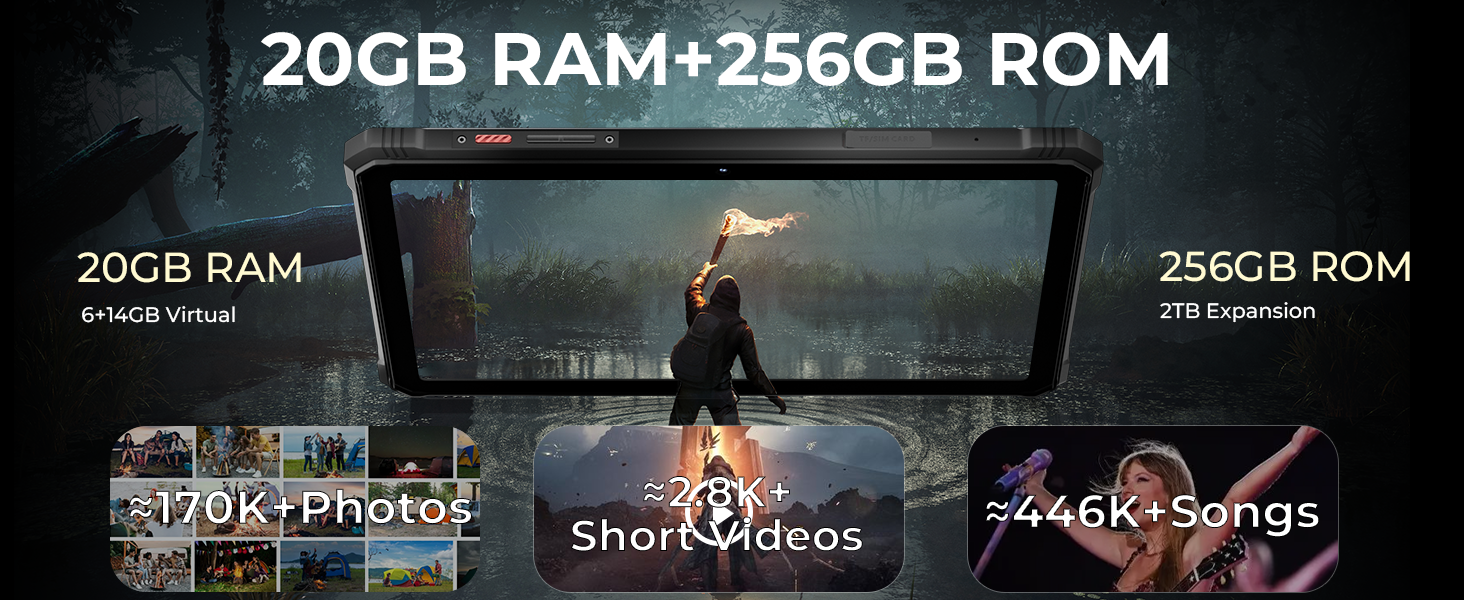
Details on the Unisoc T606 octa-core processor, 20GB RAM, and 256GB ROM with 2TB expandability.

Visual representation of the tablet's 20GB RAM and 256GB ROM, highlighting storage capacity for photos, videos, and songs.
7.3 Durability
The R9 Pro is built to withstand harsh conditions, meeting MIL-STD-810H military standards and IP68/IP69K ratings. This ensures resistance to drops up to 1.2 meters, and water/dust immersion up to 2 meters for 30 minutes.

Illustrations of the tablet's drop-proof, waterproof, and dust-proof features, certified by IP68, IP69K, and MIL-STD-810H standards.
Official video demonstrating the ruggedness of the HOTWAV R9 Pro tablet, including drop and water resistance tests.
Official video showcasing the waterproof capabilities of the HOTWAV R9 Pro tablet.
7.4 Battery Life
Equipped with a 20080mAh battery, the tablet offers extended usage times: up to 120 days standby, 1000 hours of music playback, and 100 hours of talk time. It supports 20W fast charging.
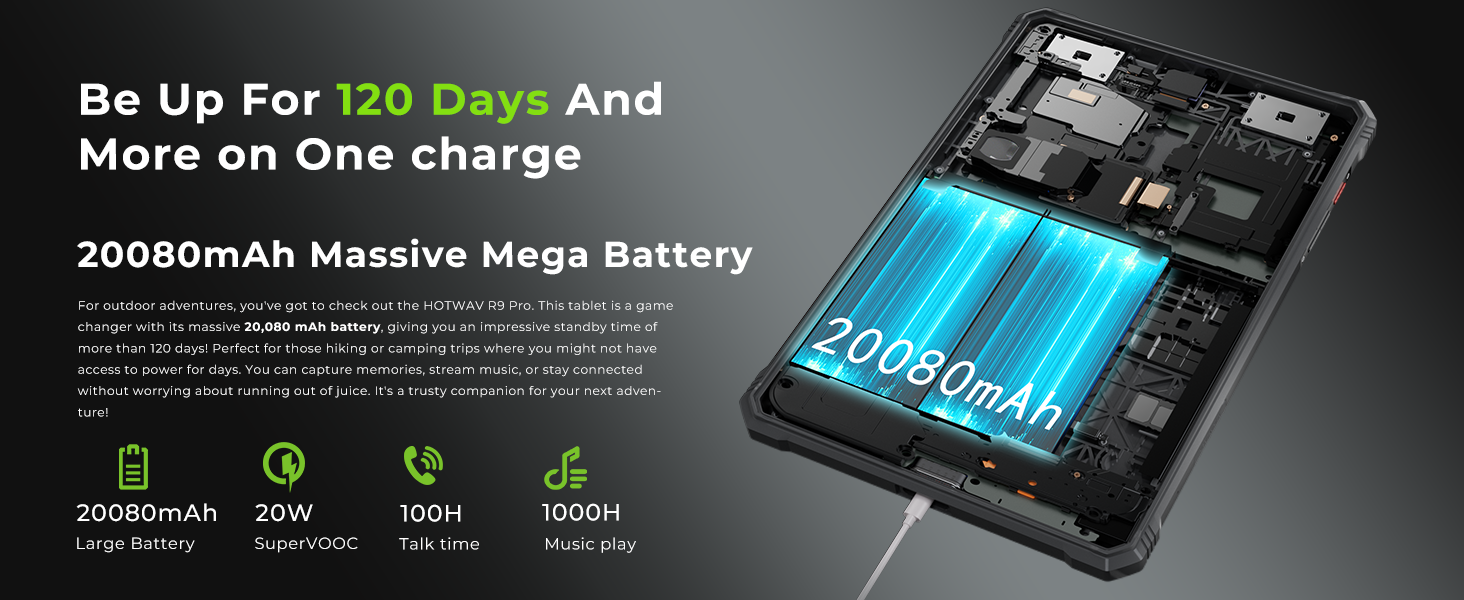
Information on the tablet's 20080mAh battery, including standby time, music playback, and talk time.
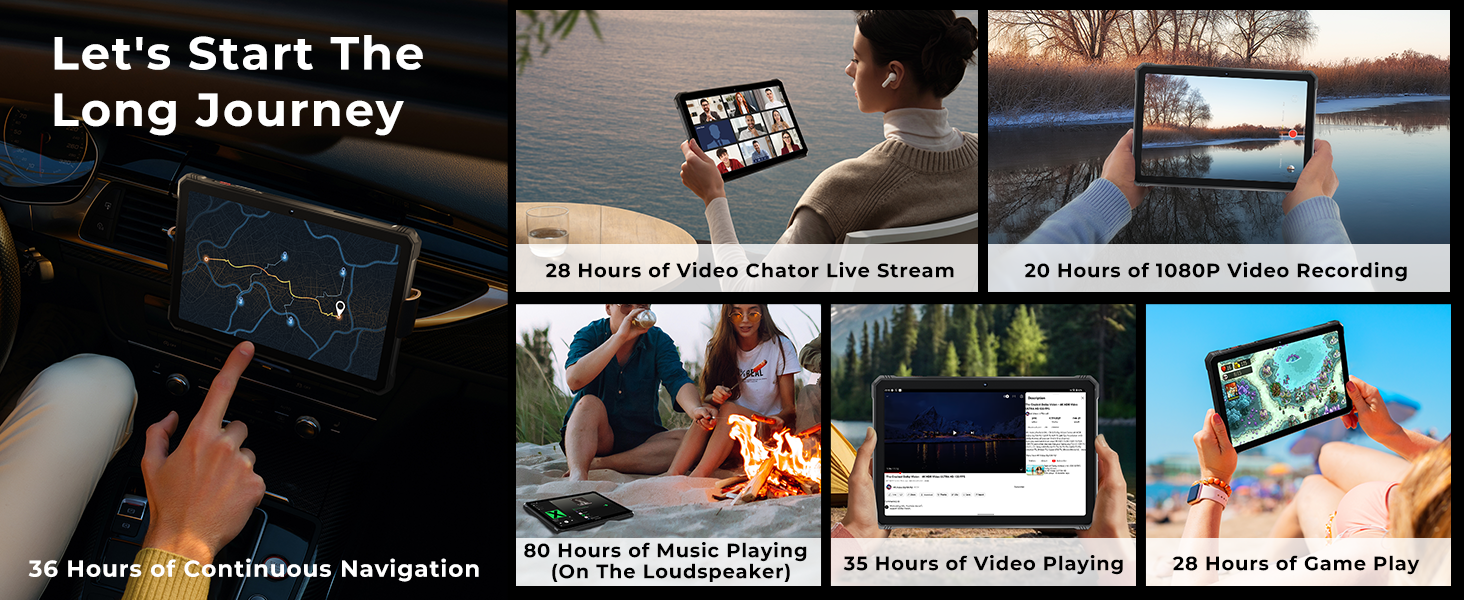
Examples of extended usage times for navigation, video, music, and gaming on a single charge.
7.5 Glove Mode
The tablet features a Glove Mode, allowing you to operate the touchscreen while wearing gloves, which is useful in cold weather or industrial environments. This mode can typically be activated in the display settings.

Image showing a user operating the tablet while wearing gloves, demonstrating the Glove Mode feature.
8. Maintenance
- Cleaning: Wipe the screen and body with a soft, lint-free cloth. For stubborn dirt, slightly dampen the cloth with water. Ensure all port covers are closed before cleaning with moisture.
- Battery Care: To prolong battery life, avoid fully discharging the battery frequently. Charge the device regularly and avoid leaving it in direct sunlight or extremely hot environments.
- Software Updates: Regularly check for and install system updates to ensure optimal performance and security. Go to Settings > System > System update.
- Storage Management: Periodically clear unnecessary files and apps to maintain device speed and free up storage.
9. Troubleshooting
| Problem | Possible Solution |
|---|---|
| Device does not power on | Ensure the battery is charged. Connect to the charger for at least 30 minutes, then try powering on again. |
| Cannot connect to Wi-Fi | Check if Wi-Fi is enabled. Restart the tablet and your Wi-Fi router. Ensure you are entering the correct password. |
| 4G network not working | Ensure SIM cards are correctly inserted and activated. Check network coverage in your area. Verify compatibility with your carrier (T-Mobile, Mint, Boost, Google Fi are supported; AT&T, Cricket, Verizon are not). |
| Touchscreen unresponsive | Restart the device. If the issue persists, perform a factory reset (data will be lost). |
| Battery drains quickly | Close unused apps running in the background. Reduce screen brightness. Disable unnecessary features like GPS or Bluetooth when not in use. |
10. Specifications
| Feature | Detail |
|---|---|
| Brand | HOTWAV |
| Model Name | R9 Pro |
| Operating System | Android 14 |
| Processor | Unisoc T606 Octa-Core |
| RAM | 20 GB (6GB fixed + 14GB expandable) |
| Internal Storage | 256 GB |
| Expandable Storage | Up to 2 TB via TF card |
| Screen Size | 11 Inches |
| Display Resolution | 1920 x 1200 (2K FHD+) |
| Rear Camera | 64 MP |
| Front Camera | 16 MP |
| Battery Capacity | 20080 mAh |
| Charging | 20W Fast Charging, OTG Reverse Charging |
| Durability Ratings | IP68, IP69K, MIL-STD-810H |
| Connectivity | 4G Dual SIM, 5G Wi-Fi, Bluetooth 5.0, USB Type-C |
| Navigation | GPS, BEIDOU, GLONASS, Galileo |
| Special Features | Super LED Camping Light (350 lumens), Underwater Mode, Face ID, Glove Mode |
| Dimensions (L x W x Thickness) | 10.59"L x 7.17"W x 0.67"Th |
| Item Weight | 1.68 Kilograms |
11. Warranty and Support
HOTWAV offers comprehensive support for your R9 Pro tablet:
- Return Policy: 30 days no-reason return.
- Warranty: Two years free warranty covering buttons and other components against defects.
- Technical Support: Lifetime technical support.
- Customer Service: 24 hours online customer service.
For assistance, please contact HOTWAV customer service.


