
Introduction
This manual provides comprehensive instructions for the installation, operation, and maintenance of your MOUSETRO S11A Keyless Entry Door Lock. Please read this guide thoroughly before installation and use to ensure proper function and security.
Safety Information
- Do not use corrosive cleaners or abrasive materials on the lock finish.
- Ensure all components are installed correctly and securely before use.
- Keep backup keys in a secure location outside the property.
- Change default codes immediately after installation.
- This lock is designed for residential and light commercial use.
Package Contents
Verify that all parts are present before beginning installation.
- Keyless Entry Door Lock Panels (Exterior Keypad and Interior Assembly)
- Deadbolt Latch
- Strike Plate
- Mounting Hardware (Screws)
- 2 Backup Keys
- 4 AA Batteries
- Installation Template
- Instruction Manual (this document)
Video: Unboxing display video. This video demonstrates the contents of the product package.
Specifications
| Brand | MOUSETRO |
| Model Number | S11A |
| Lock Type | Deadbolt, Keypad |
| Material | Metal |
| Dimensions (L x W x H) | 6.4 x 2.8 x 1.1 inches |
| Weight | 1.02 Kilograms |
| Special Features | Anti-Bump, Anti-Peeping Password, Auto-Lock, One-Touch Lock, Weather Resistant |
| Control Method | Touch |
| Power Source | 4 AA Batteries (included), USB Emergency Power Supply |
Compatibility and Door Preparation
Before installation, ensure your door meets the following specifications:
- Door Hole Diameter: Only suitable for 2-1/65 inches (55 mm) door holes. Not compatible with 38 mm door holes.
- Door Thickness: 1-3/8 inches to 1-31/32 inches (35 mm to 50 mm).
- Backset: Adjustable for 2-3/8 inches (60 mm) or 2-3/4 inches (70 mm).
- Door Type: Compatible with single cylinder deadbolts. Not compatible with Rim Cylinder, Mortise, or Integrated lock types.

Image: Door compatibility diagram. This image illustrates the required door dimensions and incompatible lock types for the S11A model.
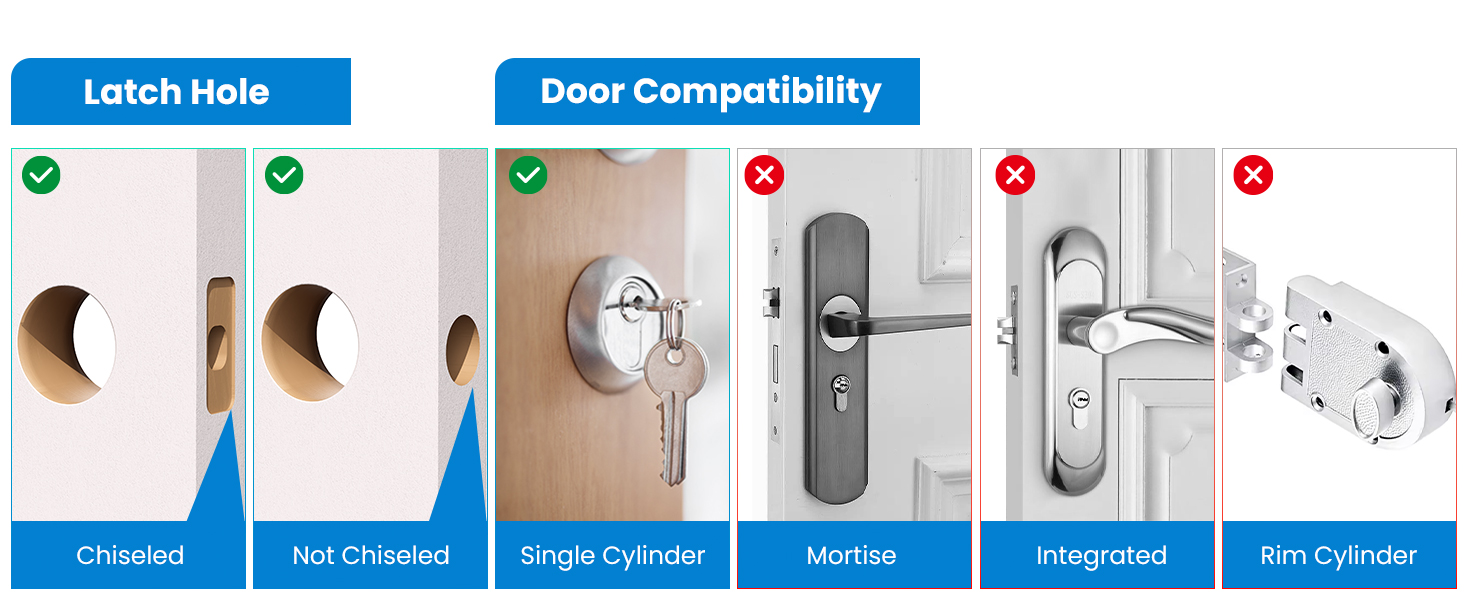
Image: Latch hole and door compatibility. This image clarifies suitable latch hole preparations and compatible door lock mechanisms.
Installation
Installation typically requires only a screwdriver. Follow the steps below and refer to the installation video for visual guidance.
1. Determine Door Handing
Correctly identifying your door's handing (left-handed or right-handed) is crucial for proper lock operation. The interior thumb-turn direction must be set accordingly.
Video: How to correctly distinguish between left and right doors. This video guides you through identifying your door's handing and adjusting the lock's internal mechanism.
2. General Installation Steps
- Prepare the door according to the provided template, ensuring correct hole sizes and backset.
- Install the deadbolt latch into the door edge.
- Install the exterior keypad assembly, feeding the cable through the door hole.
- Install the interior mounting plate.
- Connect the cable from the exterior assembly to the interior assembly.
- Attach the interior assembly to the mounting plate.
- Insert the 4 AA batteries.
- Test the lock's operation with the physical key and by entering a default code (if applicable).
Video: How to install-ZN-S11A-2. This detailed video provides a step-by-step guide for installing the lock.
Operation
The MOUSETRO S11A offers various methods for secure and convenient access.
1. Keyless Entry with PIN Codes
The lock supports up to 9 Master Codes, 91 User Codes, and one-time codes. To unlock, enter your 6-digit code followed by the checkmark (✓) button.

Image: PIN Code options. This image highlights the various code types and physical key access available.
2. Anti-Peeking Password
To enhance security, you can enter any random digits before or after your correct 6-digit password (up to a maximum of 20 total digits). This prevents others from easily discerning your actual code.

Image: Anti-Peeking Password in use. This image illustrates how to use random digits to obscure your actual passcode.
3. One-Time Password
Generate a temporary one-time code for guests or service personnel. This code will expire after a single use.

Image: One-Time Password usage. This image depicts the convenience of using a temporary one-time code for access.
4. Auto-Lock & One-Touch Locking
- Auto-Lock: The lock can be set to automatically lock after 2-9 seconds. This feature can also be permanently disabled if desired.
- One-Touch Lock: From the outside, press and hold the checkmark (✓) button for 2 seconds to quickly lock the door.

Image: Auto-Lock and One-Touch Locking. This image demonstrates how the lock automatically secures and can be locked with a single touch.
5. Passage Mode
Passage Mode keeps the door unlocked at all times, allowing free entry and exit without needing a code. To disable this feature, simply enter the master code.

Image: Passage Mode. This image illustrates the lock remaining unlocked for convenient access.
6. Silent Mode
Activate Silent Mode to disable keypad beeps and voice prompts, creating a quiet environment. Note that menu settings cannot be muted; press the keypad or unlock to mute during normal operation.

Image: Silent Mode. This image demonstrates the lock operating quietly, ideal for maintaining a peaceful environment.
7. Emergency Charging & Low Battery Alert
- The lock will provide a low battery alert when power is critically low.
- In case of complete battery depletion, the lock can be temporarily powered via a 5V USB emergency power supply connected to the port on the exterior unit.
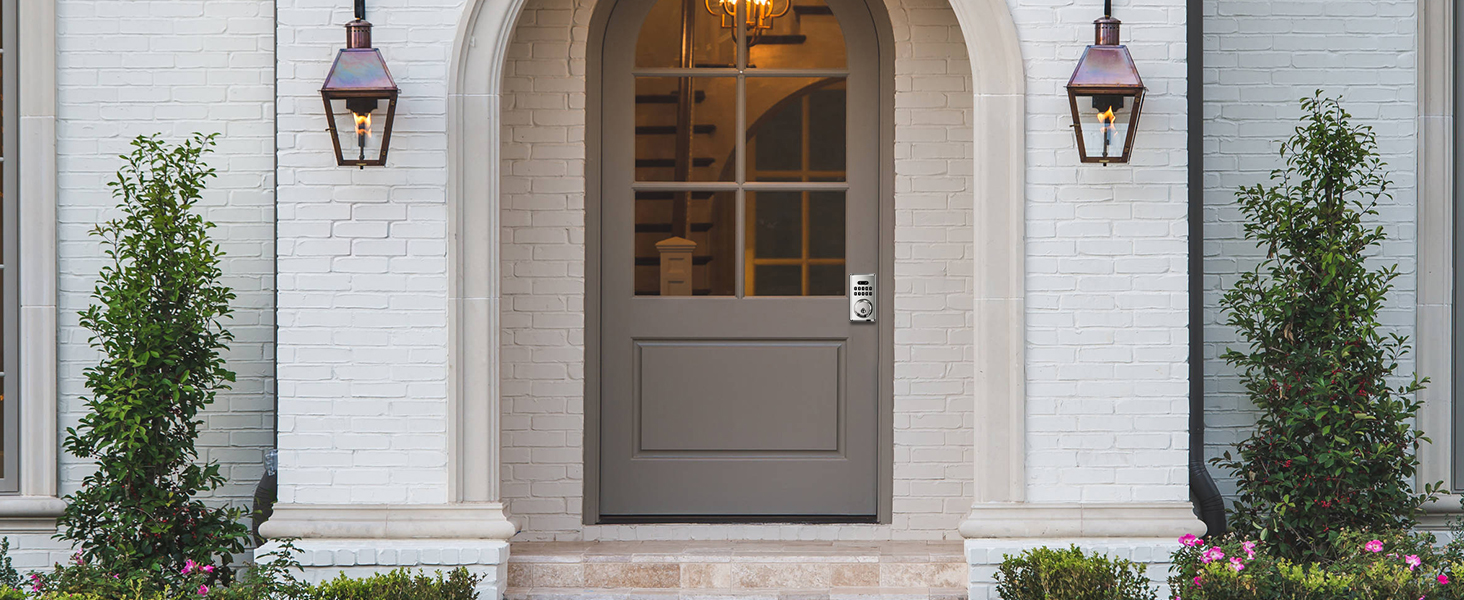
Image: Low Battery Alert & USB Emergency Power Supply. This image illustrates the emergency charging capability and low battery warning.
8. Wrong Code Entry Limit
For security, if an incorrect password is entered 5 consecutive times within 5 minutes, the keypad will shut down for 90 seconds.
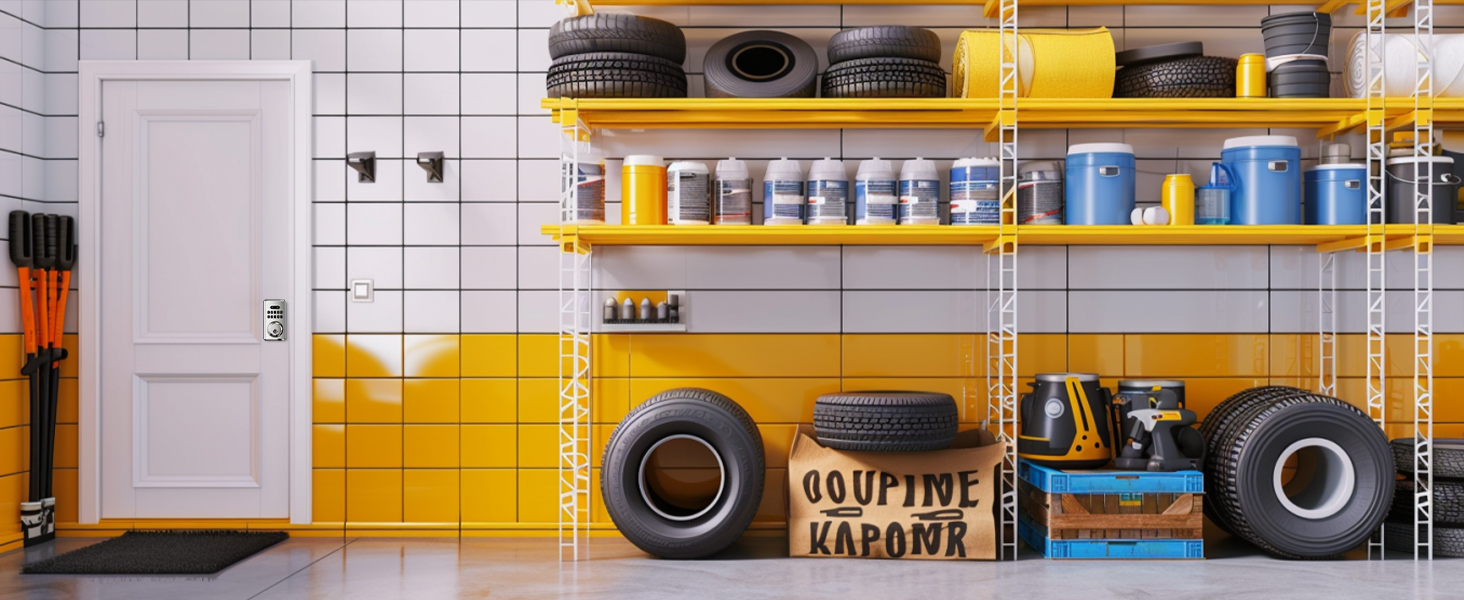
Image: Wrong Code Entry Limit. This image visually represents the security feature that temporarily disables the keypad after multiple incorrect entries.
Programming
This section details how to manage your lock's codes and settings.
1. Adding/Deleting Master Codes
Master codes are used to access programming functions and unlock the door. The lock supports up to 9 Master Codes.
Video: How to add/delete Master code-ZN-S11A-2. This video demonstrates the procedure for managing master codes.
2. Programming User Codes
User codes are for daily access and do not grant access to programming functions. The lock supports up to 91 User Codes.
Video: How to program-ZN-S11A-2. This video provides a detailed guide on programming user codes and other settings.
3. Resetting the Lock
A factory reset will delete all programmed codes and settings, restoring the lock to its default state. This procedure typically involves pressing and holding a reset button for a specified duration.
Video: How to reset-ZN-S11A-2. This video demonstrates the process for performing a factory reset on the lock.
4. Capacity Inquiry
You can check the current usage and remaining capacity for codes by following a specific keypad sequence.
Video: How to adjust the correct unlock command-ZN-S11A-2. This video, though titled "adjust unlock command", also shows the capacity inquiry process (Press 5, then 1).
Maintenance
- Clean the keypad and lock body with a soft, damp cloth. Avoid harsh chemicals.
- Regularly check battery levels and replace all four AA batteries simultaneously when the low battery alert is triggered.
- Ensure the deadbolt operates smoothly. If resistance is felt, check for obstructions in the door frame or latch mechanism.
- The lock is IP52 waterproof, suitable for various weather conditions, but avoid direct high-pressure water exposure.
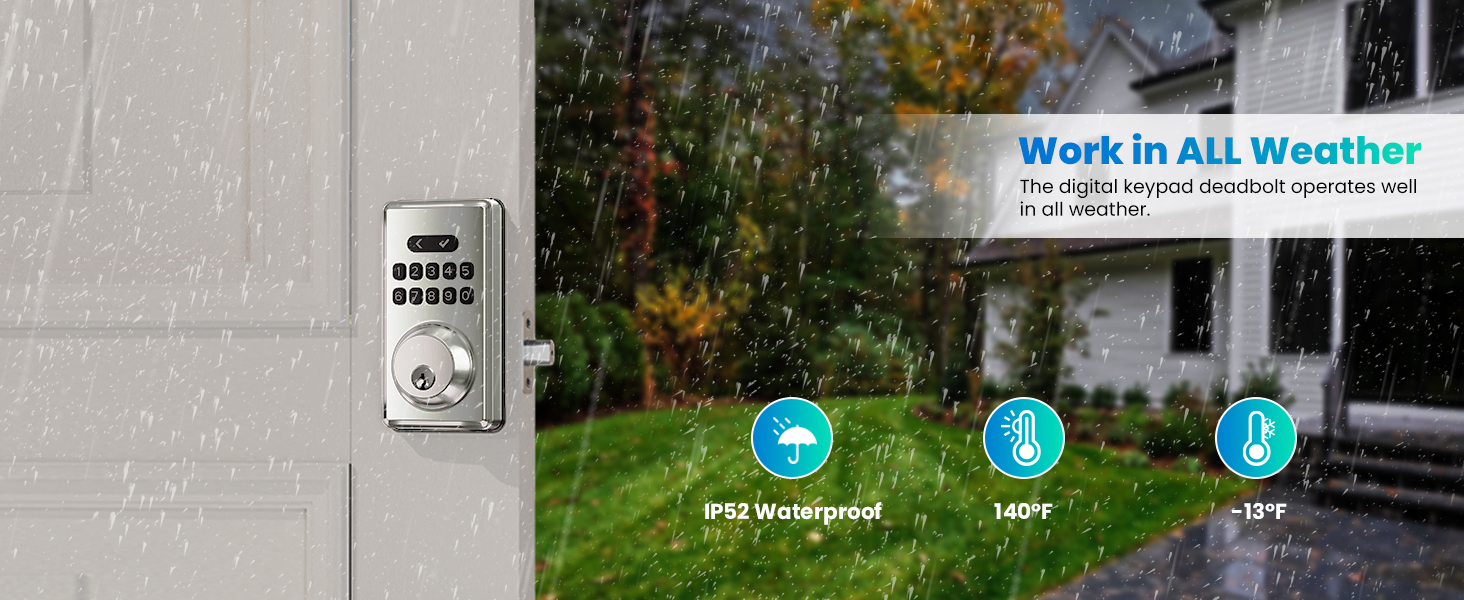
Image: Weather resistance. This image highlights the lock's ability to function reliably in various weather conditions.
Troubleshooting
| Problem | Possible Cause | Solution |
|---|---|---|
| Lock does not respond to keypad entry. | Dead batteries; Keypad temporarily disabled due to incorrect entries. | Replace batteries; Wait 90 seconds for keypad to reactivate. Use backup key if necessary. |
| Lock does not lock/unlock properly. | Incorrect door handing setting; Misalignment of deadbolt and strike plate; Low battery. | Verify and adjust door handing (refer to installation section); Check for obstructions and adjust strike plate; Replace batteries. |
| Cannot program new codes. | Incorrect Master Code; Lock is in an error state. | Ensure correct Master Code is used; Perform a factory reset if programming issues persist (all codes will be deleted). |
| Lock makes a "horrible noise" or doesn't turn. | Internal mechanism issue, possibly related to door handing adjustment. | Re-check door handing setting and ensure the internal knob direction is correctly aligned for your door. If issues persist, contact customer service. |
Warranty and Support
MOUSETRO offers the following support for your keyless entry door lock:
- 30 days of free after-sale service.
- 1-year free replacement warranty.
- Lifetime troubleshooting and customer service support.
For assistance, please refer to the contact information provided with your product packaging or visit the MOUSETRO official website.


