
1. Important Safety Instructions
Please read and understand all instructions before operating this appliance. Failure to follow these instructions may result in electric shock, fire, or serious injury.
- Electrical Safety: Always disconnect power before performing any maintenance or servicing. Ensure the unit is plugged into a properly grounded outlet.
- Placement: Position the dehumidifier on a stable, level surface. Ensure adequate airflow around the unit.
- Drainage: The drain insert must be properly installed before operating the unit to prevent water leakage.
- Filter Access: Ensure the filter is correctly installed and accessible for regular cleaning or replacement.
- Moving Parts: Avoid contact with moving parts inside the unit. Keep children and pets away from the appliance during operation.
2. Product Overview
The ALORAIR Sentinel HD55 is a compact, high-performance commercial dehumidifier designed for effective moisture removal in various environments. It features automatic operation, auto defrost, and a memory restart function for convenience and reliability.
Key Features:
- Commercial Dehumidification: Removes up to 55 pints per day (AHAM) and 120 pints at saturation, covering up to 1,300 sq. ft.
- Gravity Drainage System: Provides continuous, maintenance-free water removal without the need for an additional electric pump.
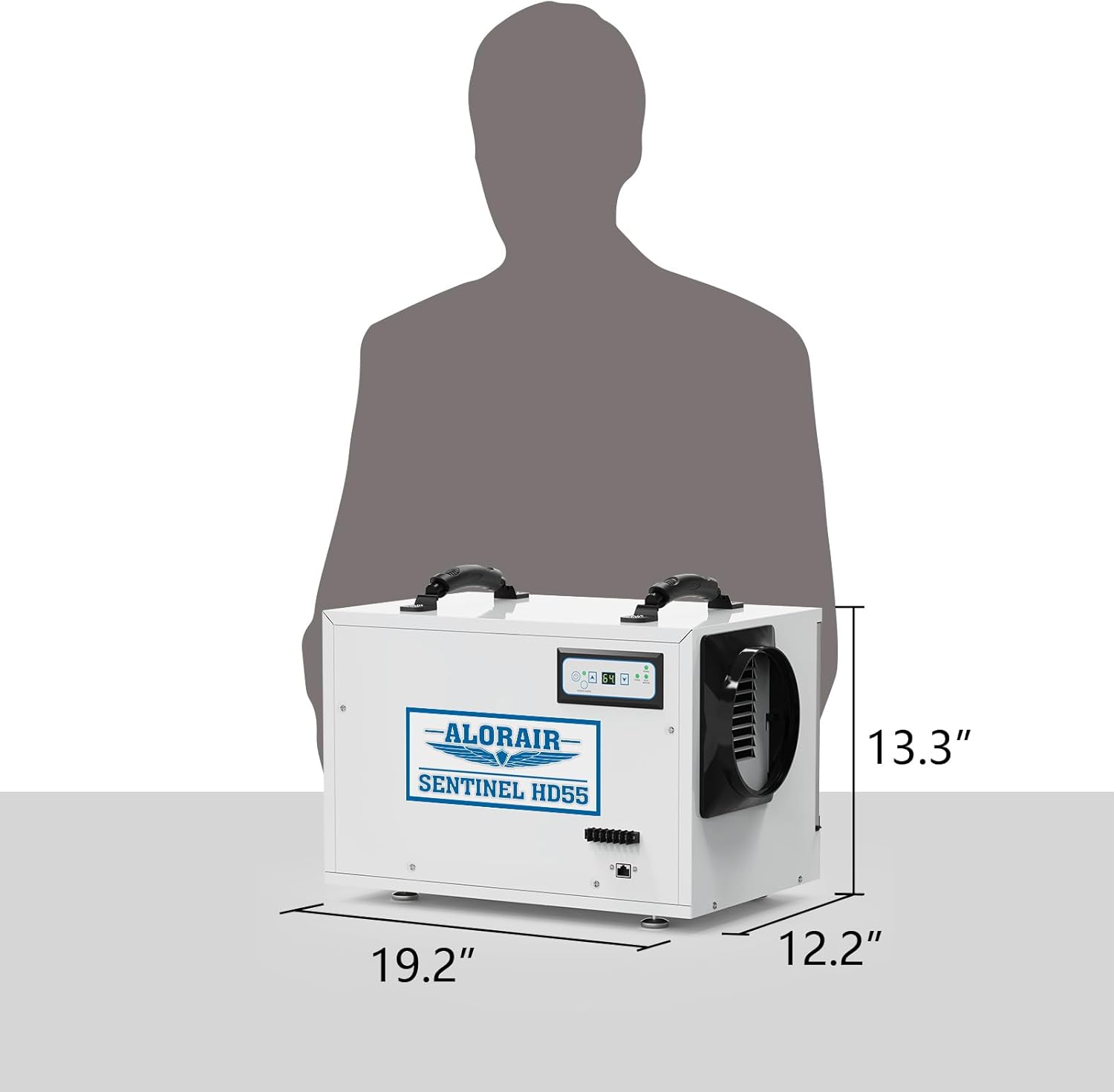
- Compact Design: Weighs 44 lbs and measures 19.2"D x 12.2"W x 13.3"H, allowing for flexible placement.
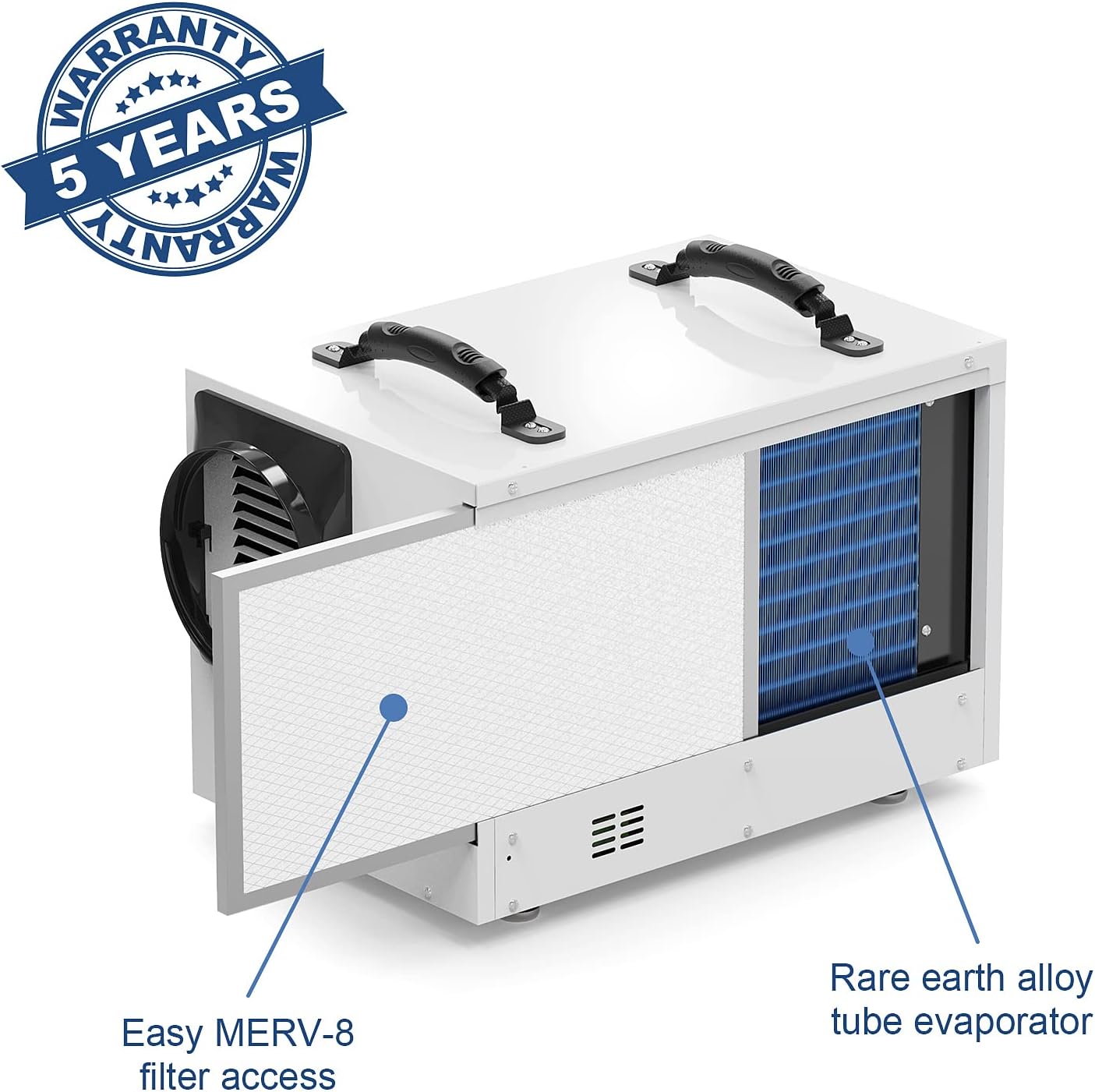
- Advanced Technology: Features a rare earth alloy tube evaporator and anti-corrosion technology for extended coil life and improved heat transfer.
- Auto Defrost: Prevents coils from freezing in low-temperature conditions, ensuring continuous operation.
- Memory Restart: Automatically resumes operation with previous settings after a power outage.
Product Dimensions:
This diagram illustrates the compact dimensions of the dehumidifier, making it suitable for installation in confined spaces such as crawl spaces or basements.

The ALORAIR Sentinel HD55 dehumidifier, showcasing its compact design and control panel.
3. Setup and Installation
Placement:
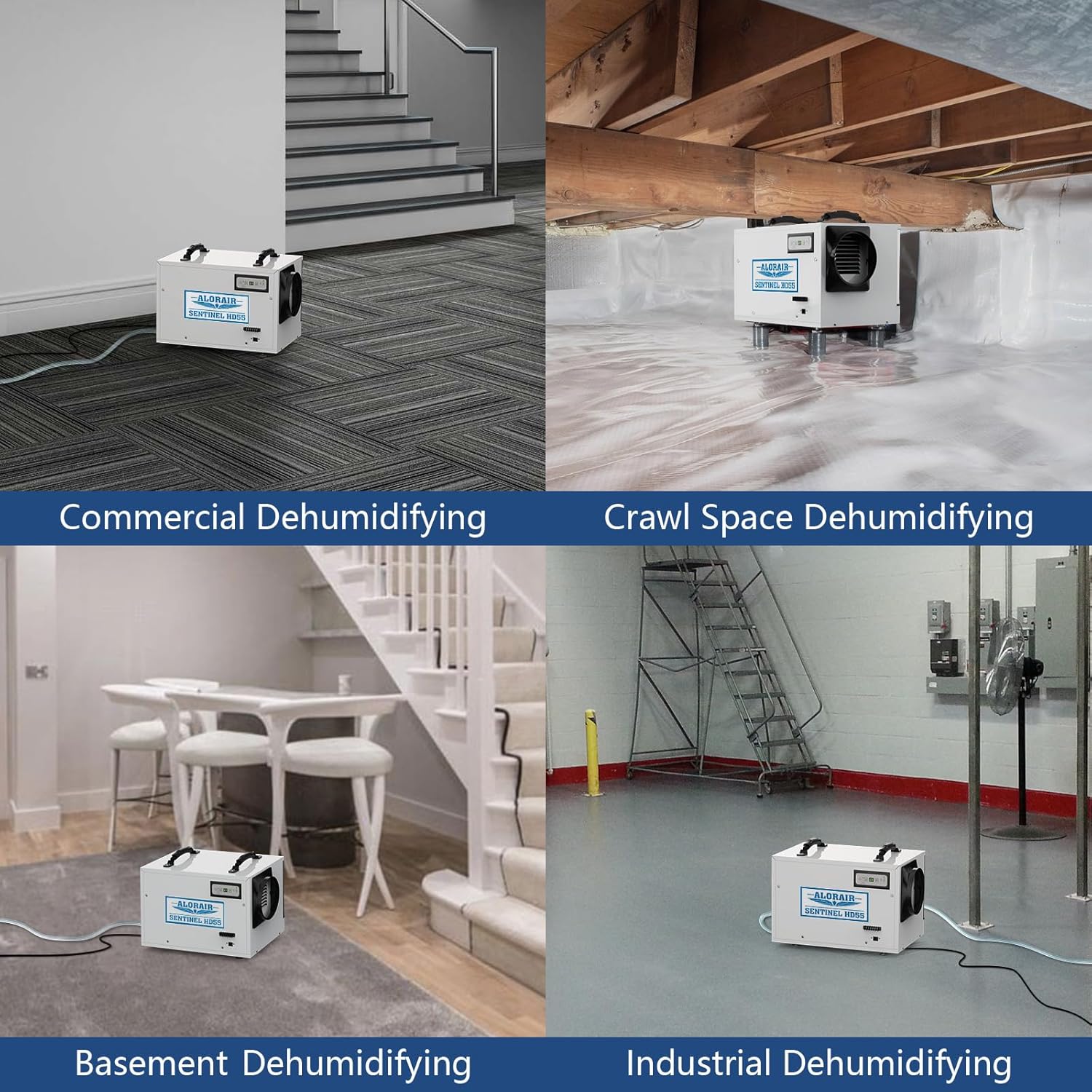
The Sentinel HD55 is designed for versatile placement. It can be used in crawl spaces, basements, commercial areas, kitchens, bathrooms, living rooms, and closets. Ensure the unit is placed on a level surface using the adjustable rubber feet to prevent scratches and reduce noise.
The Sentinel HD55 is versatile, suitable for various applications including commercial spaces, crawl spaces, basements, and industrial environments.
Drainage System:
The unit features a convenient gravity drainage system. Connect the included drain hose to the unit's drain outlet and direct it to a suitable drain point. Ensure the hose has a continuous downward slope to allow for proper water flow.
The dehumidifier operating in a crawl space, demonstrating its gravity drainage system with a connected hose for continuous water removal.
Optional Accessories:
- Hanging Kits: Available for suspended installation in crawl spaces to reduce noise and vibration.
- Ducting: The air outlet is duct-able (6-inch diameter, up to 11.5 ft extension) for directing dry air.
- Remote Control: An optional remote control connects via a CAT 5 cable, allowing remote monitoring and control of the dehumidifier.
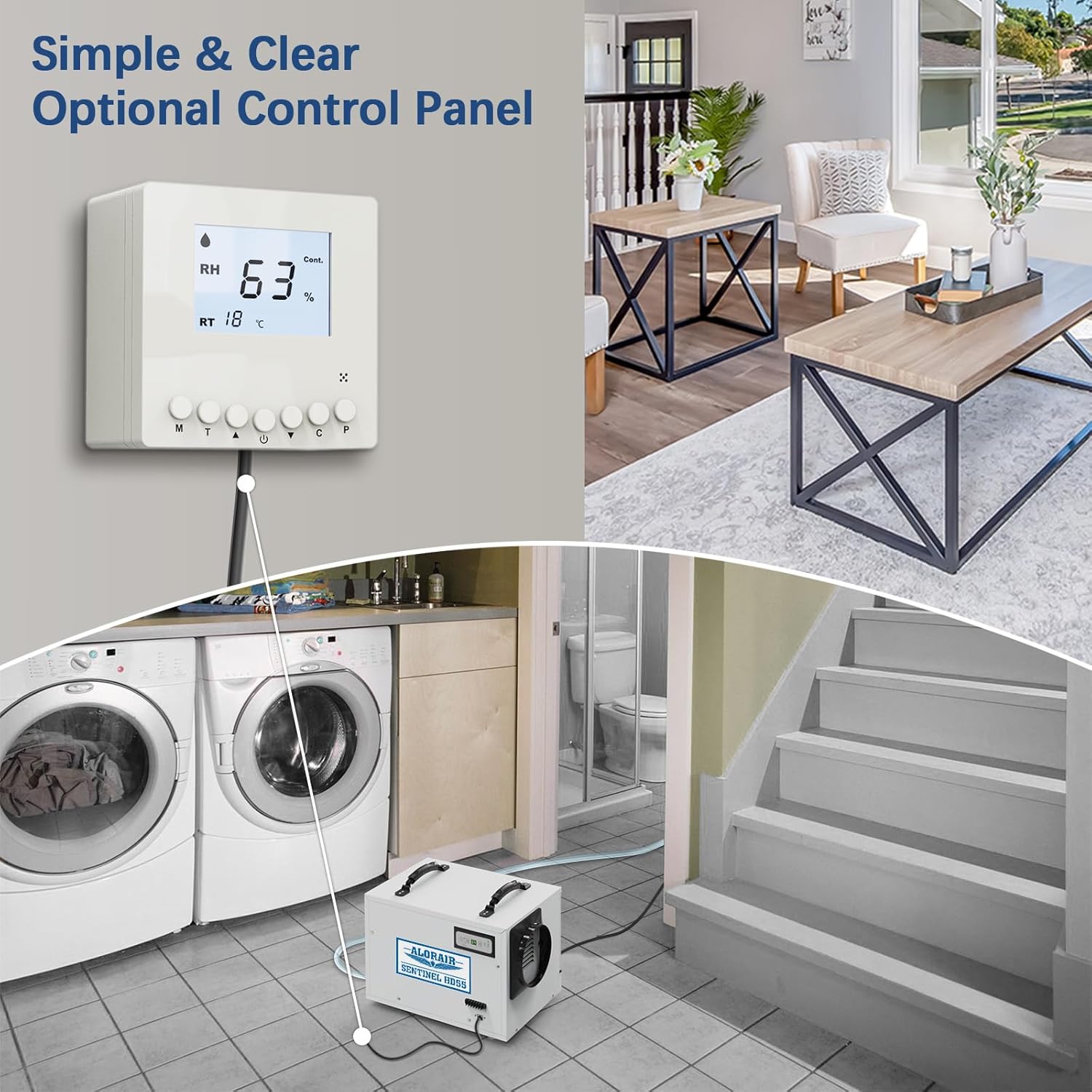
The optional remote control allows for convenient monitoring and adjustment of humidity settings from a distance. The unit is shown operating in a laundry room.
Installation Video:
Video Description: This video illustrates the installation and function of the ALORAIR Sentinel HD55 dehumidifier specifically in a crawl space, highlighting its effectiveness in moisture control.
Video Description: A brief overview video demonstrating the key features, compact size, and ease of use of the ALORAIR Sentinel HD55 commercial dehumidifier.
4. Operating Instructions
Control Panel:
The unit features an intuitive control panel for easy operation.
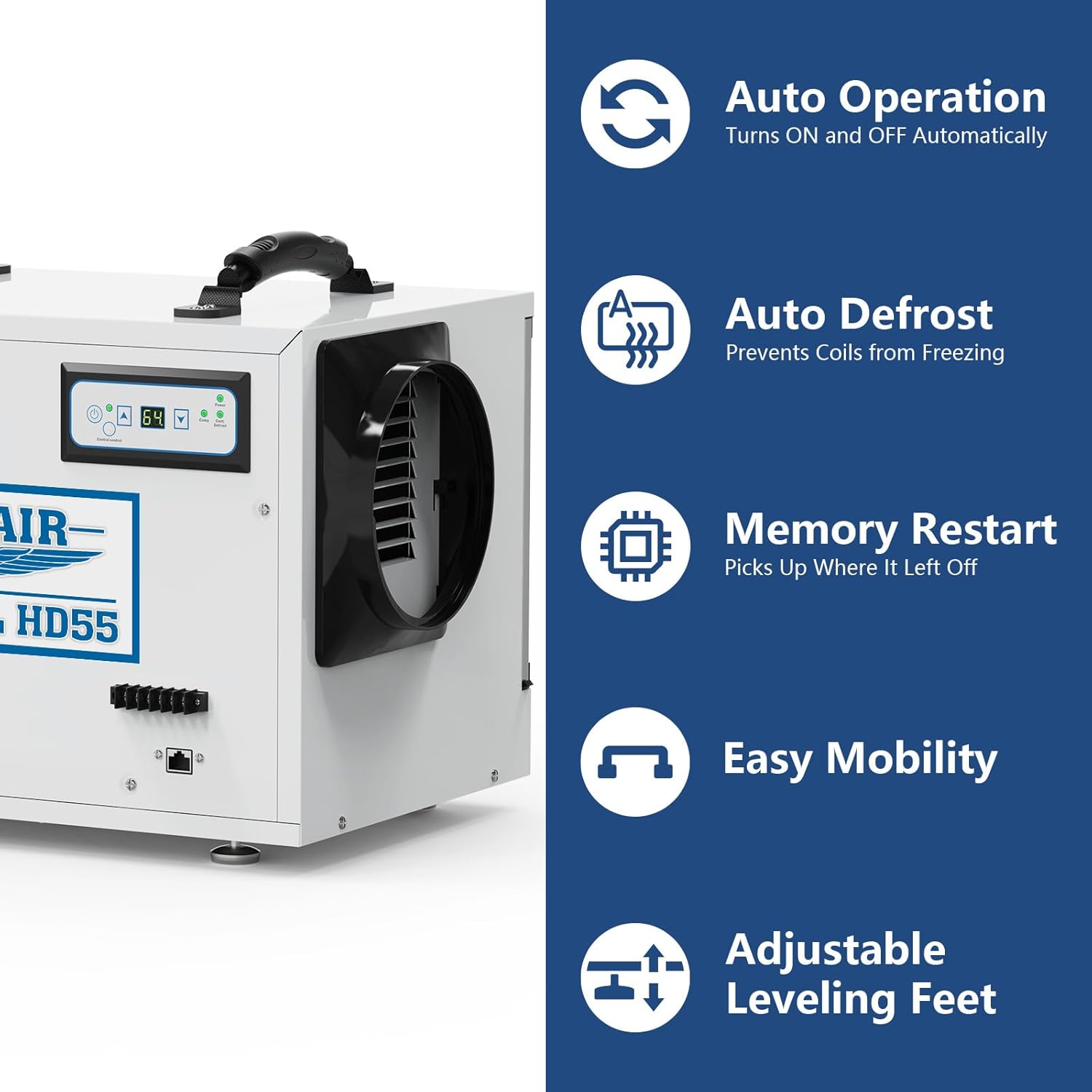
Detailed view of the control panel and key features including automatic operation, auto defrost, memory restart after power outages, easy mobility, and adjustable feet for stable placement.
Basic Operation:
- Power On/Off: Press the Power button to turn the unit on or off.
- Set Humidity Level: Use the arrow buttons to adjust the desired humidity level. The unit will operate to maintain this setting.
- Continuous Mode: Select Continuous Mode for non-stop dehumidification, regardless of the set humidity level.
- Auto Defrost: The unit automatically initiates a defrost cycle when ice builds up on the coils, ensuring efficient operation in cooler temperatures.
- Memory Restart: In case of a power interruption, the unit will automatically restart with the last saved settings once power is restored.
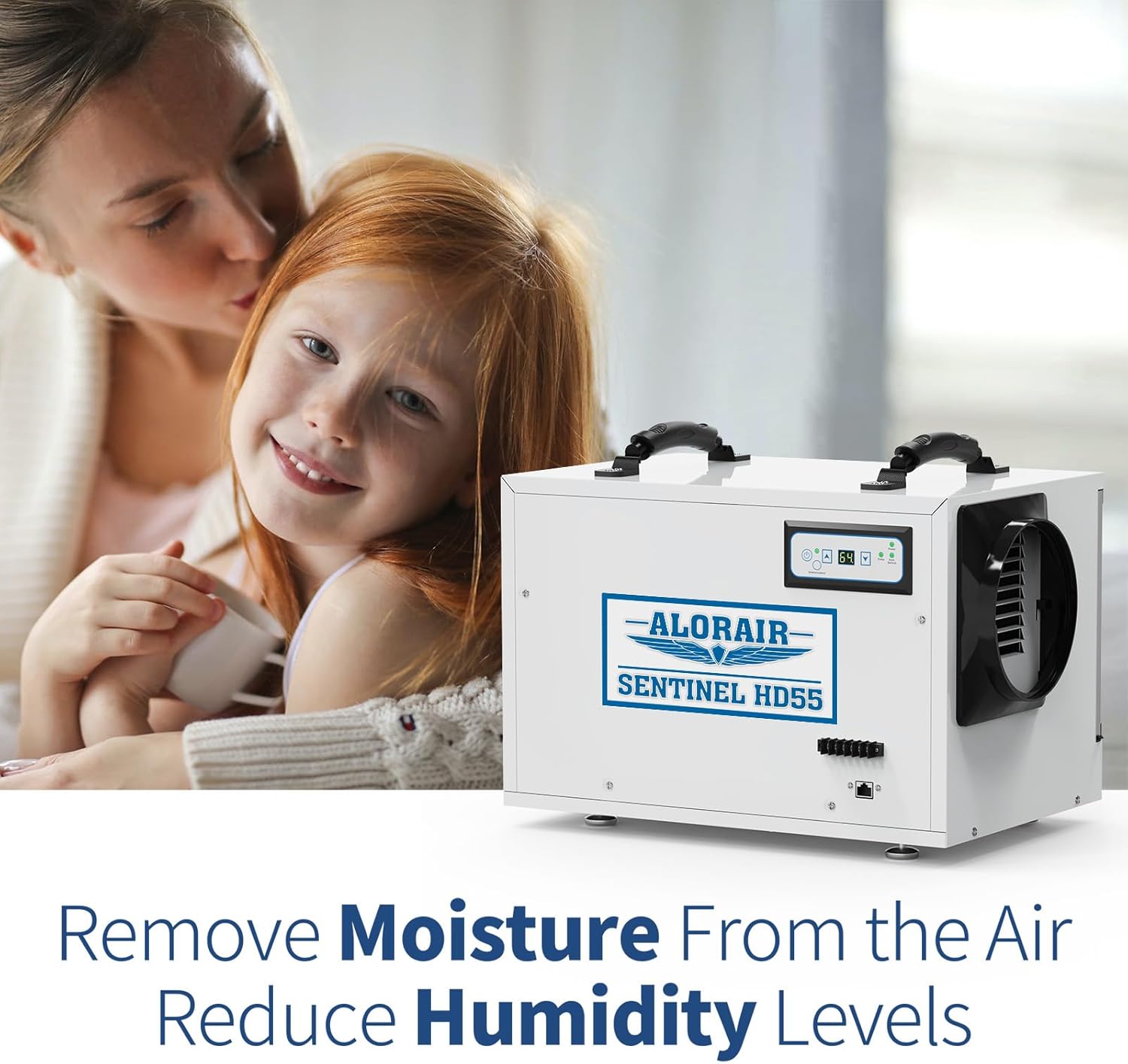
The dehumidifier effectively removes moisture, contributing to a healthier indoor environment.
5. Maintenance
Filter Replacement:
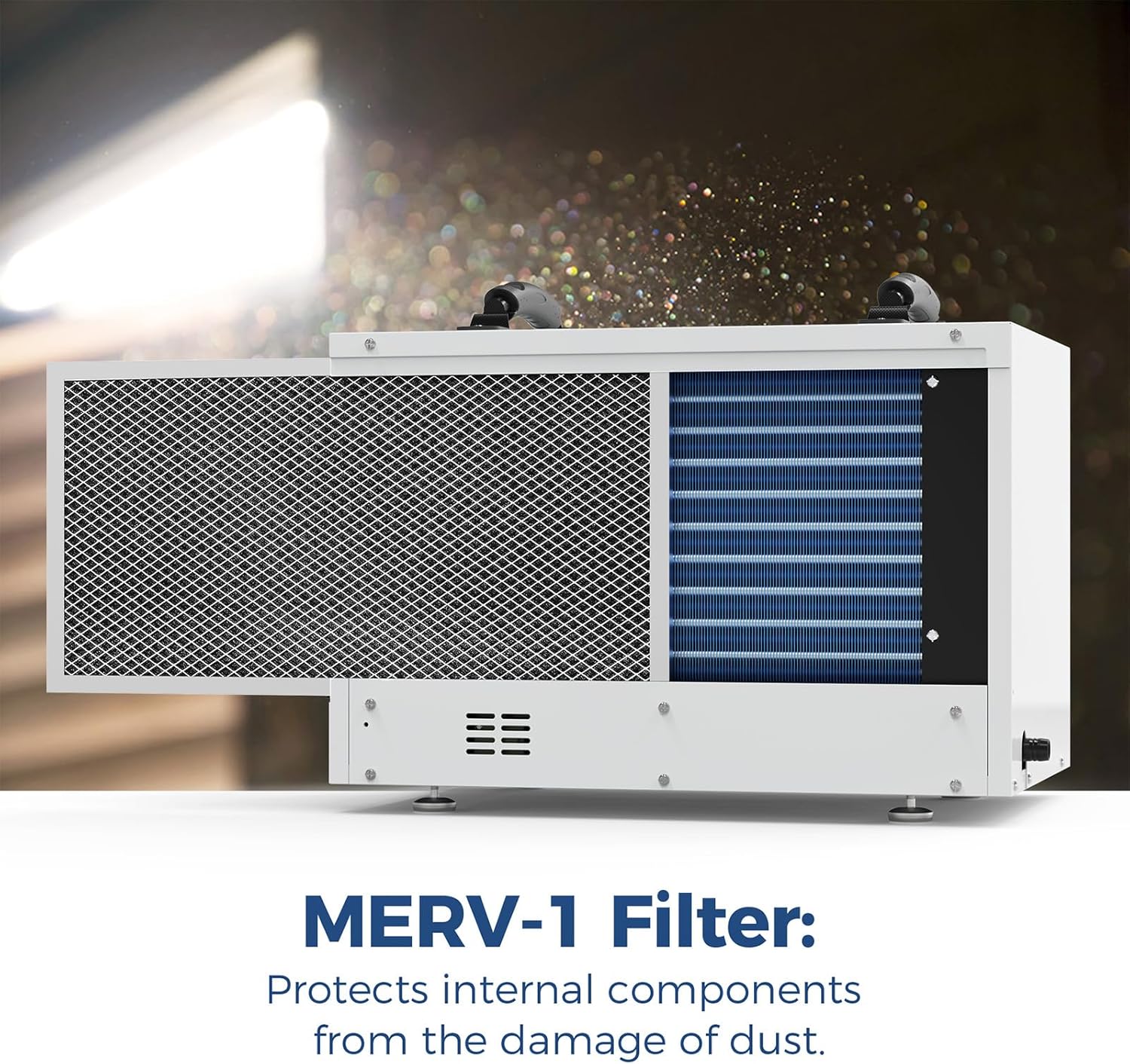
The Sentinel HD55 uses a MERV-8 filter to protect internal components from dust and maintain air quality. It is recommended to replace the filter every 2-3 months, or more frequently depending on usage and environmental conditions.
Easy access to the MERV-8 filter for routine maintenance and replacement, ensuring optimal performance and air quality.
Cleaning the Unit:
- Wipe the exterior of the unit with a soft, damp cloth.
- Ensure the air inlet and outlet grilles are free from obstructions.
- Regularly check the drain hose for blockages or kinks.
6. Troubleshooting
If your ALORAIR Sentinel HD55 dehumidifier is not operating as expected, please refer to the following common issues and solutions:
| Problem | Possible Cause | Solution |
|---|---|---|
| Unit does not turn on | No power supply; Power cord not securely plugged in; Unit is in standby mode. | Check power outlet and connections; Press the Power button. |
| Dehumidifier not collecting water | Humidity setting is too high; Room temperature is too low; Air filter is clogged; Drain hose is blocked or kinked. | Lower the humidity setting; Ensure room temperature is within operating range; Clean or replace air filter; Check and clear drain hose. |
| Unit is noisy | Unit not on a level surface; Loose parts; Obstruction in fan. | Adjust leveling feet; Inspect for loose components; Check for and remove any obstructions. |
| Error Code Displayed | Specific internal issue. | Refer to the detailed error code section in the full manual or contact customer support. |
For more detailed troubleshooting steps or issues not listed here, please consult the comprehensive user manual or contact ALORAIR customer support.
7. Specifications
| Specification | Value |
|---|---|
| Brand | ALORAIR |
| Model Name | Sentinel HD55 |
| Dehumidification Capacity (AHAM) | 55 Pints per Day |
| Dehumidification Capacity (Saturation) | 120 Pints |
| Floor Area Coverage | Up to 1300 Square Feet |
| Product Dimensions (DxWxH) | 19.2"D x 12.2"W x 13.3"H |
| Item Weight | 25.4 Kilograms (55.9 pounds) |
| Material | Alloy Steel |
| Wattage | 471.5 Watt-hours |
| Operation Mode | Automatic |
| Special Feature | Continuous Draining |
| UPC | 702367601141 |
8. Warranty and Support
ALORAIR stands behind the quality of its products. The Sentinel HD55 dehumidifier comes with a comprehensive 5-year limited warranty.
Warranty Coverage:
- 6 Month Parts and Labor: Includes shipment charges for replacement parts or unit.
- 1 Year Parts and Labor: Excludes shipment charges for sending the defective product back for repair or replacement.
- 3 Year Parts and Labor: Coverage for the refrigeration system only.
- 5 Year Compressor and Coil: Specific coverage for these critical components.
For additional warranty information, to register your product, or for technical support, please visit the official ALORAIR website or contact their customer service team. Please have your model number (Sentinel HD55) and UPC (702367601141) available when contacting support.


