
1. Introduction
The Awei H15 Smartwatch is designed to integrate seamlessly into your daily life, offering health monitoring, communication features, and smart notifications. This manual provides essential information for setting up, operating, and maintaining your device.
2. What's in the Box
- 1 x Awei H15 Smartwatch
- 1 x Charging Cable
- 1 x User Manual (this document)
3. Product Overview
Familiarize yourself with the key components of your Awei H15 Smartwatch.
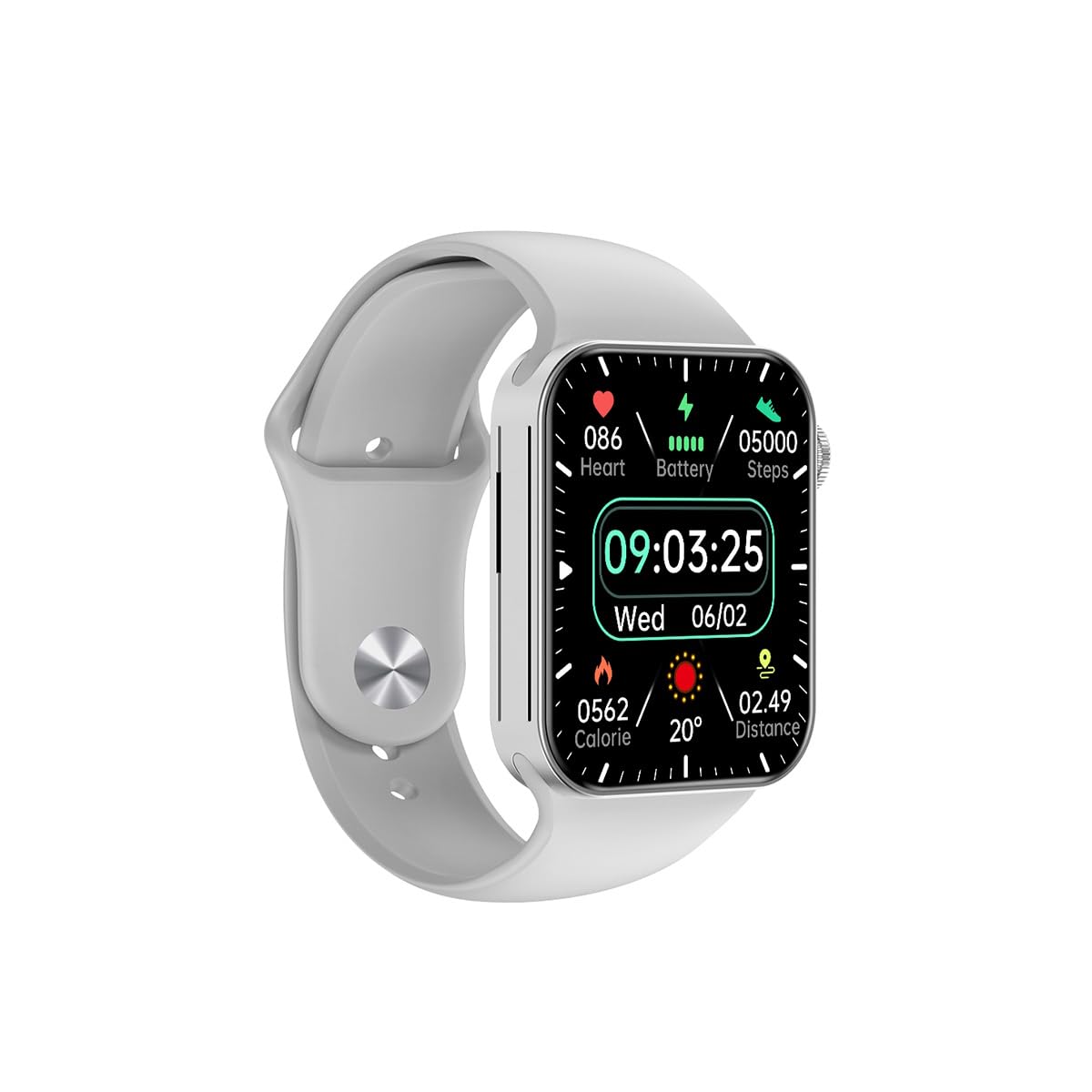
Figure 3.1: Front view of the Awei H15 Smartwatch display, illustrating various health metrics and time.

Figure 3.2: Side view of the smartwatch, highlighting the rotary crown for navigation and an additional button.
4. Setup
4.1 Charging the Smartwatch
Before first use, fully charge your Awei H15 Smartwatch. Connect the provided charging cable to the charging port on the back of the watch and to a standard USB power adapter (not included).
- Charging Time: Approximately 2-3 hours for a full charge.
- Battery Life: Up to 7 days with calls, up to 15 days without calls.
4.2 Power On/Off
- To Power On: Press and hold the side button until the Awei logo appears.
- To Power Off: Press and hold the side button, then select 'Power Off' on the screen.
4.3 Pairing with Your Smartphone
The Awei H15 Smartwatch uses Dual Bluetooth 3.0/5.0 for stable connectivity. To unlock full features, download the companion app (refer to the packaging or quick start guide for app name) from your smartphone's app store.
- Ensure your smartwatch is powered on and fully charged.
- Enable Bluetooth on your smartphone.
- Open the companion app and follow the on-screen instructions to search for and connect to your Awei H15 Smartwatch.
- Confirm the pairing request on both your smartphone and smartwatch.
5. Operating Instructions
5.1 Basic Navigation
- Touch Screen: Swipe left, right, up, or down to navigate through menus and screens. Tap to select items.
- Rotary Crown: Rotate the crown to scroll through lists or zoom in/out (where applicable). Press the crown to return to the home screen or confirm selections.
5.2 Multi-Dial Switching
Customize your smartwatch's appearance by switching between various watch faces.

Figure 5.1: Examples of different watch faces available on the Awei H15 Smartwatch.
To change the watch face:
- From the home screen, press and hold the display.
- Swipe left or right to browse available watch faces.
- Tap on a watch face to select it.
5.3 Health Monitoring
The Awei H15 Smartwatch tracks various health metrics to support your active lifestyle.
- Heart Rate: Monitor your heart rate throughout the day.
- Activity Tracking: The built-in G-Sensor (MSA311) accurately tracks steps, distance, and calories burned.
- Sleep Monitoring: Track your sleep patterns (light sleep, deep sleep, wake-up times).
Access detailed health data through the companion app on your smartphone.
5.4 Smart Features
- Calls: Make and receive calls directly from your smartwatch when connected to your phone via Bluetooth.
- Notifications: Receive alerts for messages, emails, and app notifications.
- Weather Updates: Get real-time weather information.
- Music Control: Control music playback on your smartphone.
6. Maintenance
6.1 Cleaning
Regularly clean your smartwatch to ensure optimal performance and hygiene.
- Wipe the screen and body with a soft, lint-free cloth.
- For stubborn dirt, slightly dampen the cloth with water. Avoid harsh chemicals.
- Clean the charging contacts periodically to ensure good connection.
6.2 Water Resistance (IP67)
The Awei H15 Smartwatch is IP67 water-resistant, meaning it is protected against dust and can withstand immersion in water up to 1 meter for 30 minutes.
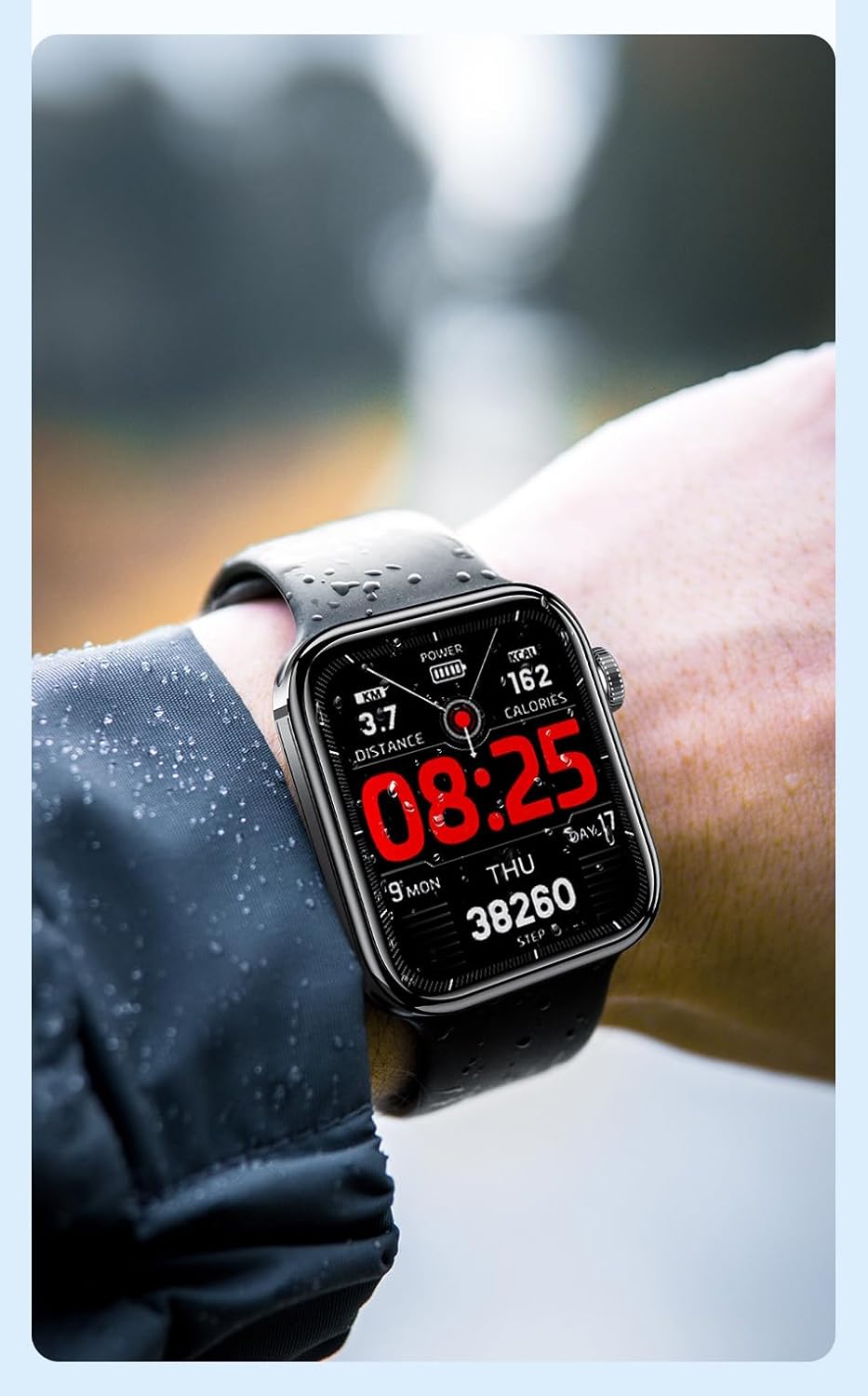
Figure 6.1: The Awei H15 Smartwatch is designed to withstand splashes and dust.
Important: IP67 rating does not mean the watch is suitable for swimming, showering, or diving. Avoid exposing the watch to hot water, steam, or high-velocity water.
7. Troubleshooting
- Watch not turning on: Ensure the watch is fully charged. Connect it to the charger for at least 30 minutes.
- Cannot pair with smartphone:
- Ensure Bluetooth is enabled on your phone and the watch.
- Make sure the watch is within range of your phone.
- Restart both the watch and your phone.
- Check if the companion app is updated to the latest version.
- Inaccurate health data: Ensure the watch is worn snugly on your wrist, not too tight or too loose. Clean the sensor on the back of the watch.
- Short battery life: Reduce screen brightness, disable unnecessary notifications, and limit continuous heart rate monitoring.
8. Specifications
| Feature | Specification |
|---|---|
| Model | H15 |
| Connectivity Technology | Bluetooth 3.0/5.0 |
| Water Resistance | IP67 |
| Battery Capacity | 260mAh |
| Charging Time | 2-3 hours |
| Usage Time | Up to 7 days (with calls), 15 days (without calls) |
| G-Sensor | MSA311 |
| Dimensions | 36.8 × 42.5 × 13.2mm |
| Wristband Length | 270mm |
| Manufacturer | Awei |
9. Warranty and Support
Your Awei H15 Smartwatch comes with a 6-month warranty from the date of purchase. This warranty covers manufacturing defects under normal use.
For warranty claims or technical support, please contact your retailer or the official Awei customer service. Keep your proof of purchase for warranty validation.
