
1. Introduction
Thank you for choosing the FLEXISPOT E6 MAX Solid Wood Dual Motor 3-Stage Standing Desk. This manual provides essential information for the safe assembly, operation, and maintenance of your new standing desk. Please read it thoroughly before use and retain it for future reference.
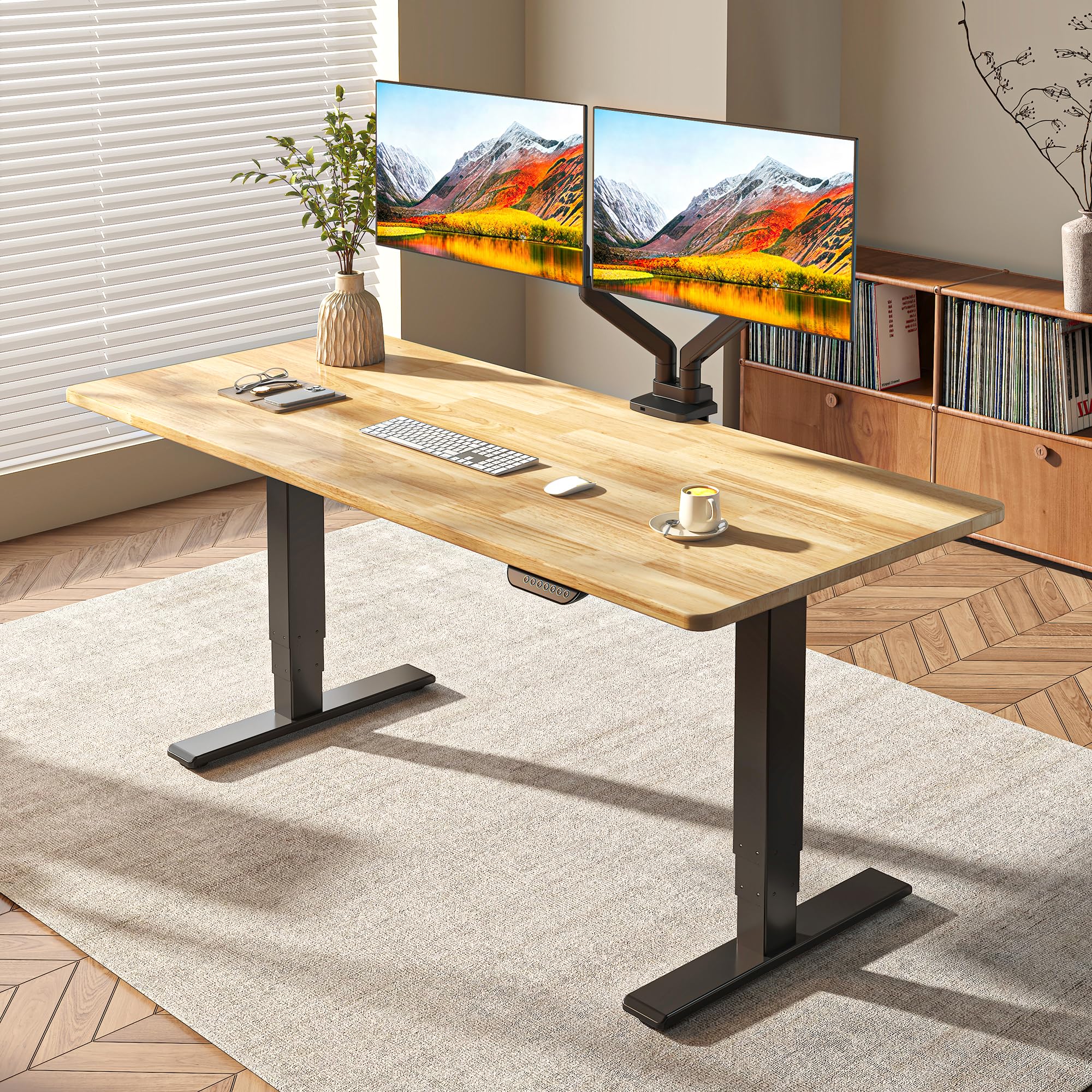
Image: The FLEXISPOT E6 MAX standing desk with a natural timber top and black frame, set up in a modern office environment.
2. Safety Information
- Ensure all components are securely fastened before use.
- Keep children and pets away from the desk during height adjustments to prevent injury.
- Do not overload the desk. Refer to the specifications for maximum weight capacity.
- Avoid placing liquids directly on the control panel or near electrical components.
- Disconnect power before cleaning or performing any maintenance.

Image: Illustration of the desk's anti-collision feature, showing the desktop automatically stopping if an obstruction is detected during movement.
3. Package Contents
Verify that all parts are present before beginning assembly:
- Desktop (Natural Timber Rubber Wood, 48"x24")
- Desk Frame (Black, Dual Motor 3-Stage Legs)
- Control Panel with Memory Presets
- Power Adapter and Cable
- Assembly Hardware (screws, bolts, etc.)
- Cable Management Tray
- Velcro Straps
- Set of Wheels (optional installation)
- Instruction Manual

Image: A visual representation of the complimentary accessories: Velcro straps, a set of wheels, and a cable manager.
4. Assembly Instructions
The FLEXISPOT E6 MAX desk requires DIY assembly. Detailed step-by-step instructions with diagrams are included in the separate assembly guide provided in your package. Please follow these instructions carefully to ensure proper setup and functionality.
- Unpack all components and verify against the package contents list.
- Assemble the desk frame according to the provided diagrams.
- Attach the desktop securely to the assembled frame.
- Connect the control panel and power cables as instructed.
- Perform a test run of the height adjustment feature to ensure smooth operation.
Video: An overview of the FLEXISPOT E6 MAX standing desk, demonstrating its features and assembly process. This video is provided by the seller, FlexiSpot.
5. Control Panel Overview
The desk features a programmable control panel for easy height adjustments and memory settings.

Image: Close-up of the control panel, highlighting the up/down arrows and four memory preset buttons.
- Up/Down Arrows: Press and hold to adjust the desk height upwards or downwards.
- Memory Buttons (1, 2, 3, 4): These buttons allow you to save and recall preferred desk heights.
6. Operating the Desk
6.1. Adjusting Height
To adjust the desk height, press and hold the up or down arrow button on the control panel until the desired height is reached. Release the button to stop movement.
6.2. Setting Memory Presets
- Adjust the desk to your desired height using the up/down arrows.
- Press the "M" button (Memory) once. The display will show "S-".
- Within 3 seconds, press one of the number buttons (1, 2, 3, or 4) to save the current height to that preset. The display will show "S-1", "S-2", etc., to confirm.
6.3. Recalling Memory Presets
To move the desk to a saved height, simply press the corresponding number button (1, 2, 3, or 4). The desk will automatically move to the programmed height.
Video: A short demonstration of the FLEXISPOT E6 MAX desk's height adjustment and memory preset functions. This video is provided by the seller, FlexiSpot.
7. Key Features
- Durable Rubber Wood Top: Crafted from sustainable Hevea Solid Hardwood, offering a long-lasting, stain-resistant surface with natural elegance.
- Seamless Sturdy Finger Joint Design: The solid wood top features finger joint construction for a smooth, durable surface built for daily use.
- Quiet Dual Motors: Experience smooth and quiet height adjustments (under 50dB) with dual motors, capable of lifting up to 330 lbs.
- Vibrant Control Panel: Features buttons with blue backlighting and a breathing effect, along with four height memory buttons for quick adjustments.
- 3-Stage Leg Design: Provides a wide height adjustment range from 24.4 inches to 50 inches, accommodating various user heights.
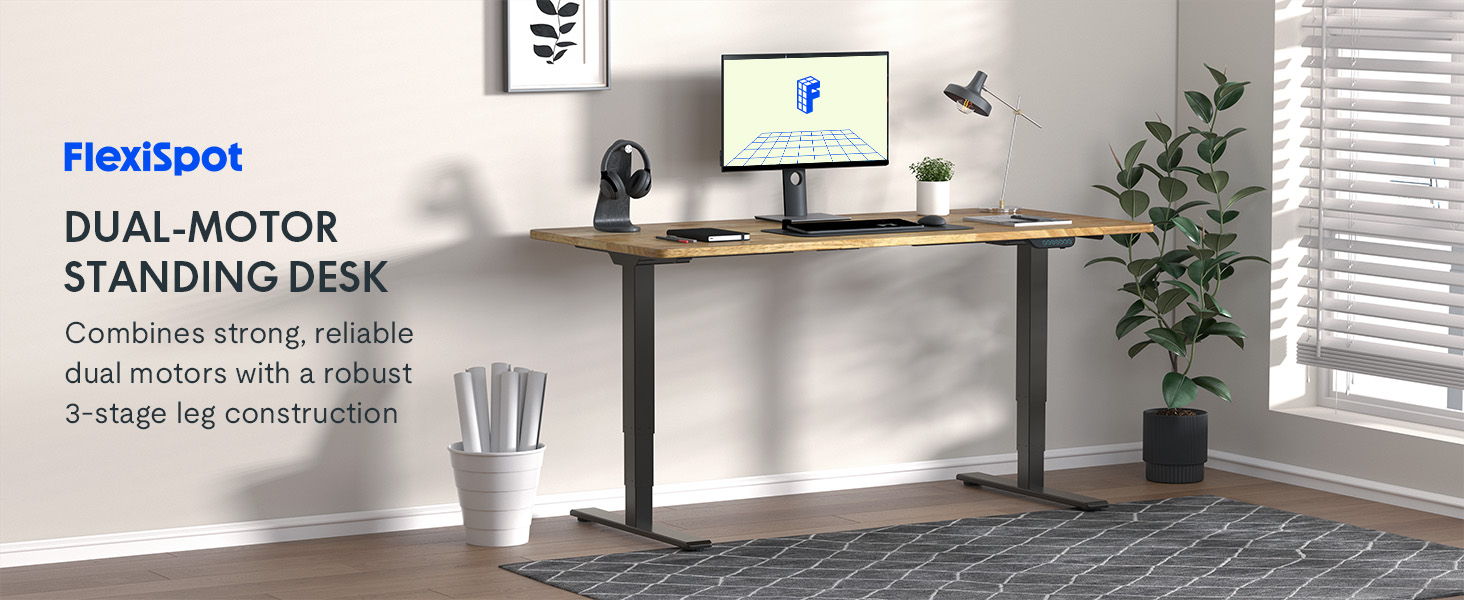
Image: An illustration highlighting the dual-motor system and robust 3-stage leg construction of the FLEXISPOT E6 MAX standing desk.

Image: Visual representation of the desk's exceptional load capacity, showing it supporting weights up to 330 lbs.
8. Specifications
| Feature | Detail |
|---|---|
| Brand | FLEXISPOT |
| Model Number | E6B-TB-R4824-RW |
| Desktop Material | Rubber Wood (Natural Timber Top) |
| Frame Material | Metal (Black Frame) |
| Product Dimensions (D x W x H) | 47.5"D x 23.6"W x 23.6"H (Desk Top: 48"x24") |
| Height Adjustment Range | 24.4" - 50" |
| Motor Type | Dual Motor, 3-Stage Legs |
| Maximum Weight Capacity | 330.7 lbs |
| Noise Level | Under 50dB |
| Special Features | Programmable Control Panel, Anti-Collision System, Lined |

Image: The desk demonstrating its wide height adjustment range, suitable for various users from children to tall adults.
9. Care and Maintenance
- Cleaning: Wipe the desktop and frame with a soft, damp cloth. Avoid harsh chemicals or abrasive cleaners that may damage the finish.
- Inspection: Periodically check all screws and bolts to ensure they are tight. Retighten if necessary.
- Cable Management: Utilize the included cable management tray and Velcro straps to keep cables tidy and prevent entanglement.
- Environmental Conditions: Avoid exposing the desk to extreme temperatures or humidity.
10. Troubleshooting
If you encounter any issues with your FLEXISPOT E6 MAX standing desk, please refer to the following common solutions:
- Desk Not Moving:
- Check if the power cable is securely plugged into both the desk and the wall outlet.
- Ensure no objects are obstructing the desk's movement.
- Try resetting the desk (refer to the full assembly guide for specific reset procedures).
- Uneven Height Adjustment:
- Verify that the desk is placed on a level surface.
- Check for any loose connections in the frame or motors.
- Error Codes on Display:
- Consult the detailed assembly guide for a list of error codes and their corresponding solutions.
- If the issue persists, contact customer support.
11. Warranty and Support
FLEXISPOT provides a comprehensive warranty for your peace of mind:
- 10-Year Guarantee: Covers the desk frame and motor.
- 2-Year Protection: Covers the control panel and electronics.
For any assistance, warranty claims, or further inquiries, please visit the official FLEXISPOT store or contact customer support:
Video: A promotional video from FlexiSpot highlighting the reasons to choose the FLEXISPOT E6 desk, including its features and benefits. This video is provided by the seller, FlexiSpot.


