1. Introduction
The Kinkeni 2-Channel DC 7-32V WiFi RF Bluetooth Smart Switch Module is designed to integrate your existing electrical devices into a smart home system. This module allows for remote control via the Tuya Smart Life app, voice commands through Amazon Alexa and Google Home, and supports various operating modes including momentary, self-locking, and interlock functions. It provides a convenient way to automate and manage two connected devices independently.
2. Safety Information
- Electrical Safety: Installation should only be performed by qualified personnel or under the supervision of a professional electrician. Ensure the power supply is disconnected before installation or maintenance.
- Voltage Range: This module operates within a DC 7-32V range. Connecting it to an incompatible voltage source may cause damage to the device or pose a safety risk.
- Current Limit: The cutover current is a maximum of 10A. Do not exceed this limit to prevent overheating and potential fire hazards.
- Environmental Conditions: Avoid exposing the module to extreme temperatures, high humidity, or direct water contact. Operating temperature range is -40°C to 70°C, and humidity 40% to 80% RH.
- Intended Use: Use this device only for its intended purpose as a smart switch module for compatible electrical appliances.
3. Package Contents
Verify that all items are present in your package:
- 1 x Kinkeni 2-Channel WiFi Wireless Smart Home Switch Module
- 1 x Instruction Manual
4. Specifications
| Feature | Specification |
|---|---|
| Model Number | TYWB 2CH 7V-32V RF |
| Working Voltage | DC 7-32V |
| Operating Voltage (Cutover) | Max 250V |
| Max. Current | 10A per channel |
| Power Consumption | <1W |
| Quiescent Current | 80mA |
| Wireless Connectivity | WiFi (IEEE 802.11 b/g/n 2.4GHz), Bluetooth |
| RF Frequency | 433.92MHz |
| Operating Temperature | -40°C to 70°C |
| Operating Humidity | 40% to 80% RH |
| Control Methods | App (Tuya Smart Life), Remote (433MHz RF), Voice (Alexa, Google Assistant) |
| Dimensions (L x W x H) | 4.7 x 1.5 x 0.9 inches |
| Weight | 1.6 ounces |
5. Setup
5.1 Wiring Diagram
Refer to the diagram on the module for correct wiring. Ensure the DC 7-32V power input is connected to the '+Input-' terminals. The output terminals (NO, COM, NC) are for connecting your appliances. Each channel (R1, R2) has its own set of output terminals.

Image: Top-down view of the Kinkeni 2-Channel Smart Switch Module, showing input terminals (+Input-), manual operation buttons (Reset, Manual Operation R1, Manual Operation R2), and output terminals (NO, COM, NC) for two channels. Specifications like Power Input, Max. Current, Wireless, and Radio Frequency are also visible.
5.2 App Installation
- Download the Tuya Smart Life app from your smartphone's app store (iOS App Store or Google Play Store).
- Register or log in to your account.
5.3 Device Pairing
- Power on the Kinkeni Smart Switch Module (DC 7-32V).
- Open the Tuya Smart Life app on your smartphone.
- The app should automatically discover the smart relay via Bluetooth. If not, tap the '+' icon in the top right corner to add a device, then select 'Auto Scan' or manually add the switch.
- Follow the in-app instructions to connect the module to your 2.4GHz WiFi network. Ensure your phone is connected to the same 2.4GHz network during setup.
- Once configured, you can rename the device and each channel within the app for easier identification.

Image: A hand holding a smartphone displaying the Tuya Smart Life app interface, superimposed over a 3D rendering of a house floor plan with WiFi signals indicating smart device connectivity. This illustrates how the module can make a home smarter.
6. Operating Modes
The module supports various operating modes configurable via the Tuya Smart Life app:
- Self-Locking (On/Off) Mode: In this mode, pressing the button on the app (or the manual button on the module) once will turn the relay ON. Pressing it again will turn the relay OFF. This mode is suitable for controlling lights or other devices that require a continuous ON/OFF state.
- Momentary (Inching) Function: When activated, the relay will turn ON for a set duration (default 1 second) and then automatically turn OFF. The inching time can be adjusted from 1 second to 1 hour within the app. This is ideal for applications like garage door openers or electric strikes.
- Interlock Mode: This mode is designed for applications where only one device should be active at a time, such as controlling a motor with two directions (e.g., curtain motor). When one channel is turned ON, the other channel automatically turns OFF.

Image: A 3D architectural rendering of a house interior, highlighting two distinct areas with light icons, indicating that two connected lights can be controlled independently using the module.
7. App Control and Features
The Tuya Smart Life app provides comprehensive control and automation features:
- Remote Control: Control connected devices from anywhere with an internet connection.
- Timing Schedules: Create up to 8 single, repeat, or countdown timers to automatically turn devices ON/OFF at specified times.
- Device Sharing: Share control of the module with family members, allowing multiple users to manage home appliances.
- Real-time Status: View the current ON/OFF status of connected devices directly in the app.

Image: A smartphone screen displaying the 'Timer & Schedule' interface within the Tuya Smart Life app, showing options for single, repeat, countdown, and loop timers, with specific time settings for turning devices on or off regularly.
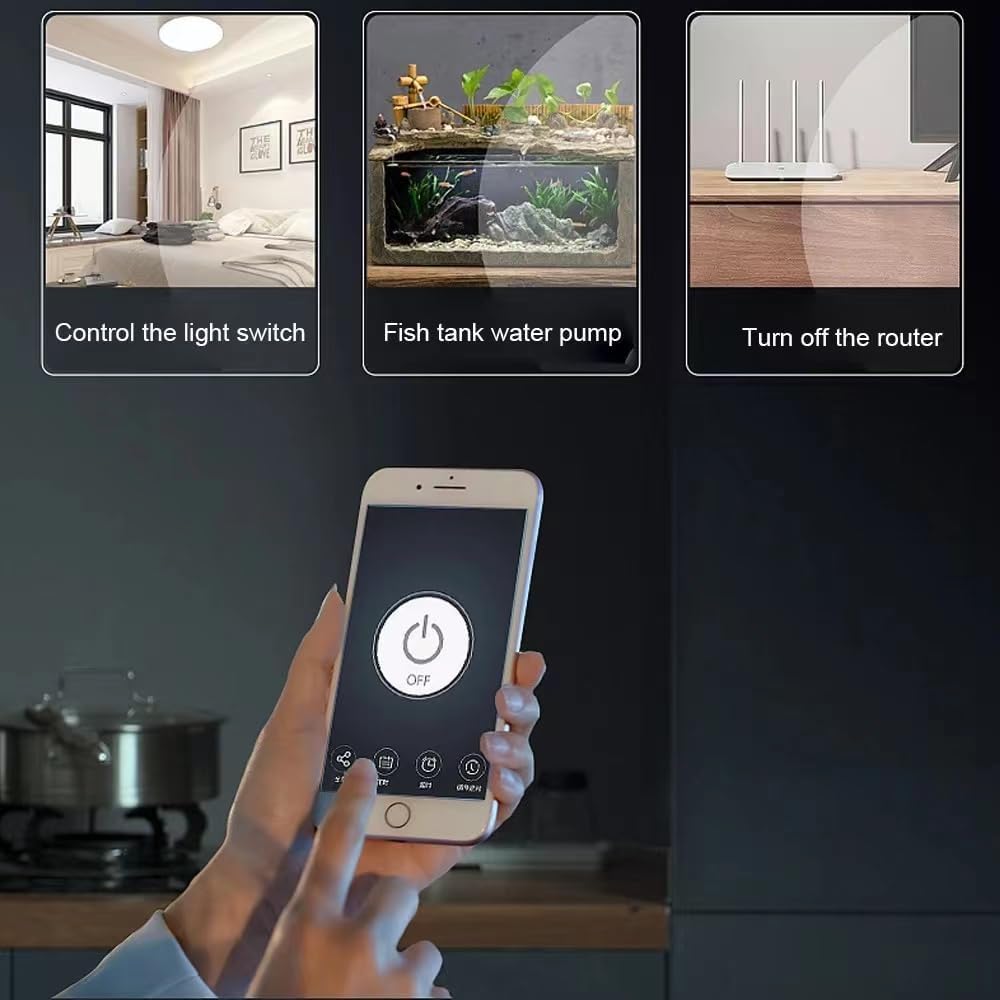
Image: A family (two adults and a child) looking at a smartphone, with a superimposed image of the 'Add Sharing' screen from the Tuya Smart Life app, demonstrating the device sharing functionality.
8. Voice Control
The Kinkeni Smart Switch Module is compatible with Amazon Alexa and Google Home, allowing for hands-free control of your connected devices.
8.1 Connecting to Voice Assistants
- Ensure your module is successfully paired with the Tuya Smart Life app.
- Open the Amazon Alexa app or Google Home app.
- Enable the 'Smart Life' skill/service within the voice assistant app.
- Link your Smart Life account when prompted.
- Discover devices. Your Kinkeni module and its channels should appear.
8.2 Voice Commands
Once connected, use simple voice commands:
- "Alexa, turn on [Device Name]."
- "Alexa, turn off [Device Name]."
- "Hey Google, turn on [Device Name]."
- "Hey Google, turn off [Device Name]."
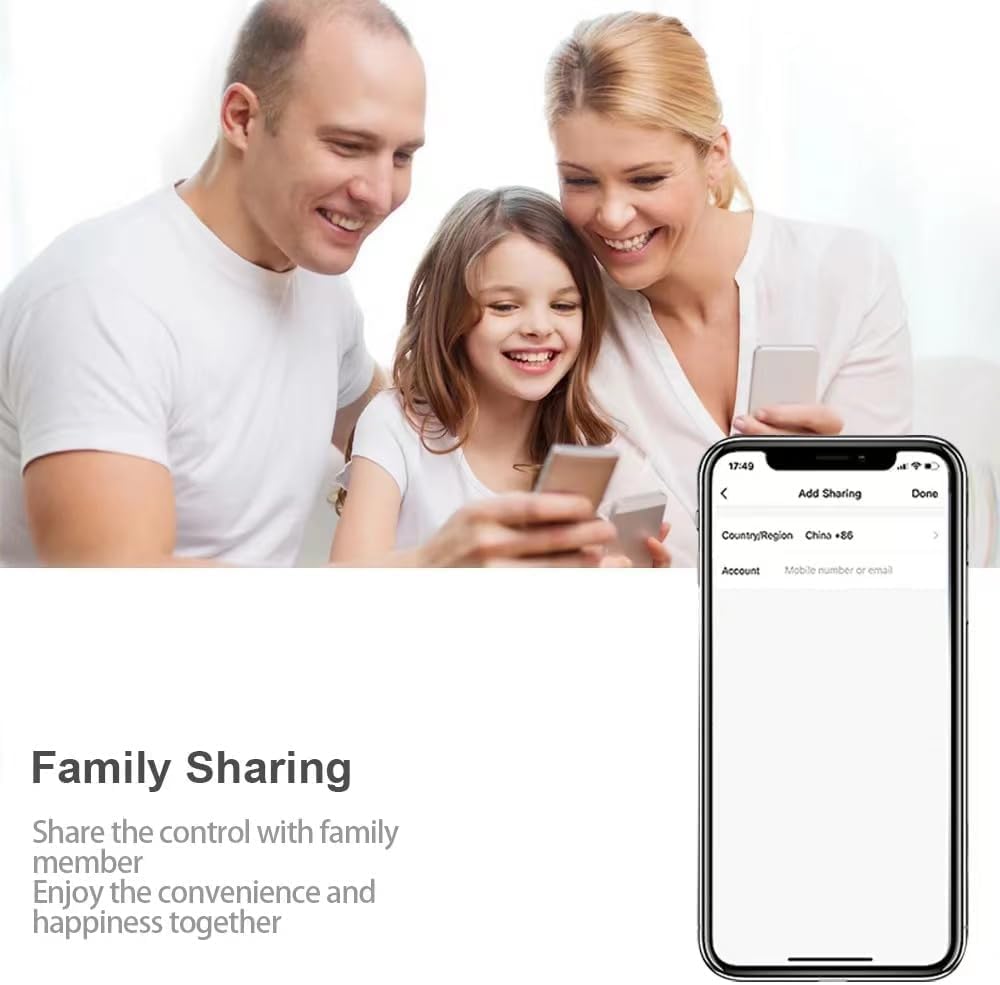
Image: A living room setting featuring an Amazon Echo speaker, a Google Home speaker, and a smart light bulb on a wooden table, illustrating the voice control capabilities with Alexa and Google Home.
9. Maintenance
- Cleaning: Ensure the module is powered off before cleaning. Use a dry, soft cloth to wipe the surface. Do not use liquid cleaners or solvents.
- Firmware Updates: Periodically check the Tuya Smart Life app for available firmware updates to ensure optimal performance and security. Follow the in-app instructions for any updates.
- Environmental Protection: Protect the module from dust, moisture, and extreme temperatures to prolong its lifespan.
10. Troubleshooting
- Device Not Connecting to WiFi:
- Ensure your WiFi network is 2.4GHz. The module does not support 5GHz networks.
- Check that the WiFi signal strength is adequate where the module is installed.
- Verify the WiFi password entered in the app is correct.
- Restart your router and try pairing again.
- App Cannot Discover Device:
- Make sure Bluetooth is enabled on your smartphone.
- Ensure the module is powered on.
- Try moving your phone closer to the module.
- Reset the module (refer to the device for a reset button or procedure, typically a long press on a manual button).
- Voice Control Not Working:
- Confirm the 'Smart Life' skill/service is enabled and linked in your Alexa or Google Home app.
- Ensure the device names in the Smart Life app match those recognized by your voice assistant.
- Check your internet connection.
- Device Not Responding:
- Check the power supply to the module.
- Verify the wiring connections are secure.
- If using RF remote control, ensure the remote has working batteries and is paired correctly.
11. Warranty and Support
For warranty information and technical support, please refer to the documentation provided with your purchase or contact the seller directly. Keep your proof of purchase for warranty claims.


