
1. Introduction
This manual provides essential information for the safe and efficient assembly, operation, and maintenance of your SANODESK FL2 71" L-Shaped Height Adjustable Standing Desk. Please read all instructions carefully before use and retain this manual for future reference.
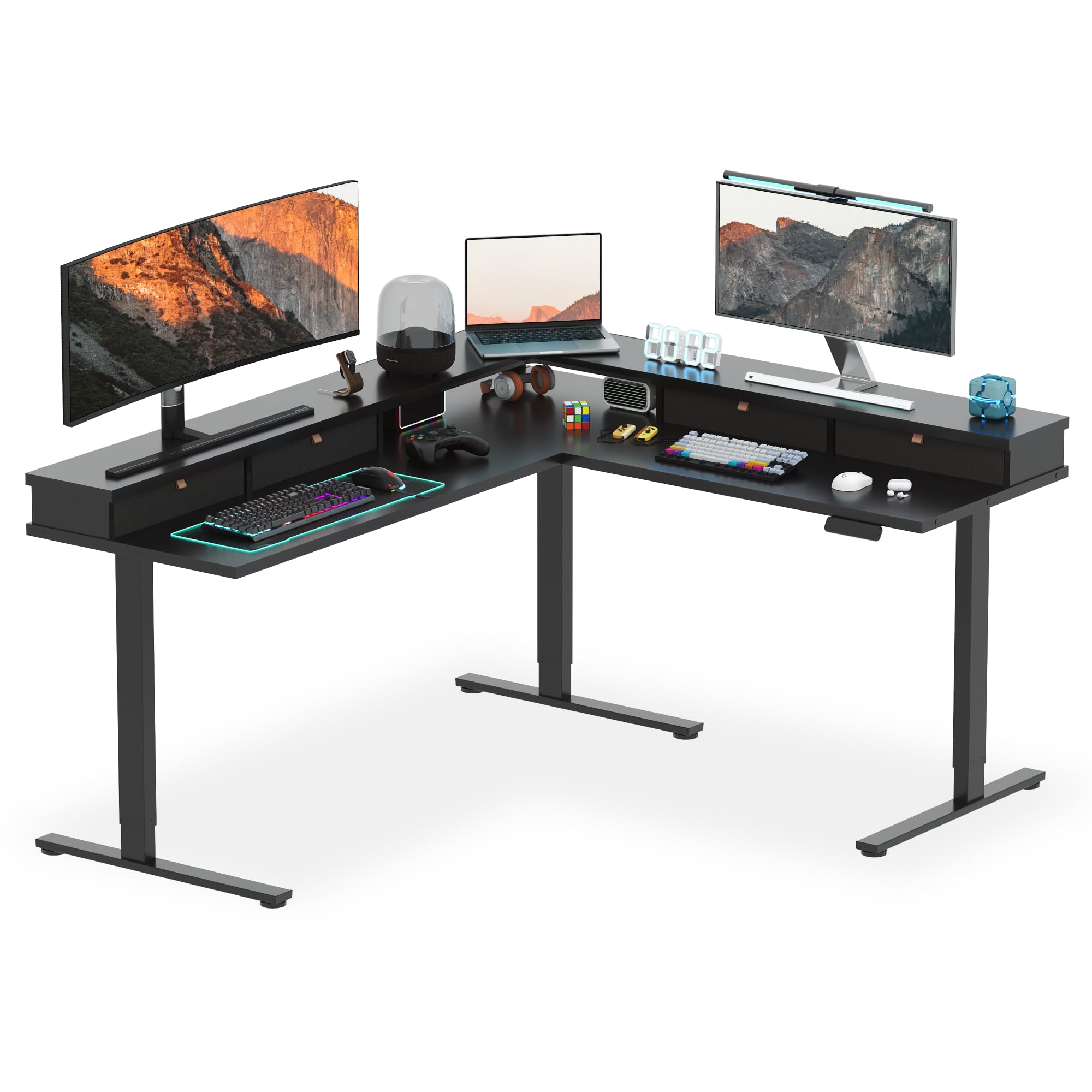
Figure 1: SANODESK FL2 L-Shaped Height Adjustable Standing Desk.
2. Safety Information
To ensure safe operation and prevent injury or damage to the desk, observe the following guidelines:
- Always follow the assembly instructions carefully.
- Keep the desk away from heat sources.
- Do not overload the desk with heavy items. The desk supports up to 220 pounds.
- Use the desk at a safe height to prevent injury.
- Ensure all cables are properly managed to avoid entanglement or damage.
- Keep children and pets away from the desk during height adjustments.
- Utilize the child lock and anti-collision functions for enhanced safety.
3. Package Contents
The package includes all necessary components for assembling your SANODESK FL2. Carefully unpack all items and verify against the parts list in the included instruction manual. All assembly tools are provided.

Figure 2: Overview of desk components and assembly options.
4. Setup and Assembly Instructions
Assembly requires approximately 50-120 minutes and is recommended for 2 people. A drill is recommended for certain steps. Follow the detailed step-by-step instructions provided in the printed manual included with your desk. Ensure to protect the desk surfaces during assembly to prevent scratches.
Assembly Tips:
- Do not remove parts from their labeled bags until instructed, as each bag corresponds to a specific step.
- Lay down a blanket or soft material on the floor to prevent scratching the desk surfaces during assembly.
- Ensure all connections are secure before moving or operating the desk.
Video 1: SANODESK L-Shaped Standing Desk overview and assembly process.
5. Operating Instructions
Your SANODESK FL2 features an electric height adjustment system with memory presets and safety functions.
Height Adjustment:
- The desk's height can be adjusted electrically from approximately 28 inches to 46 inches.
- Use the up (^) and down (v) arrows on the control panel to manually adjust the height.
Memory Presets:
- The control panel includes 3 customizable height memory buttons (1, 2, 3).
- To set a memory height: Adjust the desk to your desired height, then press the 'S' button followed by the desired memory button (1, 2, or 3). The height is now saved.
- To recall a memory height: Simply press the corresponding memory button (1, 2, or 3). The desk will automatically move to the saved height.
Safety Features:
- Sedentary Reminder: The desk can be programmed to remind you to change positions (sit/stand) after a set period.
- Child Lock: Activates to prevent accidental height adjustments.
- Anti-Collision Function: Automatically stops the desk's movement if an obstruction is detected during adjustment.
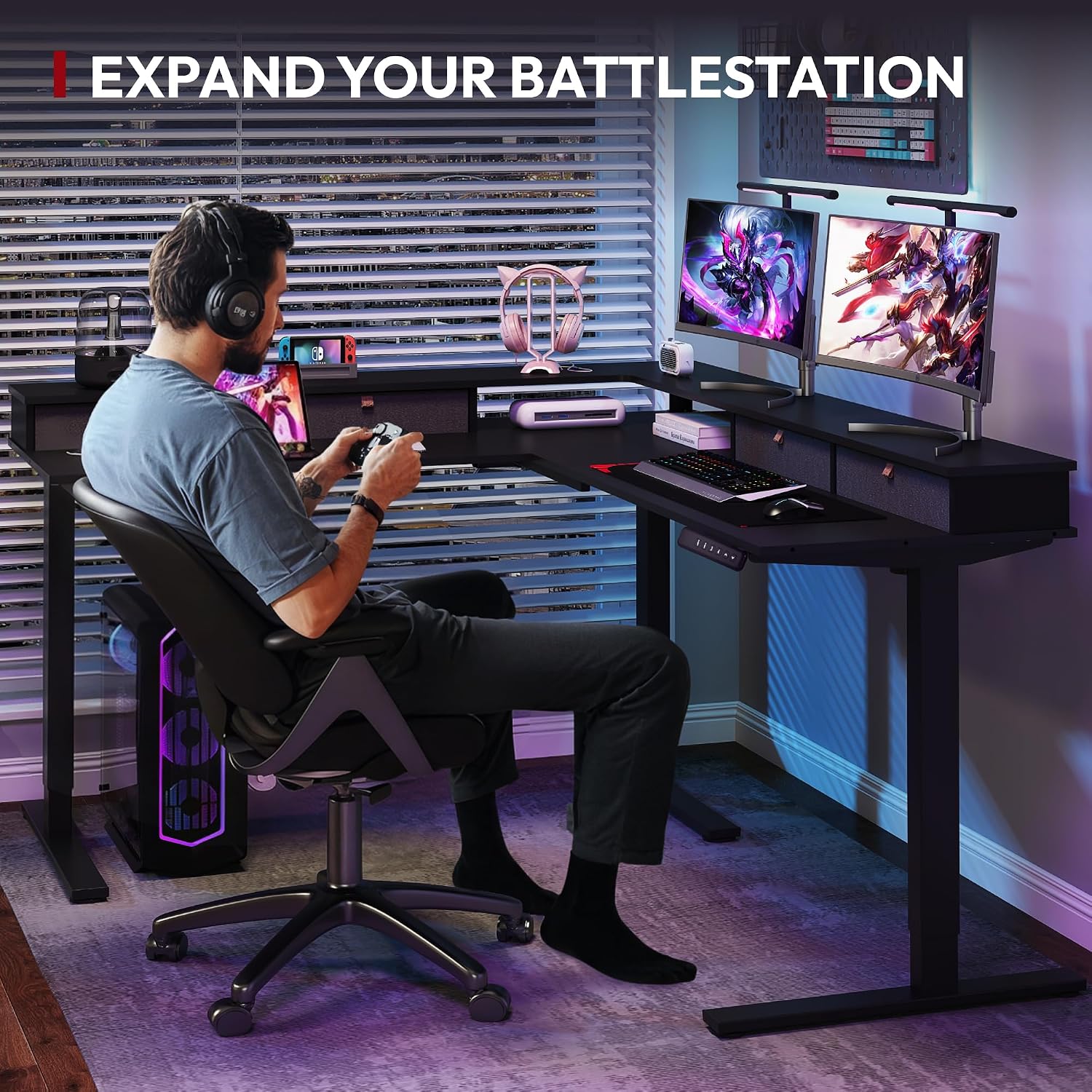
Figure 3: Digital control panel for height adjustment and memory presets.
6. Features
The SANODESK FL2 is designed for versatility and organization:
- L-Shaped Design: Provides ample workspace for multiple monitors, gaming setups, or professional tasks. Dimensions are approximately 63"D x 71"W.
- Integrated Storage: Includes 4 large drawers for desktop essentials and side headphone hooks for convenience.
- Monitor Stand/Shelf: An all-around shelf design helps reduce neck and shoulder strain and creates additional desk space.
- USB Charging Port: Conveniently located for charging devices directly from the desk.
- Cable Management: Features integrated cable management solutions to keep your workspace organized and clutter-free.
- Robust Construction: Built with a sturdy frame and commercial-grade lifting column connectors for ultimate stability.
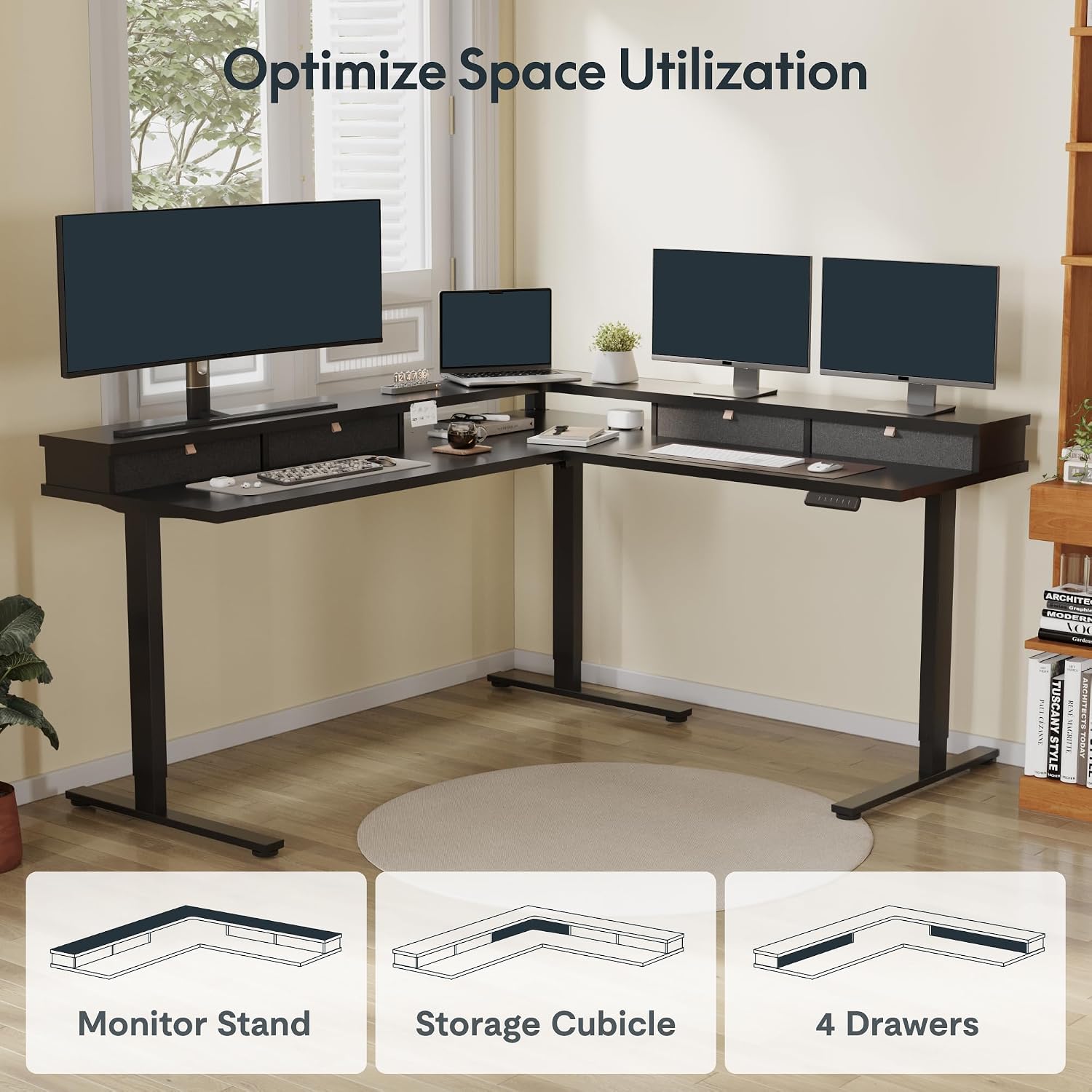
Figure 4: Four spacious drawers for organized storage.

Figure 5: Optimized space utilization with monitor stand and storage cubicles.
Video 2: Overview of the L-Shaped Standing Desk with shelf and drawers.
7. Maintenance
To maintain the appearance and functionality of your desk:
- Wipe surfaces with a damp cloth. Avoid harsh chemicals.
- Regularly check and tighten all screws and bolts to ensure stability.
- Keep the electric components dry and free from dust.
8. Troubleshooting
If you encounter issues with your desk, consider the following:
- Desk not adjusting height: Check all power connections and ensure the control panel is properly connected. Refer to the manual for specific error codes if displayed.
- Unstable desk: Verify that all assembly screws are tightened. Ensure the desk is on a level surface.
- Anti-collision activating unexpectedly: Check for any obstructions around or under the desk.
9. Specifications
| Feature | Detail |
|---|---|
| Brand | SANODESK |
| Model Number | FL2 |
| Shape | L-Shape |
| Product Dimensions (D x W x H) | 63"D x 71"W x 28.7"H |
| Adjustable Height Range | Approx. 28" to 46" (Electric) |
| Color | Black Frame/Black Top |
| Material Type | Engineered Wood, Metal |
| Item Weight | 220 Pounds |
| Number of Drawers | 4 |
| Tabletop Thickness | 0.63 Inches |
| Special Features | Adjustable Height, Electric, Ergonomic, Rust Resistant, Scratch Resistant, Sedentary Reminder, Child Lock, Anti-Collision |
| Assembly Required | Yes (Recommended 2 people, Drill recommended) |
10. Warranty and Support
Your SANODESK FL2 L-Shaped Height Adjustable Standing Desk comes with a Limited Warranty. For specific warranty details, claims, or technical support, please refer to the warranty card included in your package or contact SANODESK customer service directly.
