
AWEI T71
AWEI T71 Wireless Earbuds User Manual
Model: T71
1. Product Overview
The AWEI T71 Wireless Earbuds are designed to provide a high-fidelity audio experience with advanced features for daily use, sports, and communication. They offer clear calls, long battery life, and a comfortable, waterproof design.

Image 1.1: AWEI T71 Wireless Earbuds and their charging case.
1.1. Package Contents
Ensure all items are present in the package:
- AWEI T71 Wireless Earbuds (Left and Right)
- Charging Case
- USB Type-C Charging Cable
- User Manual (this document)
- Eartips (various sizes)
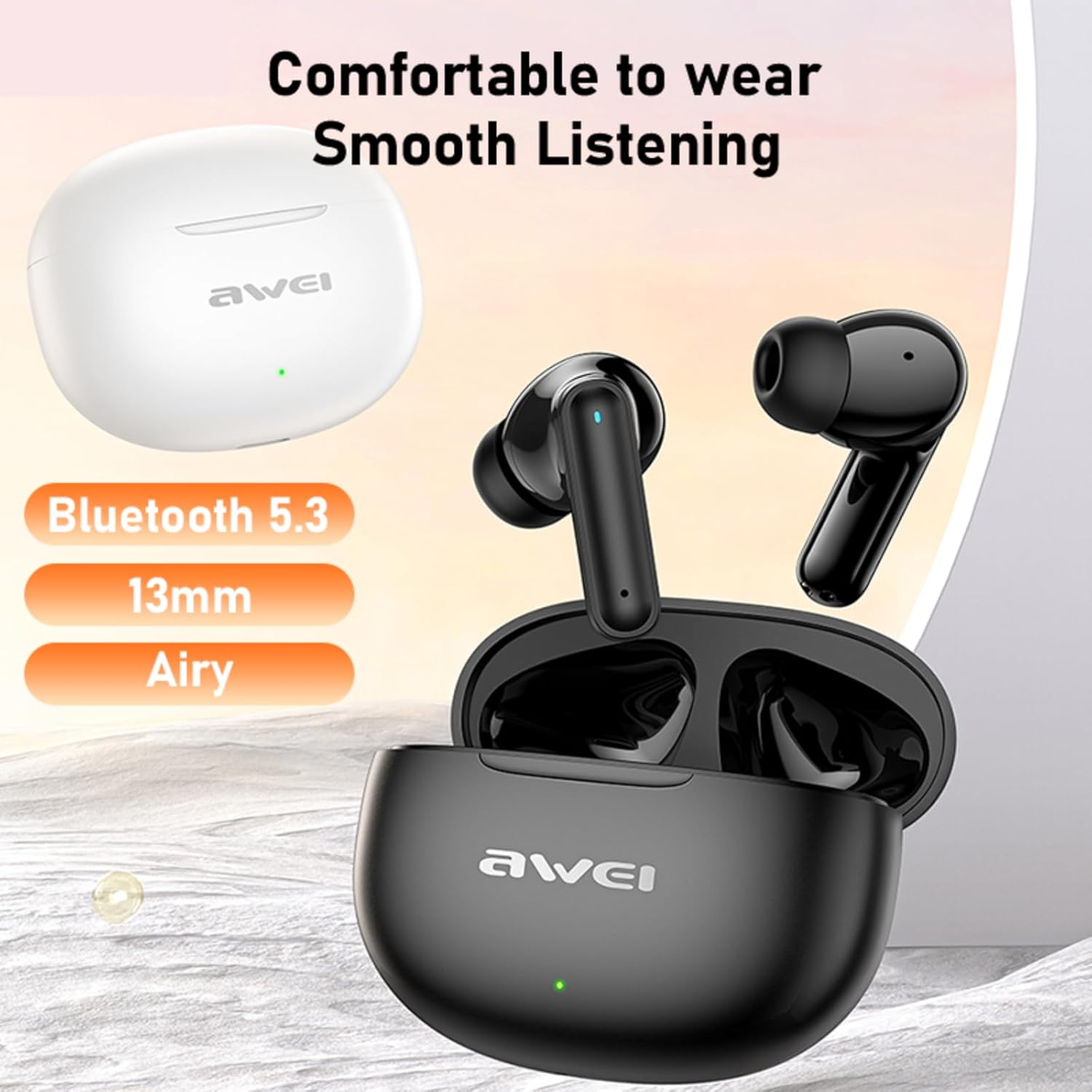
Image 1.2: The AWEI T71 earbuds, charging case, and included accessories.
2. Setup Guide
2.1. Initial Charging
Before first use, fully charge the earbuds and the charging case.
- Place both earbuds into the charging case.
- Connect the provided USB Type-C cable to the charging port on the case and the other end to a USB power source (e.g., computer, wall adapter).
- The indicator light on the charging case will show charging status. A full charge for the case takes approximately 1 hour.
2.2. Pairing with a Device
The AWEI T71 earbuds feature automatic pairing for convenience.
- Ensure the earbuds are charged.
- Open the charging case. The earbuds will automatically enter pairing mode.
- On your device (smartphone, tablet, laptop), enable Bluetooth.
- Search for "AWEI T71" in the list of available Bluetooth devices and select it to connect.
- Once connected, a voice prompt will confirm successful pairing.
If pairing fails, place the earbuds back into the case, close the lid, wait a few seconds, then open the lid and try again. Ensure your device is within the 10-meter (33 feet) Bluetooth range.
3. Operating Instructions
3.1. Wearing the Earbuds
For optimal sound quality and comfort, choose the correct eartip size and ensure a secure fit.
- Select the eartips that provide a snug fit in your ear canal.
- Gently insert each earbud into the corresponding ear (L for left, R for right).
- Adjust the earbud until it feels comfortable and secure. The ergonomic design with rounded tips and a 45° tilt ensures a stable fit.
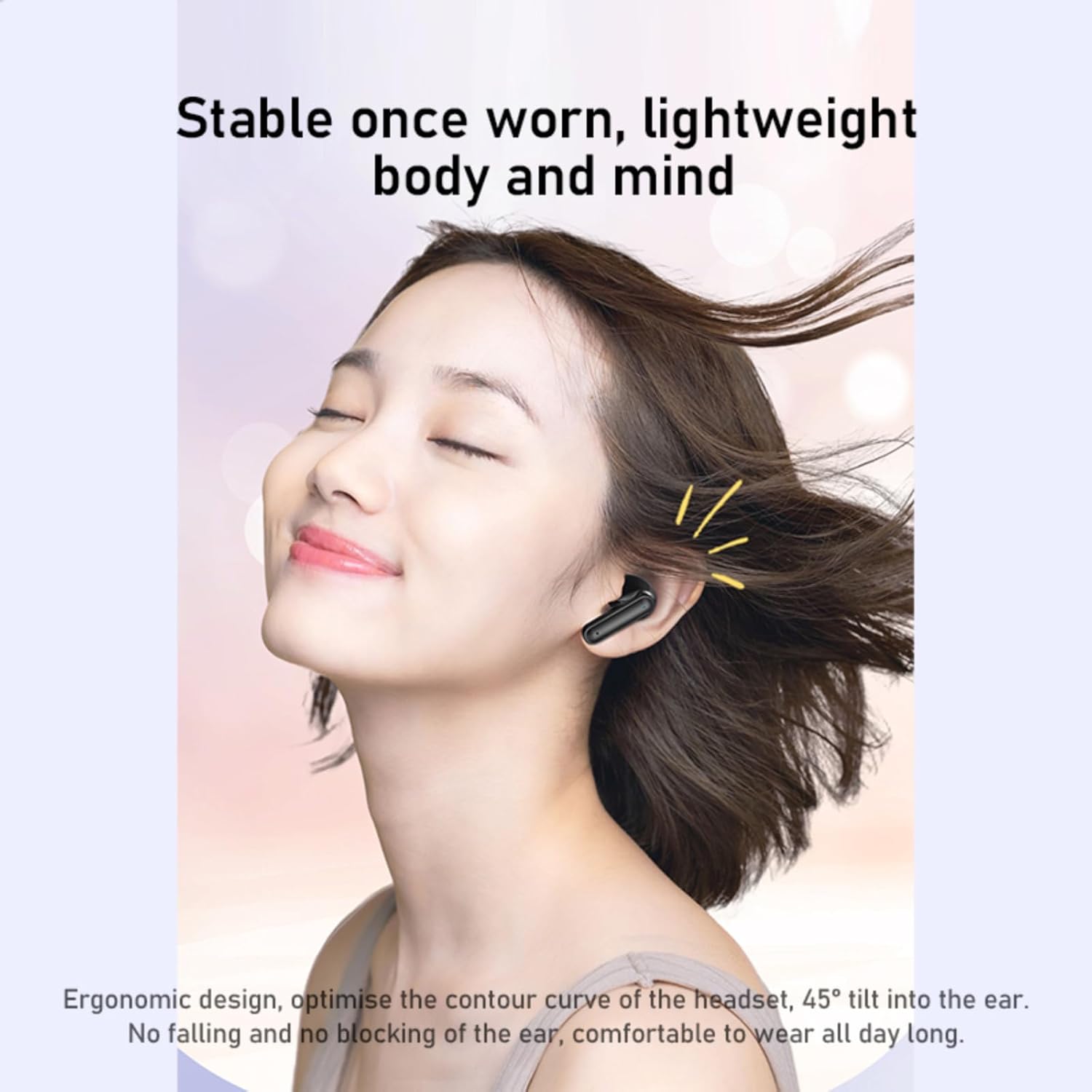
Image 3.1: Proper wearing of the AWEI T71 earbuds for comfort and stability.
3.2. Smart Touch Controls
The AWEI T71 earbuds feature intuitive touch controls on both earbuds.
| Action | Control |
|---|---|
| Play/Pause | Click Left Ear/Right Ear (L or R) |
| Previous Song | Double click Left Ear (L) |
| Next Song | Double-tap Right Ear (R) |
| Activate Voice Assistant | Triple-tap left or right ear (L or R) |
| Answer/End Call | Click Left Ear/Right Ear (L or R) |
| Reject Call | Long press 2 seconds left or right ear (L or R) |
| Volume Control | (Specific gesture not detailed, typically long press or multiple taps. Refer to device for exact implementation if not working as expected.) |
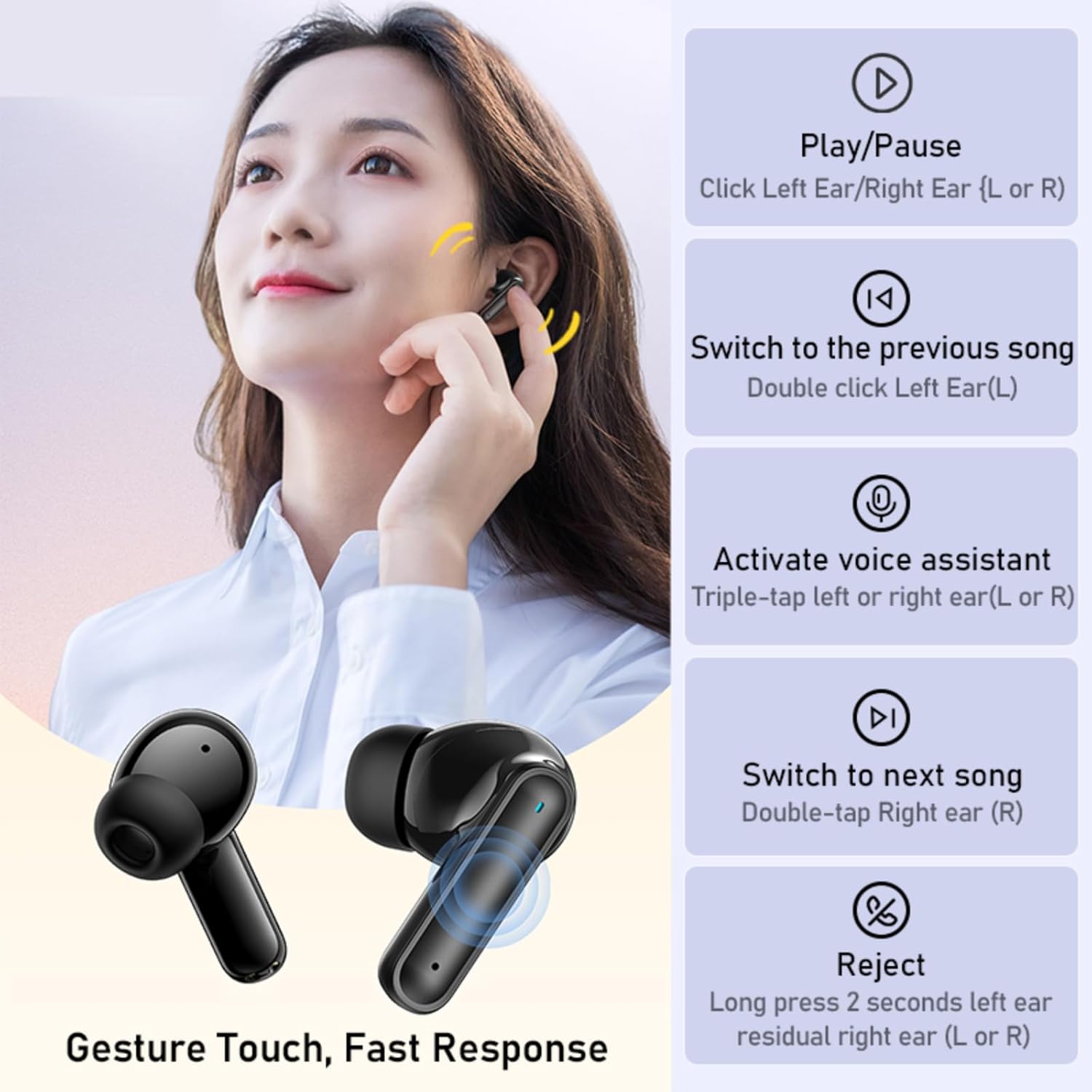
Image 3.2: Visual guide to the smart touch controls on the AWEI T71 earbuds.
3.3. Single Earbud Mode
You can use either the left or right earbud independently. Simply take one earbud out of the case, and it will connect to your device. The other earbud can remain in the case or be used later.
3.4. Low Latency Mode
The AWEI T71 earbuds feature a low latency mode, providing synchronized audio and video for gaming and movies.
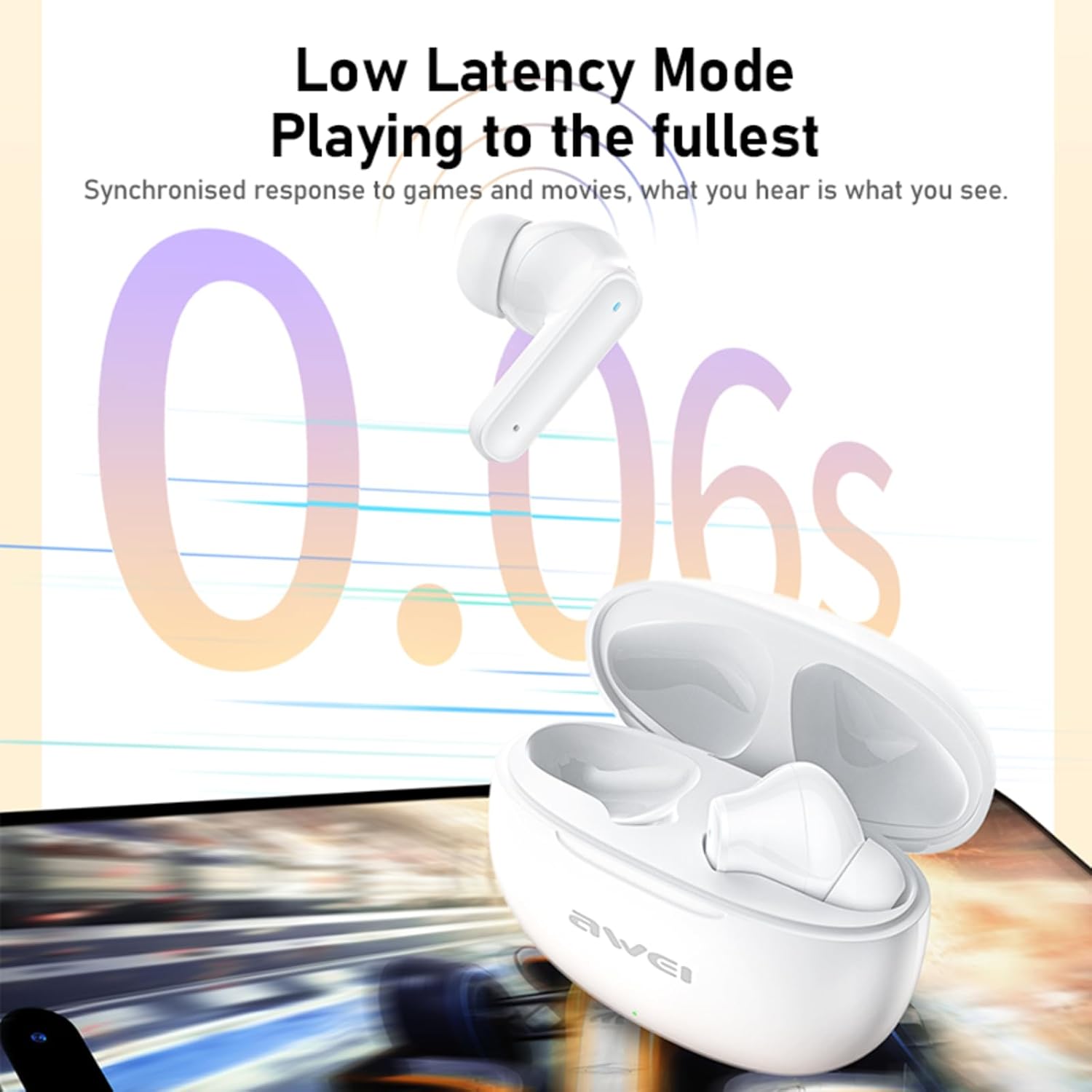
Image 3.3: The AWEI T71 earbuds offer a low latency mode for synchronized audio and video.
4. Maintenance and Care
- Cleaning: Regularly clean the earbuds and charging case with a soft, dry, lint-free cloth. Do not use harsh chemicals or abrasive materials.
- Eartips: Remove eartips periodically and clean them with water and mild soap. Ensure they are completely dry before reattaching.
- Water Resistance: The earbuds are IPX6 waterproof, meaning they are protected against powerful water jets. They are suitable for sports and can withstand rain and sweat. However, they are not designed for submersion in water. Do not wear them while swimming or showering.
- Storage: When not in use, store the earbuds in their charging case to protect them and keep them charged. Store in a cool, dry place away from extreme temperatures.
- Battery Care: To prolong battery life, avoid fully discharging the earbuds and charging case frequently. Charge them regularly, even if not in constant use.
5. Troubleshooting
5.1. Earbuds Not Pairing/Connecting
- Ensure both earbuds are charged and placed correctly in the charging case.
- Turn off and then turn on Bluetooth on your device.
- Forget "AWEI T71" from your device's Bluetooth list and attempt to pair again.
- Ensure the earbuds are within 10 meters (33 feet) of your device.
- Try resetting the earbuds (refer to the manufacturer's website or contact support if a specific reset procedure is not in this manual).
5.2. No Sound or Low Volume
- Check the volume level on both your device and the earbuds.
- Ensure the earbuds are properly seated in your ears.
- Clean any debris from the earbud speaker mesh.
- Reconnect the earbuds to your device.
5.3. Charging Issues
- Verify the USB Type-C cable is securely connected to both the charging case and the power source.
- Try a different USB port or power adapter.
- Ensure the charging contacts on the earbuds and inside the case are clean and free of debris.
5.4. Call Quality Issues
- Ensure the microphone on the earbuds is not obstructed.
- Move closer to your connected device to improve signal strength.
- Check for environmental noise that might be affecting call clarity.
6. Specifications
| Feature | Detail |
|---|---|
| Model Name | T71 |
| Brand | AWEI |
| Connectivity | Wireless (Bluetooth 5.4) |
| Bluetooth Range | Up to 10 meters (33 feet) |
| Audio Driver | 13mm Dynamic Driver |
| Frequency Range | 20 Hz - 20,000 Hz |
| Impedance | 32 Ohm |
| Earbud Battery Life | Up to 5 hours (continuous use) |
| Total Playtime (with case) | Up to 35 hours (dual-ear mode), 70 hours (single-ear alternating) |
| Charging Case Battery | 200mAh |
| Charging Port | USB Type-C |
| Water Resistance | IPX6 (Dust and Rain Proof) |
| Control Type | Touch Control |
| Weight (per earbud) | Approx. 3.2g |
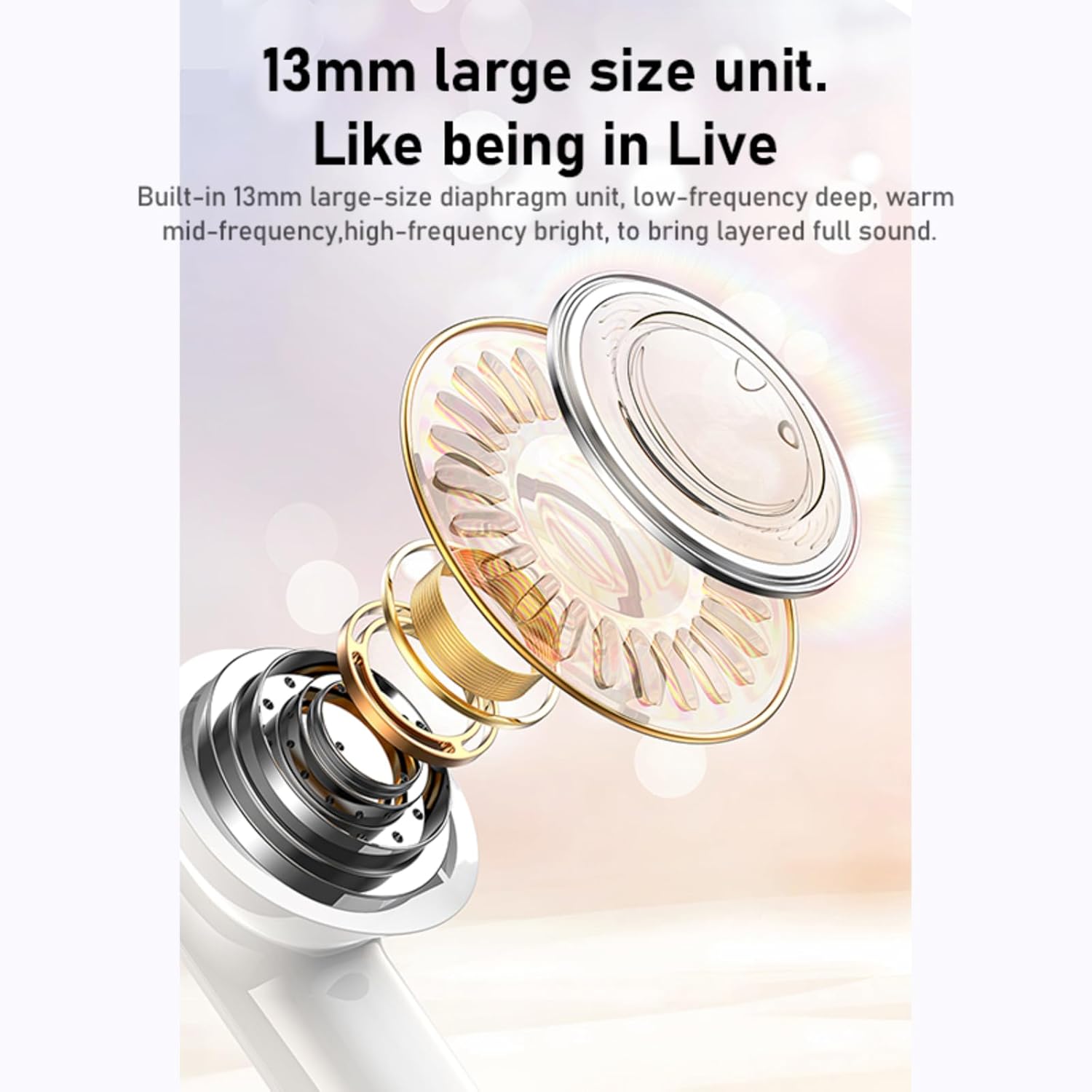
Image 6.1: Internal structure highlighting the 13mm large size unit for immersive sound.

Image 6.2: The lightweight design of the AWEI T71 earbuds, weighing approximately 3.2g per earbud.
7. Warranty Information
AWEI products typically come with a limited manufacturer's warranty. Please refer to the warranty card included in your product packaging or visit the official AWEI website for detailed warranty terms and conditions. Keep your purchase receipt as proof of purchase for warranty claims.
8. Customer Support
For further assistance, technical support, or warranty inquiries, please contact AWEI customer service through their official channels. You can often find contact information on the product packaging, the official AWEI website, or through the retailer where you purchased the product.
AWEI Official Website: www.awei.hk
Email: service@awei.hk
Ask a question about this manual
Ask about setup, troubleshooting, compatibility, parts, safety, or missing instructions. Manuals+ will review the question and use this page’s manual context to help answer it.