
1. Introduction
This manual provides detailed instructions for the AWEI T66 Wireless Earbuds. Please read this manual carefully before using the product to ensure proper operation and to maintain the device's longevity.
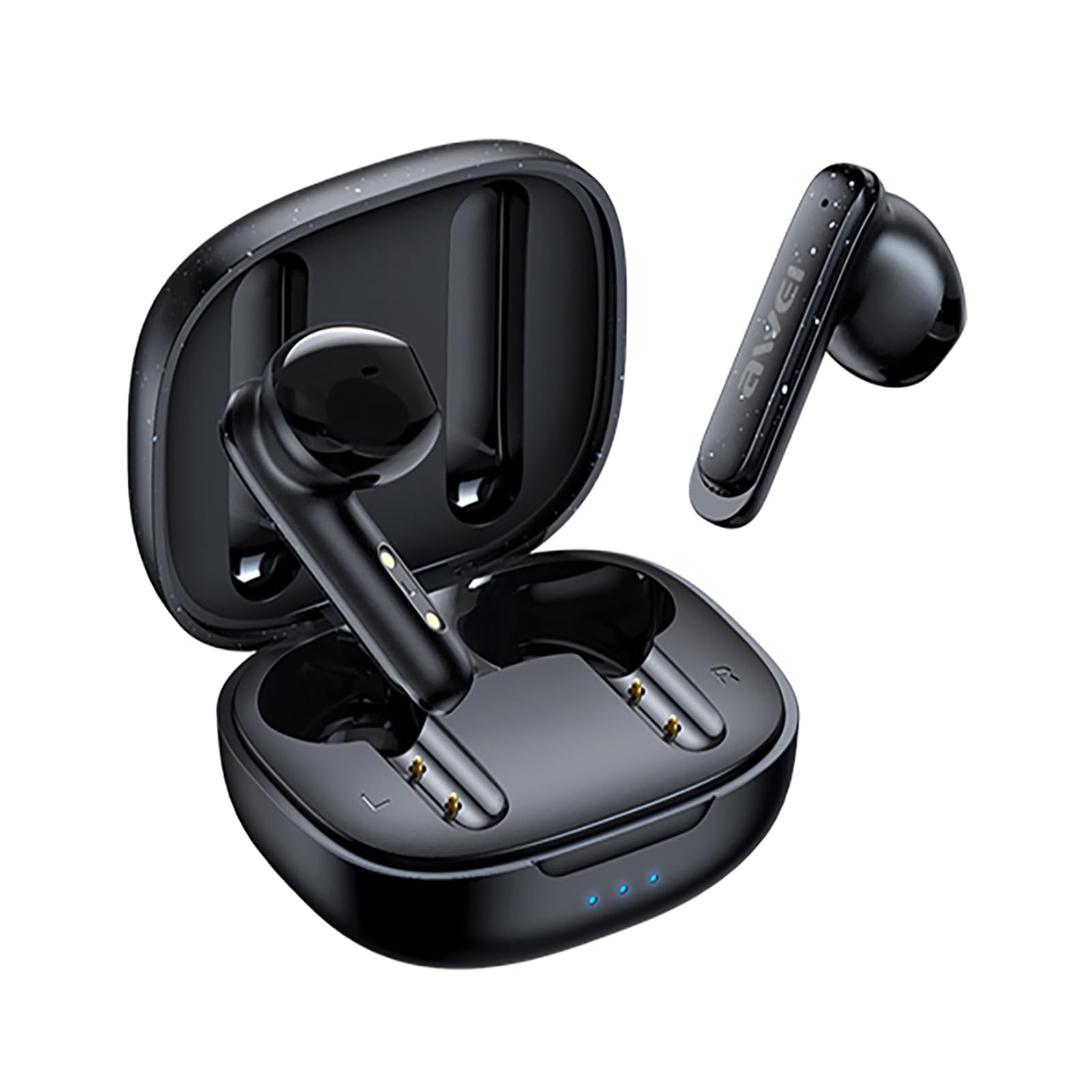
Image 1.1: The AWEI T66 Wireless Earbuds with their charging case.
2. What's in the Box
Upon opening the package, verify that all the following items are included:
- Wireless Earbuds (Left and Right)
- Charging Case
- USB Charging Cable (Type-C)
- User Manual
- Eartips (various sizes)
3. Setup
3.1 Charging the Earbuds and Case
Before first use, fully charge the earbuds and the charging case. Use the provided USB Type-C cable to connect the charging case to a power source.
- Charging Case: Connect the Type-C cable to the charging port on the case. The indicator lights on the case will show the charging status. A full charge takes approximately 1 hour.
- Earbuds: Place the earbuds into the charging case. They will automatically begin charging. The case's indicator lights will confirm charging.

Image 3.1: The charging case and earbuds, illustrating charging and battery life indicators. Single earbud playtime is approximately 6 hours, and total playtime with the charging case is approximately 30 hours.
3.2 Bluetooth Pairing
Follow these steps to pair your AWEI T66 Wireless Earbuds with your device:
- Ensure the earbuds are charged.
- Open the charging case. The earbuds will automatically power on and enter pairing mode. The indicator light on one earbud will flash, indicating it is ready to pair.
- On your device (smartphone, tablet, laptop), enable Bluetooth.
- Search for available Bluetooth devices and select "AWEI T66" from the list.
- Once connected, the earbud indicator light will stop flashing, and you will hear a confirmation tone.
- The earbuds will automatically reconnect to the last paired device when taken out of the case, if Bluetooth is enabled on the device.
4. Operating Instructions
4.1 Power On/Off
- Power On: Open the charging case, and the earbuds will automatically power on.
- Power Off: Place the earbuds back into the charging case and close the lid. They will automatically power off and begin charging.
4.2 Touch Controls
The AWEI T66 earbuds feature smart touch controls on each earbud. The functions are as follows:
| Action | Function |
|---|---|
| Single Tap (Left/Right) | Play/Pause Music, Answer/End Call |
| Double Tap (Left) | Previous Song |
| Double Tap (Right) | Next Song |
| Triple Tap (Left) | Volume Down |
| Triple Tap (Right) | Volume Up |
| Long Press (2 seconds) | Reject Call, Activate Voice Assistant |

Image 4.1: A user interacting with the touch control area on the earbud.
5. Features
5.1 High-Fidelity Sound and Clear Calls
The AWEI T66 earbuds are equipped with 13mm speaker drivers, providing clear audio with strong bass. Environmental Noise Cancellation (ENC) technology enhances call clarity by reducing background noise, ensuring your voice is heard clearly during conversations.
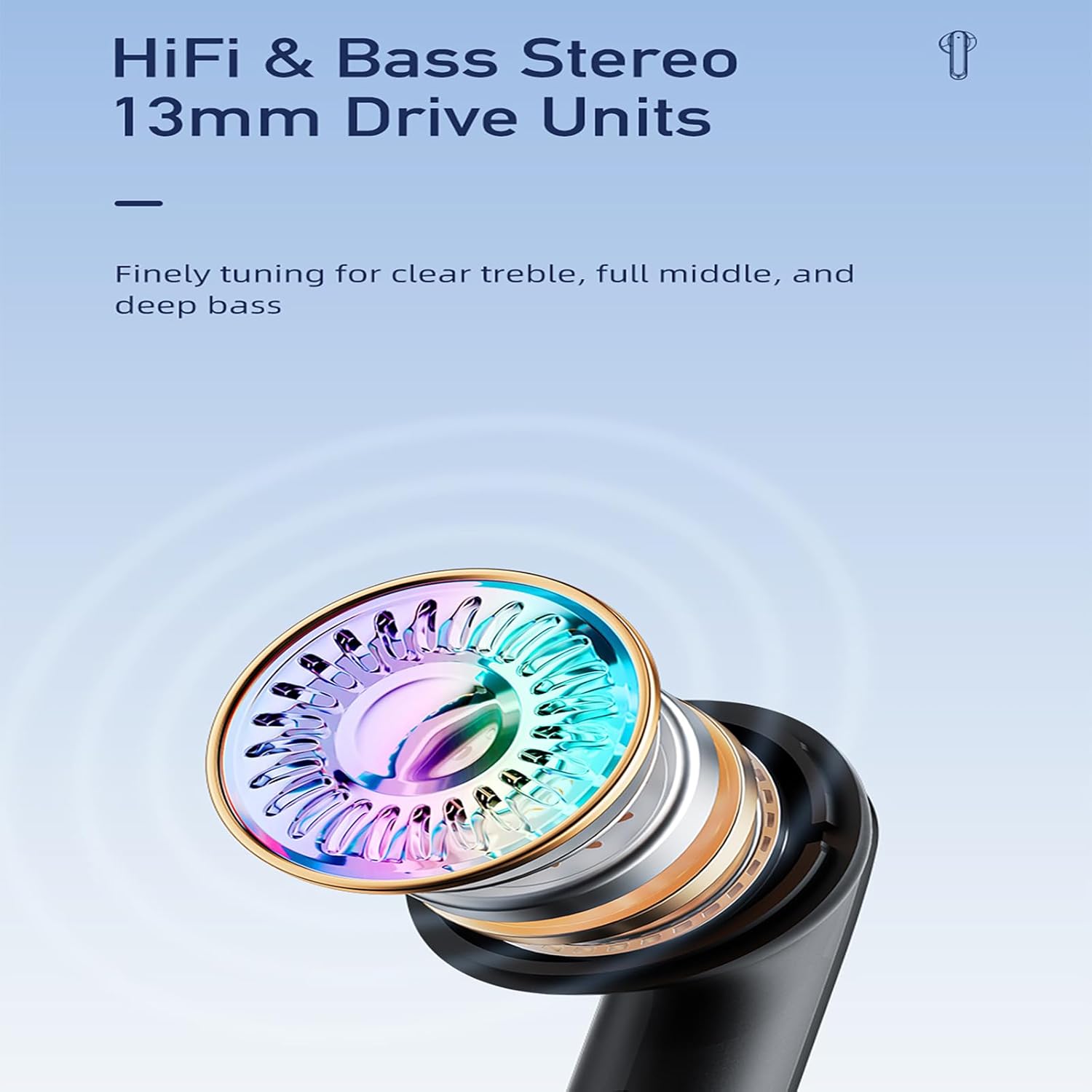
Image 5.1: Detailed view of the 13mm speaker driver, engineered for balanced audio across treble, mid-range, and bass frequencies.
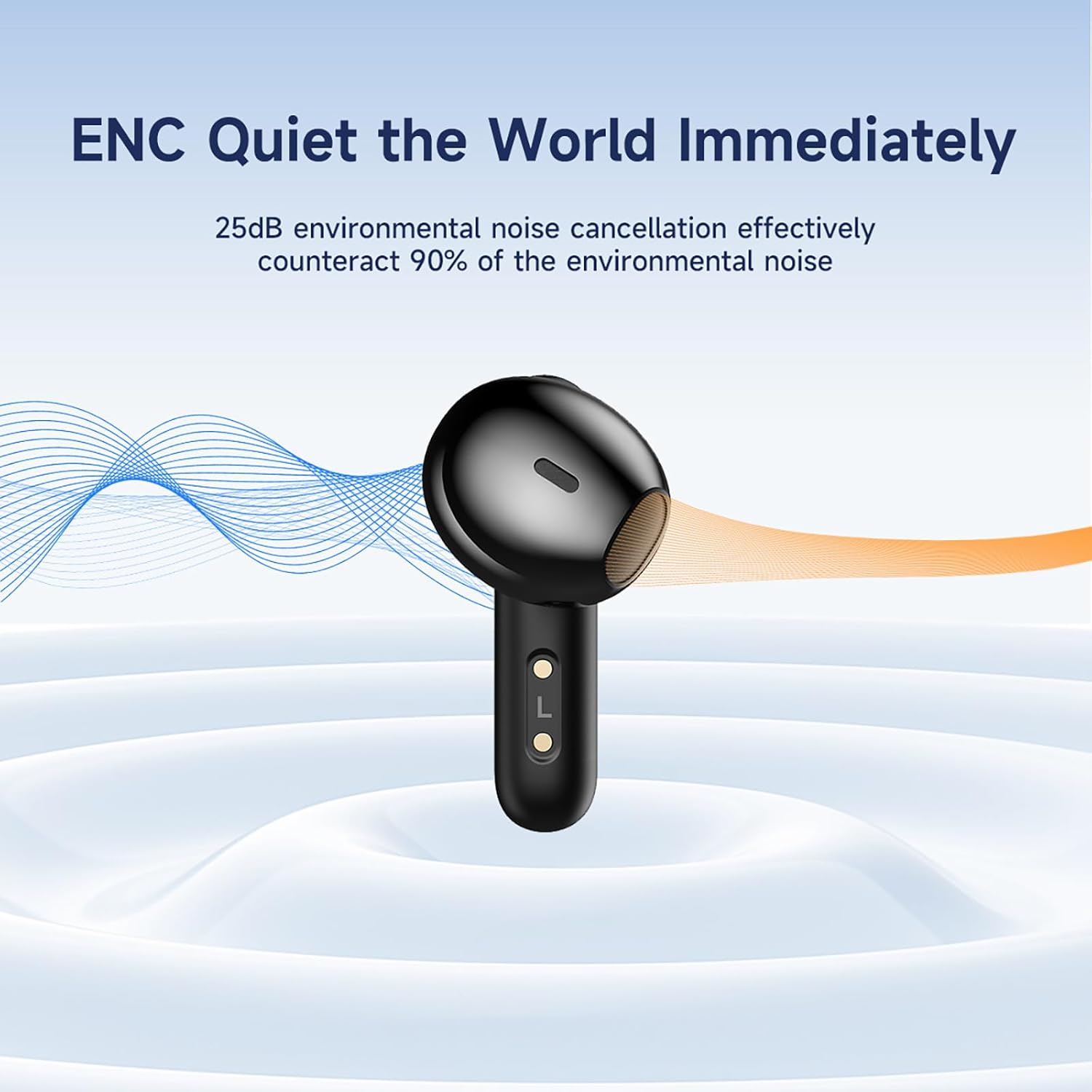
Image 5.2: The earbud demonstrating its ENC capability, which reduces up to 25dB of environmental noise for clearer audio.
5.2 Bluetooth 5.3 Connectivity
Featuring Bluetooth 5.3 technology, the earbuds offer a stable and efficient wireless connection. This advanced chipset ensures low latency and a reliable connection up to 10 meters (33 feet), minimizing interruptions during use.

Image 5.3: A visual representation of the Bluetooth 5.3 chipset, highlighting its role in stable and smooth wireless transmission.
5.3 Extended Battery Life
The earbuds provide approximately 6 hours of continuous playback on a single charge. The compact charging case extends the total listening time to about 30 hours in dual-earbud mode. By alternating between earbuds, single-ear mode can offer up to 60 hours of music time.
5.4 IPX6 Waterproof Design
With an IPX6 waterproof rating, the AWEI T66 earbuds are resistant to sweat, splashes, and rain, making them suitable for workouts and outdoor activities. They are not designed for submersion in water.
5.5 Ergonomic Comfort
The semi-in-ear design and soft silicone ear caps are engineered for a comfortable and secure fit, suitable for extended wear during various activities.
Video 5.1: An official product video demonstrating the AWEI T66 Wireless Earbuds' features, including design, sound quality, and noise cancellation capabilities.
6. Maintenance
To ensure optimal performance and longevity of your earbuds, follow these maintenance guidelines:
- Cleaning: Regularly clean the earbuds and charging case with a soft, dry, lint-free cloth. Do not use abrasive cleaners or solvents. Gently remove any earwax or debris from the earbud grilles using a small, soft brush.
- Storage: When not in use, store the earbuds in their charging case to protect them from dust and damage. Store the case in a cool, dry place, away from extreme temperatures and direct sunlight.
- Charging: Avoid overcharging the device. Disconnect the charging cable once the case is fully charged.
7. Troubleshooting
If you encounter issues with your AWEI T66 Wireless Earbuds, refer to the following common solutions:
- Earbuds not pairing: Ensure both earbuds are charged. Place them back in the case, close the lid, then open it again to re-enter pairing mode. On your device, forget the "AWEI T66" Bluetooth connection and attempt to pair again.
- Only one earbud working: Ensure both earbuds are charged. Try placing both earbuds back in the case, closing the lid, and then taking them out simultaneously. If the issue persists, try resetting the earbuds (refer to manufacturer's specific reset instructions if available, or try forgetting the device and re-pairing).
- No sound: Check the volume level on both your device and the earbuds. Ensure the earbuds are properly connected to your device. Try playing audio from a different application or device.
- Charging issues: Ensure the charging cable is securely connected to both the case and the power source. Try using a different charging cable or power adapter. Clean the charging contacts on the earbuds and inside the case with a dry cotton swab.
- Poor sound quality/disconnections: Ensure there are no obstructions between your device and the earbuds. Move closer to your device. Avoid environments with strong electromagnetic interference.
8. Specifications
Key technical specifications for the AWEI T66 Wireless Earbuds:
| Feature | Specification |
|---|---|
| Brand | AWEI |
| Model Name | T66 |
| Bluetooth Version | 5.3 |
| Bluetooth Range | Up to 10 meters (33 feet) |
| Ear Placement | In Ear |
| Driver Size | 13mm |
| Noise Control | Environmental Noise Cancellation (ENC) |
| Water Resistance Level | IPX6 (Waterproof) |
| Control Type | Touch Control |
| Battery Life (Earbuds) | Approx. 6 hours |
| Total Playtime (with Case) | Approx. 30 hours (dual-ear), 60 hours (single-ear alternating) |
| Charging Port | Type-C |
9. Warranty and Support
The AWEI T66 Wireless Earbuds typically come with a 1-year manufacturer's warranty. Please refer to your purchase documentation for specific warranty terms and conditions.
For technical support, warranty claims, or further assistance, please contact the retailer or the official AWEI customer service channel. Contact information can usually be found on the product packaging or the AWEI official website.


