
Edifier edifier-x1lite-p
Edifier X1 Lite True Wireless Earbuds User Manual
Model: edifier-x1lite-p
Introduction
Thank you for choosing the Edifier X1 Lite True Wireless Earbuds. This manual provides detailed instructions on how to set up, operate, and maintain your new earbuds, ensuring you get the best possible audio experience. The Edifier X1 Lite earbuds are designed for powerful sound, clear calls, and long-lasting comfort, featuring Bluetooth 5.4 connectivity and IP54 sweat resistance.

Image: Overview of Edifier X1 Lite features, including dynamic drivers, AI call noise cancellation, extended battery life, Bluetooth 5.4, low latency, and IP54 certification.
Safety Information
Please read all safety instructions carefully before using this product. Keep this manual for future reference.
- Do not expose the earbuds or charging case to extreme temperatures, humidity, or corrosive substances.
- Avoid dropping or subjecting the product to strong impacts.
- Do not disassemble, repair, or modify the product yourself. Contact authorized service personnel for assistance.
- Keep the product away from children and pets to prevent accidental ingestion of small parts.
- Use only the provided charging cable or a certified equivalent.
- Prolonged listening at high volume levels may cause hearing damage. Adjust volume to a safe level.
Package Contents
Verify that all items are present in your package:
- Edifier X1 Lite True Wireless Earbuds (Left and Right)
- Charging Case
- USB Charging Cable
- User Manual (this document)
Product Overview
Familiarize yourself with the components of your Edifier X1 Lite earbuds and charging case.

Image: Edifier X1 Lite Earbuds and Charging Case.

Image: Internal structure of the earbud, showcasing the 13mm dynamic driver for enhanced sound quality.
The earbuds feature a compact design, with each earbud weighing only 4g for comfortable wear. The charging case is designed to be portable and provides additional battery life.

Image: Exploded view of the earbud highlighting the 13mm dynamic driver and AI algorithm for voice pickup.
Setup
1. Charging the Earbuds and Case
Before first use, fully charge the earbuds and the charging case.
- Place both earbuds into the charging case.
- Connect the charging case to a power source using the provided USB cable.
- The indicator light on the case will show charging status. Once fully charged, the light will indicate completion.
A full charge provides up to 7 hours of playtime for the earbuds, with an additional 19 hours from the charging case, totaling 26 hours. A quick 15-minute charge can provide 1.5 hours of playtime.

Image: Battery life details for Edifier X1 Lite earbuds, showing 26 hours total playtime and fast charging capability.

Image: Visual representation of the extended battery life and fast charging feature.
2. Initial Pairing
The earbuds will automatically enter pairing mode when taken out of the charging case for the first time.
- Open the charging case and remove both earbuds.
- On your device (smartphone, laptop, etc.), enable Bluetooth.
- Search for "EDIFIER X1 Lite" in the list of available Bluetooth devices.
- Select "EDIFIER X1 Lite" to connect. You will hear a confirmation tone once connected.
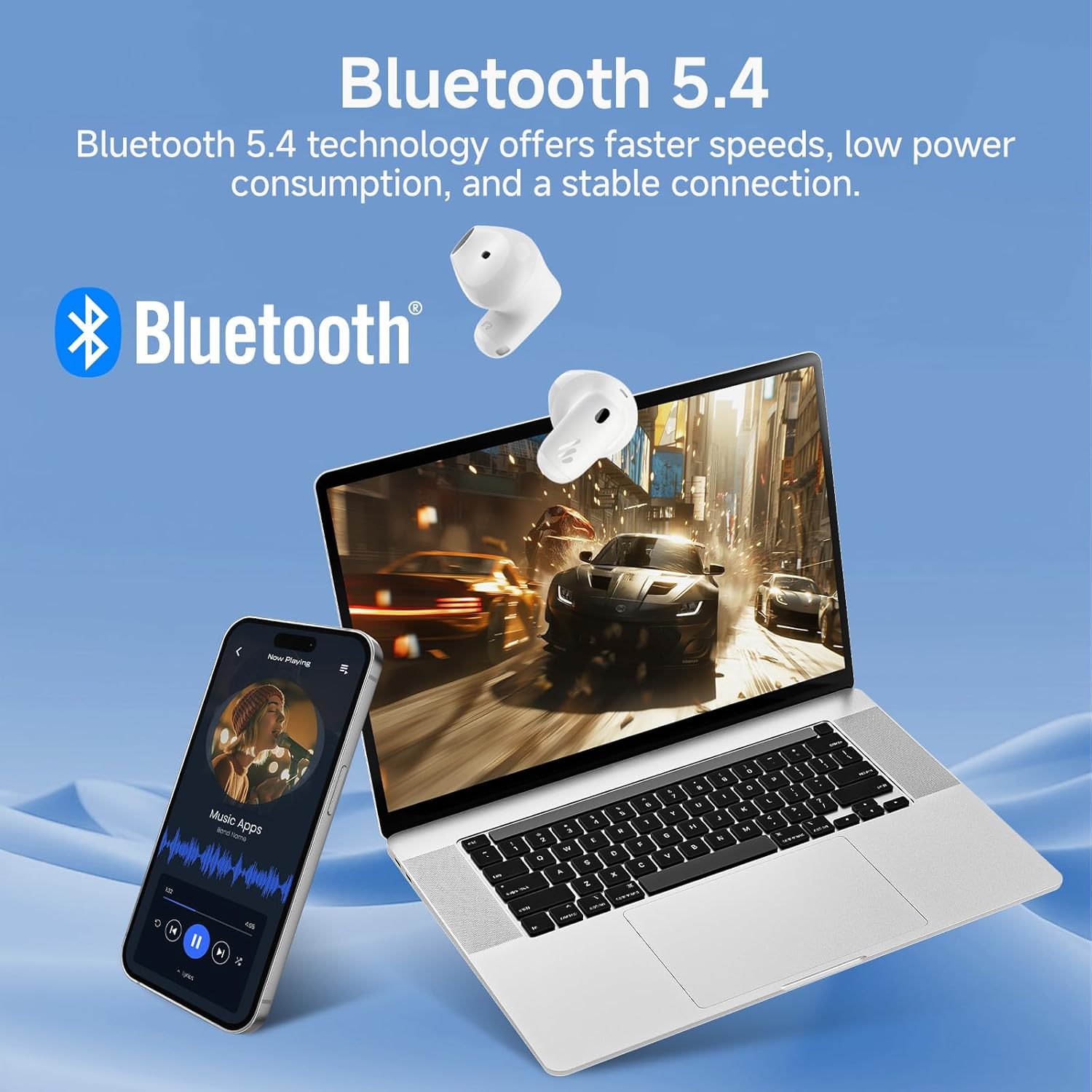
Image: Demonstrating Bluetooth 5.4 connectivity with various devices.
3. Connecting to a New Device
To connect to a new device or re-enter pairing mode:
- Place both earbuds back into the charging case.
- Press and hold the function button on the charging case for approximately 3 seconds until the indicator light flashes rapidly. This indicates pairing mode.
- On your new device, search for and select "EDIFIER X1 Lite" to connect.
Operating
1. Touch Controls
The Edifier X1 Lite earbuds feature intuitive touch controls. The touch sensitive area is located on the outer surface of each earbud.
| Action | Left Earbud | Right Earbud |
|---|---|---|
| Play/Pause | Double tap | Double tap |
| Next Track | N/A | Triple tap |
| Previous Track | Triple tap | N/A |
| Answer/End Call | Double tap | Double tap |
| Reject Call | Hold for 2 seconds | Hold for 2 seconds |
| Activate Voice Assistant | Hold for 2 seconds | Hold for 2 seconds |
| Game Mode On/Off | Quadruple tap | Quadruple tap |

Image: Visual guide to the touch controls on the earbuds.
2. Clear Calls with AI Algorithm
The Edifier X1 Lite earbuds utilize an AI algorithm voice pick-up technology to ensure clear communication, even in noisy environments. This technology intelligently filters out background noise, focusing on your voice.

Image: Demonstrating clear call quality enabled by AI noise reduction.
3. Low Latency Mode (Game Mode)
For an optimized gaming and video streaming experience, activate the ultra-low latency mode. This reduces audio delay to just 60ms, ensuring audio and video are perfectly synchronized.
- To activate/deactivate: Quadruple tap either earbud.

Image: Visualizing the ultra-low latency feature for gaming and video.
4. EDIFIER ConneX App
Enhance your experience by downloading the EDIFIER ConneX app. The app allows for customization of sound profiles, touch controls, and access to additional features.
- Scan the QR code or visit the provided link to download the app.
- Connect your earbuds to the app to unlock full customization options.

Image: EDIFIER ConneX app interface and QR code for download.
Download the EDIFIER ConneX App: https://foreign-app.edifier.com/index.php/edifier_provider/public/appDownload.html?appTag=EdifierConneX
Maintenance
Proper maintenance ensures the longevity and optimal performance of your earbuds.
1. Cleaning
- Gently wipe the earbuds and charging case with a soft, dry, lint-free cloth.
- Do not use abrasive cleaners, alcohol, or chemical solvents.
- Ensure charging contacts are clean and free of debris.
2. Water and Sweat Resistance (IP54)
The Edifier X1 Lite earbuds are IP54 certified, meaning they are protected against dust ingress and splashing water from any direction. This makes them suitable for active use and light rain.
- Do not submerge the earbuds in water.
- Do not expose them to strong jets of water.
- Ensure earbuds are dry before placing them back into the charging case to prevent damage.

Image: Demonstrating the IP54 sweat-resistant feature for active daily use.
3. Storage
- Store the earbuds in their charging case when not in use to protect them and keep them charged.
- Store in a cool, dry place away from direct sunlight.
Troubleshooting
If you encounter any issues, please refer to the following common problems and solutions:
| Problem | Possible Solution |
|---|---|
| No sound from earbuds |
|
| Earbuds not pairing |
|
| One earbud not working |
|
| Poor call quality |
|
| Earbuds reconnect in case |
|
Specifications
| Feature | Detail |
|---|---|
| Model Name | edifier-x1lite-p |
| Connectivity | Wireless (Bluetooth 5.4) |
| Bluetooth Version | 5.4 |
| Audio Driver Size | Φ13mm Dynamic Driver |
| Frequency Response | 20 Hz - 20,000 Hz |
| Battery Life (Earbuds) | Up to 7 hours |
| Battery Life (with Charging Case) | Up to 26 hours total |
| Fast Charging | 15 minutes charge for 1.5 hours playtime |
| Audio Latency | 60ms (Low Latency Mode) |
| Microphone Technology | AI Algorithm Voice Pick-up |
| Water Resistance | IP54 Certified (Sweat and Splash Resistant) |
| Earbud Weight | Approx. 4g per earbud |
| Compatible Devices | Smartphones, Laptops, Tablets, Gaming Consoles |
| Control Method | Touch Control, EDIFIER ConneX App |
| Manufacturer | Edifier |
| Country of Origin | China |
Warranty and Support
Edifier products come with a limited warranty. For detailed warranty information, please refer to the warranty card included in your package or visit the official Edifier website.
For technical support, troubleshooting assistance, or service inquiries, please contact Edifier customer support through their official website or the EDIFIER ConneX app.
Official Edifier Website: www.edifier.com
Related documentsedifier-x1lite-p


Ask a question about this manual
Ask about setup, troubleshooting, compatibility, parts, safety, or missing instructions. Manuals+ will review the question and use this page’s manual context to help answer it.