
1. Introduction
Thank you for choosing the Edifier X1 Lite True Wireless Earbuds. This manual provides detailed instructions for setting up, operating, and maintaining your new earbuds to ensure optimal performance and longevity. Please read this manual thoroughly before use.

Image: Edifier X1 Lite True Wireless Earbuds in their open charging case.
2. What's in the Box
The Edifier X1 Lite package includes the following components:
- Edifier X1 Lite True Wireless Earbuds (Left and Right)
- Charging Case
- USB Charging Cable
- User Manual (this document)
3. Setup
3.1 Initial Charging
Before first use, fully charge the earbuds and the charging case.
- Place both earbuds into the charging case.
- Connect the USB charging cable to the charging port on the case and to a power source (e.g., USB wall adapter, computer USB port).
- The indicator light on the charging case will show charging status. Refer to the LED indicator section for details.
- A full charge typically takes approximately 1.5 hours for the case and earbuds.
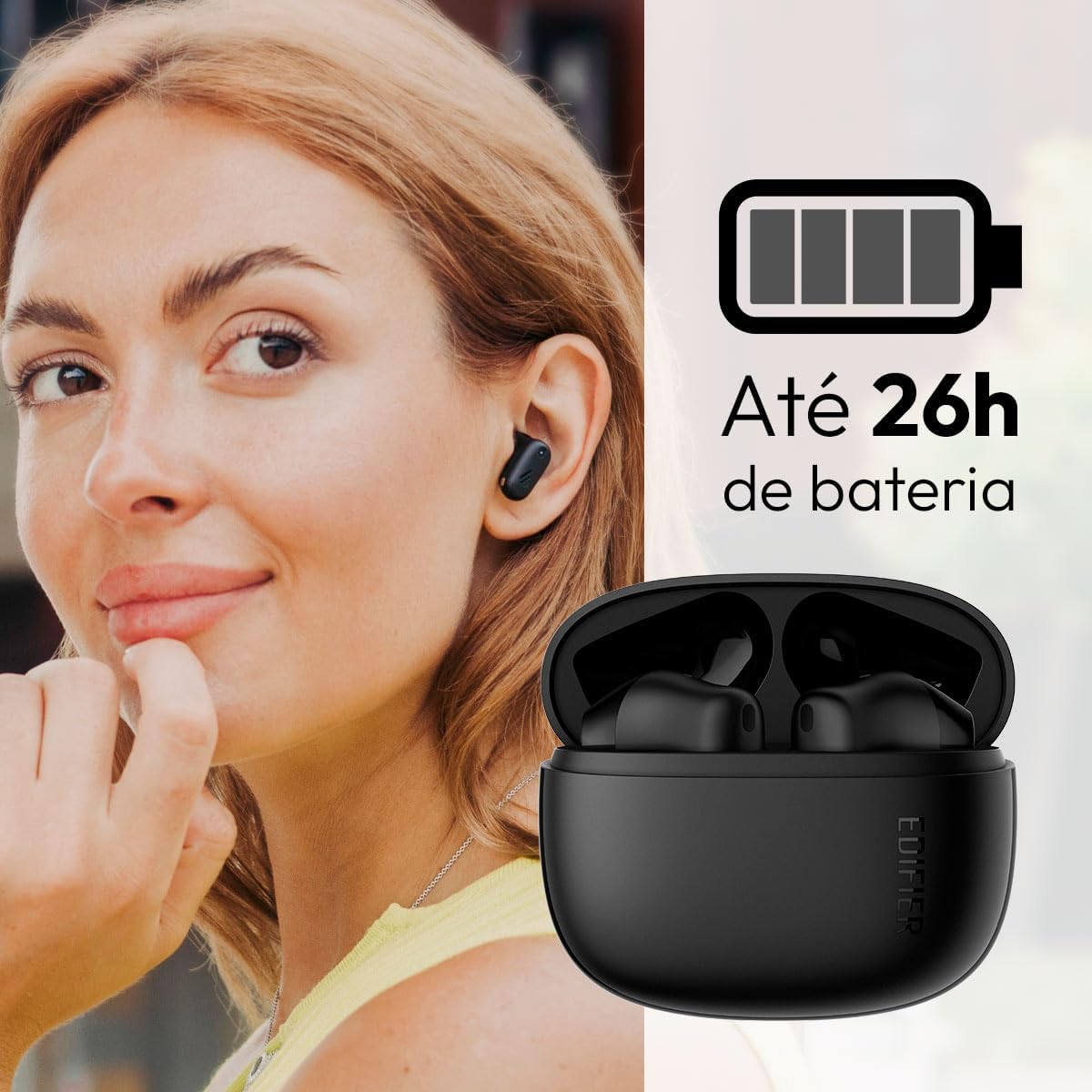
Image: Woman wearing an earbud, with the charging case and a battery icon indicating charging.
Fast Charging Feature:
A 15-minute quick charge can provide approximately 1.5 hours of playtime for the earbuds.

Image: Visual representation of battery life and fast charging capabilities.
3.2 Bluetooth Pairing
Follow these steps to pair your Edifier X1 Lite earbuds with your device:
- First-time Pairing: Open the charging case. The earbuds will automatically power on and enter pairing mode. The indicator light on the earbuds will flash rapidly.
- On your device (smartphone, tablet, laptop), enable Bluetooth.
- Search for "EDIFIER X1 Lite" in the list of available Bluetooth devices.
- Select "EDIFIER X1 Lite" to connect. Once connected, the indicator lights on the earbuds will turn off, and you will hear a confirmation tone.
- Re-pairing/Connecting to a New Device: If the earbuds are already connected to another device, disconnect them first. Alternatively, with the earbuds in the case and the lid open, press and hold the button on the charging case for 3 seconds to enter pairing mode.

Image: Man using earbuds, highlighting Bluetooth 5.4 connectivity.
3.3 Edifier ConneX App Installation
For enhanced features and customization, download the EDIFIER ConneX app:
- Scan the QR code provided in the image below or visit the official Edifier app download page.
- Install the app on your smartphone or tablet.
- Open the app and follow the on-screen instructions to connect your X1 Lite earbuds.
- The app allows for sound effect customization, game mode activation, and touch control settings.

Image: EDIFIER ConneX app interface with QR code. Download the Edifier ConneX App
4. Operating Instructions
4.1 Wearing the Earbuds
Proper fit ensures optimal sound quality and comfort:
- Identify the left (L) and right (R) earbuds.
- Gently insert each earbud into the corresponding ear canal.
- Rotate the earbud slightly until it feels secure and comfortable.

Image: Man demonstrating proper earbud placement.
4.2 Power On/Off
- Power On: The earbuds automatically power on when removed from the charging case.
- Power Off: The earbuds automatically power off and begin charging when placed back into the charging case and the lid is closed.
4.3 Touch Controls
The Edifier X1 Lite earbuds feature touch-sensitive controls on each earbud. These controls can be customized via the EDIFIER ConneX app.
| Action | Left Earbud (L) | Right Earbud (R) |
|---|---|---|
| Answer/End Call | Double Tap | Double Tap |
| Reject Call | Triple Tap | Triple Tap |
| Play/Pause Music | Double Tap | Double Tap |
| Next Track | N/A (Customize via App) | Triple Tap |
| Previous Track | Triple Tap | N/A (Customize via App) |
| Game Mode On/Off | Quadruple Tap | Quadruple Tap |
Note: These are default settings. Functions can be reconfigured using the EDIFIER ConneX app.

Image: Visual guide to earbud touch controls.
5. Maintenance
5.1 Cleaning
- Regularly clean the earbuds and charging case with a soft, dry, lint-free cloth.
- Do not use abrasive cleaners, alcohol, or chemical solvents.
- Ensure charging contacts on both earbuds and case are clean and free of debris to maintain proper charging.
5.2 Water Resistance (IP54)
The Edifier X1 Lite earbuds are IP54 rated, meaning they are protected against dust ingress and splashing water from any direction. This makes them suitable for workouts and light rain.
- Do not submerge the earbuds in water.
- The charging case is not water-resistant. Keep it dry.
- If earbuds get wet, wipe them dry completely before placing them back in the charging case to prevent damage.

Image: Demonstrating IP54 sweat resistance during exercise.
5.3 Battery Care
- Avoid exposing the earbuds and case to extreme temperatures (hot or cold).
- Store the device in a cool, dry place when not in use.
- Charge the device regularly, even if not used frequently, to maintain battery health.
6. Troubleshooting
If you encounter issues with your Edifier X1 Lite earbuds, refer to the following common problems and solutions:
6.1 No Sound or Intermittent Connection
- Check Battery: Ensure both earbuds and the charging case are sufficiently charged.
- Re-pair: Disconnect the earbuds from your device's Bluetooth settings and then re-pair them.
- Distance: Ensure the earbuds are within the Bluetooth range (typically 10 meters) of your device.
- Interference: Move away from strong Wi-Fi signals or other Bluetooth devices that might cause interference.
- Reset: Place both earbuds in the charging case, close the lid, wait a few seconds, then open the lid and try pairing again.
6.2 Earbuds Not Charging
- Check Cable: Ensure the USB charging cable is securely connected to both the case and the power source.
- Power Source: Try a different USB port or wall adapter.
- Clean Contacts: Clean the charging contacts on the earbuds and inside the charging case with a dry cotton swab.
- Proper Placement: Ensure earbuds are correctly seated in the charging case.
6.3 Poor Call Quality
- Microphone Obstruction: Ensure the microphone on the earbuds is not covered.
- Environment: Move to a quieter environment if possible. The AI algorithm helps, but extreme noise can still affect clarity.
- Connection Stability: Ensure a stable Bluetooth connection.

Image: Man using earbuds for a clear call, highlighting AI voice pick-up technology.
6.4 App Connection Issues
- Bluetooth On: Ensure Bluetooth is enabled on your device and the earbuds are connected.
- App Permissions: Check if the EDIFIER ConneX app has necessary Bluetooth and location permissions.
- Restart App/Device: Close and reopen the app, or restart your smartphone.
- App Update: Ensure the app is updated to the latest version.
7. Specifications
| Feature | Detail |
|---|---|
| Model Name | X1 Lite |
| Connectivity Technology | Wireless (Bluetooth) |
| Bluetooth Version | 5.4 |
| Audio Driver Type | Dynamic Driver (Φ13mm) |
| Frequency Range | 20Hz-20kHz |
| Battery Life | Up to 7 hours (earbuds), up to 26 hours (with charging case) |
| Fast Charging | 15 minutes charge for 1.5 hours playtime |
| Low Latency | 60ms |
| Water Resistance | IP54 (Earbuds only) |
| Microphone | Single Mic AI algorithm voice pick-up |
| Control Method | Touch Control, App (EDIFIER ConneX) |
| Material | Plastic |
| Earbud Weight | Approx. 4g per earbud |
| Color | Black |
8. Warranty and Support
Edifier products are designed with quality and reliability in mind. For warranty information and customer support, please refer to the official Edifier website or contact their customer service directly.
- Official Website: Visit www.edifier.com for product registration, FAQs, and support resources.
- Customer Service: Contact Edifier customer support for technical assistance or warranty claims. Contact details can typically be found on the official website or in the product packaging.
Please retain your proof of purchase for warranty purposes.


