
Introduction
This manual provides essential information for the safe and efficient use of your Panasonic W80 Series 4K LED Smart TV with integrated Fire TV. Please read these instructions thoroughly before operating your television and retain them for future reference. This 4K LED TV offers high-quality picture and sound, enhanced by the integrated Fire TV experience.

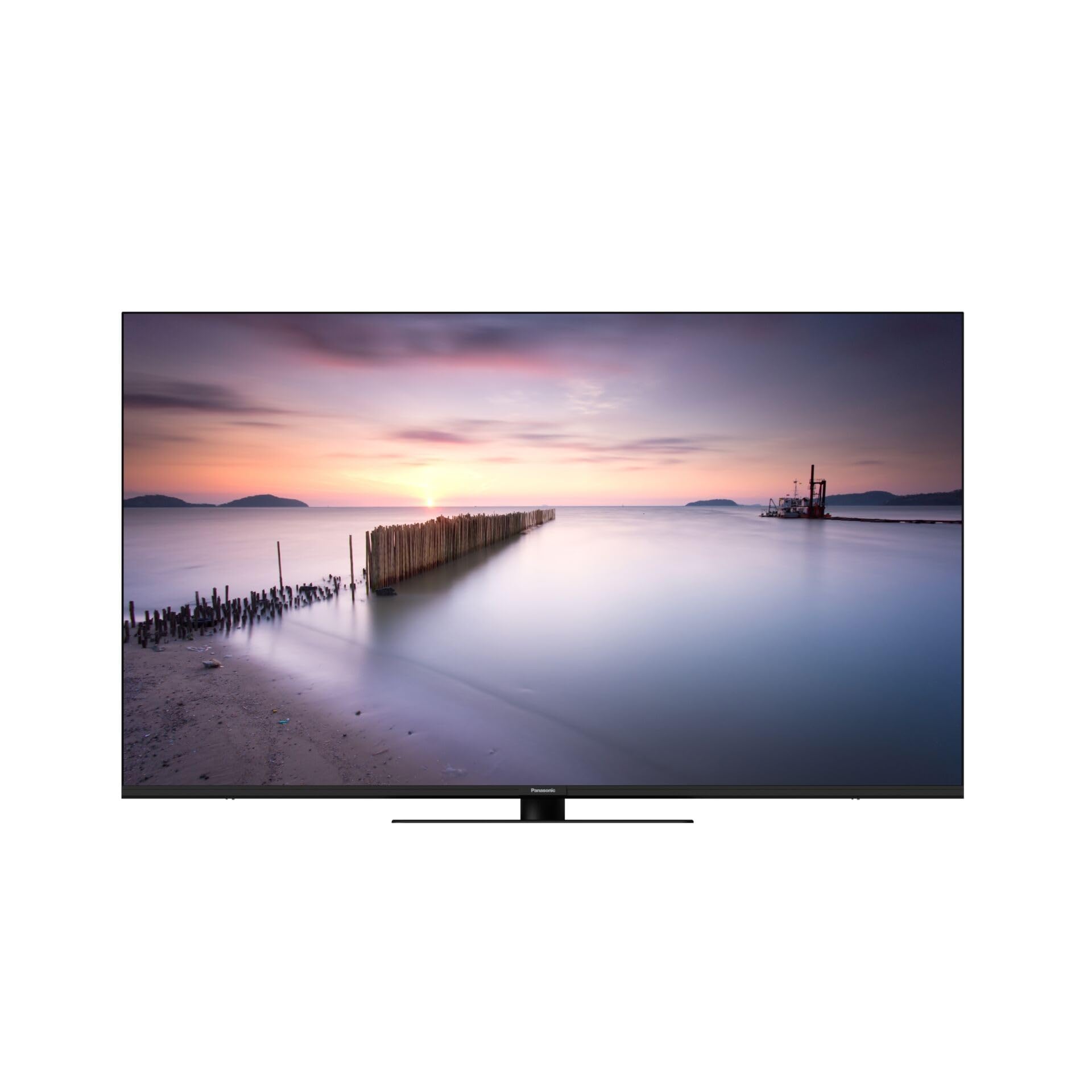
Front view of the Panasonic W80 Series 4K LED Smart TV, showcasing its slim bezel and modern design.
Safety Information
Always follow basic safety precautions when using this television to reduce the risk of fire, electric shock, and injury. Keep the television away from water and moisture. Do not block ventilation openings. Use only attachments/accessories specified by the manufacturer. Refer all servicing to qualified service personnel.
Package Contents
Before setting up your new television, please ensure all items are present in the box:
- Panasonic W80 Series 4K LED Smart TV
- Remote Control
- Power Cable
- Stand (if applicable)
- Batteries (2 AAA for remote control)
- Quick Start Guide (separate document)
Setup
Physical Setup
Your television can be placed on a stand or mounted on a wall. Ensure the TV is placed on a stable, level surface or securely mounted using a VESA-compatible wall mount (400 x 200 mm).
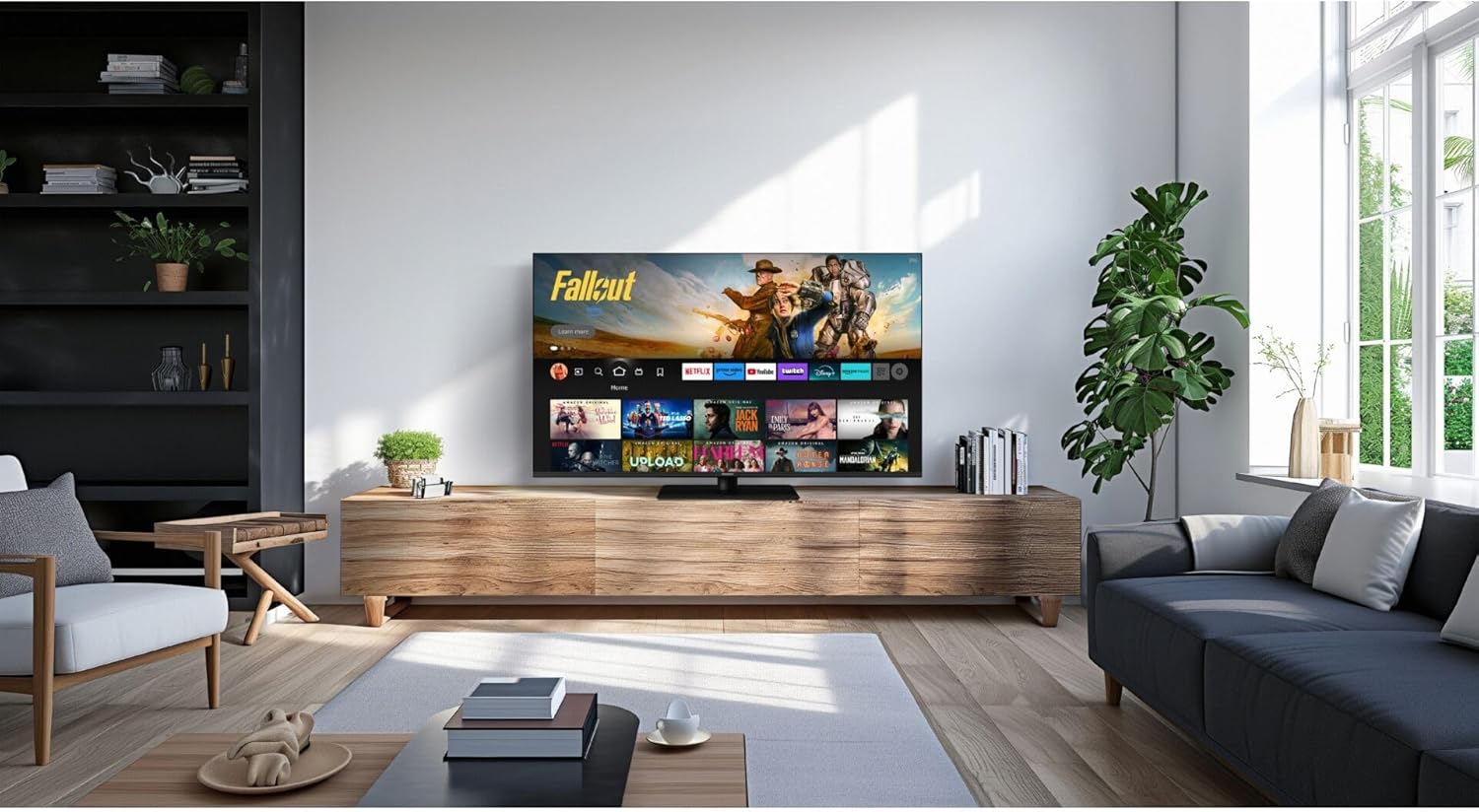
Panasonic W80 Series 4K LED Smart TV displayed in a modern living room setting, mounted on a wooden media console.
Connections
- Power: Connect the power cable to the TV and then to a wall outlet.
- HDMI Devices: Connect external devices (e.g., Blu-ray player, game console) to the HDMI ports. This TV features 3 HDMI ports.
- USB Devices: Connect USB storage devices to the 2 USB ports for media playback.
- Internet: Connect to your home network via Wi-Fi or an Ethernet cable for access to Fire TV features and streaming services.
Initial Setup (Fire TV)
Upon first power-on, follow the on-screen instructions to set up your Fire TV. This includes selecting your language, connecting to Wi-Fi, and logging in with your Amazon account. The integrated Fire TV provides intuitive ease of use with personalized content recommendations.
Operating
Remote Control
The included remote control allows you to navigate the Fire TV interface, adjust volume, change channels, and access smart features. Insert the two AAA batteries as indicated in the battery compartment.
Fire TV Interface
The Fire TV interface provides access to a wide range of streaming applications like Netflix, Amazon Prime Video, and Hulu. Navigate using the directional pad on your remote. Content recommendations are personalized based on your viewing habits.
The Panasonic W80 Series TV screen displaying the Fire TV interface with various streaming app icons and content recommendations, including 'Fallout' and other Amazon Originals.
Smart Features
Utilize voice control through the remote to search for content, launch apps, and control smart home devices. The TV is compatible with smart home systems.
Picture and Sound Settings
Your TV features an HCX Processor and Hollywood-optimized image processing for realistic contrast and colors. It supports multiple HDR formats including Dolby Vision, HLG, HDR10, and HDR10+. The brilliant LED backlight ensures sharp, defined HDR images. For audio, experience immersive sound with Surround Sound Pro and Dolby Atmos.
Gaming Features
Elevate your gaming experience with Game Mode Plus and the Game Control Panel, designed for low latency and super-fast reaction times.
Maintenance
Cleaning
To clean the screen, gently wipe with a soft, dry, lint-free cloth. For the TV body, use a soft, damp cloth. Avoid using harsh chemicals or abrasive cleaners.
Software Updates
Ensure your TV is connected to the internet to receive automatic software updates. These updates provide new features and improve performance and security.
Troubleshooting
- No Power: Check if the power cable is securely connected to both the TV and the wall outlet.
- No Picture/Sound: Verify that the correct input source is selected and all HDMI cables are properly connected.
- Remote Not Working: Ensure batteries are correctly inserted and not depleted. Point the remote directly at the TV.
- Wi-Fi Connection Issues: Restart your router and the TV. Check your network settings on the TV.
- Fire TV App Problems: Try restarting the app or clearing its cache in the Fire TV settings.
Specifications
| Feature | Specification |
|---|---|
| Model Number | TV-65W80AEZ |
| Screen Size | 65 Inches |
| Display Technology | 4K LED |
| Resolution | 4K (3840 x 2160) |
| Refresh Rate | 240 Hz |
| HDR Support | Dolby Vision, HLG, HDR10, HDR10+ |
| Image Processor | HCX Processor |
| Audio Output | 24 Watts |
| Sound Technology | Surround Sound Pro, Dolby Atmos |
| Operating System | Fire TV Built-in |
| Connectivity | Bluetooth, HDMI (3 ports), Wi-Fi, USB (2 ports) |
| Control Method | Voice, Remote Control |
| VESA Mount Standard | 400 x 200 mm |
| Dimensions (H x W x D) | 876 mm x 1446 mm x 275 mm |
| Weight | 20.5 Kilograms |
Warranty and Support
For warranty information, please refer to the warranty card included with your product or visit the official Panasonic website. For technical support, troubleshooting assistance, or service inquiries, please contact Panasonic customer support through their official channels.


