
1. Introduction
Thank you for choosing the AWEI TZ9 Wireless Earbuds. This manual provides detailed instructions on how to set up, operate, and maintain your earbuds to ensure optimal performance and longevity. Please read this manual carefully before using the product.
2. Package Contents
Please check the package for the following items:
- AWEI TZ9 Wireless Earbuds
- Charging Case
- USB Charging Cable
- User Manual
- Eartips (various sizes)
3. Product Overview
The AWEI TZ9 earbuds feature an over-ear hook design for a secure and comfortable fit, ideal for sports and active use. They are equipped with advanced audio technology for clear sound and calls.
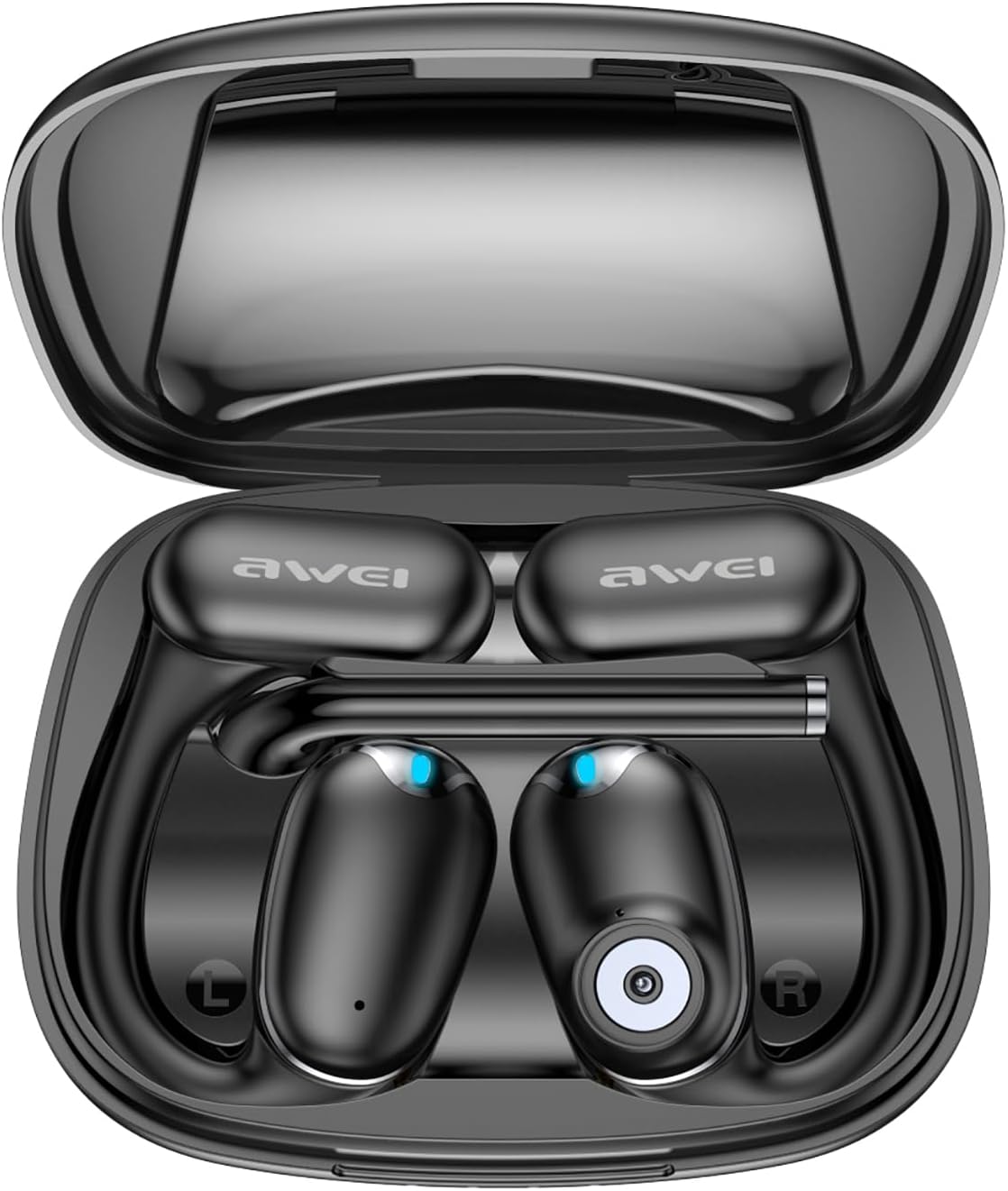
This image displays the AWEI TZ9 wireless earbuds resting within their open charging case. The earbuds are black with blue indicator lights, and the case is also black, showing the charging contacts.
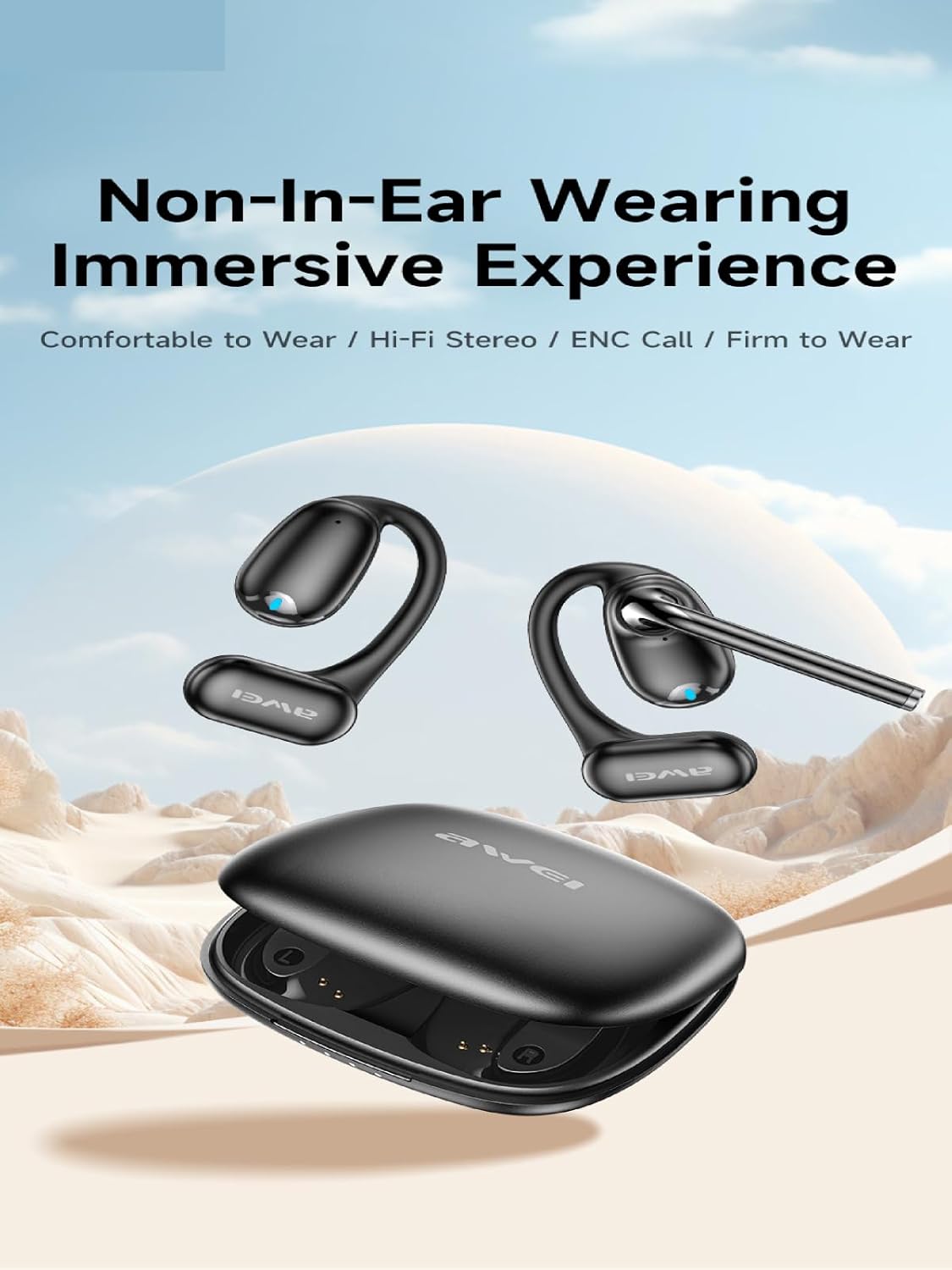
This image illustrates the AWEI TZ9 earbuds with their distinctive over-ear hook design, emphasizing a comfortable, non-in-ear wearing experience. The earbuds are shown outside the charging case.

A detailed diagram showcasing the internal components of the 15.4mm dynamic speaker used in the AWEI TZ9 earbuds, highlighting elements like the diaphragm and acoustic cavity for sound enhancement.

This image depicts an AWEI TZ9 earbud worn on an ear, with an overlay illustrating the directional sound wave technology designed to protect privacy and control sound propagation.

A man is shown wearing the AWEI TZ9 earbuds during exercise, with an inset image highlighting the detachable microphone rod feature, designed for clear voice calls with Environmental Noise Cancellation (ENC).
4. Setup
4.1 Charging the Earbuds and Case
Before first use, fully charge the earbuds and the charging case. Place the earbuds into the charging case, then connect the charging case to a power source using the provided USB cable.
- Earbud Playtime: Approximately 7 hours on a single charge.
- Charging Time: Approximately 2 hours for a full charge.
- Total Playtime with Case: Up to 42 hours (dual-ear mode) or 84 hours (single-ear mode by alternating earbuds).

An infographic detailing the battery performance of the AWEI TZ9 earbuds, indicating approximately 7 hours of playtime per charge, 2 hours for a full charge, and a total of 21 hours with the charging case.
4.2 Pairing with a Device
The AWEI TZ9 earbuds utilize Bluetooth 5.3 technology for a stable and efficient connection.
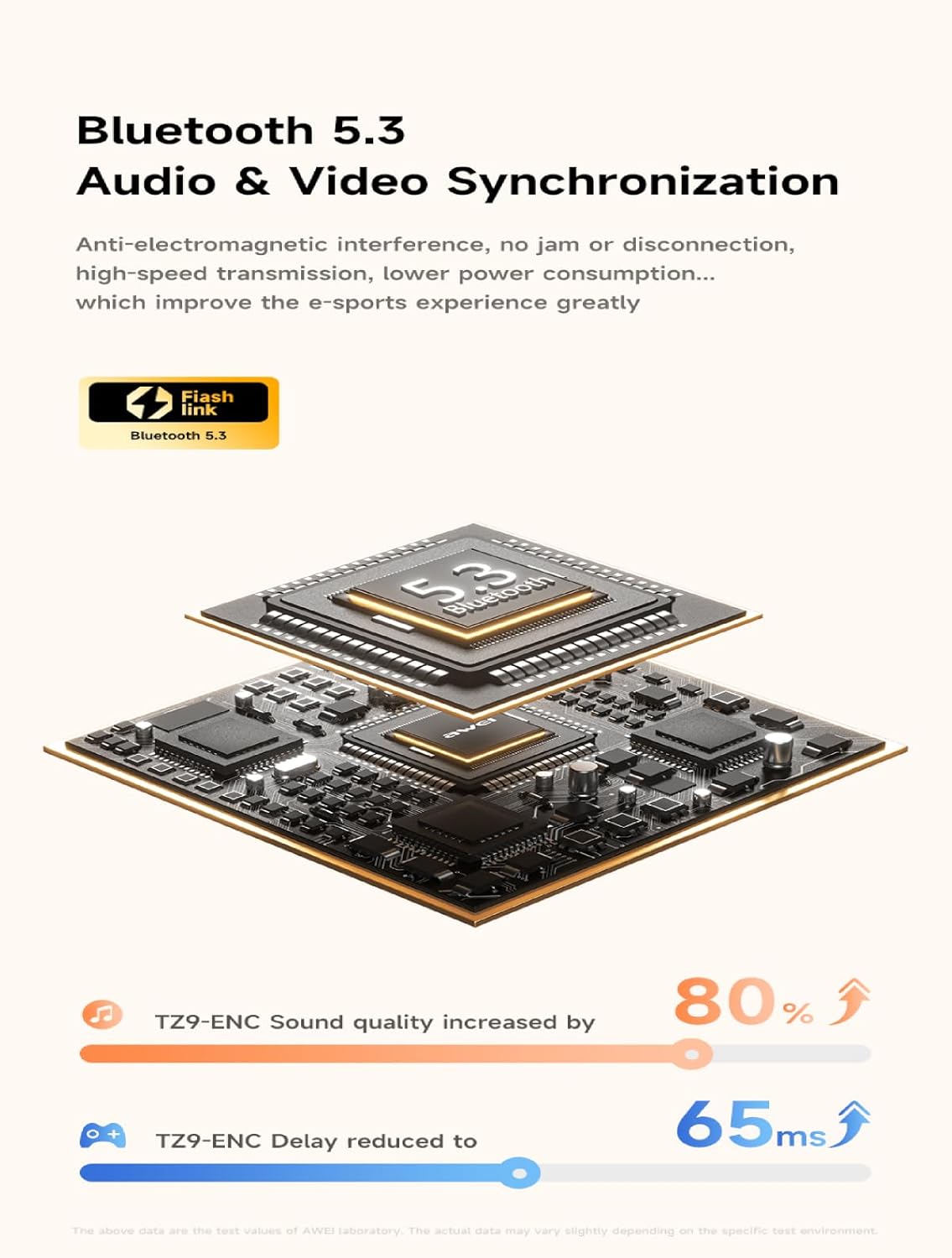
This image presents a visual representation of the Bluetooth 5.3 chip architecture, emphasizing its role in fast, stable connections and synchronized audio-video experiences with reduced latency.
- Initial Pairing: Open the charging case and remove both earbuds. They will automatically enter pairing mode.
- On your device (smartphone, tablet, laptop), go to Bluetooth settings and search for available devices.
- Select "AWEI TZ9" from the list to connect.
- Automatic Reconnection: Once paired, the earbuds will automatically connect to the last paired device when removed from the charging case.
- Range: The connection range is up to 33 feet (10 meters).
5. Operating Instructions
The AWEI TZ9 earbuds feature touch controls for easy operation.
5.1 Power On/Off
- Power On: Remove earbuds from the charging case. They will power on automatically.
- Power Off: Place earbuds back into the charging case. They will power off and begin charging automatically.
5.2 Music Playback
- Play/Pause: Tap either earbud once.
- Next Track: Double-tap the right earbud.
- Previous Track: Double-tap the left earbud.
5.3 Call Management
- Answer/End Call: Tap either earbud once.
- Reject Call: Press and hold either earbud for 2 seconds.
- The built-in microphones with ENC (Environmental Noise Cancellation) ensure clear voice during calls.
5.4 Voice Assistant
- Activate Voice Assistant: Triple-tap either earbud.
6. Maintenance
6.1 Cleaning
- Gently wipe the earbuds and charging case with a soft, dry, lint-free cloth.
- Do not use harsh chemicals, cleaning solvents, or strong detergents.
- Clean the charging contacts on both the earbuds and the case regularly to ensure proper charging.
6.2 Storage
- Store the earbuds in their charging case when not in use to protect them and keep them charged.
- Avoid storing in extreme temperatures or high humidity.
6.3 Water Resistance
The AWEI TZ9 earbuds are IPX4 waterproof, meaning they are resistant to splashing water from any direction. They are suitable for sports and exercise where sweat or light rain may occur. Do not submerge the earbuds in water.
7. Troubleshooting
If you encounter any issues with your AWEI TZ9 earbuds, please refer to the following common solutions:
- Earbuds not pairing: Ensure both earbuds are fully charged. Turn off Bluetooth on your device, then turn it back on and try pairing again. If issues persist, try resetting the earbuds (refer to manufacturer's website for specific reset instructions if not detailed here).
- No sound from one earbud: Place both earbuds back into the charging case, close the lid, wait a few seconds, then take them out again. Ensure they are properly paired.
- Charging issues: Clean the charging contacts on both the earbuds and the case. Ensure the charging cable is securely connected to a power source.
- Poor sound quality: Ensure the earbuds are properly seated in your ears. Try different sized eartips for a better seal. Check the audio source device's volume and equalizer settings.
- Connection drops: Ensure you are within the 33-foot Bluetooth range. Avoid strong electromagnetic interference.
8. Specifications
| Model Name | TZ9 |
| Brand | AWEI |
| Connectivity Technology | Wireless (Bluetooth 5.3) |
| Wireless Communication Technology | Bluetooth |
| Ear Placement | Over Ear |
| Form Factor | Over Ear |
| Control Type | Touch Control |
| Water Resistance Level | IPX4 (Waterproof) |
| Maximum Operating Distance | 33 Feet (10 meters) |
| Special Features | Fast Charging, Lightweight, Rechargeable Battery, Touch Control |
| Compatible Devices | Laptops, Tablets, Mobile Phones |
| Included Components | Cable, User Manual, Charging Case, Wireless Earbuds, Eartip |
9. Warranty and Support
AWEI products are designed and manufactured to the highest quality standards. For warranty information and customer support, please refer to the warranty card included in your package or visit the official AWEI website. Please retain your proof of purchase for any warranty claims.


